

Share this tool:
 |
Description:
AdManage.ai is an ad operations platform for performance marketers, agencies, ecommerce teams, and growth teams that need to launch large volumes of ads without spending hours inside native ad managers. Its core value is speed: bulk upload creative, group assets, apply naming and copy rules, launch into the right campaigns or ad sets, and keep creative testing moving across several paid channels.
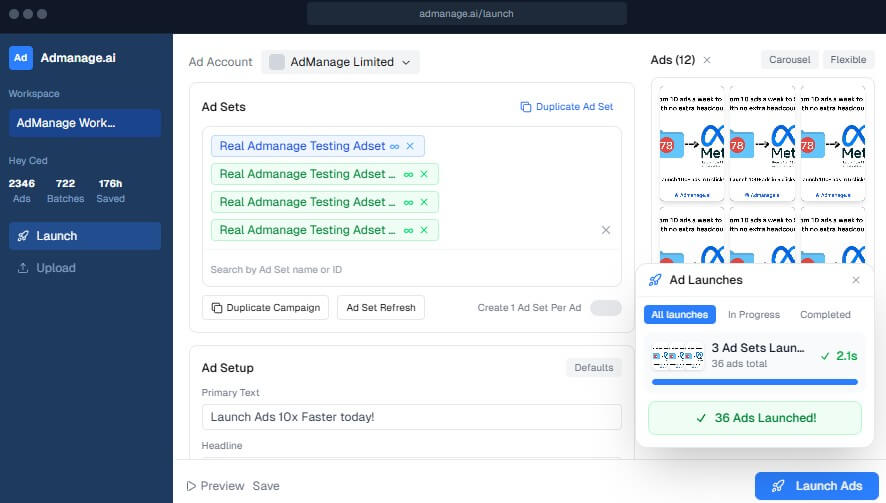
AdManage.ai is not mainly an ad creative generator. It is closer to a launch and workflow layer for media buyers who already have creative assets and campaign structures, but need a faster way to get them live.
That distinction matters. Many AI ad tools focus on making images, videos, hooks, or scripts. AdManage.ai focuses on the operational bottleneck that comes after creative production: uploading assets, matching formats, naming ads cleanly, setting URL parameters, applying copy, preserving post IDs, launching across ad sets, and keeping everything organized.
The homepage positions the product around bulk ad launching across Meta, TikTok, Google Ads, Snapchat, Pinterest, Reddit, LinkedIn, AppLovin, and Taboola. It also lists media sources such as Dropbox, Air.inc, Box, Frame.io, and Google Sheets-based workflows.
| Feature Area | What It Does | Why It Matters |
|---|---|---|
| Bulk ad launching | Launches many ads from one workflow. | Cuts repetitive setup inside native ad managers. |
| Multi-channel support | Works across major paid social, search, app, and native ad channels. | Helps teams scale creative tests across platforms. |
| Google Sheets workflow | Lets teams manage launch drafts, exports, matching, and data sync from spreadsheets. | Useful for teams already planning campaigns in sheets. |
| Creative asset integrations | Pulls media from cloud and creative storage tools. | Reduces downloading, re-uploading, and file confusion. |
| Post ID and existing ad reuse | Imports existing Meta or TikTok ads and allows relaunching with preserved data. | Helpful for scaling winners without rebuilding everything. |
| Naming and bulk editing | Supports custom naming rules and structured launch data. | Keeps accounts easier to audit and report on. |
AdManage.ai’s API documentation also describes batch-based ad launching with asynchronous status polling, which makes sense for teams sending large batches rather than launching one ad at a time.
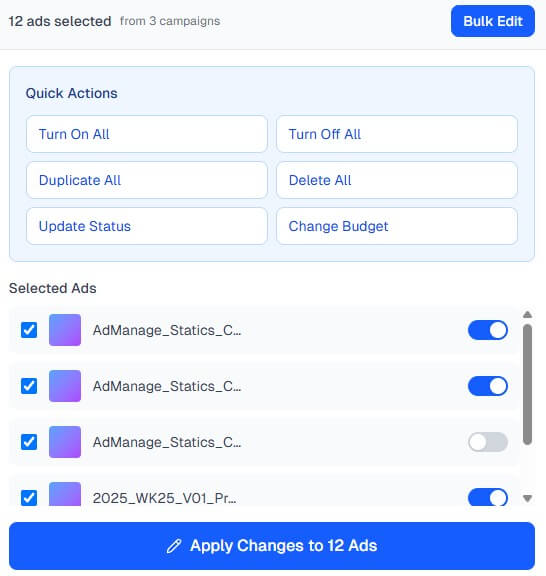
The workflow is built around speed and repeatability. A team can load assets, select campaigns or ad sets, apply copy and naming rules, preview the structure, then launch in bulk. For Meta and TikTok teams, this is likely where AdManage.ai feels most useful because those platforms often require frequent creative testing, many placements, and a lot of repetitive setup.
The Google Sheets workflow is also practical. Many paid social teams already work from spreadsheets because sheets are easy to review, share, and approve. AdManage.ai’s site describes launching ads directly from Google Sheets, with campaign rows containing creative, ad name, primary text, and URL fields. It also shows support across Meta and TikTok ad types and lists integrations with Google Sheets, Google Drive, Dropbox, Box, Air.inc, and Frame.io.
This makes the platform feel built for real ad teams, not just solo experimentation. The best fit is a team that already has a testing rhythm: weekly creative batches, defined naming systems, clear UTM rules, multiple ad accounts, and enough launch volume to make manual work painful.
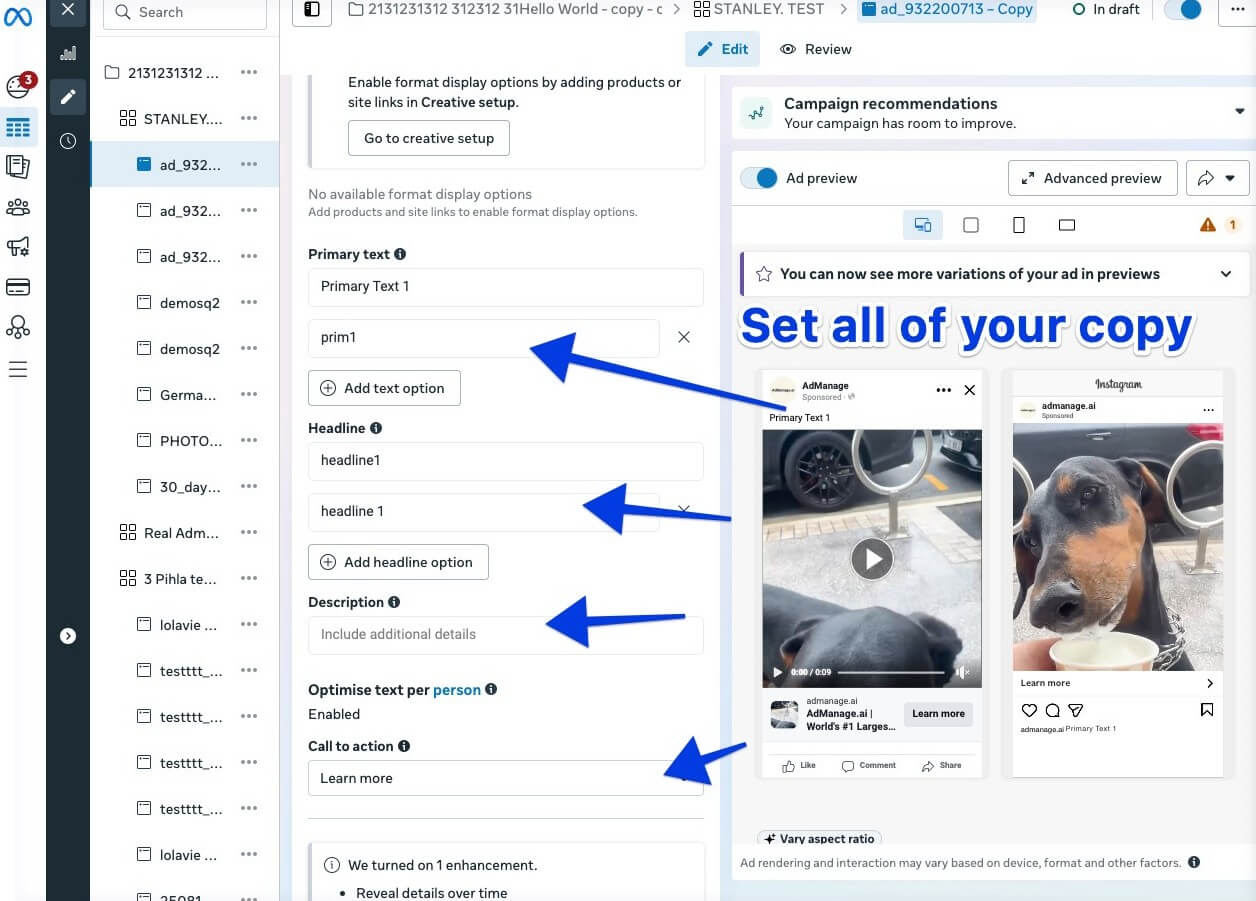
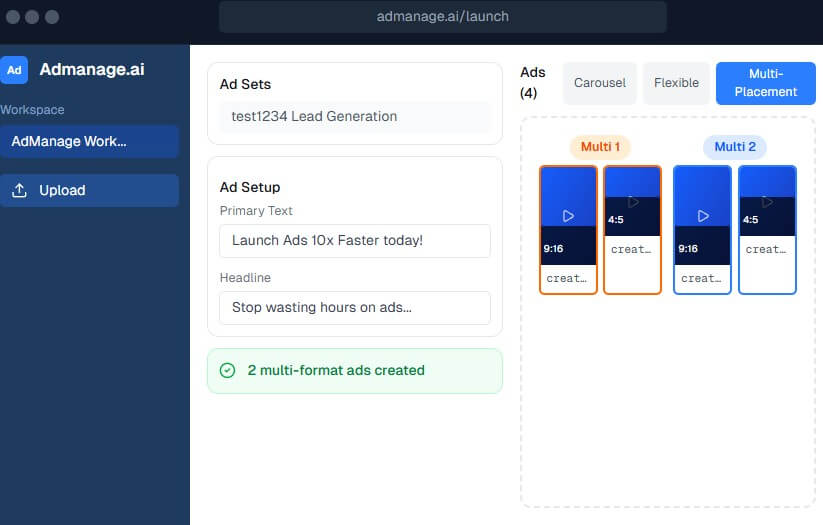
Meta and TikTok look like the most natural fits. Those channels often depend on fast creative testing, frequent refreshes, and many small variations. AdManage.ai’s Meta page focuses on Facebook and Instagram bulk launching with broad format support, cloud integrations, and existing ad reuse.
TikTok support is also notable. AdManage.ai lists multi-campaign bulk launch, Smart+ and Smart+ 2.0 support, auto-resizing to 9:16, Spark Ads, Display Cards, Countdown Stickers, and cross-posting top Meta ads into TikTok campaigns.
Google Ads support is more performance-asset focused. The Google Ads page describes bulk launching asset groups to Performance Max campaigns, managing YouTube UAC video assets, bulk editing asset groups, using custom naming conventions, and launching winning Meta ads into Google Ads workflows.
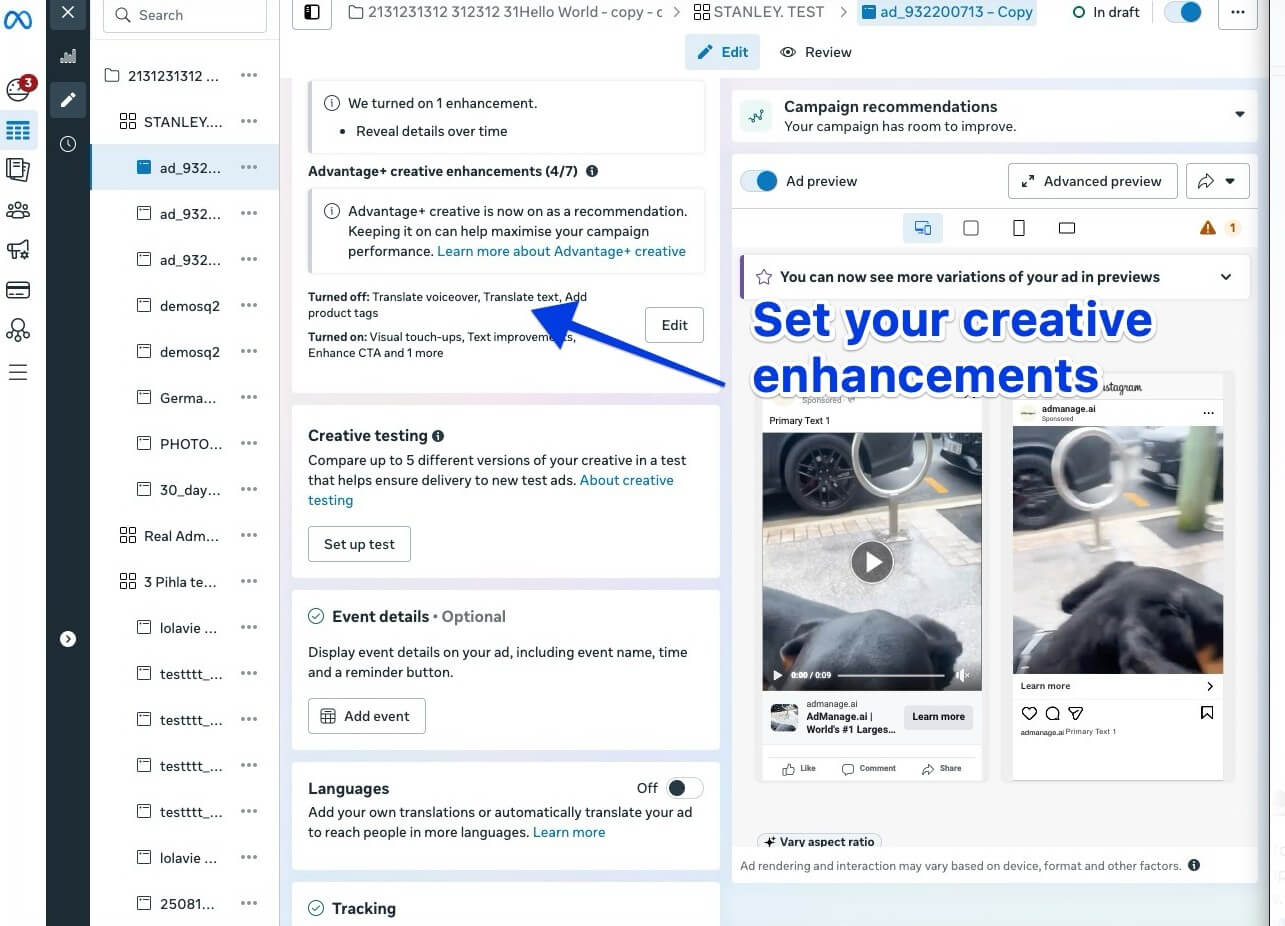
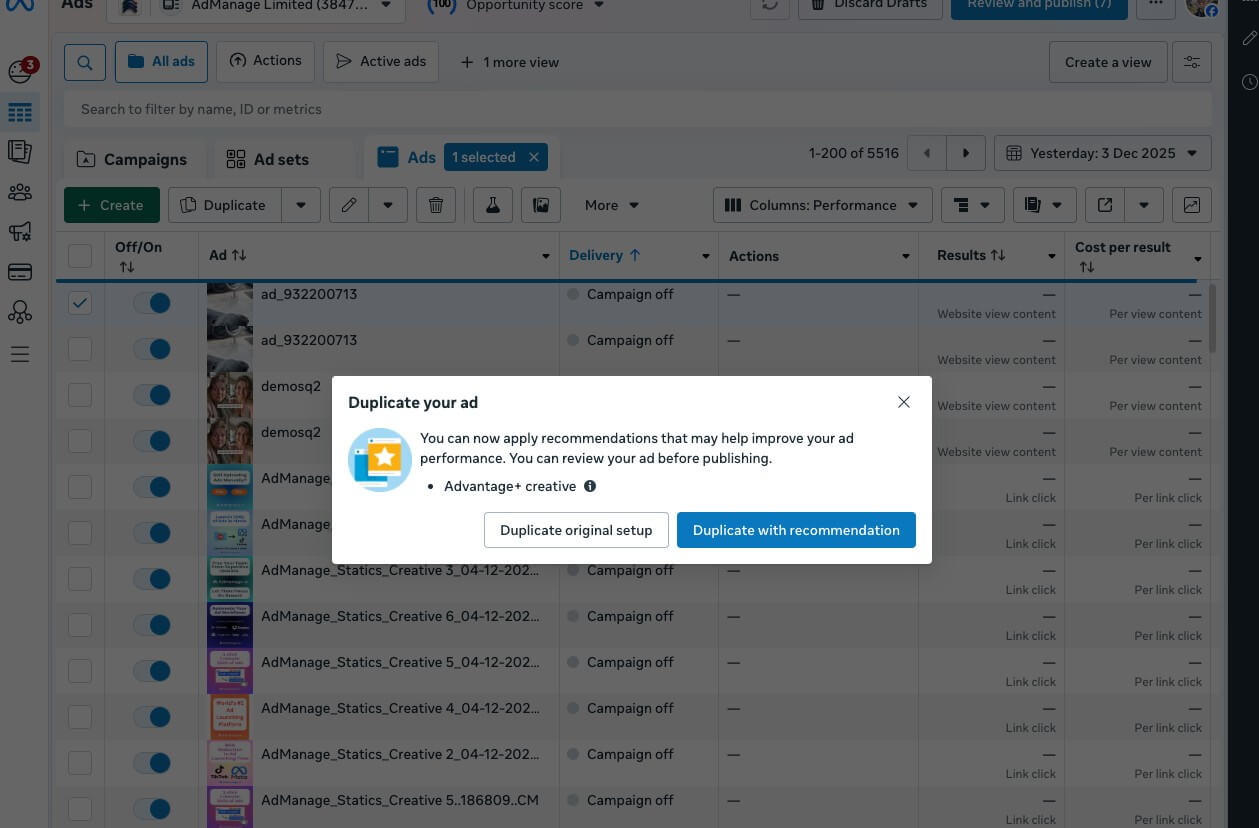
Paid social teams can use AdManage.ai to launch large creative batches across Meta and TikTok, especially when testing multiple hooks, formats, audiences, and ad sets.
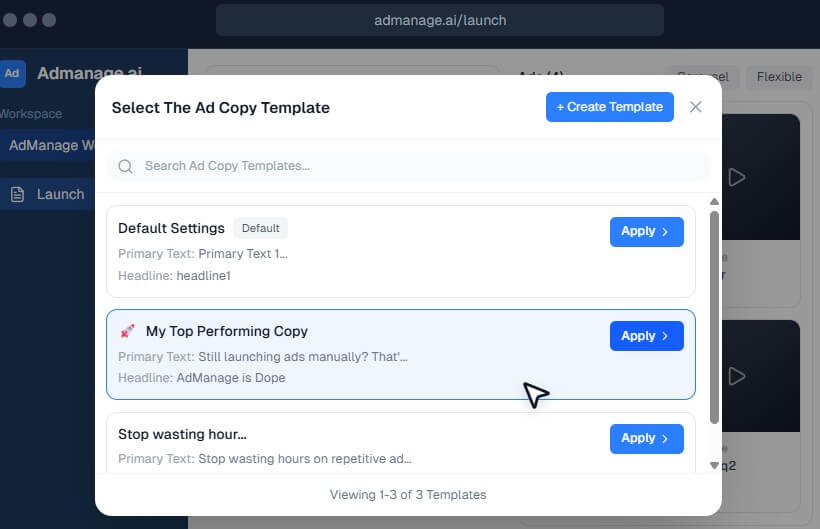
Agencies can use it to manage repeatable launch workflows across client accounts. The shared copy templates, workspace structure, integrations, and spreadsheet-style preparation are useful when many people touch the same launch process.
Ecommerce brands can use it to move faster during product drops, seasonal campaigns, influencer creative pushes, and high-volume creative testing.
App marketers can use it for channels such as TikTok, AppLovin, Meta, and Google video placements when they need to test a lot of assets quickly.
Creative strategy teams can use it as a bridge between asset production and media buying. Instead of handing folders to buyers and hoping everything is uploaded correctly, they can structure assets and metadata closer to launch.
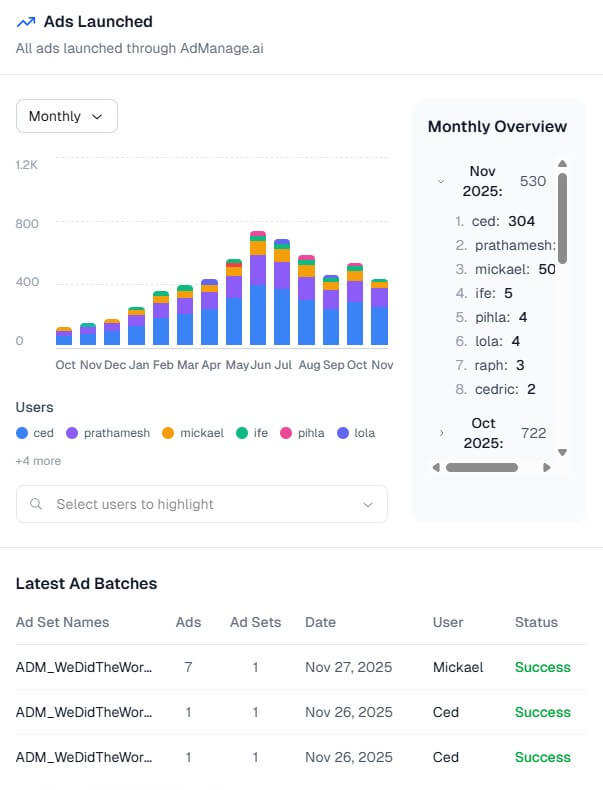
- Start by cleaning your naming conventions. A tool like this is far more useful when campaign, ad set, creative, and UTM rules are already defined.
- Use templates for repeatable copy blocks. This helps teams avoid copy-paste errors and keeps proven messaging easy to reuse.
- Test the Google Sheets workflow early. If your team already builds launch plans in spreadsheets, this may become the fastest path from creative review to live ads.
- Do not bulk launch without review. Speed is useful, but a mistake at scale can spread fast. Check destination URLs, UTMs, copy, placements, and account selection before pushing a large batch.
AdManage.ai is strongest for teams with enough ad volume to justify a dedicated launch layer. If you launch a few ads per month, the platform may feel heavier than needed.
It also will not replace media strategy. It can help launch more ads faster, but it does not guarantee better targeting, stronger creative concepts, or better performance. AdManage.ai’s terms state that customers remain responsible for advertising results and decisions, and that the service does not guarantee ad performance.
There is also a data and permissions layer to review. The privacy policy says AdManage.ai may process ad account information, pages, performance metrics, Business Manager assets, and connected platform data when users connect accounts. It also lists Google Drive, Google Sheets, and YouTube API access for relevant workflows.
AdManage.ai is best for media buyers, agencies, ecommerce teams, and app marketers who launch ads often enough that native ad managers slow them down.
Its strongest value is not flashy AI generation. It is the practical combination of bulk launching, copy templates, creative grouping, spreadsheet workflows, media integrations, API access, and multi-channel support.
The main caveat is fit: teams with high-volume creative testing will get the most from it, while low-volume advertisers may not need this much launch infrastructure.
TAGS: Marketing
Related Tools:

Generates unique and brandable business names

Create high-quality animations and motion graphics
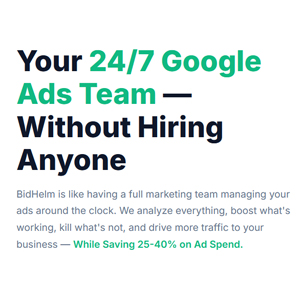
Manages and optimizes Google Ads campaigns

Allows users to design 3D real-world objects
Simplifies creation of digital ads
Enables users to create 3D designs