
Share this tool:
 |
Description:
Uberduck is broader than its old reputation as a novelty voice app. The current product spans text-to-speech, voice cloning, speech-to-speech conversion, AI singing and rapping, and a separate music-generation layer for creating full tracks from text. Its API docs also frame the platform as a unified interface for speech synthesis, voice cloning, and music generation, which is the clearest way to understand what Uberduck has become: not just a voice toy, but a synthetic-audio platform with a strong creator bias.
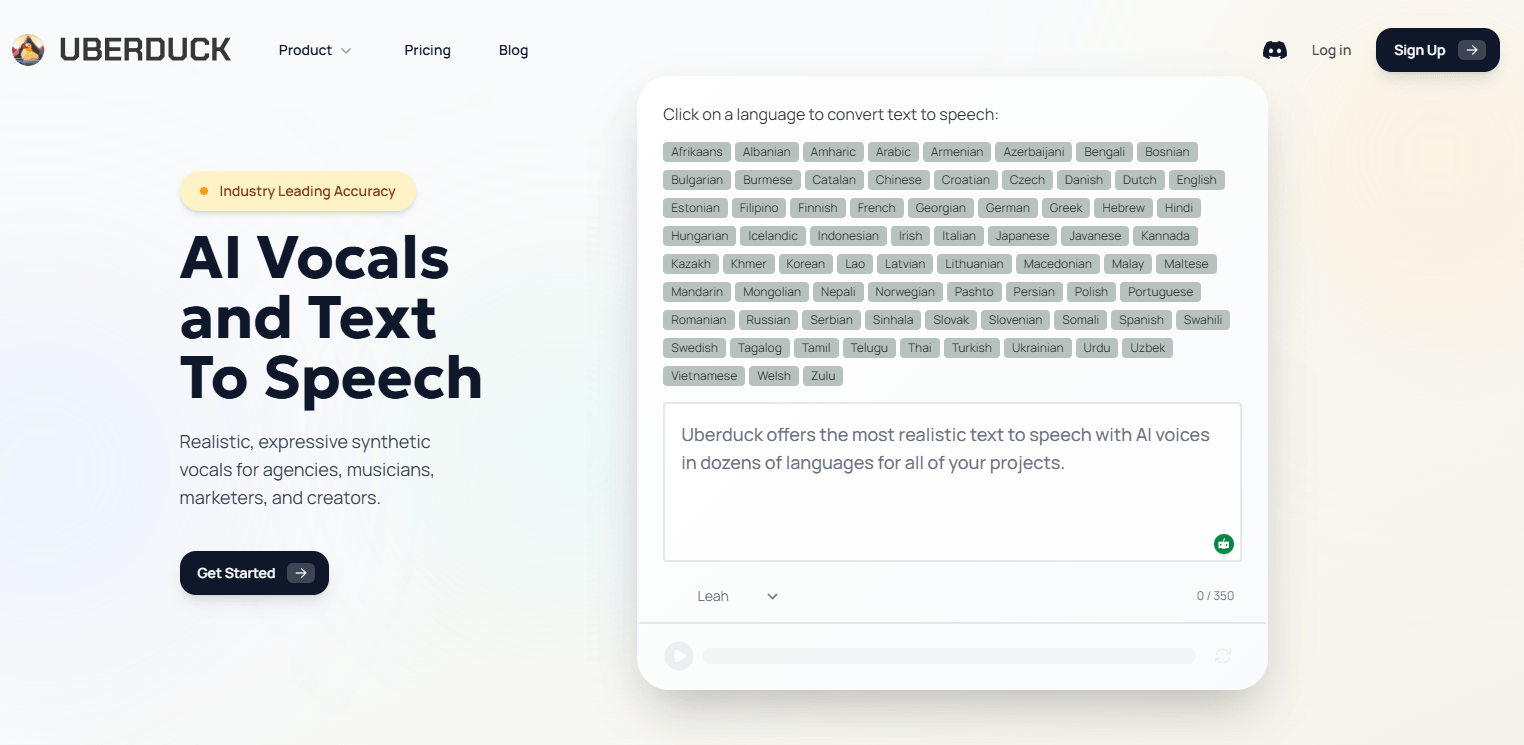
Uberduck’s language pages currently advertise text-to-speech in 72 languages, with hundreds of voices across the platform.
The API overview distinguishes provider voices, zero-shot voices, and fine-tuned voices, which gives the product a more layered voice system than a single-model TTS app.
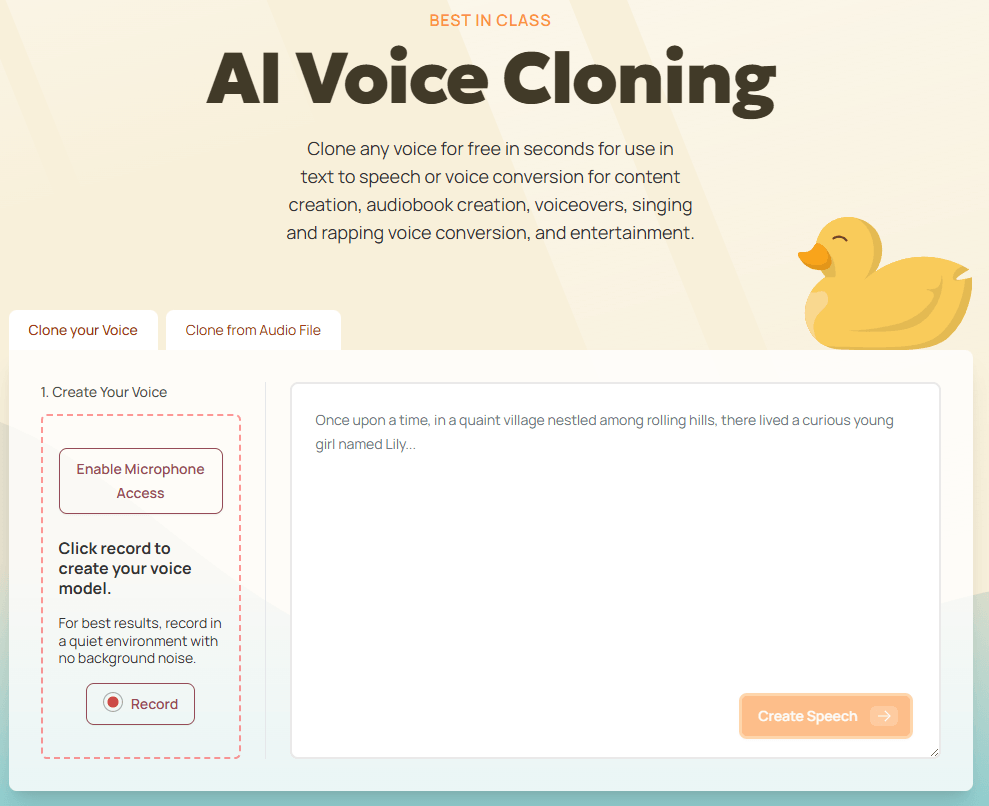
Uberduck’s cloning page says users can clone a voice in seconds for use in TTS or voice conversion.
The product explicitly supports changing one voice into another while preserving style.
Uberduck now includes a dedicated AI music product for songs, background tracks, jingles, and game music.
The API docs cover text-to-speech, voice selection, model selection, guides, error handling, and best practices for integration.
Uberduck is strongest when the job sits somewhere between voiceover and music. Plenty of tools can turn text into neutral narration. Fewer are built around the idea that a custom or cloned voice should also be able to speak, sing, and rap, then sit alongside AI-generated backing tracks inside the same ecosystem. Uberduck’s homepage leans directly into that, describing text-to-speech, text-to-singing, text-to-rapping, voice cloning, and speech-to-speech as core parts of the product.
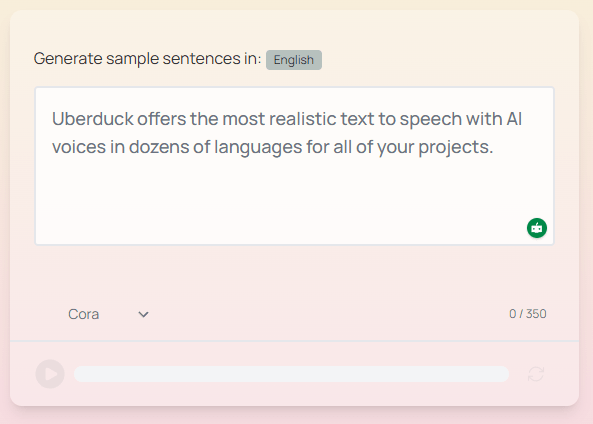
That matters because Uberduck is not trying to be only a clean enterprise narrator. It is trying to be useful for creators who want more stylized output: social content, parody, hooks, demo vocals, character voices, lightweight music production, and developer-built audio apps. The platform’s music side also pushes that direction by emphasizing full songs, jingles, background tracks, social media music, and game music rather than only plain spoken audio.
The cleanest way to think about Uberduck is in three lanes. The first lane is speech generation: choose a voice, choose a model, send text, get audio back. The API docs keep this very straightforward, and the main text-to-speech endpoint supports up to 10,000 characters per request plus MP3, WAV, or OGG output.
The second lane is voice creation and transformation. Uberduck’s API overview separates ordinary provider voices from zero-shot and fine-tuned custom voices, while the cloning page pitches quick cloning from a short sample and the homepage describes speech-to-speech as changing your voice to someone else’s while preserving style. That is an important distinction: Uberduck is not only generating from scratch, it is also built for voice identity transfer.
The third lane is music and vocals. Uberduck’s main site says it can create AI music with lyrics in seconds, and its official song-generator guide describes a workflow where you prompt instrumentation, optionally include vocals, define song sections, add lyrics, and render a track that appears in your history. That guide also says the updated generator uses a v3 model and that renders take around 45 seconds.
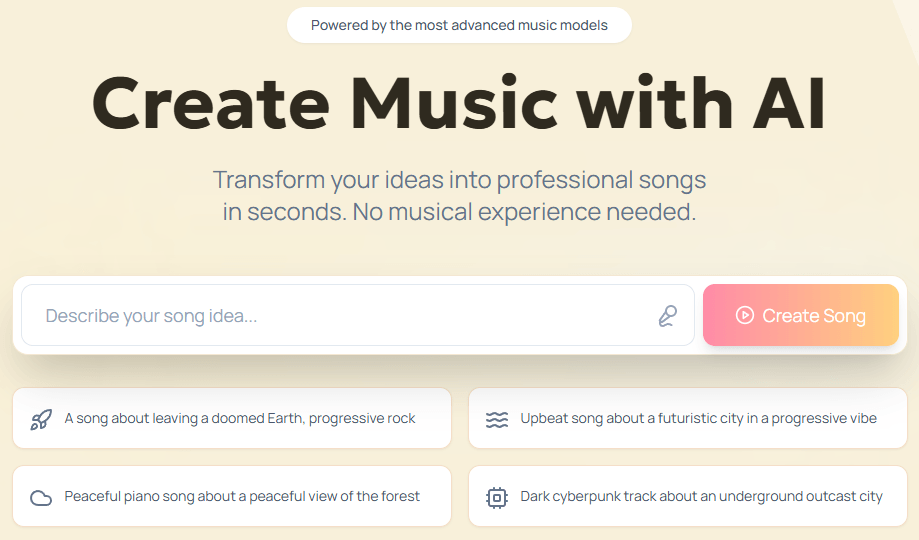
That three-lane structure is the reason Uberduck still feels distinct. If you only want plain corporate narration, there are simpler tools. If you only want a song generator, there are more music-specialized tools. Uberduck’s value is that it keeps speech, cloned vocals, and music-adjacent generation close together.
Uberduck’s voice story is less about one flagship proprietary narrator and more about selection and compatibility. The API docs say voices can come from different providers such as AWS, Google, and Azure, and the guides explicitly discuss choosing providers based on use case, with AWS framed as a good balance, Google as strong for multilingual work, and Azure as strong in natural-sounding voices. That makes Uberduck feel more like an aggregation and orchestration layer than a single-voice lab.
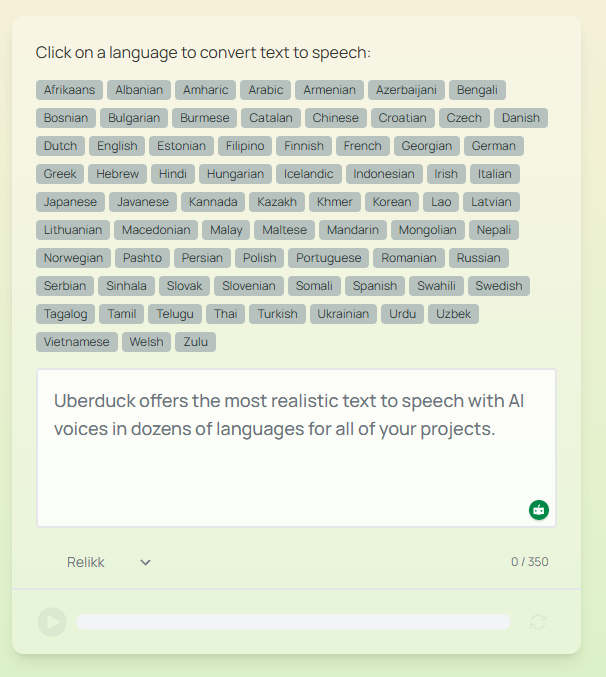
That setup has real advantages. You get broad language coverage, a lot of voice choice, and the flexibility to test multiple voices for the same content. The docs even recommend testing multiple voices and choosing by provider, accent, age, and style rather than assuming one voice is universally best.
Control is also better than the homepage alone suggests. Uberduck’s advanced-parameters guide supports speed, pitch, and emotion controls as shared parameters across many models, while model-specific parameters exist for AWS Polly, Google Cloud TTS, and Azure Speech. The platform also chooses a default compatible model if you do not specify one, which lowers friction for basic use but still leaves room for more deliberate tuning.
The practical takeaway is that Uberduck is strongest when you are willing to audition voices and tune output rather than expecting one-click perfection. It behaves more like a configurable voice layer than a single polished studio persona. That is useful for builders and creators, but it also means quality can feel more variable than on tools built around one heavily branded in-house model. This is an inference from Uberduck’s provider-based voice structure and its own recommendation to test multiple voices.
Uberduck makes the most sense for creator audio that crosses categories. If you want voiceovers, musical demos, AI hooks, rap or singing experiments, or social content that mixes spoken and musical output, Uberduck’s product shape is a natural fit. That is exactly where “speak, sing, rap, clone, convert” is more useful than plain TTS alone.
It also fits developer-led audio apps well. The API docs are unusually clear about the basics: authentication, endpoint structure, versioning, guides, best practices, voice listing, model listing, and text-to-speech requests. The docs also say major version changes will be announced with at least six months’ notice, which is the kind of small operational detail developers usually care about.
There is also a good use case for fast voice prototyping. Uberduck’s voice-selection docs distinguish zero-shot voices from fine-tuned voices and say zero-shot voices are generated quickly, usually within minutes, from short audio samples. That is useful when you want to test identity, tone, or concept quickly before deciding whether a deeper custom voice workflow is justified.
And finally, Uberduck is a better fit than average for multilingual audio experimentation. Its public language pages say TTS is available in 72 languages, and the music layer says it supports 70+ languages and hundreds of musical styles. That does not mean every voice or every musical mode will be equally strong everywhere, but the platform is clearly designed for more than English-only use.
- Use Uberduck’s plain text-to-speech lane first, then move into cloning or music only when the project actually needs identity or vocals. The docs make ordinary TTS the cleanest starting point, and the API surface is simplest there.
- Test multiple voices on the same script before settling on one. Uberduck’s own guides recommend this, and it matters even more on a provider-mixed platform where different voices and models can behave quite differently.
- Use extended parameters when a voice sounds close but not quite right. Speed, pitch, and emotion controls can often get you from acceptable to usable without switching tools or rebuilding the workflow.
- For long passages, split text into smaller chunks. Uberduck accepts up to 10,000 characters per request, but its own guide recommends splitting very long content and concatenating results afterward.
- Treat music generation and speech generation as separate disciplines inside the same platform. Uberduck supports both, but the public docs are much more detailed on TTS than on music, so you will usually get a more predictable workflow on the speech side and a more exploratory workflow on the music side. This is an inference based on the depth of Uberduck’s public API guides versus the lighter music product page.
- The biggest trade-off is product unevenness. Uberduck is trying to cover speech, cloning, conversion, and music, but its public documentation is much more mature on the text-to-speech API than on the music side. So while the platform is broad, not every product layer looks equally developed or equally transparent from the outside.
- The second trade-off is that Uberduck’s strength in breadth can make it feel less opinionated than tools built around a single voice engine. Its docs explicitly describe a provider-and-model structure with AWS, Google, and Azure voices alongside zero-shot and fine-tuned custom voices. That is flexible, but it also means users need to make more decisions about voice selection and model fit.
- The third trade-off is legal and rights hygiene around cloning. Uberduck’s Terms say it may verify that you are legally permitted to create a custom voice clone and that the submitted data does not violate copyright. The Terms also prohibit impersonation and unlawful or harmful use. That is all reasonable, but it means cloning is not something the platform treats casually.
- And finally, if your entire workflow is “I just need a beautiful narrator voice with minimal setup,” Uberduck may be broader than necessary. Its most distinctive value shows up when you actually use the musical, cloned, or developer-facing parts of the stack, not only the basic TTS layer.
Uberduck is most interesting as a synthetic-audio platform that keeps speech, cloned vocals, style transfer, and music generation close together. It is not just another text-to-speech site, and it is not just another AI song generator either. Its best use cases sit in the overlap: creator audio, stylized vocals, multilingual experimentation, and developer-built audio products.
It is best for creators and developers who want range more than minimalism. The main caveat is that Uberduck’s product breadth is ahead of its public clarity in some areas, especially on music compared with TTS, so the platform is most rewarding when you are comfortable exploring rather than expecting one perfectly defined workflow.
TAGS: Text to Speech
Related Tools:

Productivity software for document and spreadsheet editing

Generates audio content from spoken words
Converts text to realistic speech
Cloud-based document editing and collaboration tool

Provides natural-sounding dubbing and translation
Converts text into realistic audio content