
Share this tool:
 |
Description:
Tabnine started as an AI code completion tool, but the current product is broader than that. It now combines inline completions, code-centric chat, terminal workflows, agents, testing support, model selection, and enterprise controls around privacy, deployment, and governance. The result is a coding assistant that makes the most sense for teams that want AI inside real engineering workflows, not just a fast autocomplete box.
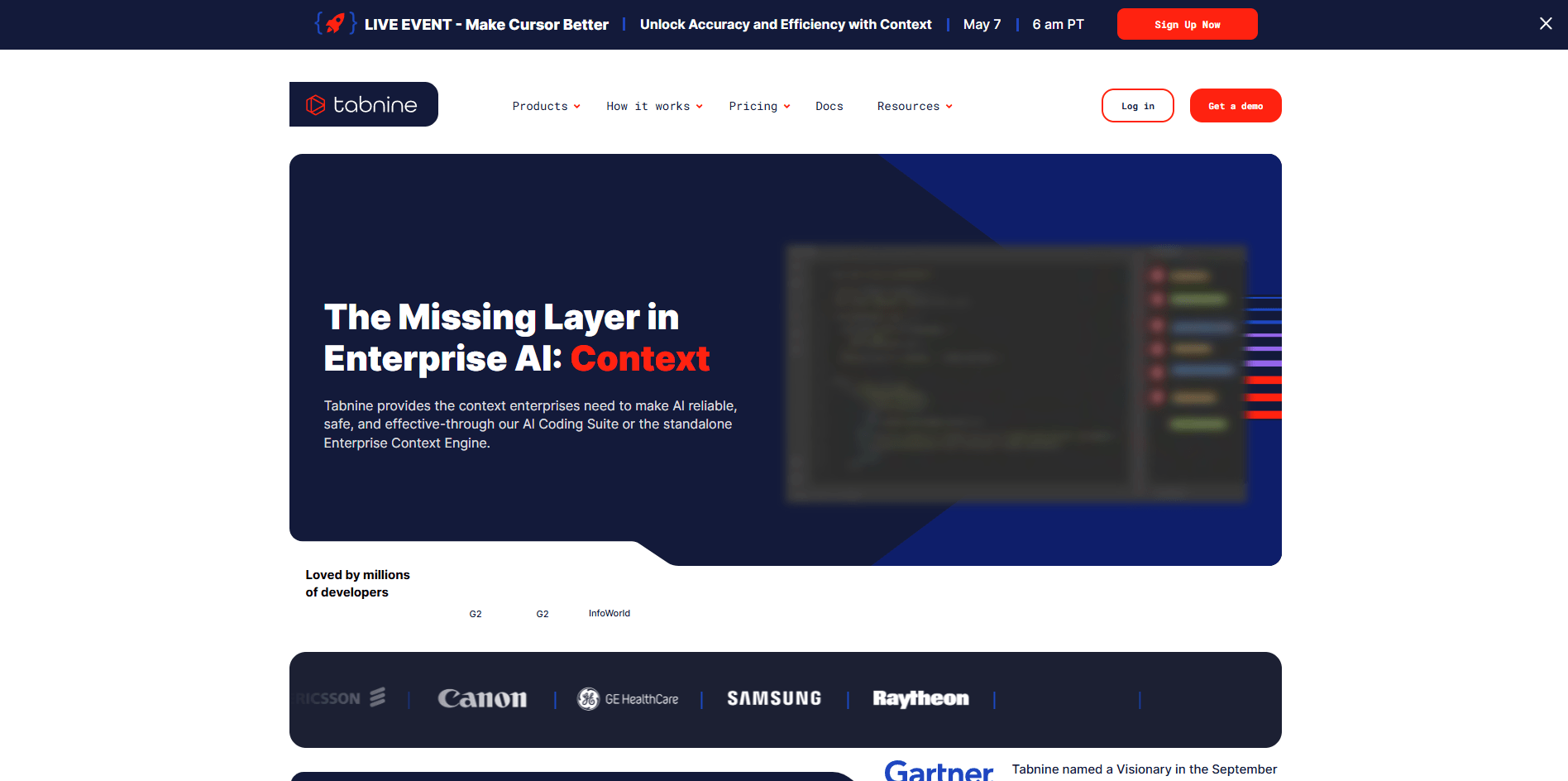
The easiest way to understand Tabnine now is as a layered coding platform.
At the base, there is the classic developer-assistant layer: code completions and chat inside the IDE. On top of that, Tabnine adds agent-style workflows that can plan and execute larger coding tasks, plus a terminal-native CLI for teams that want AI directly in shell-based development work. Above that, the product adds the controls that matter to companies: privacy defaults, deployment choice, model governance, auditability, and organization-specific context. That combination is the real reason Tabnine still matters in a crowded coding-assistant market.
Inline completions, chat, and code actions stay inside the development environment instead of pushing work into a separate app.
Tabnine Agent can take a plain-language goal, propose a plan, and carry out larger coding tasks with optional oversight.
Tabnine CLI brings the assistant into terminal workflows and can also run in CI/CD or headless automation setups.
Tabnine has a dedicated test workflow that can generate, update, and insert tests using project context.
Teams can choose models, restrict access, set policies, monitor usage, and view provenance-related information for generated code.
Tabnine emphasizes zero retention, end-to-end encryption, and options ranging from SaaS to private or air-gapped deployment.
Tabnine is strongest when a team wants AI coding help without giving up control. That shows up in four areas.
First, it is built to live where developers already work. Tabnine runs in major IDEs including VS Code, JetBrains IDEs, Eclipse, and current Visual Studio versions, rather than forcing developers into a separate browser workflow.
Second, it gives teams more deployment flexibility than many coding assistants. Tabnine publicly positions itself as deployable in SaaS, on-prem, private cloud, or air-gapped environments, which is a real differentiator for regulated or security-heavy engineering organizations.
Third, it gives admins meaningful control over model access and behavior. Chat users can switch models, enterprise admins can decide which models are available, and privately deployed customers can even connect internal model endpoints. That matters if your team wants better reasoning from one model, stricter privacy from another, or cost control across users.
Fourth, Tabnine is clearly leaning into organization-aware AI. Its newer Agentic Platform and Enterprise Context Engine are built around understanding repositories, services, dependencies, APIs, documentation, and architectural relationships instead of just the current file. That is a more serious engineering direction than simple autocomplete.
For an individual developer, Tabnine is fairly straightforward. Install the IDE plugin, open a project, and start using completions or chat. That part is familiar. The more advanced parts are where the platform shifts from simple to serious.
Chat is code-centric rather than general-purpose. Tabnine’s own docs are clear that it works best on real code tasks and specific coding context, not broad knowledge work. That is important because it shapes expectations: Tabnine is not trying to be your everything assistant. It is trying to stay useful close to code.
The agent workflow is more deliberate. Tabnine recommends describing the goal in plain language and, notably, reviewing the agent’s plan before letting it generate code. That is a good sign. It suggests the product is aiming for controlled execution rather than blind one-click automation.
The CLI makes the platform more interesting for advanced users. If your team already works heavily in terminal sessions, scripts, or pipeline-based workflows, Tabnine’s CLI adds more practical value than an IDE-only assistant. It can also run in non-interactive CI/CD scenarios, which broadens it from “developer helper” into “workflow component.”
This is one of the more important parts of Tabnine today.
| Layer | What it means in practice | Why it matters |
|---|---|---|
| Universal completion model | Tabnine’s own model powers code completions | Keeps the core completion experience private and controlled |
| Chat model selection | Users can switch among Tabnine and third-party chat models | Lets teams balance privacy, protection, and performance by use case |
| Private model endpoints | Enterprise customers can connect internal endpoints | Useful for companies already standardizing on private model infrastructure |
| Context Engine | Repository and architecture-level context for agents | Improves large-task reasoning beyond the open file |
| Guidelines and MCP | Markdown rules plus external tools/data through MCP | Makes agents more controllable and more operational |
This layered setup is one of Tabnine’s clearest strengths. Many coding tools do one of these things. Tabnine is trying to combine all of them into a controllable team platform.
Tabnine’s raw quality depends partly on which layer you are using.
For inline completions, the value is speed and flow rather than dazzling novelty. This is the part of the product that should feel low-friction and always-on. For chat, the quality depends more on model choice and project context. Since users can switch models in real time, the practical quality ceiling is higher than a single-model tool, but consistency can vary by the model an admin exposes or a developer selects.
For bigger tasks, the real question is not “Can it generate code?” Most tools can. The better question is “Can it generate code while respecting project context, team rules, and review requirements?” Tabnine’s answer is stronger than average because it has Guidelines, Jira context, testing workflows, code review workflows, provenance checks, and the newer Context Engine. Those are the parts that make output more usable in real teams rather than just impressive in a demo.
Tabnine makes the most sense for these users:
- Engineering teams with privacy or compliance pressure.
If you need AI coding help but cannot treat code as disposable cloud prompt text, Tabnine is one of the more credible options because privacy, retention, deployment, and governance are central to the product instead of side notes. - Organizations standardizing AI across multiple dev environments.
Support for VS Code, JetBrains IDEs, Eclipse, and Visual Studio makes it easier to adopt across mixed-language or mixed-tool teams. - Teams that want AI help beyond autocomplete.
Testing, code review, CLI workflows, Jira-linked implementation help, and agent planning all push Tabnine beyond single-line completion. - Companies that want controllable AI adoption.
If the real buying question is admin control, auditability, policy enforcement, model restrictions, and deployment flexibility, Tabnine is more compelling than tools that optimize mainly for consumer simplicity.
- Use Tabnine Chat for code-specific work, not general research. The product is explicitly optimized for software tasks, and it performs best when prompts include concrete code context.
- When using Tabnine Agent, review the plan before letting it generate. That is also Tabnine’s documented best practice and is the safer way to keep larger changes understandable.
- Use Guidelines early if you are rolling Tabnine out to a team. They are one of the best ways to encode coding standards, workflow rules, and tool behavior instead of relying on every developer to prompt well every time.
- Bring in external context where it matters. Jira connection, repository indexing, and MCP support are much more valuable than generic prompting when work depends on tickets, architecture, APIs, or internal standards.
- Tabnine is not the simplest coding assistant anymore. That is partly a strength, but it is also a trade-off. Once you add agents, model choices, guidelines, CLI workflows, context indexing, and governance controls, the platform becomes more powerful and less instantly lightweight. Teams that want minimal setup may find it heavier than more consumer-style alternatives. This is an inference based on the breadth of the official workflow and admin surface.
- Another limitation is that quality is no longer one fixed thing. Completion quality, chat quality, and agent quality depend on context, enabled models, and deployment setup. That flexibility is valuable, but it also means the experience can vary more than with a narrower single-model product.
- There is also some pricing friction. Tabnine is clearly structured for team adoption and enterprise conversations, not just for individual developers looking for the cheapest possible helper.
- Finally, Tabnine’s broader promise is strongest inside software-development workflows. If what you mainly want is a general-purpose AI chatbot that also happens to write code, other tools may feel more natural. Tabnine is better when the center of gravity is the codebase, the IDE, and team process.
Tabnine is no longer just “the old autocomplete tool.” It is now a serious AI coding platform built around IDE-native assistance, agent workflows, CLI support, model flexibility, privacy controls, and enterprise governance.
It is best for engineering teams that want AI embedded in real software delivery without giving up deployment choice or administrative control.
The main caveat is that it makes the most sense when those controls actually matter. If you only want a lightweight coding copilot, Tabnine can feel broader and more enterprise-shaped than you need.
TAGS: Programming
Related Tools:

Creates fully functional web applications from simple text

Turns text descriptions into editable UI designs

Analyze information, generate code, and complete complex tasks
Understands your codebase and turns into working code

AI-powered coding tool for developers

Turns complex data into interactive reports