
Share this tool:
 |
Description:
GitHub Copilot is a broader coding system that spans inline suggestions in the editor, multi-model chat, plan and agent workflows, pull request review, CLI assistance, and GitHub-side cloud execution. That broader shape matters, because Copilot is much better today when used as a layered development assistant than when judged only by the quality of single-line completions.
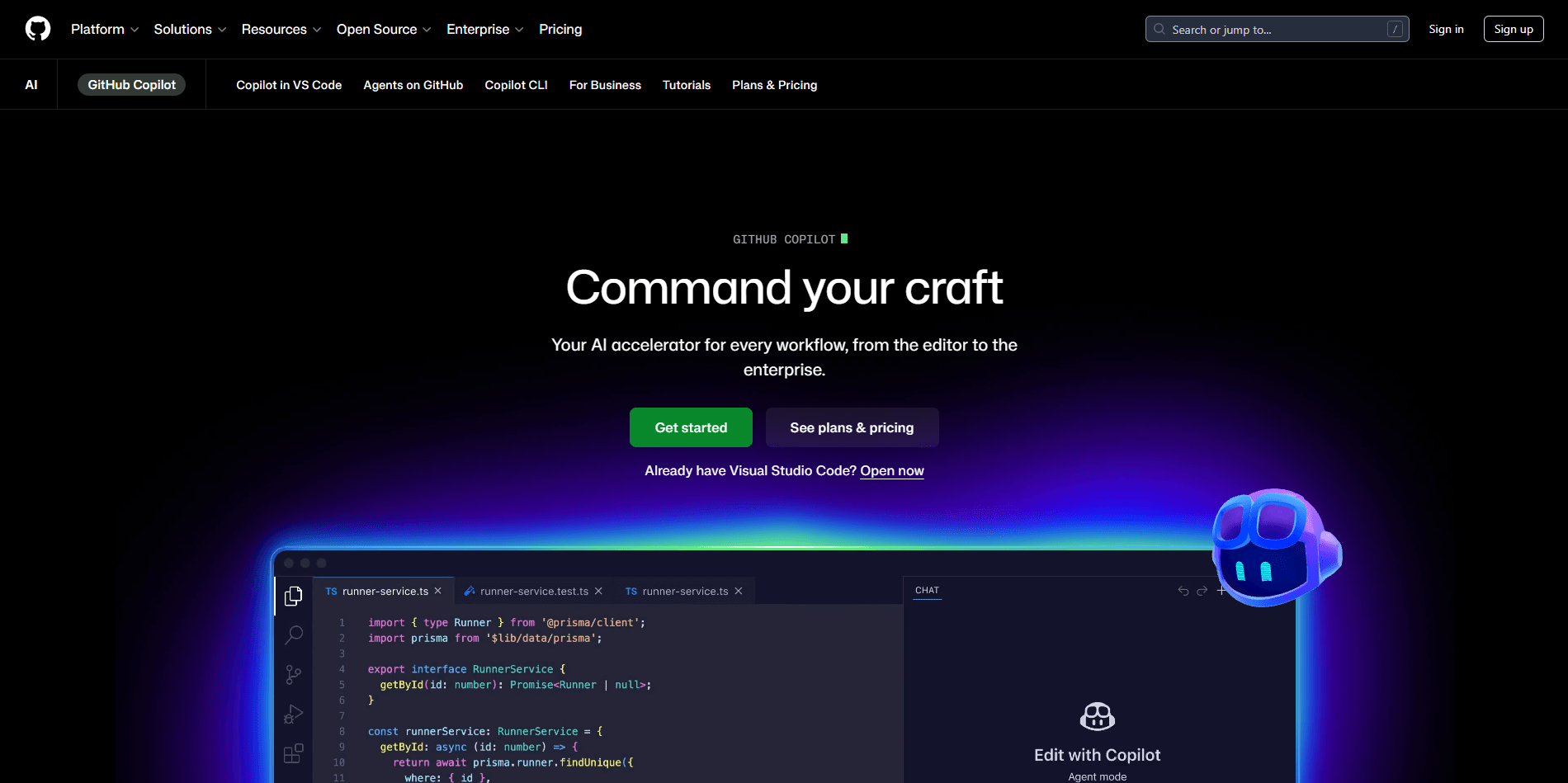
That broader shape matters, because Copilot is much better today when used as a layered development assistant than when judged only by the quality of single-line completions.
The easiest way to understand Copilot is to break it into three layers.
First, there is the editor layer: inline suggestions, next edit suggestions, chat, and file-aware help inside supported IDEs. GitHub’s documentation lists support across environments including VS Code, Visual Studio, JetBrains IDEs, Azure Data Studio, Xcode, Vim/Neovim, and Eclipse, with some features varying by editor.
Second, there is the workflow layer: Ask mode for explanations and coding help, Plan mode for building an implementation plan before touching code, and Agent mode for larger autonomous edits and validation work inside the local environment. GitHub explicitly frames these as distinct modes inside Copilot Chat.
Third, there is the GitHub platform layer: PR review, GitHub-side cloud agent work, and repository-aware automation. Copilot can review code on pull requests, and its cloud agent can research a repo, create a plan, make changes on a branch, and optionally open a pull request for review.
That is the real shift. Copilot has moved from “help me write this function” to “help me move this task through the development lifecycle.”
Fast autocomplete-style code generation directly in supported IDEs.
Ask, Plan, and Agent modes let you move from explanation to scoped planning to autonomous code changes.
GitHub-side agent that can research a repository, implement changes on a branch, and open a pull request.
AI review on pull requests, with suggested changes and optional automatic review configuration.
Copilot now supports multiple model providers and manual model selection, not just one default model.
Repository-wide and path-specific custom instructions help Copilot follow project standards and workflows more consistently.
Copilot is strongest in four kinds of work.
- Fast code drafting: Inline suggestions are still one of its most practical strengths. For boilerplate, repetitive patterns, test scaffolding, framework glue, and “I know roughly what I want” coding, Copilot can save real time. GitHub still positions inline suggestions as a core feature, and they remain the fastest part of the product.
- Codebase-aware assistance: Copilot Chat is much more useful than old autocomplete when you need explanations, refactors, fixes, tests, or project-aware questions. In practice, this is where Copilot becomes a real assistant rather than a completion engine.
- Multi-step implementation work: Plan mode and Agent mode matter because they reduce the “jump straight into code and guess” problem. Plan mode is especially useful on larger tasks, where reviewing the approach first is more valuable than getting code quickly. Agent mode is where Copilot starts to feel like a hands-on collaborator rather than a suggestion engine.
- GitHub-native review and task execution: Copilot is increasingly compelling for teams already living inside GitHub. Code review, automatic review configuration, and cloud agent workflows all make more sense when the repo, issues, pull requests, and discussions already sit in GitHub. This GitHub-native advantage is one of Copilot’s clearest differentiators versus generic coding chatbots.
This part matters, because modern Copilot is not one monolithic assistant.
| Mode | Best for | Why it matters |
|---|---|---|
| Ask | Explanations, debugging help, code generation, tests | Fastest route for normal coding questions |
| Plan | Larger or riskier tasks | Lets you review the blueprint before code is written |
| Agent | Multi-file changes and autonomous edits | Better for substantial tasks that need iteration and validation |
GitHub documents all three modes explicitly, and that separation is one of the best signs that Copilot has matured beyond raw autocomplete.
This distinction is important and easy to miss.
- Agent mode works in your IDE and local environment.
- Cloud agent works on GitHub, in a GitHub Actions-powered environment, on a branch that you later review.
That means cloud agent is better for assignable repo tasks and GitHub-centric workflows, while IDE agent mode is better when you want direct interaction, quick iteration, and local context.
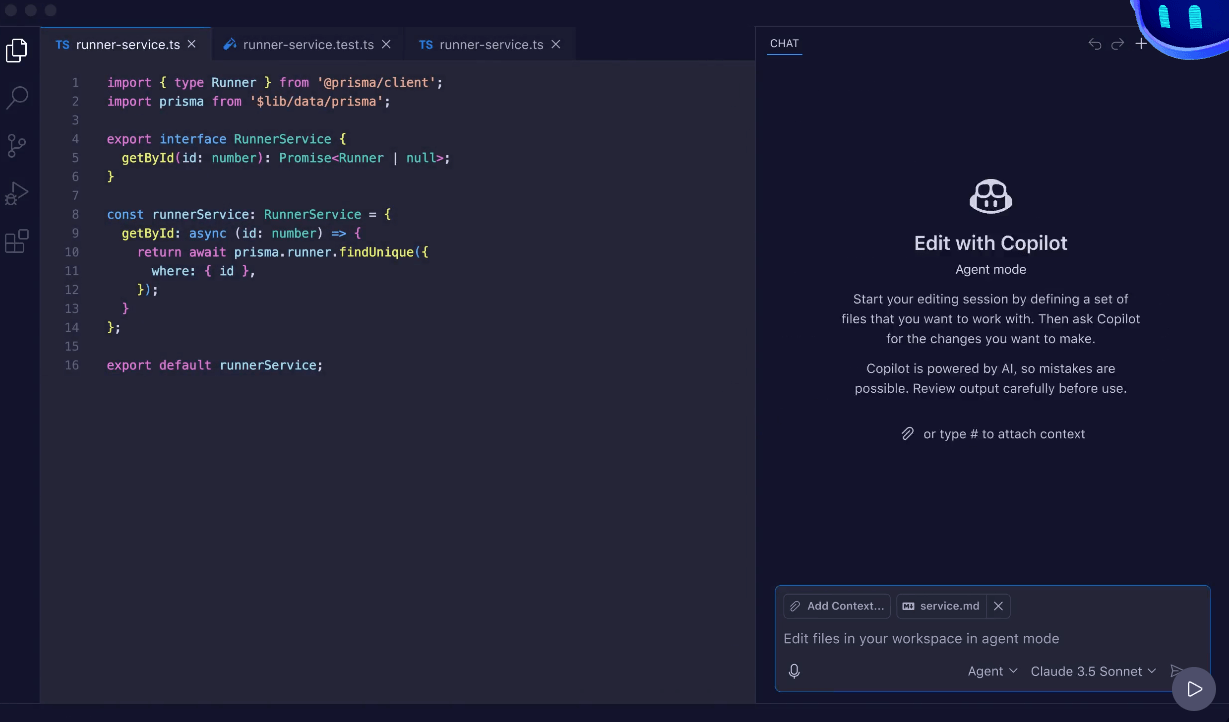
GitHub Copilot now supports multiple models and providers, and GitHub’s docs explicitly mention providers such as Anthropic, Gemini, OpenAI, and others. GitHub also offers Auto model selection, which chooses models based on performance and system health, and the model comparison docs note that different models vary in latency, hallucination behavior, and premium request cost.
GitHub’s model hosting documentation also shows that Copilot’s available stack now includes OpenAI-family models such as GPT-4.1, GPT-5 mini, GPT-5.2, GPT-5.2-Codex, GPT-5.3-Codex, GPT-5.4, and GPT-5.4 mini, alongside models from other providers depending on the surface and plan. In practical use, this means Copilot is no longer just “GitHub’s model.” It is a development surface with model choice layered underneath. That is good for flexibility, but it also adds plan and usage complexity.
Copilot is easy to start and harder to fully master.
At the basic level, it is still extremely approachable: install the extension, sign in, accept or reject suggestions, and start chatting in the editor. That low-friction first-run experience remains one of Copilot’s biggest strengths.
The second layer is where the product gets more interesting. Once you move beyond completions and start using chat, Plan mode, repository custom instructions, and code review, Copilot becomes much more useful and much less generic. Project-specific instructions can live in .github/copilot-instructions.md, and path-specific instruction files can steer behavior for parts of a repository. That is one of the best ways to make Copilot feel less random and more like a tool adapted to your codebase.
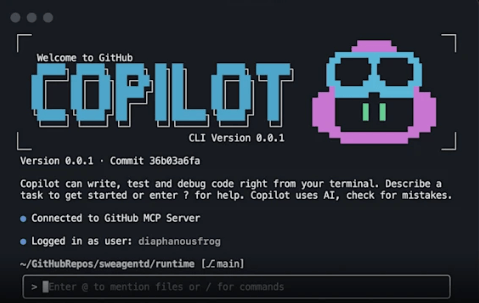
The third layer is agentic workflow. This is where Copilot becomes powerful, but also where the learning curve rises. You need to understand when to use Ask mode versus Plan mode, when a task is safe to hand to Agent mode, and when cloud agent is worth the overhead. Users who treat Copilot as a serious workflow tool will get more from it than users who only wait for ghost text to appear.
Copilot’s output quality is strongest when the task is structurally familiar.
It tends to perform well on boilerplate, test generation, framework patterns, CRUD logic, repetitive transformations, and “explain this code / fix this bug / add tests” type work. GitHub also highlights strong support across common languages such as Python, JavaScript, TypeScript, Ruby, Go, C#, and C++.
Where it feels weaker is in exactly the places you would expect from current coding AI systems: subtle architectural decisions, ambiguous business logic, unsafe silent assumptions, and overconfident large changes. Agent workflows can be impressive, but they still require real review. GitHub’s own documentation on reviewing Copilot-created pull requests reinforces that the human review step is not optional in practice.
Code review is useful, but it is also not a replacement for experienced reviewers. It can catch issues and suggest changes, yet it should be treated as an extra review layer rather than a final authority. GitHub’s responsible use docs are pretty clear about that boundary.
- Copilot is best for developers who already work in GitHub-centric environments and want AI embedded into the actual coding workflow, not separated into a browser tab.
- It is especially strong for solo developers who want faster implementation speed, cleaner test scaffolding, and in-editor debugging help.
- It is also strong for teams that want lightweight AI review, standardized guidance through custom instructions, and assignable agent-style work on repositories.
- It is less compelling if your main need is deep research, long-form technical writing, or the absolute strongest frontier reasoning in a general chat product.
- Copilot is best when the work is tightly attached to code, repositories, pull requests, and development flow.
- Use Plan mode first for anything non-trivial. It reduces bad assumptions and gives you a chance to steer the solution before code appears. GitHub explicitly recommends plan-style workflows for complex tasks.
- Set up repository custom instructions early. This is one of the highest-leverage ways to improve relevance, coding style adherence, and project fit.
- Use Ask mode for explanation and debugging, Agent mode for substantial local implementation, and cloud agent for GitHub-side delegated tasks. Treat them as different tools, not one feature with three names.
- Watch your premium request usage if you rely on advanced models or agentic features. Copilot now rewards deliberate use more than careless always-on usage.
- Review everything important. Copilot can accelerate development, but it does not remove the need for architectural judgment, testing discipline, or security review.
Copilot is broader and better than its old reputation, but it is also more complex.
- The first trade-off is product sprawl. There are now plans, premium requests, multiple chat modes, cloud agent versus IDE agent mode, multiple model providers, customization systems, and varying feature support by editor and account type. That flexibility is real, but it also makes Copilot less simple than “install extension, get AI.”
- The second trade-off is trust. Copilot can write a lot of useful code quickly, but it can also be confidently wrong, especially on larger logic jumps. The more autonomous the workflow, the more important human review becomes. GitHub’s own docs repeatedly center review rather than blind acceptance.
- The third trade-off is cost clarity. Premium requests make sense from GitHub’s side, but they make the buying decision less straightforward for serious users and teams. You have to think not just about subscription tier, but also about which workflows and models you plan to use regularly.
GitHub Copilot is now a real coding workflow platform, not just an autocomplete add-on. It is best for developers and teams who want AI directly inside the IDE and GitHub lifecycle: writing code, planning changes, reviewing pull requests, and delegating some repo work to agents.
Its biggest strengths are convenience, integration, and breadth across the actual software-development loop. Its main caveat is that the product has become more layered, more usage-metered, and more dependent on good workflow choices than many people expect.
Used casually, it is helpful. Used deliberately, it is much more powerful.
TAGS: Programming
Related Tools:

Analyze website user behavior

Analyzes code in real time to improve quality

Turn plain language descriptions into ready-to-use backend APIs
Transforms screenshots into functional code

Quickly build, customize, and deploy AI-powered apps

Suggests code to help developers write faster