

Share this tool:
 |
Description:
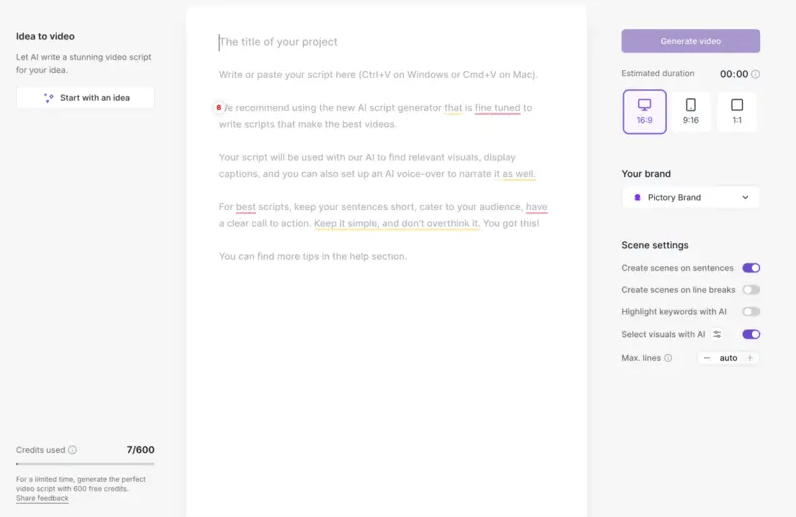
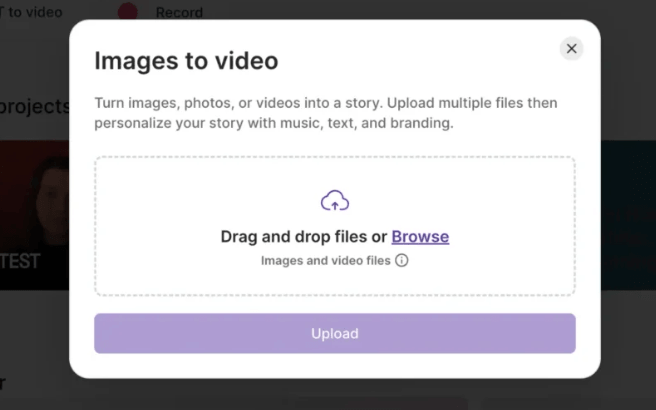
Pictory AI is a browser-based AI video creation and editing platform built for people who want to turn existing content into usable video quickly. Its strongest use cases are script-to-video, blog-to-video, URL-to-video, audio-to-video, presentation-to-video, automatic captions, AI avatars, and highlight clips from longer recordings.
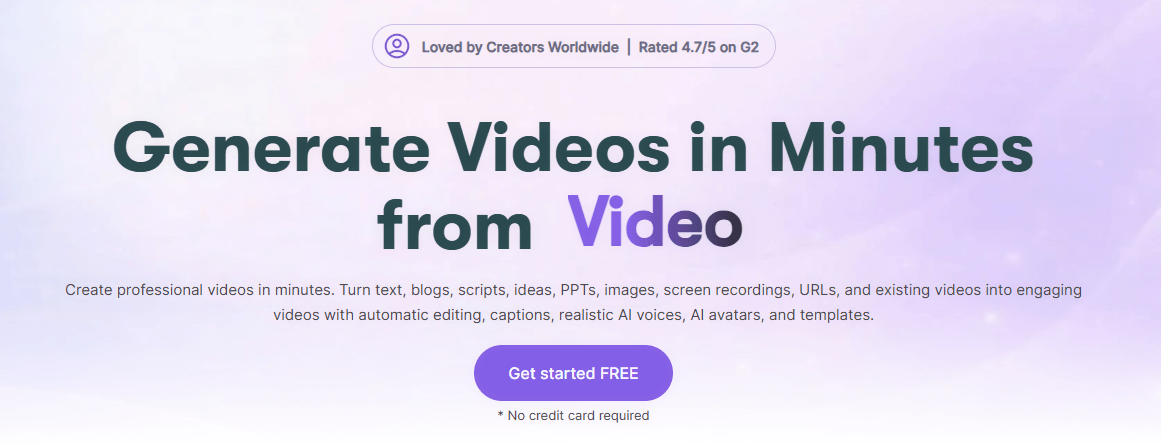
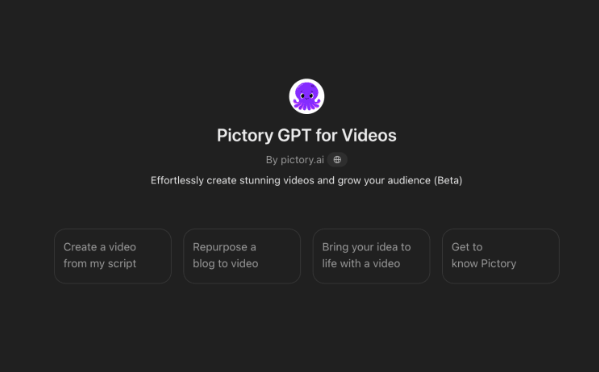
Pictory turns prompts, scripts, articles, and blog posts into videos with AI visuals, captions, avatars, and realistic AI voices.
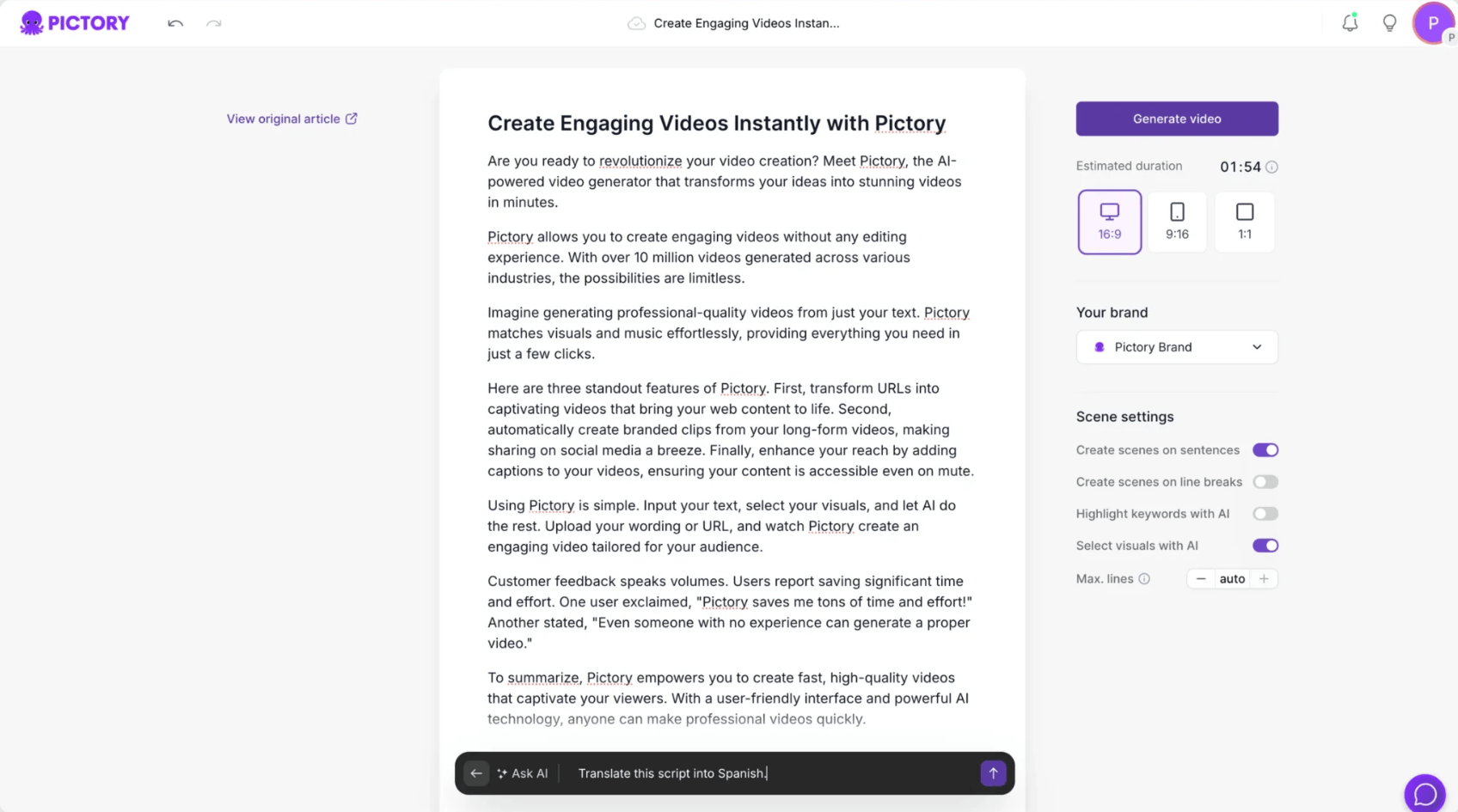
Users can paste a webpage, blog link, or product page and have Pictory generate a structured video from that content.
Pictory can extract highlights from longer videos and turn them into shorter branded clips for social media.
The platform automatically transcribes videos or audio, syncs captions, and lets users customize caption style, position, and animations.
Pictory supports avatar presenters and AI voices for scripts, training videos, marketing videos, and social content.
Pictory includes brand kits, collaborative editing, shared assets, and export options for major social and business platforms.
Pictory is strongest when you already have content and want to convert it into video without building every scene manually.
That is the practical value.
A blog post can become a short explainer.
A webinar can become a set of highlight clips.
A script can become a narrated video.
A podcast can become a visual social asset.
A PowerPoint can become a more watchable training video.
Pictory’s official product pages position the tool around converting text, URLs, audio, presentations, images, and long-form video into complete videos with visuals, narration, captions, avatars, and editing tools. That makes it more of a content repurposing platform than a pure cinematic AI video generator.
This is the right expectation to have. Pictory is not mainly for someone who wants to direct a highly cinematic AI scene shot by shot. It is better for creators, marketers, educators, coaches, and businesses that already have written, spoken, or recorded material and want to turn it into video faster.
The difference matters.
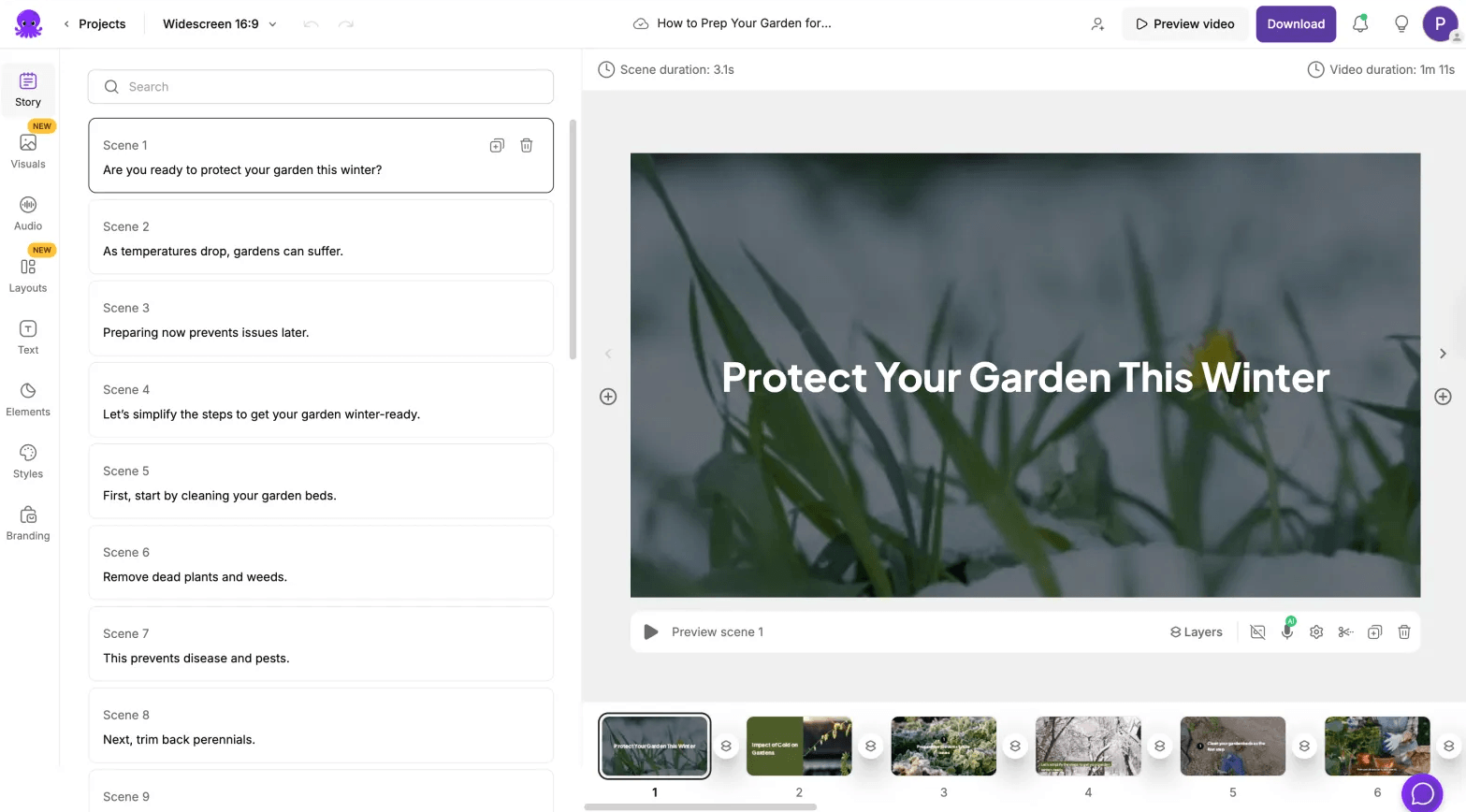
A raw generative video tool starts with a visual idea. Pictory usually starts with content: a script, blog post, URL, recording, presentation, or existing video. The output is not just a clip. It is a structured video with scenes, captions, voice, branding, and export-ready formatting.
Pictory’s workflow is simple enough for non-editors but broad enough to support several production paths.
| Input Type | What Pictory Does With It | Best Fit |
|---|---|---|
| Script or prompt | Builds scenes, visuals, captions, narration, and music | Explainers, ads, training videos, social posts |
| Blog post or article | Converts written content into a video script and visual sequence | Content marketing, SEO repurposing, thought leadership |
| URL | Turns webpages, blogs, product pages, or homepages into video summaries | Product pages, company pages, web content |
| Audio or podcast | Adds visuals, captions, avatars, and voice-driven video structure | Podcast clips, audio lessons, narrated content |
| Long video | Finds highlights and creates shorter branded snippets | Webinars, Zoom calls, interviews, livestreams |
| PowerPoint | Converts slides into narrated video content | Training, education, internal communication |
The best part is that Pictory does not force one starting point. You can begin with a blog, a long recording, a URL, a script, or a presentation. That flexibility is useful because most teams already have content sitting somewhere. Pictory’s value is in making that content easier to reuse.

TAGS: Video Editing
Related Tools:

Swaps faces in photos, videos, and GIFs
Transforms text or images into short videos

Removes watermarks from images and videos

Provides keyword research and analysis

Transforms still photos into dynamic, animated visuals

Enhances website SEO optimization