
Share this tool:
 |
Description:
Narration Box is one of the more ambitious voice platforms aimed at creators, publishers, and teams rather than just casual one-off TTS use. The current product combines a browser-based studio, a large multilingual voice library, custom pronunciations, style-prompted emotion control, document and URL import, multi-format export, voice cloning, and an enterprise layer with collaboration and API access. That broader shape is the real reason to care about it.
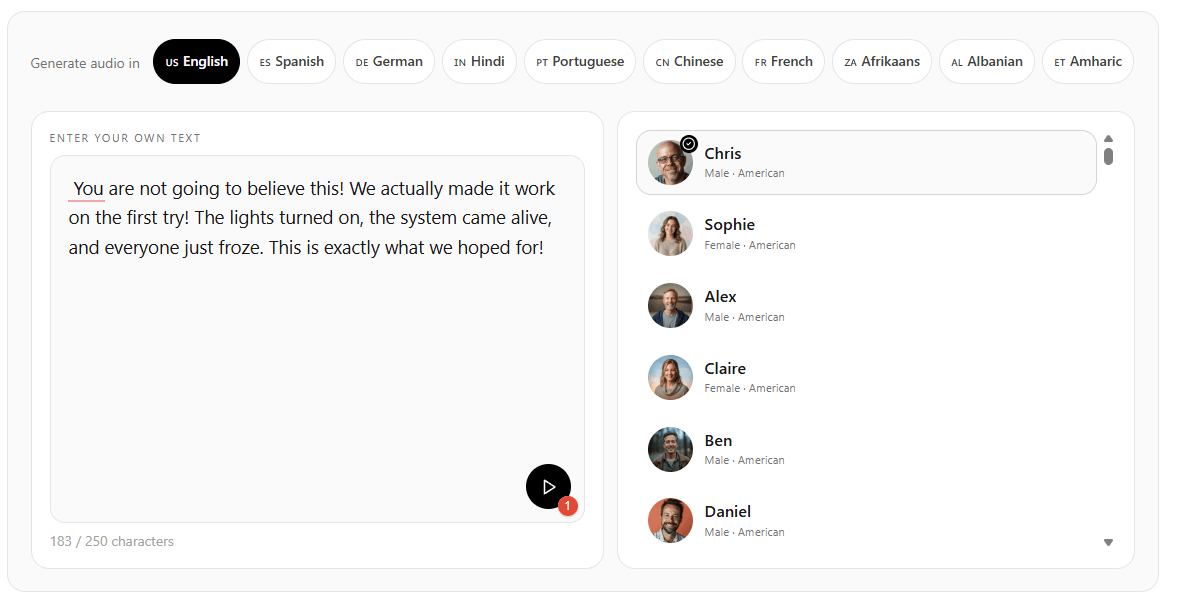
Narration Box’s public pages advertise over 1,500 voices and position the platform around 80+ languages, while other official pages also describe 140+ languages and accents.
The text-to-speech pages highlight emotion, expressive styles, and style prompts rather than only neutral narration.
Narration Box Studio supports writing from scratch, pasting text, importing from URL, uploading documents, setting custom pronunciations, and exporting in multiple formats.
The cloning product supports custom voice creation from uploaded audio, multilingual cloning, and use cases ranging from social content to IVR and localization.
Official pages repeatedly position the product for audiobooks, podcasts, lessons, documentaries, and longer-form content instead of only short clips.
Narration Box also markets team seats, SLAs, dedicated API usage, encrypted content flow, and workflow integration for larger organizations.
Narration Box is strongest when the job is not simply “convert text to speech,” but “turn scripts, documents, and recurring content into polished voice assets at scale.” Its official pages consistently frame the tool around creators and teams making e-learning, audiobooks, podcasts, gaming content, social videos, product demos, advertising, support content, accessibility material, documentaries, and multilingual localization. That range matters because it shows the platform is trying to cover both everyday creator work and higher-volume operational narration.
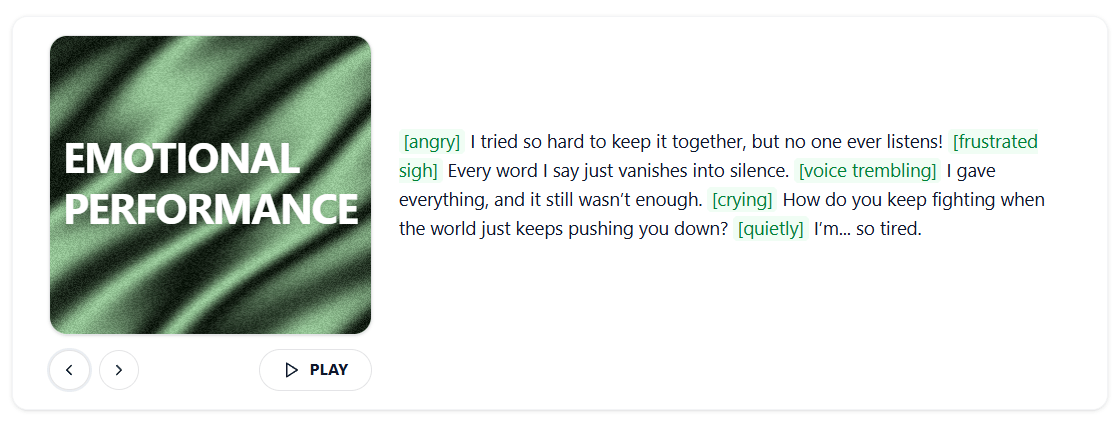
The second thing it does well is expressive control. Narration Box does not just market a big voice library. It also highlights emotions and speaking styles, and its text-to-speech pages specifically say users can describe how they want a voice to sound using style prompts rather than choosing from a narrow set of fixed presets. That is a meaningful distinction because it pushes the product closer to directed performance rather than plain utility narration.
The third strength is workflow convenience. The studio and homepage emphasize writing from scratch, pasting text, importing from a URL, or uploading a whole document, then adjusting pitch, rate, and volume, setting custom pronunciations, and exporting in multiple formats. For users who publish often, that all-in-one path is more useful than a simple text box.
Narration Box is easiest to understand through its studio workflow. The official Studio page is unusually clear about what the app is supposed to do: bring content in from multiple sources, control the sound, fix pronunciations, then export finished audio. That means the platform is not just a voice catalog. It is a production surface for turning raw text or documents into reusable narration assets.
The import flexibility is more important than it sounds. The Studio page says users can write from scratch, paste text, import from a URL, or upload a whole document. For anyone publishing explainers, course modules, blogs, product documentation, or scripts that already exist elsewhere, that is a practical advantage. It removes a lot of the copy-paste friction that makes simpler TTS tools feel disposable.
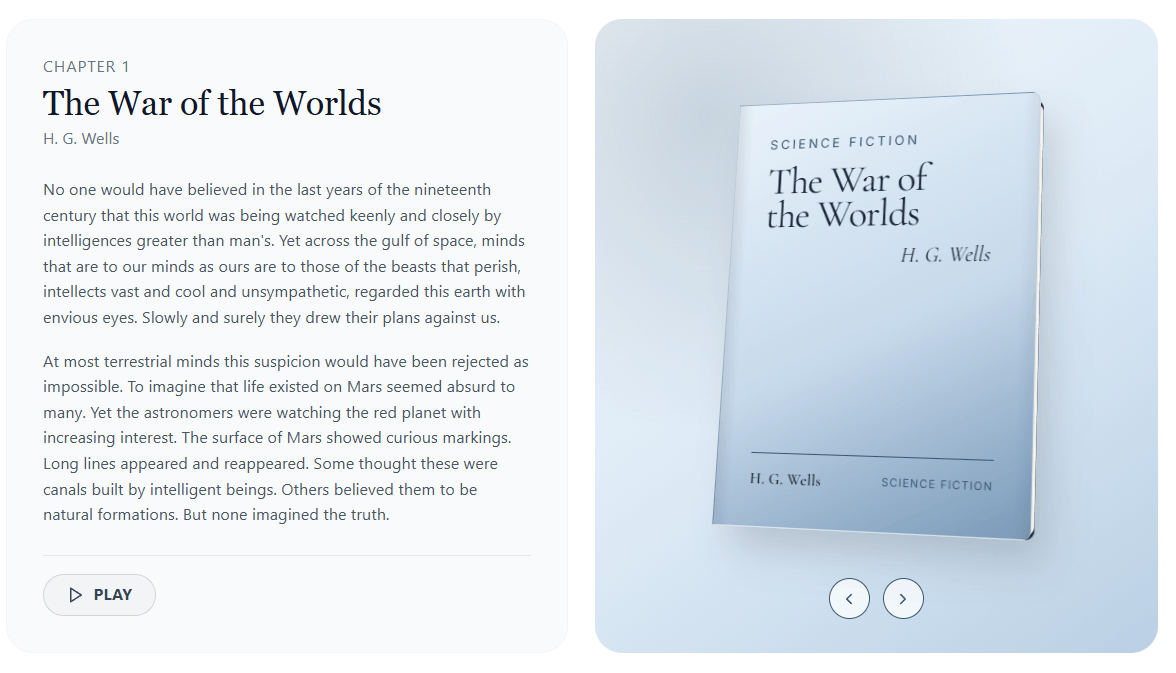
The export side is similarly practical. Narration Box says generated audio can be exported in multiple formats, and its language-specific pages also mention common outputs such as MP3 and WAV plus more than five formats overall. That matters because the platform clearly expects users to move audio into video editors, podcast workflows, course builders, accessibility pipelines, and other downstream tools.
The overall workflow also looks more creator-friendly than developer-first. There is clearly an enterprise and API layer, but the public product emphasis is on projects, studio controls, voice selection, and content creation rather than on raw endpoints or infrastructure diagrams. That is an inference from how the current official pages are structured and what they choose to foreground.
Narration Box’s public quality pitch centers on naturalness, emotional range, and context awareness. Its language pages say the models are context-aware and can generate speech accordingly, while also supporting emotive and expressive styles that can be customized to user preferences. The text-to-speech pages reinforce that by advertising ultra-realistic voices and style-prompted emotions.
The most practical controls appear to be pitch, rate, volume, pronunciations, accents, and emotional style. Those are exactly the kinds of controls that matter for voiceover timing and delivery. Narration Box also explicitly highlights custom pronunciations, which is one of the more useful professional features because names, technical terms, and branded words are usually where otherwise good TTS breaks down.
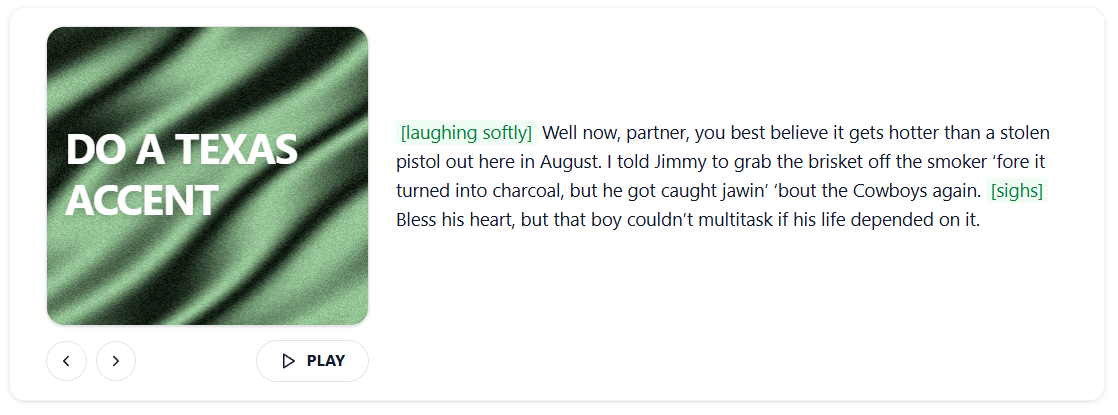
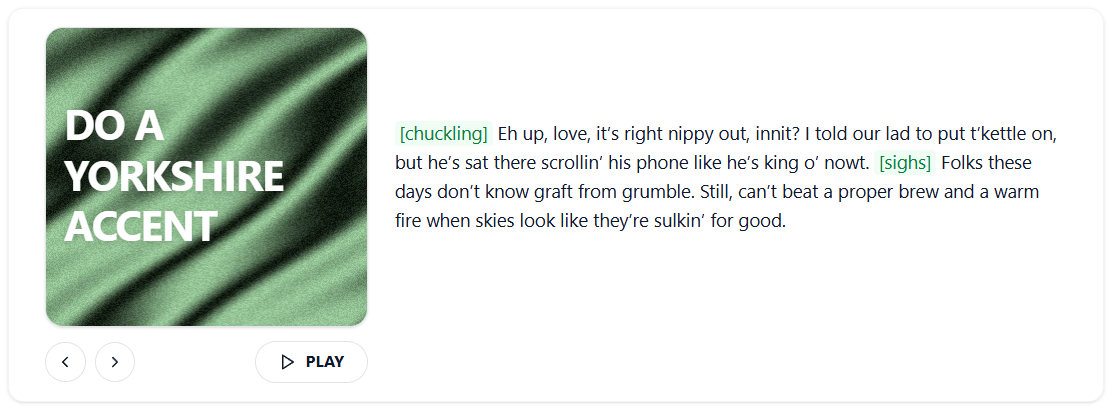
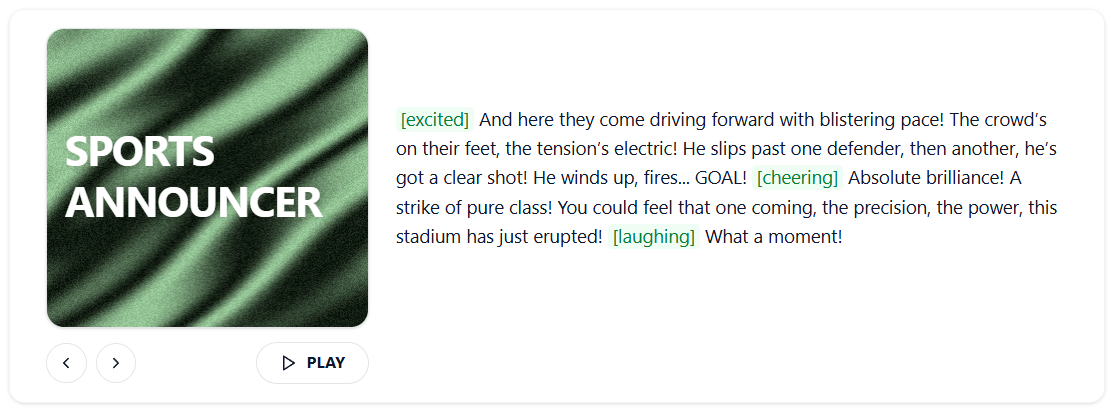
The accent and language coverage also look like a major selling point. The text-to-speech pages list a large spread of languages and regional accents, and the product positions that breadth as useful for localization, entertainment, audiobooks, and region-specific content. For users making multilingual content rather than just English narration, that is one of the clearest reasons to consider the platform.
The main caveat is that Narration Box’s public count claims are not perfectly consistent. The homepage emphasizes 80+ languages and 1,500+ voices, while the text-to-speech page also says 140+ languages and accents. That does not mean the platform lacks range. It does mean the catalog is best judged by whether your specific language, accent, and voice style are available, not by whichever headline number is largest.
Narration Box’s cloning product is not a side feature. The official page positions it as professional-grade voice cloning with precision control, multilingual output, and use cases spanning social media, advertising, podcasts, audiobooks, e-learning, customer support, and localization. That makes cloning one of the platform’s clearest differentiators from simpler voiceover tools that only offer stock voices.
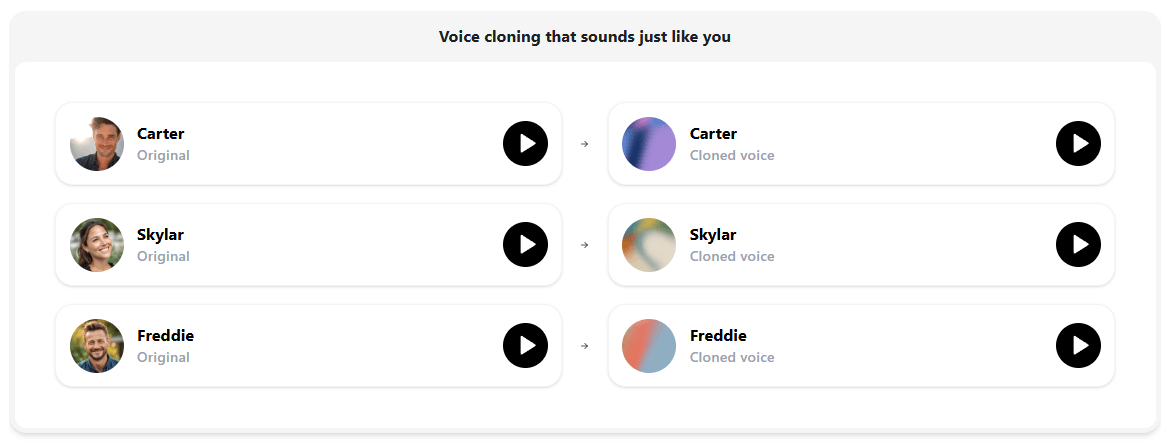
The most interesting part is the multilingual angle. The voice cloning page says clones can be used in 20+ languages, which is a meaningful capability for creators or businesses that want to preserve voice identity while localizing content. The site also explicitly frames cloning as a way to keep brand voice or creator identity consistent across different regions and content types.
There is, however, a small messaging inconsistency worth noting. The cloning page headline says “just 10 seconds,” while the same page later says a custom voice model can be created with just 5 seconds of voice, and the upload widget lists a sample length of 30–60 seconds. That does not invalidate the feature, but it does suggest that the public cloning marketing is a bit looser than the actual input requirements imply.
Narration Box is a strong fit for e-learning and training content. Its text-to-speech pages repeatedly highlight course narration, tutorials, educational platforms, and corporate training, and the studio features align well with that work because lessons often begin as documents, scripts, or URLs rather than as hand-written audio copy.
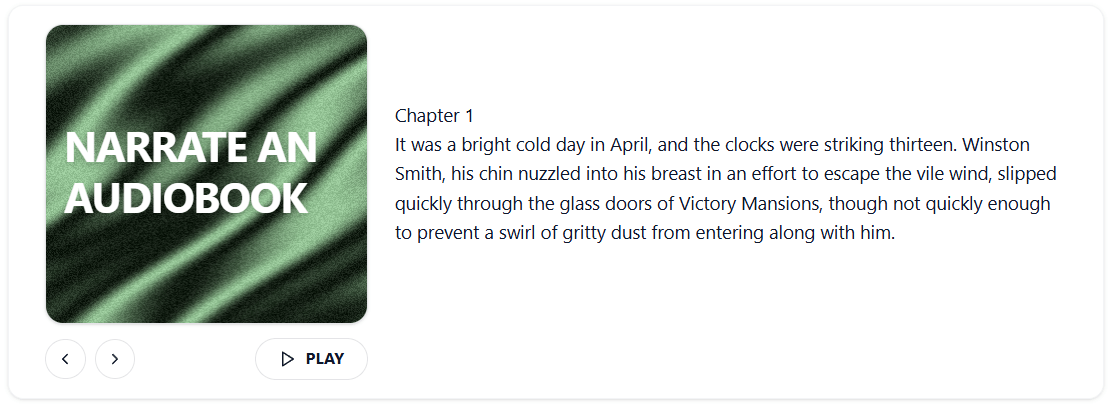
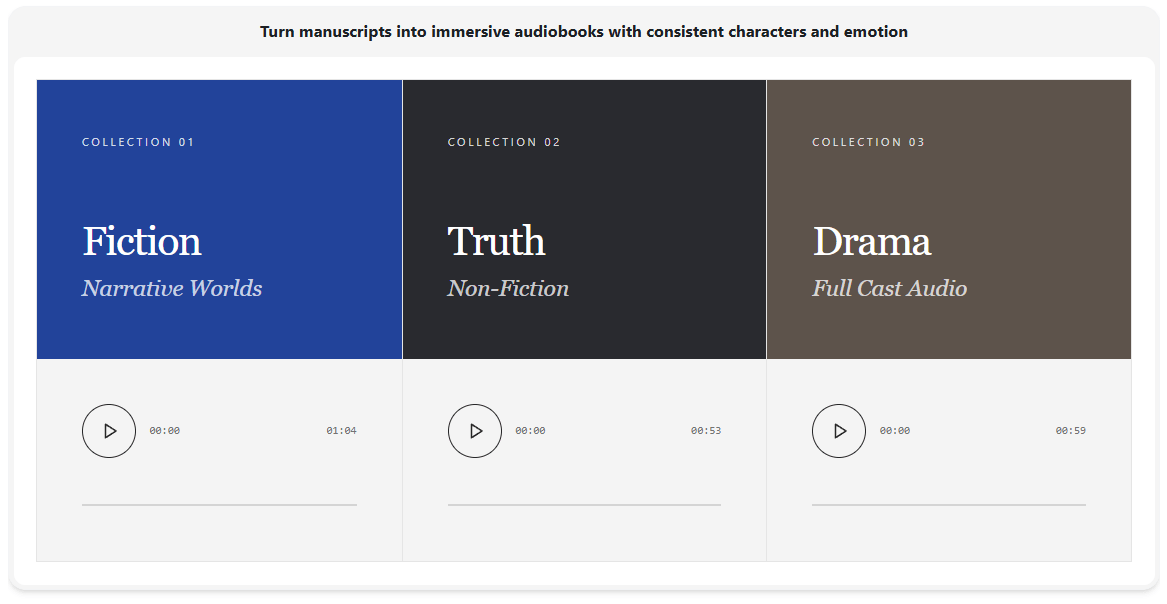
It is also well suited to audiobooks, podcasts, and documentary-style narration. The official pages explicitly promote these use cases, and the combination of long-form positioning, custom pronunciations, multi-format export, and expressive control makes that believable as a workflow, even if final quality still depends on the specific voice selected.
Another strong fit is multilingual creator content and localization. Narration Box repeatedly frames its voice library and cloning tools around global publishing, local accents, and localized audio that still sounds consistent with the original brand or speaker. That is useful for social videos, regional marketing, training content, and media localization.
There is also a case for customer support and IVR-style use, especially on the cloning side. The official voice cloning page specifically names IVR menus, chat read-outs, and help-center tutorials, while the enterprise page adds API integration, encrypted channels, and higher-throughput usage for teams.
- Use Narration Box Studio when your source material already exists somewhere else. The ability to import from a URL or a full document is one of the product’s most useful workflow shortcuts, so it is more valuable when you lean into that instead of treating it like a plain prompt box.
- Use custom pronunciations early, especially for names, jargon, and branded terms. Narration Box explicitly surfaces pronunciation control as a core feature, which usually means it is one of the highest-leverage ways to improve output without changing voices.
- Treat emotion and style prompting as part of the core workflow, not as decoration. The text-to-speech pages make a point of saying users can describe how the voice should sound, and that is likely where much of the platform’s real expressive advantage shows up.
- If you are evaluating voice cloning, verify the actual recording requirements in the app rather than relying only on headline claims. The public cloning page contains multiple speed and length messages, so the safest approach is to test the real workflow with your own sample.
- The biggest trade-off is public clarity. Narration Box clearly has a broad product, but its public messaging is not always perfectly aligned. Voice counts, language counts, and cloning-speed claims vary across pages, which can make the platform feel slightly more marketing-led than documentation-led from the outside.
- The second trade-off is that the strongest public detail is centered on creator workflow, not deep technical transparency. The enterprise pages mention dedicated API usage, throughput, SLAs, encrypted channels, and integrations, but the public product materials still explain the tool much more as a studio for content teams than as a deeply exposed developer platform. That is not a flaw, but it does shape who will find it easiest to adopt. This is an inference from the structure of the official pages.
- The third trade-off is that breadth can create expectation risk. Narration Box positions itself for everything from podcasts and audiobooks to gaming, sales outreach, support, accessibility, and enterprise use. A platform that broad can be very useful, but it also means buyers should validate the specific voices, accents, and workflows they need instead of assuming every lane is equally mature. This is an inference from the very wide range of official use-case claims.
Narration Box looks strongest as a practical voice production platform for people who need more than a basic TTS widget. Its best qualities are the studio workflow, large multilingual library, expressive style control, custom pronunciations, voice cloning, and an enterprise layer that suggests it can scale beyond solo use.
It is best for creators, publishers, educators, localization teams, and organizations that want to turn existing content into voice assets quickly without losing too much expressive control. The main caveat is that its public product story is broader than it is perfectly precise, so Narration Box is a tool to validate by workflow and output, not just by headline claims.
TAGS: Text to Speech
Related Tools:

Transforms voices into professional performances for media projects
Writing tool that integrates drafting and research management

Offers features for document editing and file management

Converts text to realistic speech

Delivers real-time, hyper-realistic voice generation

Converts texts to podcasts