
Share this tool:
 |
Description:
MM Audio is both a research-backed audio generation idea and a creator-facing web product built around a very practical promise: take a silent clip or a text description, then generate matching audio fast enough to fit real editing workflows. Its strongest angle is not “AI music” in the broadest sense. It is sound-for-visuals: ambience, scene-matched effects, simple background layers, and promptable audio generation tied to video context.
| Workflow | Best for | Why it matters |
|---|---|---|
| Video-to-Audio | Silent clips, AI video outputs, quick sound pass | The tool analyzes the uploaded video and generates synchronized audio around visible action and scene context. |
| Text-to-Audio | Ambient beds, background music, broad scene audio | Better when you do not have footage yet or want an audio concept first. |
| Text-to-SFX | Single effects, Foley-style cues, quick sound boards | Best for targeted effects and rapid iterations around one sound idea. |
| API / MCP | Automation, editor-side workflows, agent setups | Useful when you want MM Audio inside Cursor, Claude Desktop, or custom tooling. |
This is one of the clearest things MM Audio gets right: it does not force every job into one generic interface. You can approach it as soundtrack-from-video, sound-from-text, or SFX generation depending on what the project actually needs.
Realistic environment reconstruction
Before using this prompt: upload a short silent clip with clear visual action.
Prompt:
“Generate natural location audio for this clip. Focus on believable ambient space, subtle movement sounds, and scene-matched environmental detail. Keep it realistic, restrained, and cinematic rather than exaggerated.”
Why this is a good first test: it checks whether MM Audio can do the core job well—produce audio that feels like it belongs to the clip instead of sounding like a disconnected sound library layer. That is the product’s main promise.
Action-heavy Foley emphasis
Prompt:
“Add crisp, punchy Foley for the visible movements in this video. Emphasize impacts, surface contact, object handling, and motion timing. Keep the background ambience light so the action reads clearly.”
Why this matters: MM Audio looks most useful when the user gives it direction about what to prioritize. A vague “make audio” instruction is serviceable, but a hierarchy like Foley first, ambience second usually gives the tool a clearer target. This is an inference based on the product’s prompt field and optional text conditioning.
Trailer-style enhancement
Prompt:
“Create a cinematic trailer-style sound bed for this scene with rising tension, low-end atmosphere, subtle whooshes, and carefully timed impacts. Keep it dramatic and polished without overpowering the visuals.”
Why this is useful: it tests whether MM Audio can move beyond literal realism and produce a more stylized editorial layer, which is often what creators want for short-form promos and AI-generated clips.
Ambient worldbuilding
Prompt:
“Generate a nighttime harbor ambience with distant waves, soft wind, occasional rope creaks, faint metal clinks, and sparse gull calls. Realistic, spacious, calm, and film-ready.”
Why this is a strong use case: the text-to-audio page positions MM Audio around ambient sounds, background music, and sound effects rather than only one category, so environmental layering is a natural place to start.
Background music bed
Prompt:
“Create a minimal corporate background track for a product explainer: clean electronic pulse, soft percussion, optimistic tone, no aggressive drops, steady energy, 30-second ad-friendly structure.”
Why it matters: MM Audio’s changelog explicitly mentions a text-to-BGM feature, so background music is not just a side use case; it is part of the platform’s public product direction.
Single clean effect
Prompt:
“Short, high-quality mechanical camera shutter sound with a premium feel. Tight transient, subtle metal texture, no reverb tail, suitable for UI or product video use.”
Why this belongs here: MM Audio’s SFX workflow is strongest when the request is specific, short, and concrete. Single-purpose effects are easier to evaluate and often more immediately usable than broad scene prompts.
Layered fantasy effect
Prompt:
“Magic spell activation with a rising airy shimmer, soft bass pulse, sparkling particles, and a clean release tail. Elegant fantasy tone, not cartoonish.”
Why this is useful: the sound-effects page is clearly designed for creative categories and fast iteration, so stylized effects are one of the more obvious practical tests.
Social ad polish
Prompt:
“Add premium commercial audio to this product clip: elegant whooshes, subtle glossy movement sounds, restrained tonal accents, and a clean luxury atmosphere. Modern ad finish, no cheesy effects.”
Why this works: product clips often need just enough sound design to feel expensive. MM Audio looks better suited to that kind of quick enhancement than to deep cinematic post-production.
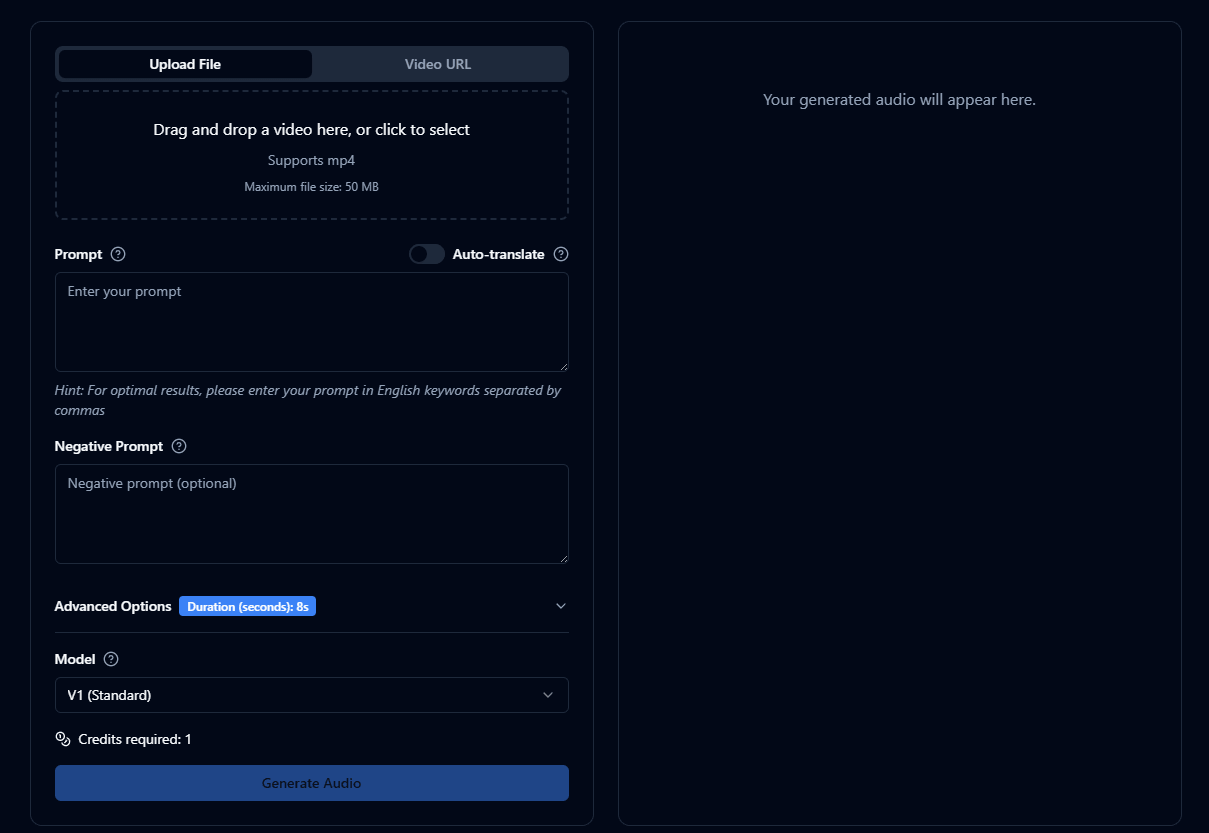
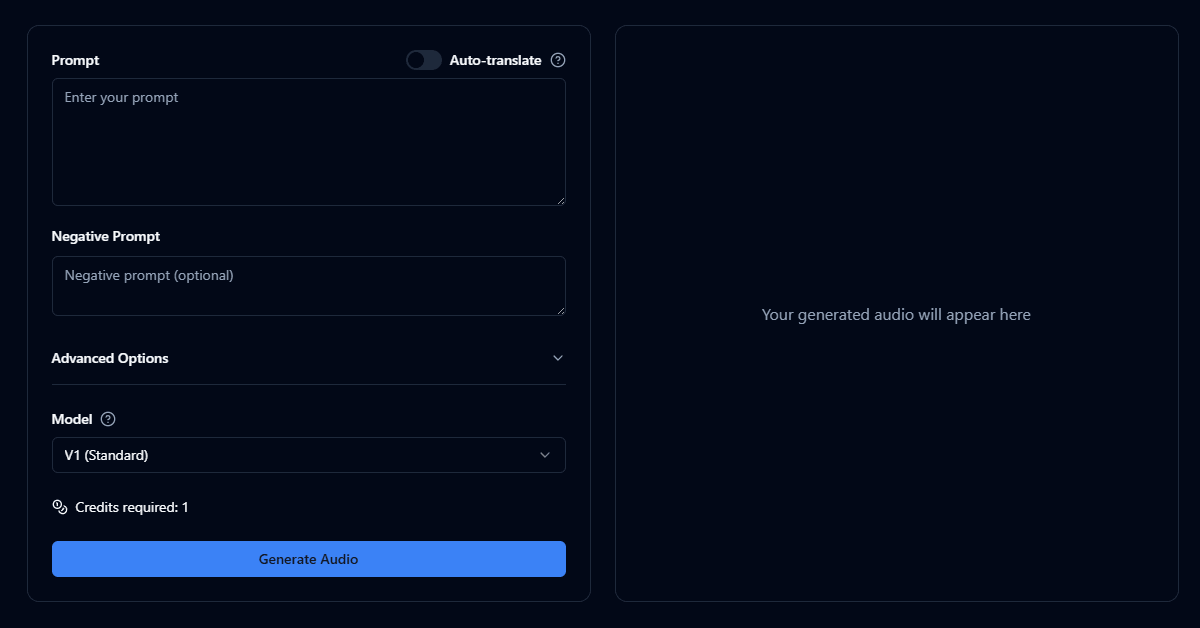
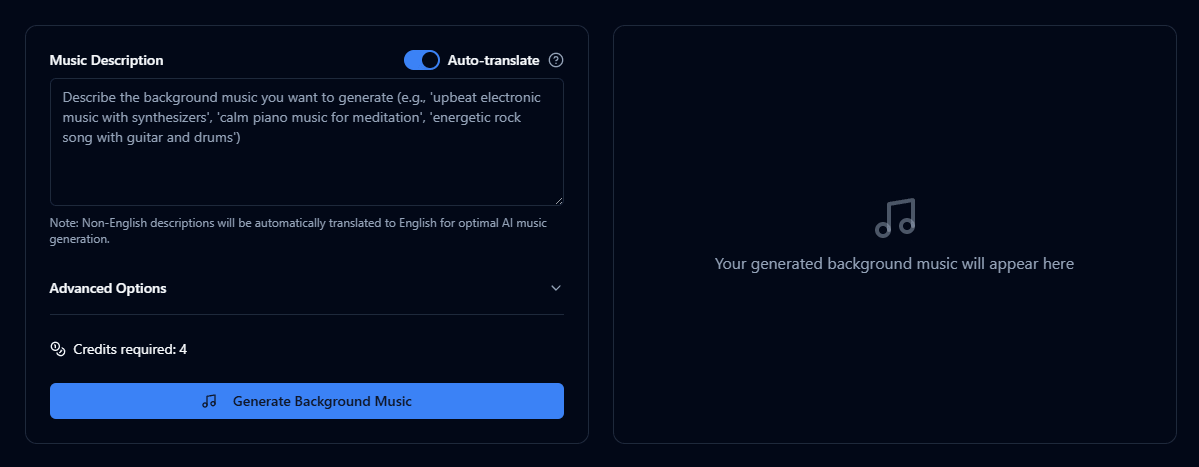
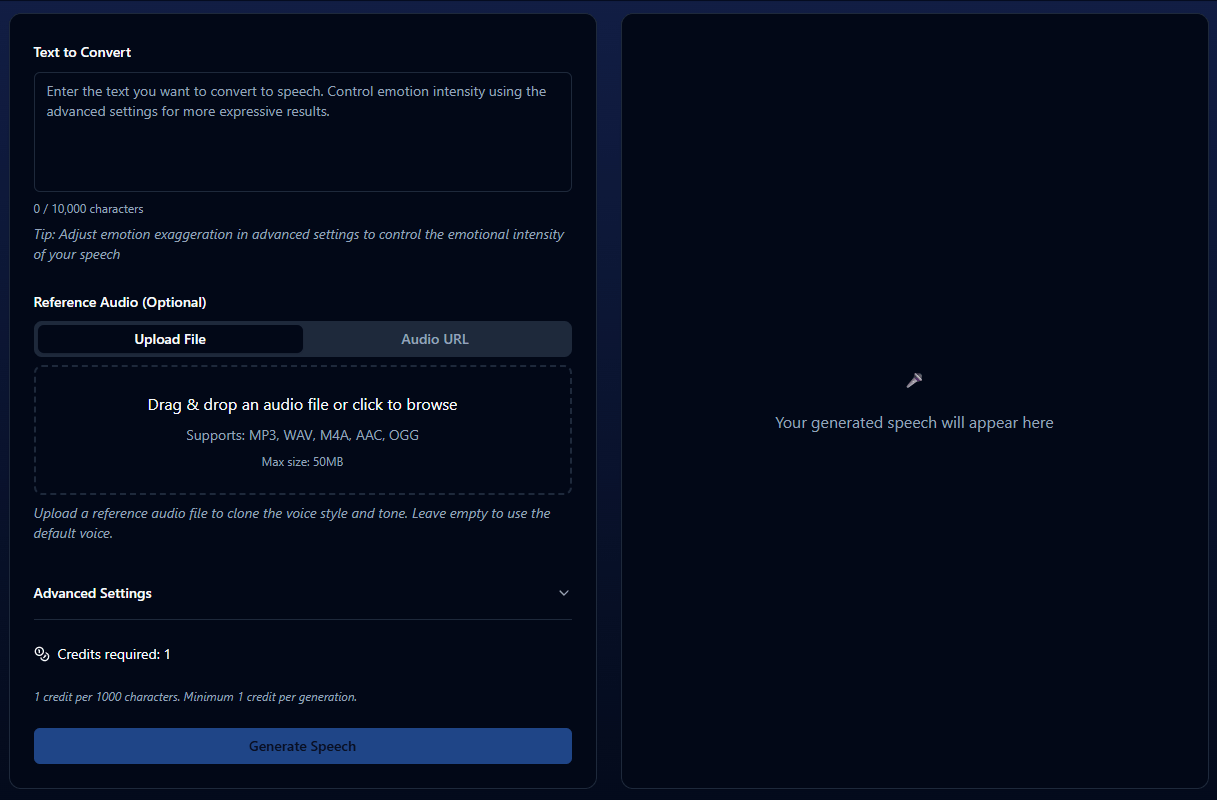
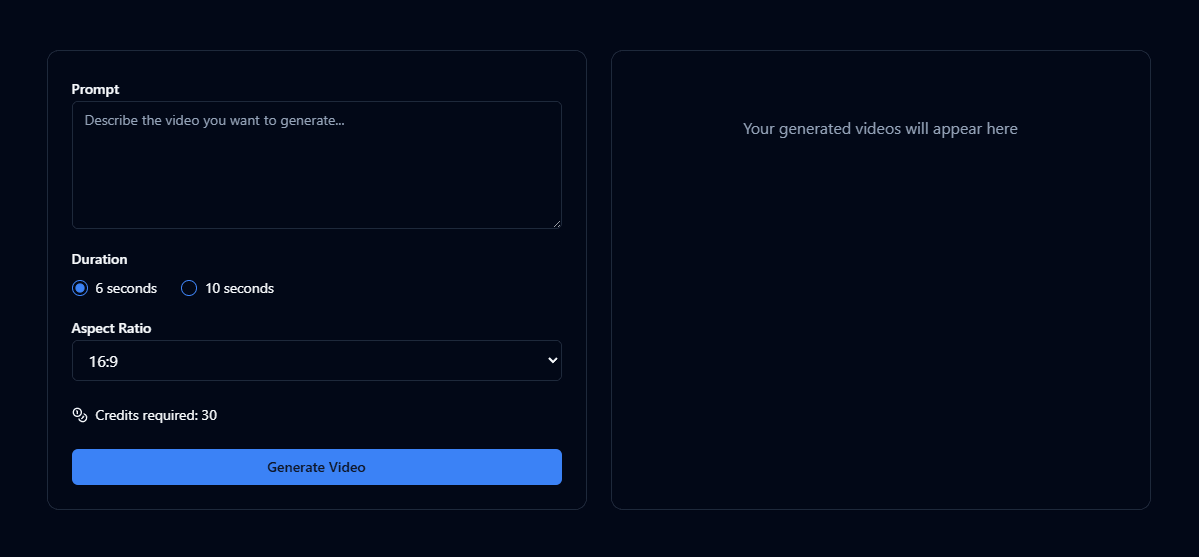
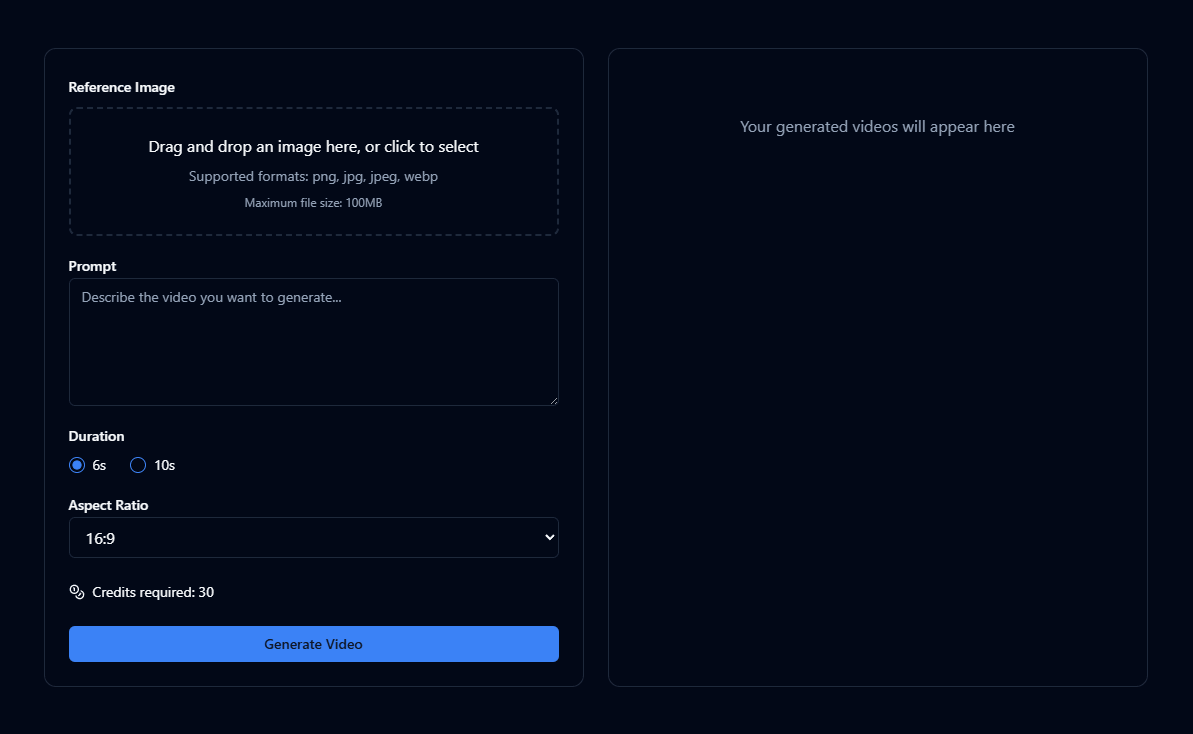
At the product level, MM Audio currently exposes three main user-facing workflows: video-to-audio on the main tool, text-to-audio on a dedicated page, and a text-to-sound-effects flow organized around common SFX categories. The site also points to API access and an MCP integration for desktop clients, which matters if you want to use it inside a broader production or agent workflow instead of only in the browser.
Under the hood, the open-source MMAudio research project is specifically about generating synchronized audio from video with optional text conditioning. The paper and GitHub description emphasize multimodal joint training and frame-level synchronization, which helps explain why the product feels more grounded in “match this clip” than in purely open-ended audio generation.
That distinction matters. If you want a full DAW replacement, fine-grained multitrack sound design, or polished voice production with deep editing controls, MM Audio is not really positioned as that. If you want fast audio ideation and scene-matched sound generation from a prompt or silent clip, it makes much more sense.
The main product is built around turning uploaded video into matched audio, with synchronization as a central selling point.
You can generate background audio, ambience, and sound effects from text without supplying footage.
MM Audio separates text-to-SFX into its own surface with categories and effect-oriented positioning, which makes it easier to use for targeted sound design tasks.
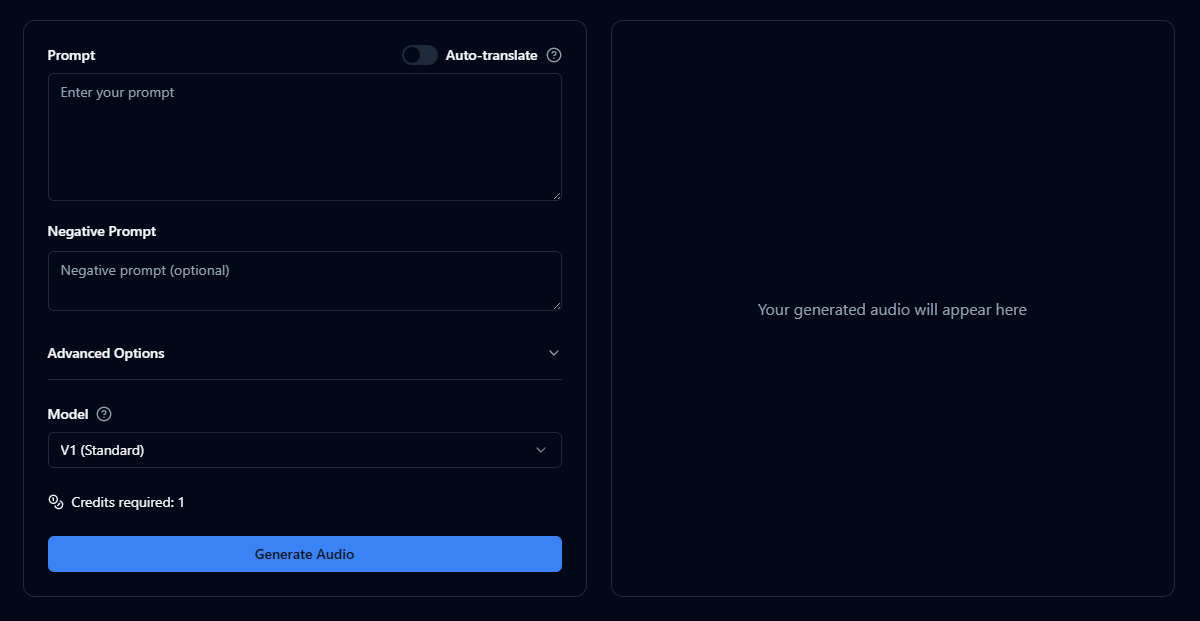
The text-based tools expose prompt fields, negative prompts, model selection, and advanced options, which gives users at least some steering beyond one-click generation.
MM Audio is not only a browser app; it also supports API usage and an MCP extension for desktop clients.
The public changelog shows additions like video-to-audio model v2, text-to-BGM, auto-translate, API support, and MCP support, which suggests the product is still evolving rather than frozen.
The practical appeal here is speed and low setup friction. On the public site, the core flow is straightforward: upload a video or enter a prompt, optionally tweak advanced settings, then generate. The main page supports MP4 uploads up to 50 MB on the visible free/basic flow, while the pricing page says higher plans expand supported formats and upload limits.
That simplicity is a genuine advantage. A lot of AI audio tools become cumbersome when they try to look like miniature DAWs. MM Audio does not appear to aim for that. It aims to get you a result quickly, which is valuable for social editors, AI video creators, prototype builders, and anyone who wants an audio pass before committing to manual sound design.
The trade-off is obvious too: you are not getting a visibly deep editing environment on the public interface. You get generation controls, but not the kind of detailed post-generation shaping that dedicated professional audio software offers. That makes MM Audio more of a fast generation layer than a full finishing environment. This is partly inference from the public product surfaces and exposed controls.
- MM Audio looks strongest for AI video creators who generate silent visuals and need believable audio quickly. That is probably the cleanest fit for the product.
- It also fits short-form commercial work surprisingly well: product clips, social ads, explainers, reels, quick promo edits, and motion pieces that need polished sound but do not justify a full manual sound-design session.
- The text-to-SFX side is useful for indie creators, prototype builders, podcasters, and game developers who need quick effects drafts or placeholders without digging through libraries. The site explicitly positions that workflow for filmmakers, game developers, podcasters, and content creators.
- Where it looks weaker is high-control professional post, nuanced dialogue work, complex multitrack scene construction, or anything where exact layer-by-layer editing matters more than generation speed. The public product does not really present itself as a full audio workstation.
- Be explicit about priority. Tell MM Audio whether the focus should be ambience, Foley, impacts, music bed, or cinematic polish. The clearer the hierarchy, the more likely the result will feel intentional rather than generic. This is an inference from the prompt-driven workflow and optional text conditioning.
- Use shorter clips first. Since the public product emphasizes quick generation and shows duration controls, it makes sense to test short sections before spending credits on longer or more complex jobs.
- Treat text-to-SFX and text-to-audio differently. Use text-to-SFX for isolated, concrete sounds and text-to-audio for broader atmospheres or music-like beds. The separate product pages strongly suggest that split.
- Use negative prompts when the output gets too busy. Since MM Audio exposes negative prompts on the text-based tools, that is one of the clearest ways to reduce unwanted traits like excessive reverb, cartoonish tone, or overdesigned texture.
- If you work in AI-assisted creation stacks, the MCP and API support are worth more than they first appear. They make MM Audio more useful as a workflow component than as a standalone novelty site.
- The biggest limitation is control depth. MM Audio appears good at generating a result, but the public interface does not suggest advanced multitrack editing, stem separation, detailed timeline correction, or precision audio post tools. That limits how far you can push it before handing the result off to other software.
- Another issue is product clarity. The branding blends a research project, a commercial web app, and multiple adjacent features like sound effects, BGM, API access, and MCP integration. That is not fatal, but it does make the product feel slightly less clear than tools with a tighter single-purpose pitch.
- There is also the usual AI audio caveat: speed and convenience do not guarantee perfect scene logic every time. Even with synchronization as a core research and product claim, creators should expect some generations to need reruns, stronger prompting, or light cleanup in an editor. That is an inference rather than a direct platform admission, but it is a realistic expectation for this category.
- Finally, the current public pricing is annual-billing-forward, and the visible upload limits and format support vary by plan. That is reasonable, but it matters if you are dealing with heavier video files or want a very lightweight casual-use option.
MM Audio is a practical AI audio tool, not a broad “music generation platform” and not a replacement for professional post-production. Its real value is faster sound generation for silent video, quick ambient audio, and promptable sound effects with relatively low friction.
It is best for AI video creators, short-form editors, indie teams, and anyone who needs a usable first audio pass quickly.
The main caveat is that it appears much stronger at generation than at deep editing, so advanced users will likely treat it as a front-end creation tool rather than a full finishing environment.
TAGS: Music Creation Text to Speech Text to Video
Related Tools:

Generates music, sound effects, and voiceovers

Creates musical compositions from text prompts

Produces royalty-free music
Generates realistic singing voices

Create full songs with lyrics and music

Generates unique music
Related Videos:

'MM audio' will save you hours! Is adding audio to video really this easy?
‘MM audio’ will save you hours! Is adding audio to video really this easy? I can assure you it is! I have been amazed by the results I've been getting and just how easy it is to add audio to any of your videos.