

Share this tool:
 |
Description:
MiriCanvas is a browser-based visual design platform to create polished content without working through a complicated professional design application. Presentations are a major part of the experience, but the platform also covers posters, social media graphics, thumbnails, documents, videos, logos, and many other formats. The template library spans both work and education use cases.
What makes MiriCanvas more interesting now is how AI sits inside that conventional design workflow. You can generate a presentation, write or rewrite copy, make original images and illustrations, create icons, or clean up existing visuals, then continue editing the result rather than accepting the AI output as final.
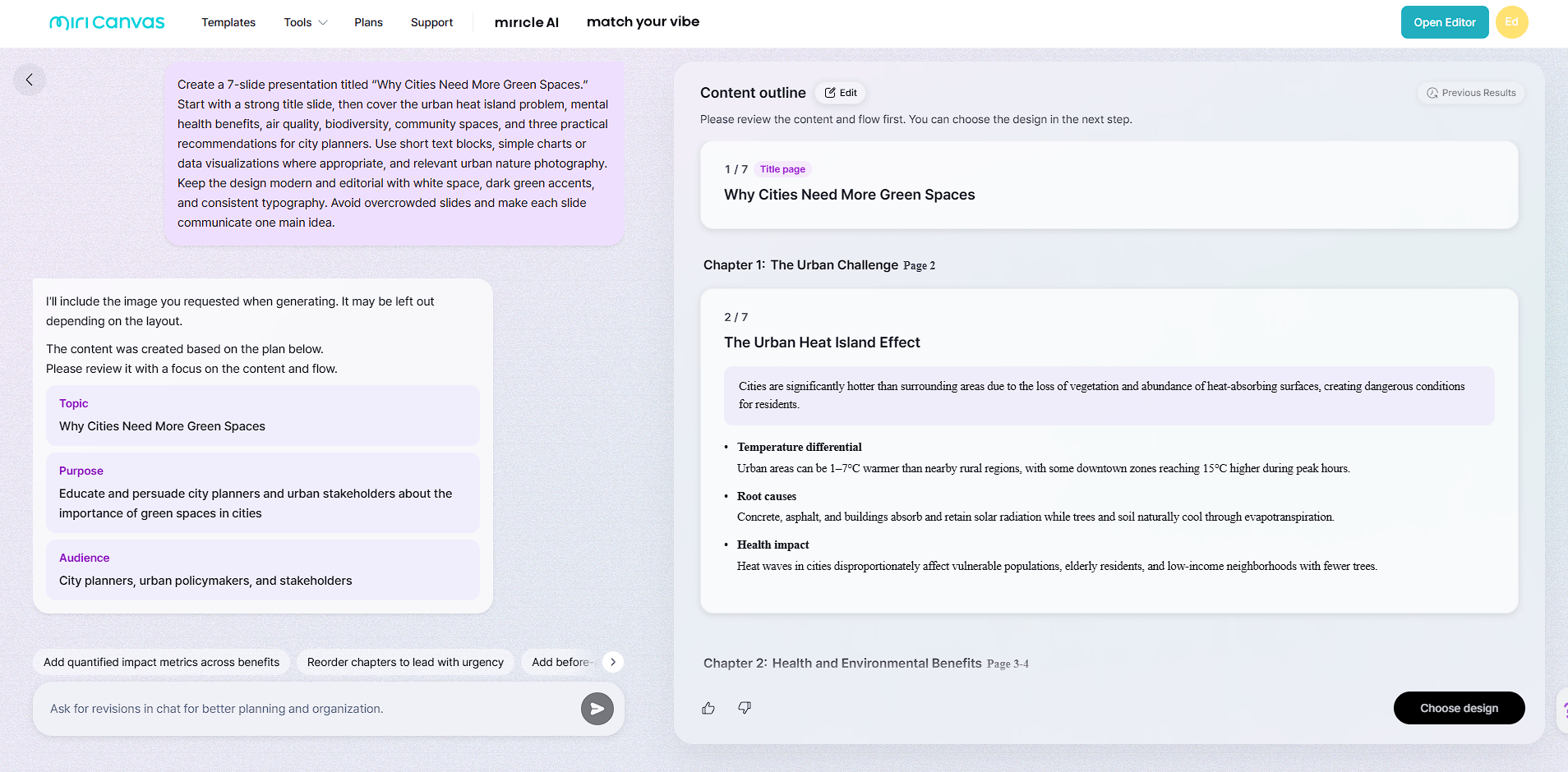
MiriCanvas’s AI Presentation tool is one of the clearest examples of where the platform saves time. Give it a topic or goal and it can build an outline, organize the story across slides, recommend layouts, and insert relevant visuals. You can also refine the direction conversationally before generating the deck.
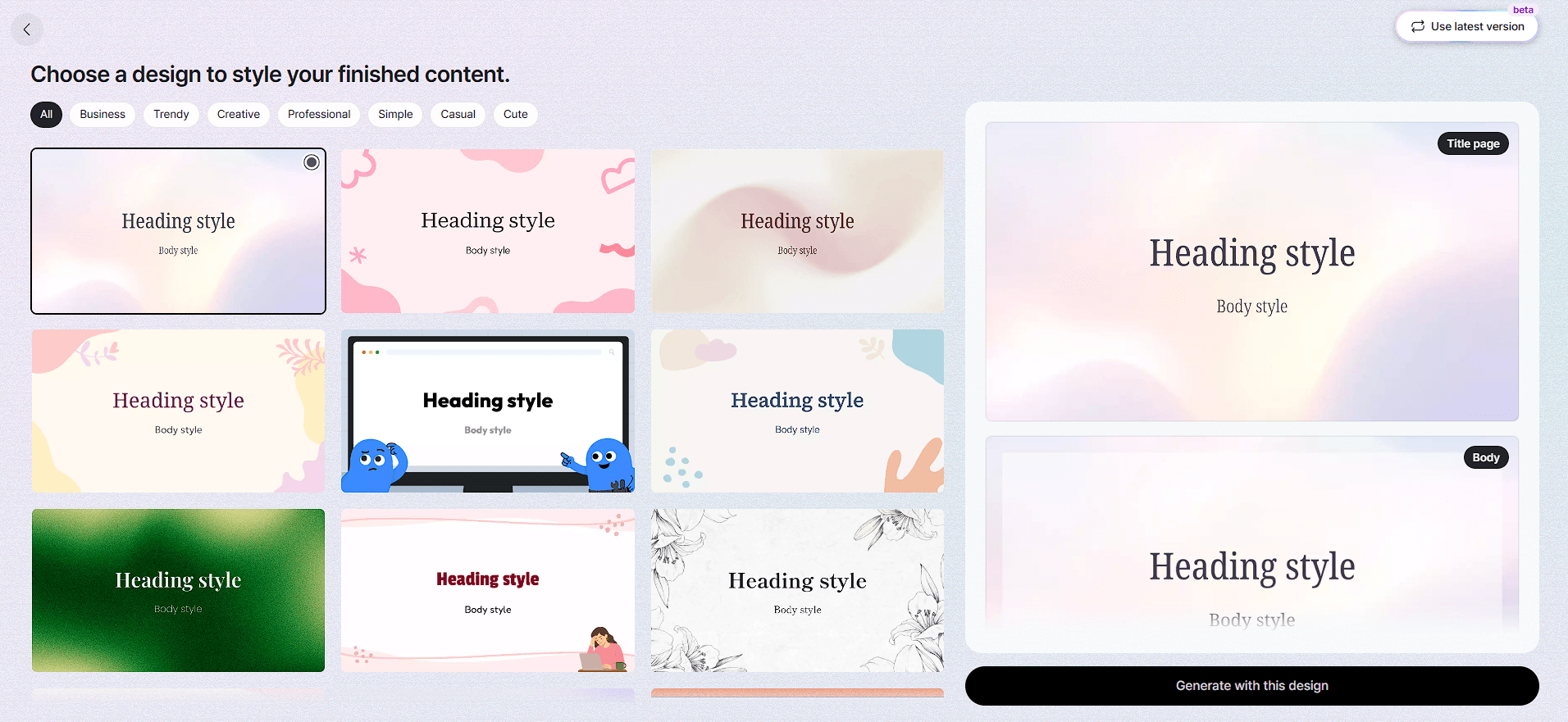
More importantly, the slides remain structured designs. Text, images, and shapes can be edited individually. You can change the fonts and colors, move objects, replace visuals, or reorder the slides without regenerating the entire presentation.
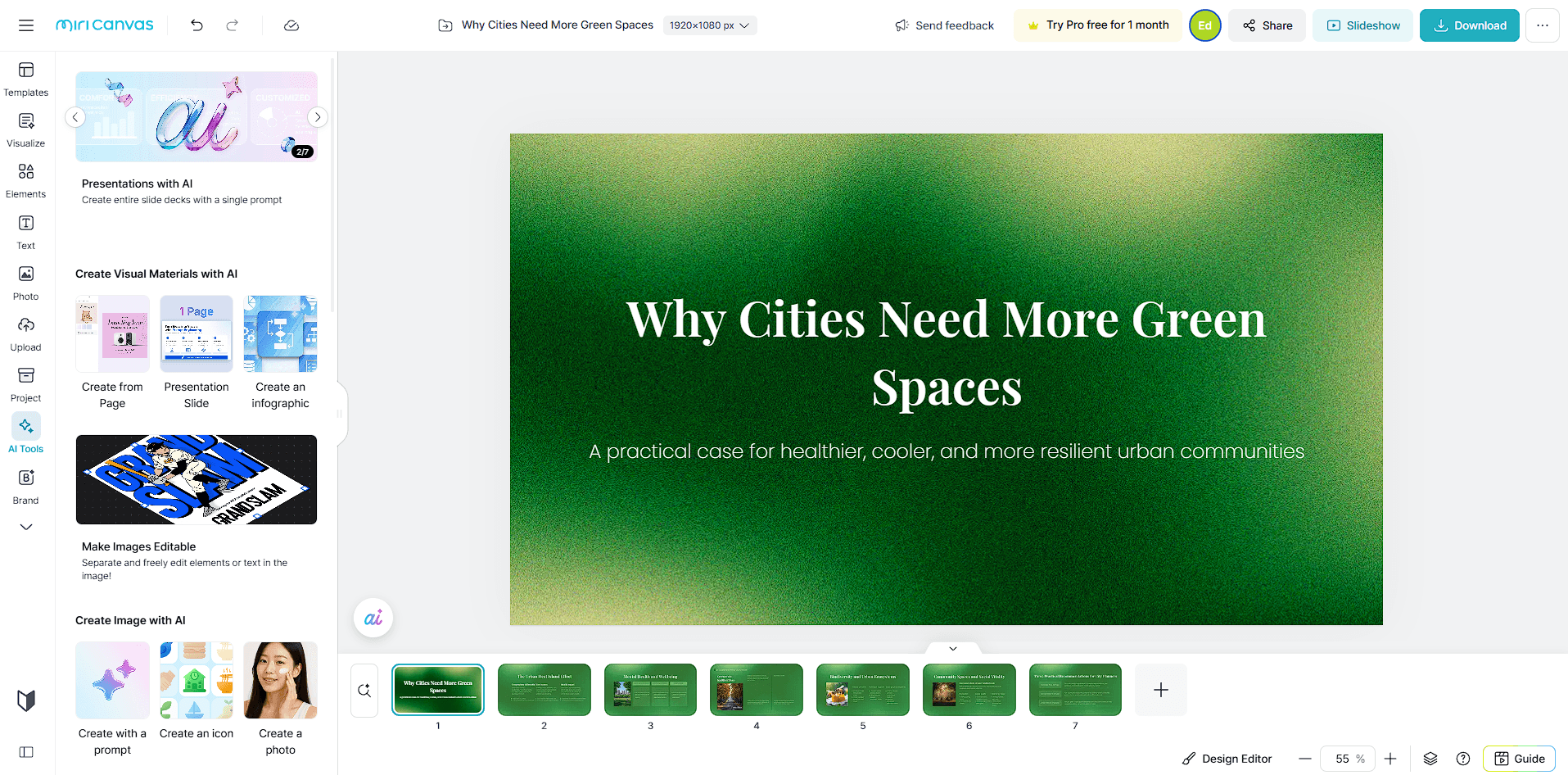
MiriCanvas also accepts an existing PDF as a starting point. Once the presentation you crated is complete, it can be exported in formats including PDF, PNG, JPG, PPTX, MP4, and GIF. PPTX export retains element-level editing in PowerPoint.
That makes the feature useful for more than instant slide generation. It provides a first draft that can still go through normal presentation editing.
MiriCanvas isn’t built around one generator. Its AI features handle different small jobs that come up during design.
| Tool | Where It Helps |
|---|---|
| AI Presentation | Turns a topic into an editable slide deck |
| AI Writing | Drafts, rewrites, summarizes, and expands copy |
| AI Image | Generates original visual assets |
| AI Illustration | Creates illustrations in selectable styles |
| AI Icon | Produces custom icons for designs |
| Background Remover | Isolates subjects from images |
| Image Upscaler | Improves low-resolution visuals |
| Generative Fill | Extends images into different formats |
The advantage becomes apparent during a real project. If a presentation needs an illustration, you don't necessarily have to leave MiriCanvas to create one. If the copy is too long, the AI writing tools can summarize it. If an image doesn't fit a widescreen layout, Generative Fill can expand its surroundings.
MiriCanvas’s AI Image Generator supports text prompts and reference images. It can produce characters, photos, illustrations, logos, backgrounds, and other assets, with selectable styles such as watercolor, retro, and animation. The platform identifies FLUX and DALL·E 3 among the models available for image generation.
There is also a dedicated illustration workflow with styles including animation, vintage, and pixel art. Generated visuals can be saved and reused across MiriCanvas projects such as presentations and social designs.
The key benefit here isn't that MiriCanvas replaces a specialist image generator. It's convenience. Creating a visual, inserting it into a design, adding typography, and adjusting the layout can happen within the same environment.
AI gets much of the attention, but MiriCanvas’s template system may be more practical for many everyday jobs.
MiriCanvas’s library covers presentations, posters, social posts, thumbnails, book covers, banners, invitations, packaging, video formats, and many other design types. Templates can also be browsed around specific needs, including education, business plans, marketing, medical presentations, and project reports.
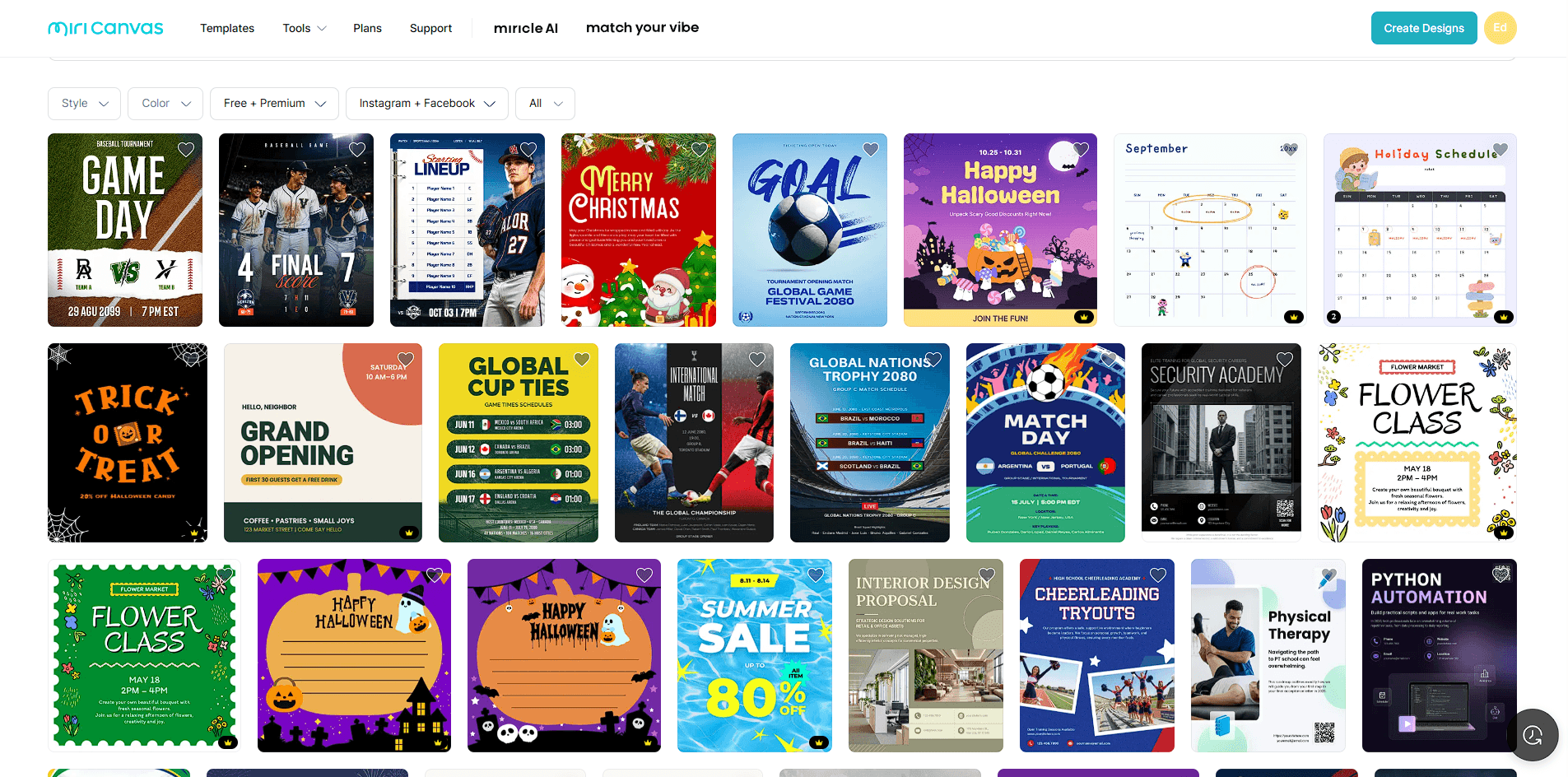
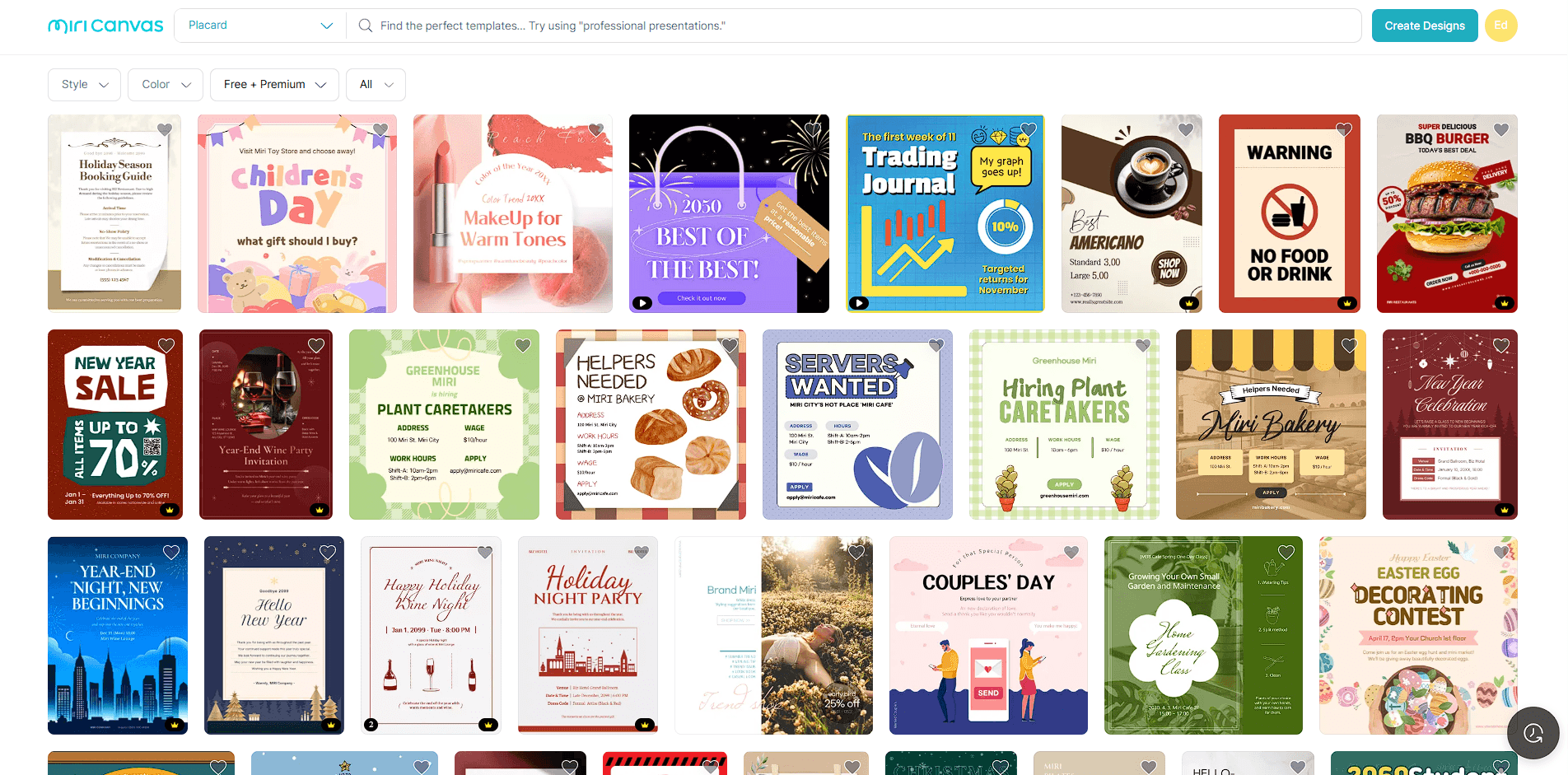
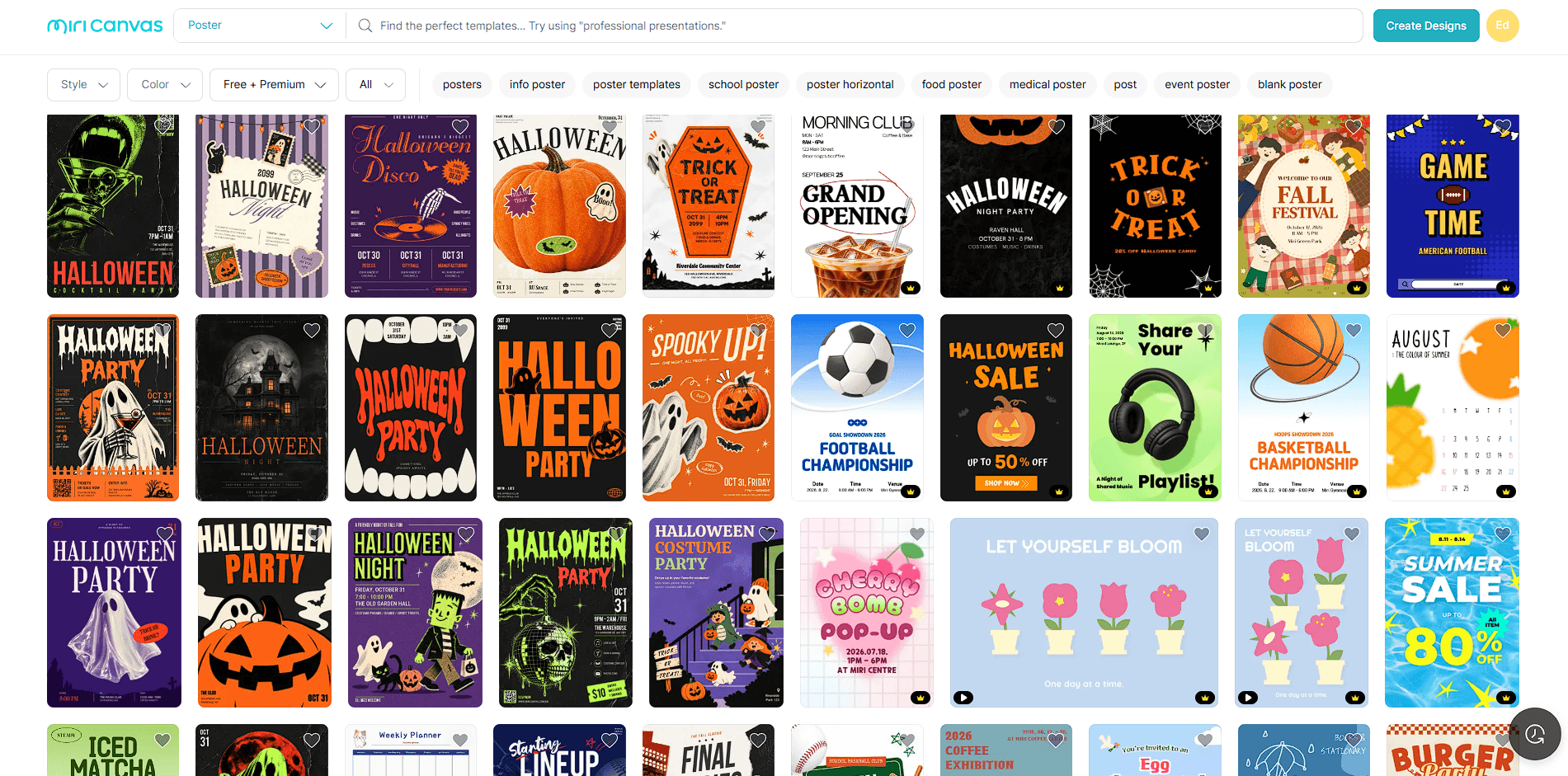
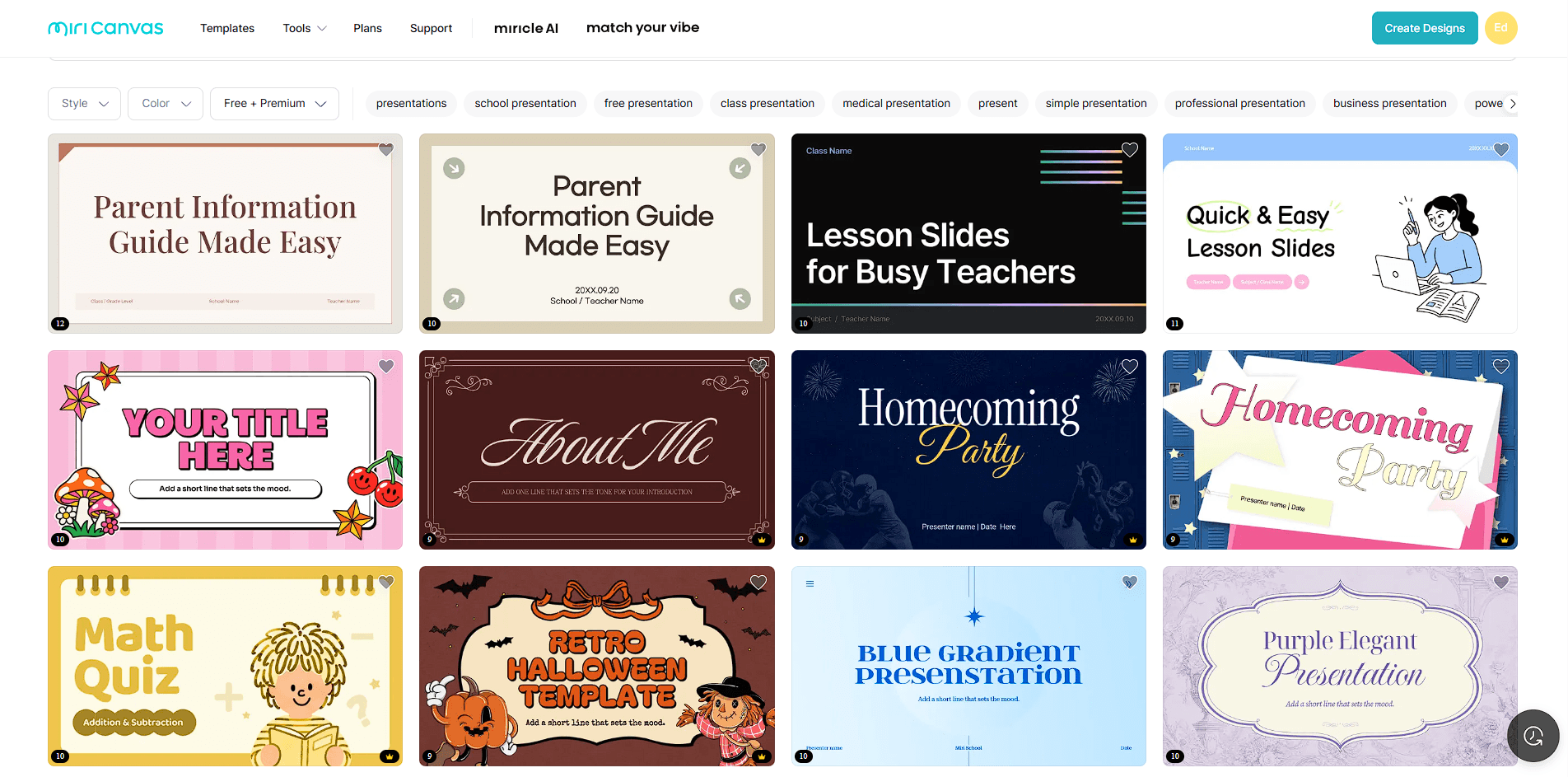
This gives users two different ways to begin. If you know what you need, pick a template and adapt it. If you only have the content or topic, let AI create the initial structure.
That flexibility is more useful than forcing every project through generation.
MiriCanvas also includes an AI writing assistant powered by OpenAI. It can create drafts from short instructions and provides tools for rewriting, summarizing, adding detail, and checking spelling. Tone and wording can then be refined before the text is styled inside the design.
For marketers, that can mean producing alternate ad copy. Students can shorten a dense explanation before placing it on a slide. Small businesses can draft promotional wording without moving into a separate writing application.
It isn't a replacement for careful editing, but it fits naturally alongside the design tools.
MiriCanvas is well suited for presentations, educational materials, social media graphics, posters, marketing content, business documents, thumbnails, and quick branded visuals.
Students and teachers have plenty of presentation and classroom-oriented templates to choose and work from. Small businesses can also create flyers, promotional graphics, and social posts with the tool. Marketing teams can combine templates with generated copy and custom imagery.
The platform makes less sense for technical design work where detailed vector construction, sophisticated photo compositing, or precise professional layout controls are central.
MiriCanvas’s breadth means some tools are better viewed as convenient additions than replacements for specialist software. A dedicated image generator may offer deeper generation controls, while professional graphics software provides finer manual control.
AI-generated presentations also need review. A convincing layout doesn't guarantee that the information is accurate, concise, or arranged in the best narrative order. The same applies to generated images and writing.
For important work, MiriCanvas is most useful when AI handles the rough first pass and the user handles the judgment afterward.
MiriCanvas works best as an AI-assisted design workspace rather than a collection of standalone generators. Its strongest feature may be the way AI presentations, image creation, writing, templates, image editing, and manual design tools connect inside the same project.
It's a good fit for students, educators, marketers, content creators, and small teams that need to produce visual material regularly without learning heavyweight design software. The main caveat is depth. MiriCanvas can get a project from idea to polished draft quickly, but more demanding creative work may still need specialist tools and careful manual refinement.
TAGS: Generative Art
Related Tools:
Generates high-quality images
AI designed to streamline content creation
Turns text and reference images into highly stylized visuals
Generates color palettes, font pairings, and moodboards
Transforms sketches into realistic images
Creates diverse artworks from texts