
Share this tool:
 |
Description:
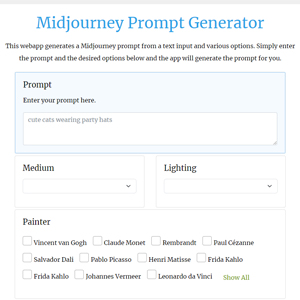
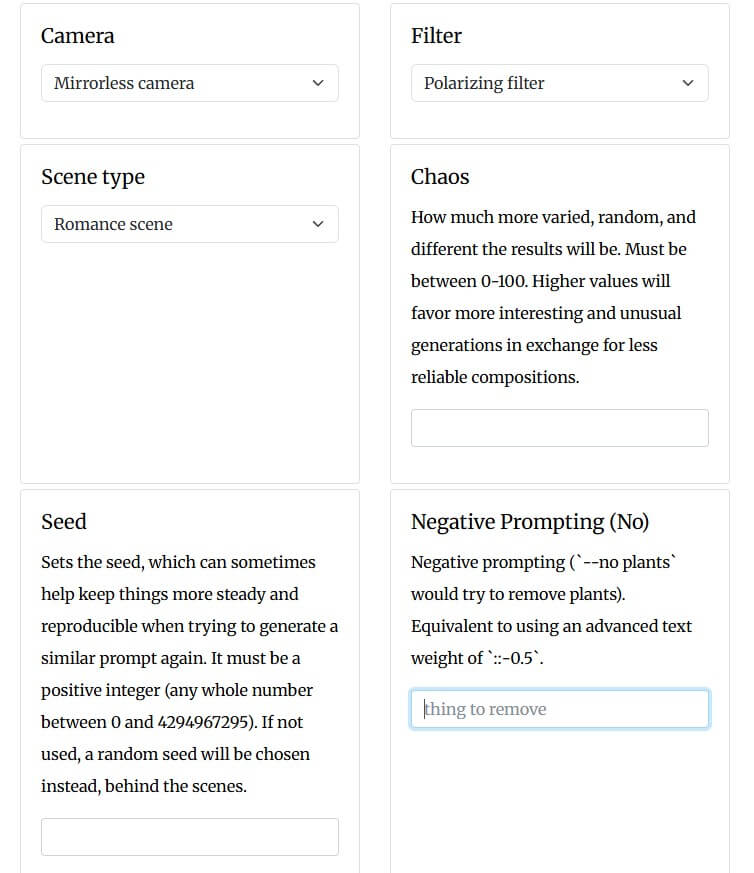
Midjourney Prompt Generator is a lightweight prompt-building web app made by Viorel Spînu. It is not an image model, and it does not generate images itself. Instead, it helps users build more detailed Midjourney prompts by combining a base idea with selectable options such as medium, lighting, painter, art movement, rendering engine, perspective, material, camera, filter, scene type, chaos, seed, negative prompting, aspect ratio, quality, stylize, and other parameters.
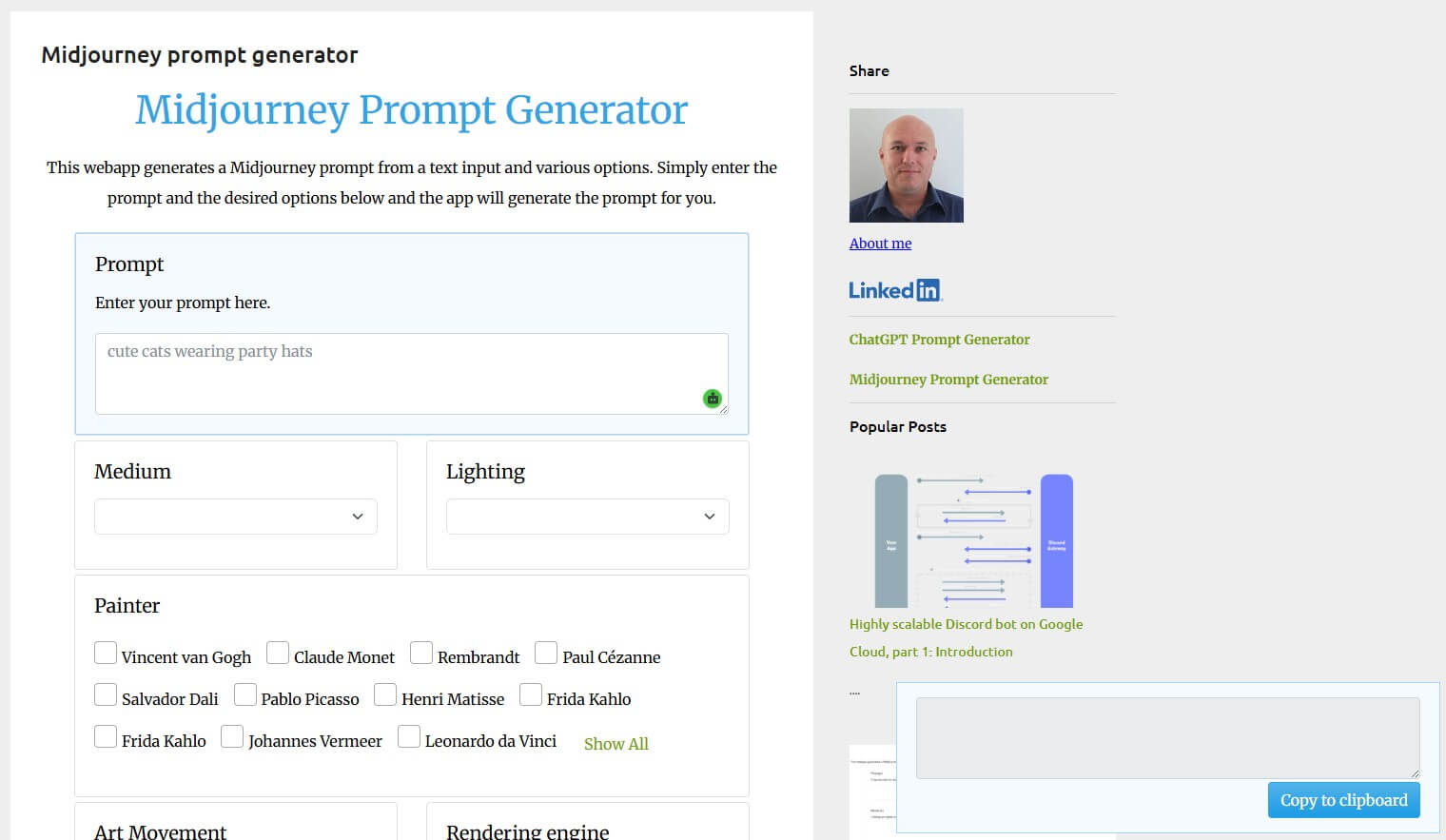
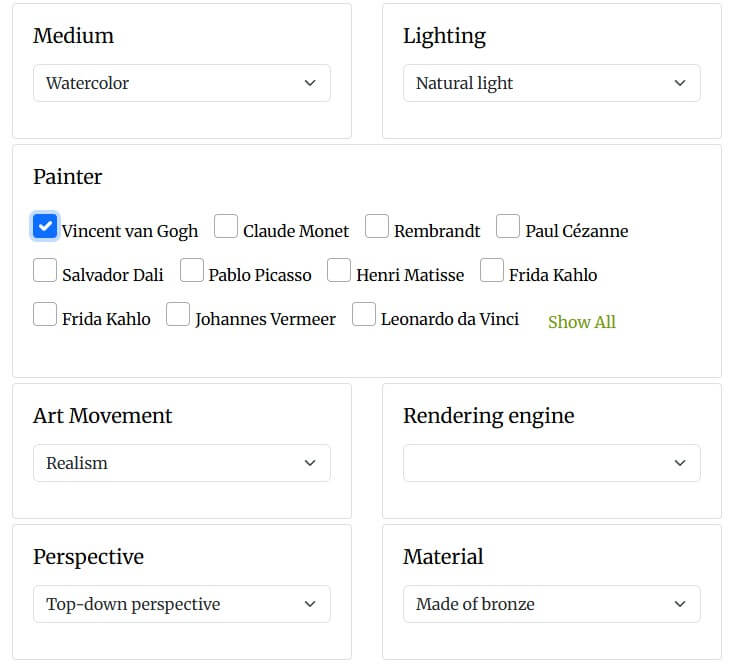
The strongest thing about Midjourney Prompt Generator is speed. It gives users a broad menu of visual modifiers without forcing them to memorize prompt vocabulary. The page includes categories for artistic medium, lighting, painters, art movements, rendering engines, perspective, materials, cameras, filters, and scene types.
That makes it useful for beginners who understand the image they want but do not yet know how to describe it. Instead of writing “cool fantasy castle,” they can add “atmospheric perspective,” “cinematic lighting,” “aerial perspective,” “stone,” or “Unreal Engine” style language. The output may still need editing, but the tool helps expand the first draft.
It is also useful for fast variation. A user can keep the same core subject and swap lighting, camera, material, art movement, or aspect ratio. This is a better workflow than rewriting the entire prompt each time.
The workflow is simple: enter a base prompt, choose modifiers, copy the generated prompt, then paste it into Midjourney. That makes the tool approachable even for users who do not want a full prompt management platform.
The page itself feels more like a utility than a polished modern product. It is dense, plain, and list-heavy. That is not necessarily a problem. For prompt building, speed often matters more than interface polish. Still, beginners may need a little restraint because the tool makes it easy to add too many unrelated modifiers.
A good workflow is:
| Step | What to Do |
|---|---|
| 1 | Start with the subject and scene. |
| 2 | Add one lighting choice. |
| 3 | Add one medium or style. |
| 4 | Add one camera or perspective detail. |
| 5 | Add aspect ratio and one control parameter. |
| 6 | Remove anything that makes the prompt feel crowded. |
This tool works best when you use it as a prompt seasoning rack, not as an automatic prompt chef.
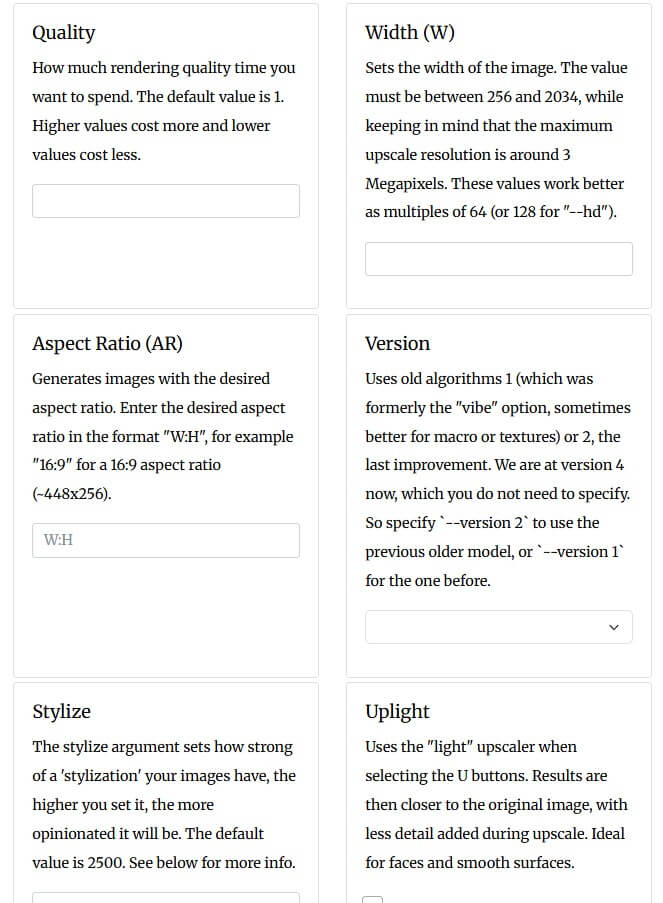
Some parts of the generator are useful but clearly legacy. The page itself says “We are at version 4 now,” and includes version options from 1 to 4. Current Midjourney documentation has moved well beyond that framing and now describes parameters in newer documentation sections, including current controls like aspect ratio, chaos, stylize, style reference, and other web or Discord prompt features.
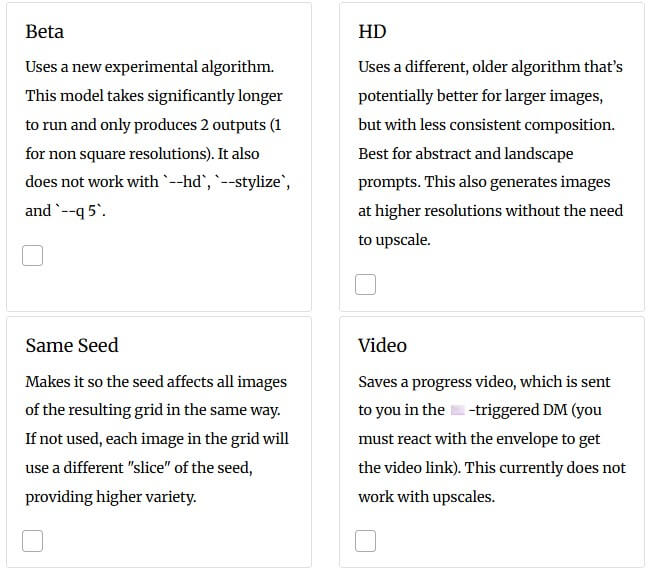
That does not make the generator useless. The visual modifier lists still help. But users should double-check parameter syntax against current Midjourney documentation before relying on older controls such as height, width, older version settings, beta, HD, or legacy upscaler behavior. Midjourney’s current docs say parameters should go at the end of prompts, and official parameter behavior can change by model version.
- Beginners learning prompt structure: The tool teaches the basic building blocks of image prompts: subject, medium, lighting, camera, material, perspective, and output controls.
- Fast creative brainstorming: It is good for quickly testing different visual directions around the same core idea.
- Mood and style exploration: The lighting, painter, art movement, material, and scene-type options are useful when an image lacks a distinct look.
- Product and concept visuals: Users can build cleaner product shots, fantasy scenes, posters, environments, and material-based images by mixing a few strong modifiers.
- Prompt vocabulary building: Even if you do not copy the final prompt, the category lists are useful for learning better image language.
- The biggest limitation is age: Some Midjourney parameter guidance on the page reflects an older Midjourney era, so users should not treat it as a current technical manual. The creative vocabulary is still useful, but parameter details need verification.
- The second limitation is overbuilding: Prompt generators can tempt users to stack too many styles, artists, engines, filters, and materials into one prompt. Midjourney may ignore parts of the prompt, blend them awkwardly, or produce an image that looks decorative but unfocused.
- The tool also does not teach visual hierarchy: It can suggest ingredients, but it does not explain which detail matters most. Users still need to decide what the image should communicate.
Midjourney Prompt Generator is best for users who want a quick way to enrich plain image prompts with visual modifiers, styles, lighting, materials, camera choices, and Midjourney-style controls.
Its strongest value is prompt expansion and creative brainstorming.
The main caveat is that parts of the parameter guidance are dated, so treat it as a useful idea builder, not a fully current Midjourney reference.
TAGS: Prompt Guides
Related Tools:

Analyzes images to generate prompts

Generates diverse artistic prompts

Provides advanced features for ChatGPT

Provides diverse range of prompts
Enables the creation, testing, and optimization of AI-driven prompts
Enhances note-taking by integrating AI models