Share this tool:
 |
Description:
- Introduction
- Strong Features and Capabilities
- What LiveReacting Actually Is
- Where LiveReacting Is Strongest
- How the Workflow Feels
- The Platform Layers That Actually Matter
- Interactive Tools and Audience Engagement
- AI Host: Interesting, But Not the Center of the Product
- Platform Support and Delivery Reality
- Best Use Cases
- Practical Tips
- Limitations and Trade-Offs
- Final Takeaway
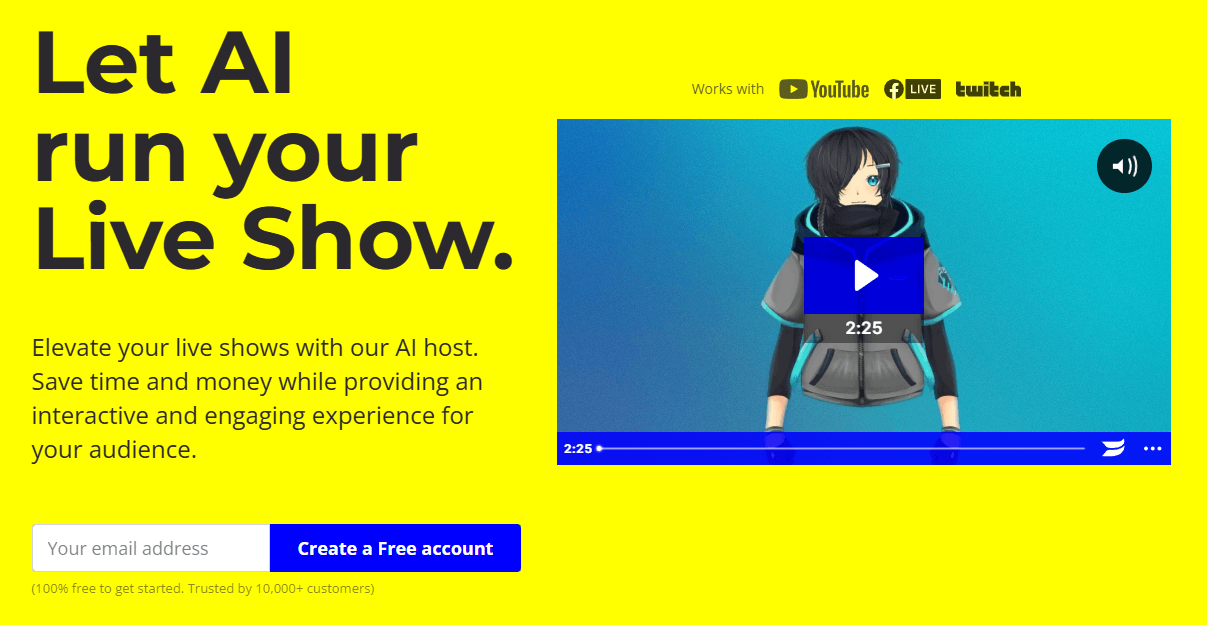
LiveReacting is best understood as a browser-based live streaming studio with a very specific strength: it lets you mix normal live production with automation-heavy formats that many stream tools still treat as edge cases. The homepage and product pages consistently frame it around interactive streams, scheduled pre-recorded broadcasts, multistreaming, 24/7 channels, audience games, polls, giveaways, and a newer AI Host layer, all without requiring desktop broadcasting software for the core workflow.
Upload a finished video, schedule it, and publish it as if it were live, with the stream delivered from LiveReacting’s servers.
Polls, giveaways, trivia, word games, countdowns, and comment display are core product features, not bolt-ons.
Stream live or pre-recorded content to multiple destinations at once, including major platforms plus custom RTMP outputs.
Invite guests by link, manage layouts in-browser, and combine guests with overlays, comments, and interactive elements.
Build always-on channels with playlists, looping video, live chat overlays, and on-the-fly updates.
Custom plans add API access, HLS/SRT delivery, YouTube SSAI with SCTE-35 ad markers, and custom infrastructure support.
The easiest way to think about LiveReacting is as a hybrid between a cloud live studio and a format engine. A lot of tools can put your webcam on screen. LiveReacting’s official positioning is broader: branded live streams, interviews, pre-recorded live, multistreaming, audience interaction, and continuous channels that can keep running after you log off. That difference matters because the platform is trying to solve both production and distribution workflow, not just webcam streaming.
That is also why LiveReacting feels more operational than many creator tools in this category. It is not only about making a stream look nicer. It is about choosing a stream format that matches the goal: a scheduled “live” replay, a multi-guest interview, a live trivia session, a 24/7 music or playlist channel, or an automated promotional stream with countdowns and overlays. Its templates, scenes, scheduling, and cloud delivery all point in that direction.
LiveReacting is strongest when a creator or brand wants to look more ambitious than a normal webcam broadcast without building a full OBS-style production stack. The homepage and help center repeatedly highlight branded layouts, templates, overlays, interactive widgets, scheduling, and on-the-fly editing, which makes the product especially attractive to social media teams, agencies, churches, creators, and brands running recurring live formats rather than one-off spontaneous streams.
It is also especially strong for people who already have source material. The pre-recorded live workflow is one of its clearest practical advantages: upload a finished video, schedule it, and let LiveReacting’s servers publish it as a live stream. That is useful for nervous hosts, repurposed webinars, product demos, educational content, and any business that wants “live” reach without actually being on camera in real time.
The 24/7 side is another real differentiator. LiveReacting’s 24/7 product page is not a vague add-on. It is a dedicated workflow with playlists, looping, audio streams, image slideshows, visualizers, comments, automation, and even agency-oriented features like bulk playlist import, per-video analytics, custom ad slots, and multiple concurrent channels. That makes the platform more relevant to music channels, ambient channels, educational loops, radio-style streams, and continuous branded programming than a normal live show tool.
The core workflow appears fairly approachable. LiveReacting is browser-based, the homepage leans hard on drag-and-drop assembly, and the help center is structured around practical studio actions like adding overlays, scheduling, scenes, screen sharing, advanced scheduling, playlists, and stream settings. That gives the product a “compose the show, then publish” feel rather than a “configure software for an hour before you can go live” feel.
Scenes are a big part of that logic. The help center has dedicated documentation for scene order, automatic scene switching, and AutoSync mode, while the homepage describes combining components to build a stream that drives engagement. In practice, that means LiveReacting seems designed for multi-part broadcasts: start with a countdown, move into a prerecorded segment, then transition into comments, polls, or a guest section without rebuilding the stream from scratch.
The guest workflow also looks better than a bare-bones call-in feature. The current guest page says you can invite guests from any device by link, stream to multiple platforms, mute guest audio or video, and schedule guest appearances in advance. It also says the cheapest plan supports up to 6 guests and higher tiers up to 12 simultaneous guests. That is a meaningful capability for interviews, roundtables, webinars, and panel-style shows.
There is one caveat here, though: LiveReacting’s public documentation is not perfectly synchronized. An older help article still describes the Guests feature as beta and says it allows up to 8 guests at a time until full release, while the current marketing page says cheapest plans allow 6 and higher tiers 12. That does not make the feature unusable, but it does mean the exact guest ceiling is something I would verify inside the current plan selector before buying for a multi-guest workflow.
The most important product split is not “live vs prerecorded.” It is really four workflows:
| Workflow | Best For | Why It Matters |
|---|---|---|
| Live Studio | Regular live shows, webinars, tutorials, interviews | Browser-based production with scenes, overlays, screen sharing, scheduling, and stream editing. |
| Pre-recorded Live | Repurposing, camera-shy hosts, scheduled events | Lets finished videos go out as live broadcasts with scheduling and multistreaming. |
| 24/7 Streams | Music loops, radio-style channels, always-on content | Adds playlists, automation, looping, comments, and continuous channel logic. |
| AI Host | Trivia and hosted interactive shows | Adds scripted spoken hosting, multilingual delivery, and real-time player interaction. |
That breakdown is useful because LiveReacting can otherwise look like a pile of disconnected features. It makes more sense once you see it as one studio serving several very different stream formats.
This is still one of the best reasons to use LiveReacting at all. Polls, trivia, giveaways, word games, closest-guess formats, comment overlays, and live countdowns are not hidden extras. They are front-and-center across the homepage, product navigation, testimonials, and help center. If your streams live or die on audience participation, this matters more than another incremental layout tool.
The multi-platform chat overlay is especially practical. LiveReacting’s help center says the resizable chat overlay can show comments from different platforms in one place directly in the stream, and the multistream page says comments can be displayed with profile photos. That is useful because multistreaming usually fragments conversation. LiveReacting is clearly trying to pull that audience activity back into the show itself.
The real-time editing angle helps too. Both the guest page and the 24/7 page emphasize changing content, branding, or video position while the stream is already live. That kind of flexibility matters more than it sounds, because interactive formats tend to need mid-stream corrections, sponsor updates, or quick pivots based on chat behavior.
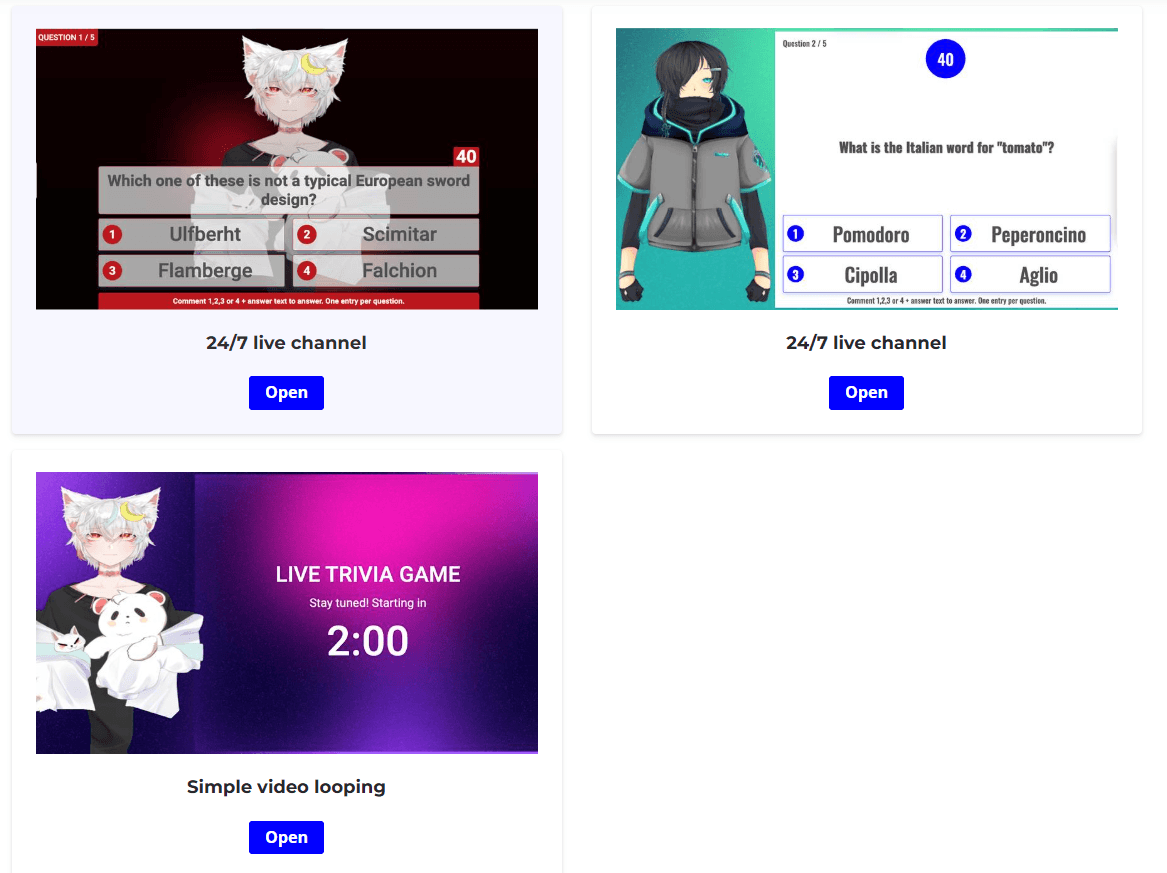
LiveReacting does have an AI Host layer, and it is more specific than generic “AI for streaming” branding. The product page says the host can introduce quizzes, read questions and answers, announce winners, and interact with players in real time, while the help article says it generates a script, synthesizes speech, follows the show context, and supports multiple languages.
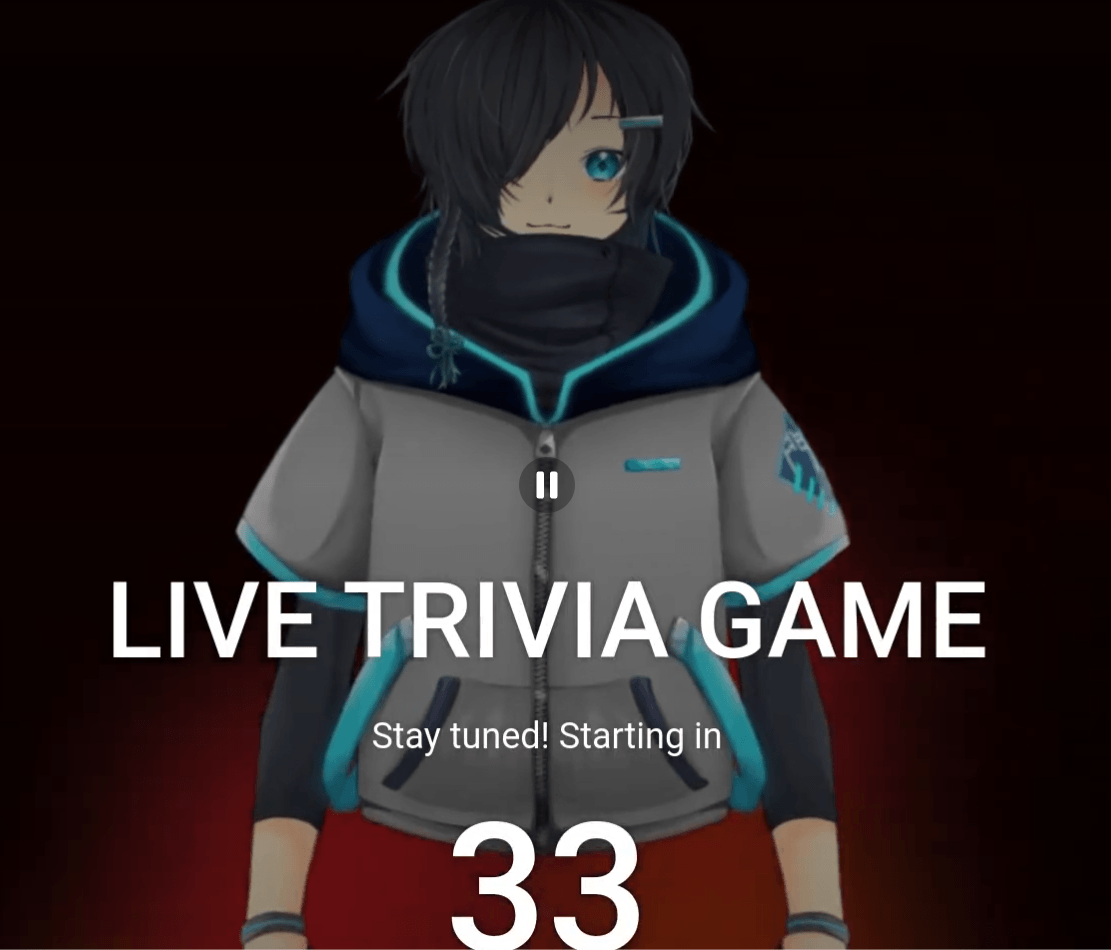
But this is also an area where the product messaging feels a bit split. The dedicated help article still says the AI-generated host is currently available only for the Trivia Game, while newer official blog guidance says you can program it with custom instructions to match tone and use it during pre-recorded segments in ways that make the stream feel alive. That suggests the AI Host is real and useful, but not something I would treat as the main reason to choose LiveReacting unless your workflow specifically involves trivia or hosted interactive formats.

LiveReacting clearly supports Facebook, YouTube, Twitch, and custom RTMP outputs, and its public pages repeatedly frame RTMP as the route for additional destinations. Multistreaming can go up to 20 destinations on the 24/7 side, and custom plans add HLS, SRT, and API-based workflows for more advanced delivery needs.
There is one public inconsistency worth naming directly. One multistream page passage says LiveReacting has direct integrations with Facebook, YouTube, Instagram, and Twitch, but the same page’s FAQ says Instagram and TikTok do not have direct integration and instead use RTMP. The TikTok help article also says interactive elements like games, polls, and displayed comments are not supported while streaming via RTMP. So if Instagram or TikTok is a business-critical destination, verify the exact connection path and feature parity before committing.
- Social media teams: LiveReacting is a strong fit for teams that need scheduled, interactive, or repeatable stream formats without running a full desktop production stack.
- Creators and agencies: It works well for branded live shows, interviews, recurring guest broadcasts, and promotional events.
- Churches and organizations: Pre-recorded live streaming and cloud delivery make it useful for scheduled services, presentations, and community events.
- Live commerce experiments: Polls, comments, overlays, and scheduled stream formats can support promotional and product-led broadcasts.
- 24/7 channel operators: The playlist, looping, automation, and continuous-stream features make it relevant for music channels, ambient channels, educational loops, and radio-style streams.
- Cloud-reliability workflows: LiveReacting’s prerecorded and multistream pages emphasize that their servers handle delivery, and the multistream FAQ notes that prerecorded broadcasts can continue after your device is off.
It is a weaker fit for streamers who mainly want raw production depth, advanced scene compositing, and hardware-level control above everything else. LiveReacting does support screen sharing, layouts, and editing, but its strongest value is structured streaming formats and cloud automation, not being the deepest power-user studio in the market.
- Use LiveReacting when you have a format, not just a vague desire to “go live.” It gets more useful when you know whether you want a scheduled prerecorded event, a recurring guest show, a trivia stream, or a 24/7 playlist channel.
- If TikTok or RTMP-based destinations matter, assume feature differences until you verify otherwise. LiveReacting’s own TikTok help article says interactive elements like games, polls, and comment display are not supported there via RTMP.
- If you need enterprise delivery or monetization infrastructure, go straight to the custom-plan conversation. API access, HLS, SRT, custom limits, YouTube SSAI, and SCTE-35 markers all sit there, not in the basic public pitch.
- The biggest trade-off is documentation consistency. LiveReacting’s public footprint is fairly broad, but not perfectly synchronized. Guest limits vary across older and newer docs, Instagram support is described inconsistently, and the AI Host documentation still looks more trivia-specific than some newer marketing language suggests. None of that kills the product, but it does mean you should verify exact workflow details before paying for a plan around one specific edge case.
- The second limitation is pricing transparency. The standard pricing structure is clearly dynamic, but the exact plan prices are not cleanly exposed in the accessible public page text I could verify. For a tool that spans free, standard, upgraded quality tiers, and enterprise custom work, that is more friction than ideal.
- The third limitation is that some of the most distinctive features are niche. AI Host is not the centerpiece for every buyer. 24/7 streaming is powerful, but only for certain channel types. Interactive games are great for engagement, but not every brand wants quiz-show energy. LiveReacting is strongest when its format-driven design matches your use case closely.
LiveReacting is one of the more interesting live streaming platforms because it does not stop at browser-based broadcasting.
Its real strengths are pre-recorded live, interactive formats, guest shows, cloud multistreaming, and 24/7 automation, all inside one system.
It is best for creators, agencies, and brands that want structured, repeatable live formats without building a full desktop production workflow. The main caveat is that some public documentation is uneven, so exact plan limits and platform-specific behavior are worth checking before you commit.
TAGS: Social Media Tools