

Share this tool:
 |
Description:
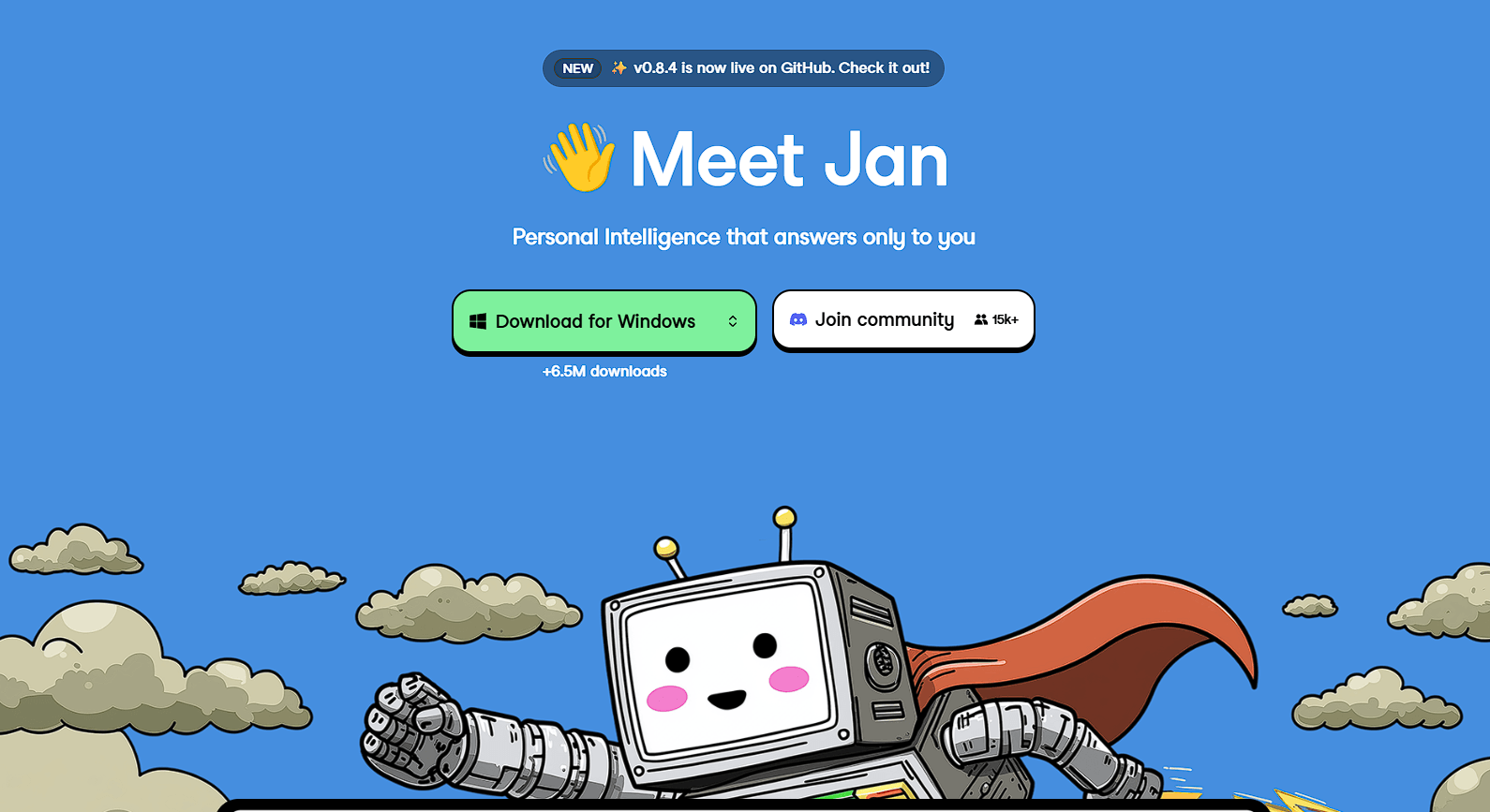
Jan is an open-source AI desktop application designed as a local-first alternative to services such as ChatGPT and Claude. It runs on macOS, Windows, and Linux, and its main advantage is control: users can download compatible models, run them directly on their own hardware, and keep conversations local instead of sending every request to a cloud provider.
The platform has also grown beyond local chat. Jan now combines local and cloud models, projects, custom assistants, MCP connectors, autonomous agents, a command-line interface, and an OpenAI-compatible local API server. That makes it useful both as a private AI workspace and as infrastructure for developers experimenting with local models.
Jan uses local inference engines including llama.cpp, with support for GGUF models, and MLX on compatible Apple Silicon systems. Models can be downloaded through Jan Hub, imported from Hugging Face, or added from files already stored on the computer.
This setup gives users more control over privacy and offline access. Once a local model is downloaded, ordinary inference does not require sending prompts to an external AI service.
The limitation is hardware. Local model performance depends heavily on available RAM, GPU memory, processor speed, and model size. A smaller quantized model may run comfortably on a laptop, while a much larger model can be slow or impractical.
Jan helps by showing whether models are likely to fit the current hardware before download.
Jan does not force users to choose between local AI and frontier cloud models.
The same interface can connect to providers including OpenAI, Anthropic, Google, Groq, Mistral, and OpenRouter. Users can switch models according to the task, using a local model when privacy matters and a larger cloud model when stronger reasoning or another specialized capability is needed.
Custom endpoints add more flexibility. Jan can connect to services using OpenAI- or Anthropic-compatible APIs, including self-hosted systems built with Ollama, vLLM, LocalAI, TGI, and similar servers.
For people who regularly compare or work across several model families, this is one of Jan’s more practical advantages.
Jan is no longer just a model picker with a chat window.
Projects can group conversations, files, and shared instructions around a specific job. Assistants let users create reusable AI setups tailored to particular roles or workflows. MCP connectors can extend models with external capabilities such as web search, databases, code execution, and other tools.
This makes Jan more useful for ongoing work. Instead of rebuilding instructions and context every time, users can organize AI around recurring projects and specialized assistants.
A standout feature for developers is Jan’s built-in OpenAI-compatible API server.
The server runs on the user’s own computer through llama.cpp and exposes familiar endpoints for model discovery and chat completions. It supports streaming, multi-turn conversations, and tool calling, so applications written for OpenAI-style APIs can be redirected toward a locally running model with relatively little adjustment.
Jan also includes a CLI. It can serve locally installed models from the terminal and connect them to agent tools such as Claude Code or OpenClaw. Models downloaded through the desktop app are shared with the CLI.
Jan now separates its desktop application from Jan Agent, a standalone agent designed for longer autonomous tasks. Jan Agent can run commands, search the web, use MCP servers, delegate work to subagents, and continue working toward a defined goal.
One detail to note is maturity. Jan Agent is currently documented as a preview with nightly-quality builds, so it should be treated as a developing part of the ecosystem rather than a finished replacement for established coding-agent platforms.
| Use Case | Where Jan Fits |
|---|---|
| Private AI chat | Runs compatible models locally |
| Model experimentation | Switches between local and cloud models |
| Coding | Provides local models, CLI access, and agent integrations |
| Sensitive documents | Keeps suitable workflows on-device |
| AI development | Exposes an OpenAI-compatible local API |
| Custom assistants | Combines projects, instructions, files, and MCP tools |
Jan offers considerable control, but local AI requires more technical awareness than a hosted chatbot. Users need to choose models that suit their hardware and may need to understand quantization, context limits, providers, or inference settings.
The platform is also evolving quickly. The current Jan Desktop documentation lists version 0.8.4, with ongoing changes to search, model providers, MCP support, streaming, and other areas.
Users looking only for effortless chat may prefer a hosted assistant. Jan becomes more compelling when privacy, local models, customization, or developer access matter.
Jan is strongest as a local-first AI workspace with unusually open model and developer options. It gives users a clean route into running models privately while still allowing cloud providers, custom endpoints, MCP tools, projects, agents, and API access when needed.
Its main caveat is the same thing that gives it flexibility: control brings complexity. Jan is best suited to developers, AI enthusiasts, privacy-conscious users, and technical teams willing to manage their model choices rather than rely on one fully managed AI service.
TAGS: AI Chat/Assistant
Related Tools:

Creates autonomous AI agents that connect with your systems

AI-powered chatbot that automates customer support interactions
Interact with PDF documents conversationally

GPT-powered chatbots for websites

AI platform for building chatbots and automating workflows

AI-powered research assistant