

Share this tool:
 |
Description:
Evercopy is not really an “AI writer” in the old sense, even though text is part of the product. The live site positions it as an AI advertising and creative-automation platform for brands and agencies: generate banners, product photos, video ads, creative ads, email templates, and virtual try-on assets, then refine them inside a content studio and keep them aligned through a separate personalization layer. That broader shape is the reason to care about it.

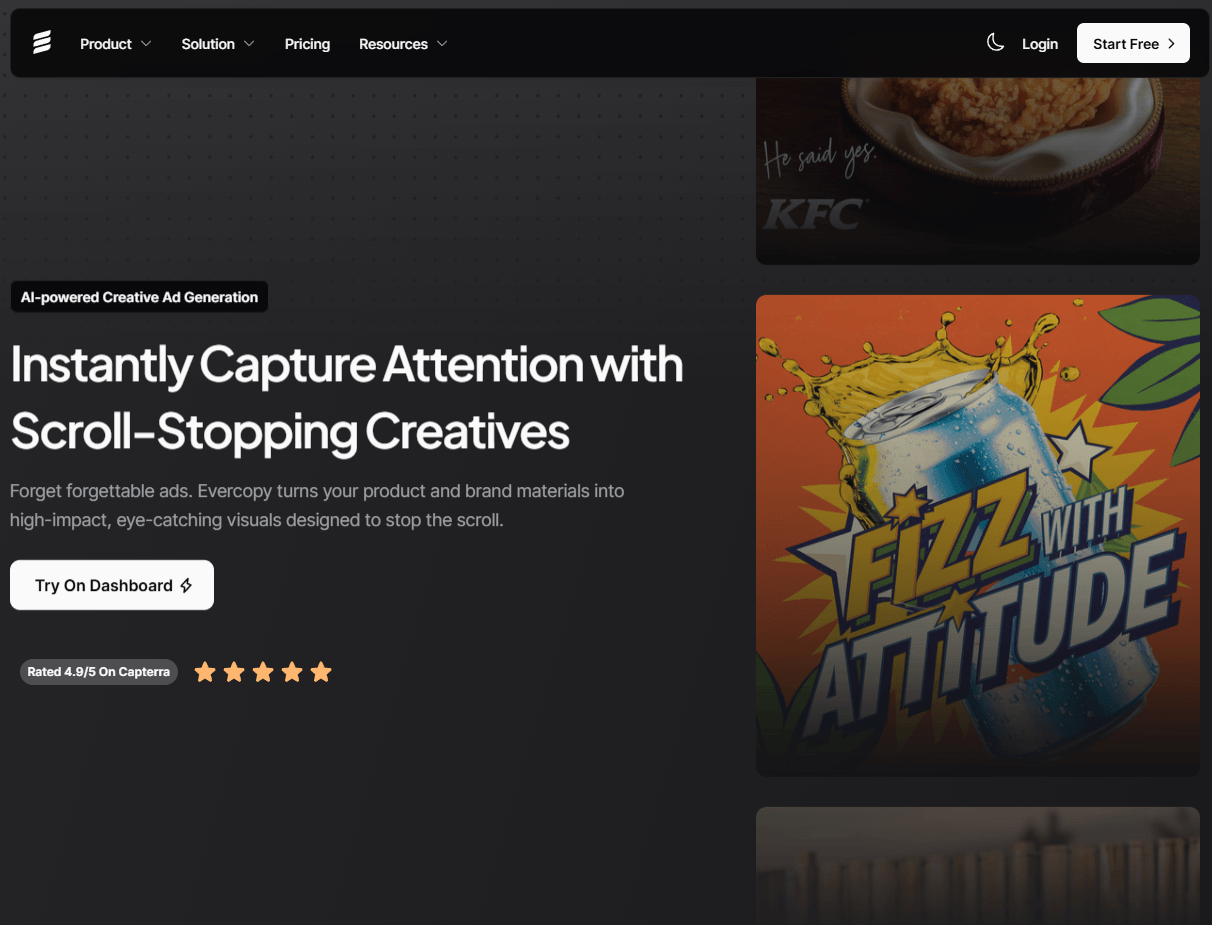
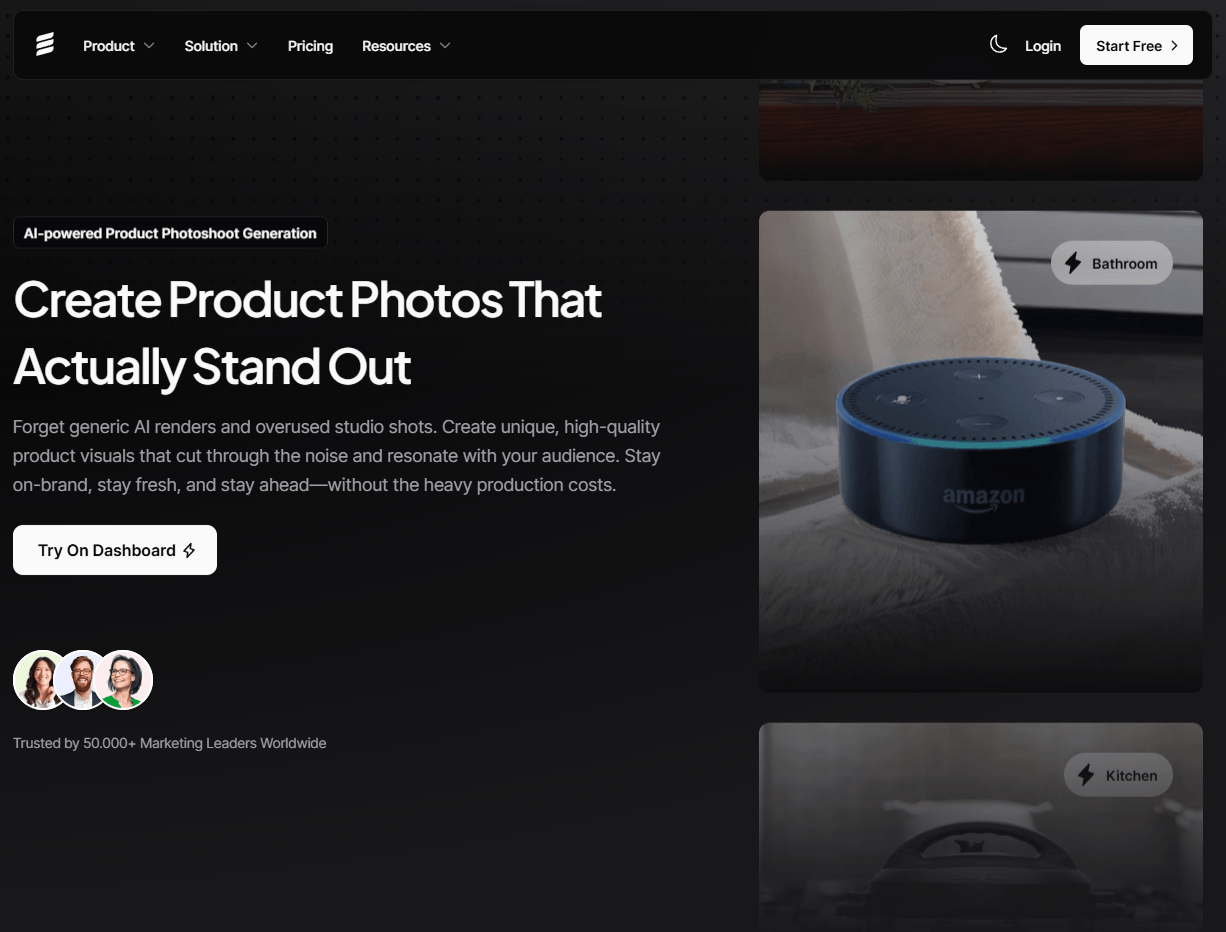
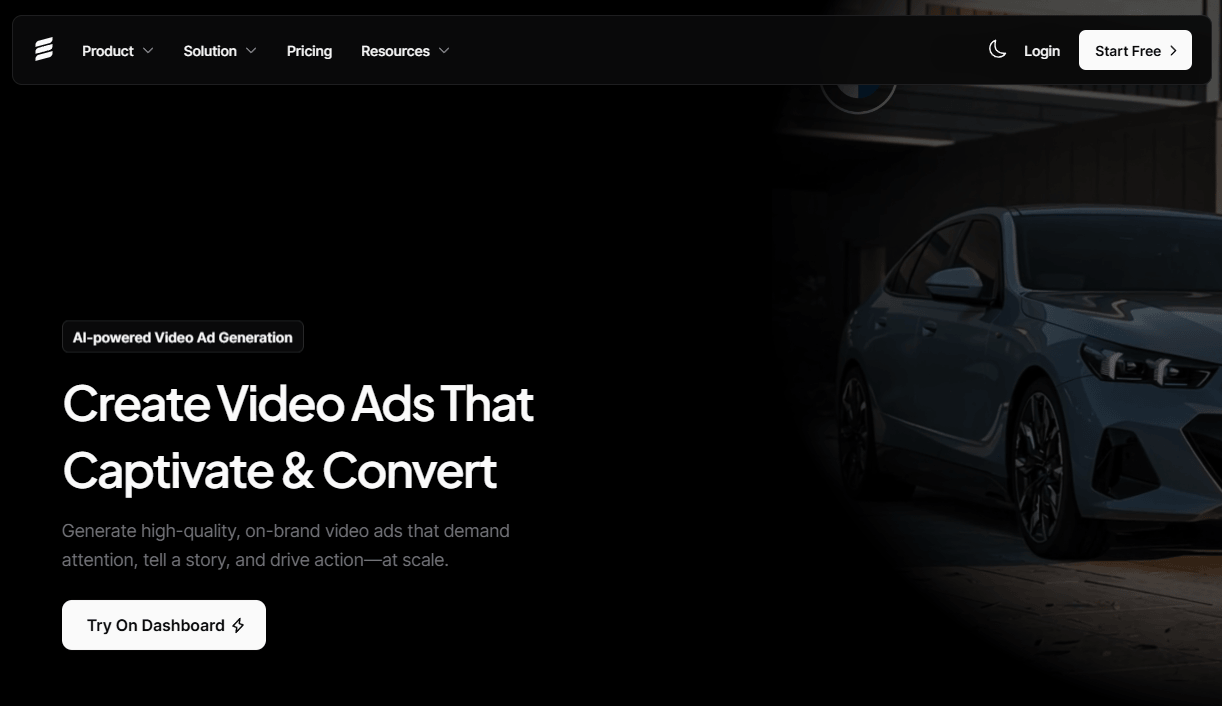
Evercopy’s homepage positions the platform around banners, video ads, product photoshoots, creative ads, email templates, and virtual try-on outputs rather than one single generator.

The AI Content Studio is presented as one workspace for editing, transforming, and scaling AI-generated visuals, text, and videos.
Evercopy has a dedicated personalization layer with URL-based brand extraction, uploaded references, custom styles, and audience or locale-aware variation.
The ad-creative page supports prompt starts, theme libraries, inspiration uploads, drag-and-drop edits, and rapid variation generation.
The agency page frames Evercopy as a shared workspace for teams and clients with brand-rule alignment and fewer revision loops.
Evercopy also offers API access for platforms that want creative generation and personalization embedded into existing workflows.
The easiest way to understand Evercopy is as a creative production stack built for ad teams. The homepage describes it as a system for generating personalized banners, product photos, and video ads, while the pricing and API pages call it an AI-powered advertising or creative-automation platform for brands and agencies that need to generate, personalize, and scale creatives across text, banners, video, and more. That makes it feel closer to creative ops software than to a normal image generator.
That distinction matters. A lot of AI creative tools stop at “type prompt, get image.” Evercopy’s public product story is more layered: generate assets, edit them in a studio, apply brand controls, adapt them for channels or audiences, and in larger cases plug the workflow into an API or an agency-style collaboration model. Whether the platform fully delivers on every part is a separate question, but that is clearly the product it is trying to be.
Evercopy makes the most sense when you split it into four layers.
The first layer is generation. The homepage and creative-ad pages show a wide format mix: banners, video ads, product photoshoots, creative ads, email templates, virtual try-on, and even “flat to model to video.” That already tells you the platform is aimed at campaign asset creation, especially for ecommerce and paid-social style work.
The second layer is editing. The AI Content Studio page says you can edit, transform, and scale AI-generated visuals, text, and videos in one workspace. It also highlights long-form ad videos and a wider set of formats inside the same environment. This is one of the stronger parts of Evercopy’s pitch, because creative teams rarely stop at first-pass generation.
The third layer is personalization. Evercopy has a separate page just for brand-safe adaptation, and that is not accidental. It says the platform can extract logos, colors, fonts, and other brand details from a website or uploaded references, then apply those rules across channels and regions. The same page also describes multiple personalization levels, custom visual styles, and audience-, locale-, and channel-specific variations. That is one of the clearest signs that Evercopy is optimized for repeatable marketing work rather than one-off visual experiments.
The fourth layer is deployment. The API page makes it clear Evercopy wants to serve not only marketers clicking around in the UI, but also platforms and teams that want creative generation embedded into their existing stack. The agency page pushes the same idea from a different angle: multiple clients, shared workspaces, and brand-rule enforcement at scale.
Evercopy is strongest when the job is not just “make a pretty image,” but “make campaign-ready creative that stays on-brief.” The product is built around ad use cases, and that shows in the format lineup. Product photoshoots, virtual try-on, email template adaptation, video ads, and brand personalization all point to the same audience: performance marketers, agencies, and ecommerce teams that need usable assets in volume.
It also looks strongest when brand consistency matters. The personalization layer is one of the most practical parts of the whole platform because it tries to solve the problem many generative tools create: yes, AI is fast, but it often produces off-brand junk that just creates more review work. Evercopy’s answer is URL-based brand extraction, uploaded references, custom styles, and channel- or market-aware adaptation. That is a better workflow story than raw generation alone.
The other real strength is that Evercopy does not pretend the first output is the finished output. The creative-ad page explicitly includes drag-and-drop edits, color and composition tweaks, overlays, and rapid variations, while the content studio is framed as the place where AI automation meets creative control. That is exactly the right direction for serious teams.
The generation workflow looks approachable. On the creative-ad page, Evercopy lets users start from a prompt, let AI suggest ideas based on trends and performance insights, choose from a library of 1,000+ themes, or upload an ad they like and generate visually or contextually similar variations. That is a good spread of entry points, because not every marketer wants to begin from an empty text box.
After generation, the workflow shifts into editing. Evercopy’s public pages emphasize drag-and-drop controls, color changes, labels, text overlays, and shape overlays, plus rapid variation export for different platforms. Then the Content Studio page broadens that further by framing the editor as one place to handle visuals, text, and videos together. In practical terms, that is one of the more appealing parts of the platform: it acknowledges that campaign work usually needs adaptation, not just invention.
The more advanced workflow is personalization. Rather than manually building a brand kit from scratch every time, Evercopy says it can extract key brand elements from a URL or uploaded references, then reuse them. It also promotes template-based and advanced personalization options, plus campaign styles built from up to three uploaded visuals or an artboard. That makes the platform more operational than purely creative.
The catch is that Evercopy’s public site feels ambitious but a little uneven. The architecture is clear enough, but some pages are more polished than others, some higher-end surfaces require “request access,” and the site can read more like a modern marketing deck than a deeply documented product manual. That does not make the tool bad, but it does mean some of the workflow depth is easier to infer than to verify from public docs alone.
The main quality question for Evercopy is not just whether it can generate attractive assets. Many tools can do that. The more important question is whether it gives you enough control to make those assets usable across real campaigns. Publicly, Evercopy’s answer is yes: prompt starts, theme libraries, reference-style inspiration uploads, in-editor adjustments, content-studio editing, and multiple personalization modes all point toward a control-heavy workflow rather than a one-shot one.
Where the platform looks especially practical is brand safety. Evercopy explicitly frames personalization as a way to avoid the extra work created by off-brand AI outputs, and it emphasizes channel consistency, regional adaptation, and compliance-minded scaling. That is a much more commercially relevant promise than “make cooler visuals.” It is the reason enterprise brands and agencies would care.
That said, the public pages do not give enough hard evidence to assume every output will be production-ready. The agency page effectively says AI gets you most of the way and your team finishes the work, which is actually the right expectation. Evercopy looks like a tool for acceleration and consistency, not a reason to remove human review from campaign production.
The pricing page currently shows three tiers:
| Plan | What the page currently shows |
|---|---|
| Starter | 2,000 credits, 1 brand, all creative formats. The parsed page also shows conflicting visible price figures depending on the page state, so verify the live checkout carefully. |
| Pro | 10,000 credits, 10 brands, all creative formats. The same caveat applies: the extracted pricing blocks show inconsistent figures across the page. |
| Custom | High-volume generation, custom model training, and integration support. |
The tier split itself makes sense. Starter is clearly for smaller teams or testing. Pro is the real working tier if you manage multiple brands or campaigns. Custom is where Evercopy leans into enterprise requirements like custom training and integration. But the public pricing page is messy enough that I would not rely on the extracted numbers alone without checking the live interface directly. That is a real buying-friction issue, not a small nitpick.
Evercopy looks best for agencies managing multiple brands, ecommerce teams producing product-led ads, performance marketers who need fast creative iteration, and enterprise teams that care about brand-safe scaling more than pure visual experimentation. The platform’s strongest signals are product photoshoot, virtual try-on, email-template adaptation, multi-format ad creation, and API access.
It is also a sensible fit for teams that already know their campaign structure and just need a faster way to produce variations. If your workflow is “make five channel-adapted versions of this campaign while staying within brand rules,” Evercopy’s public product story is much stronger than if your workflow is “I want to make art and see where it goes.”
It is less compelling for users who mainly want a simple chat-first tool, a general-purpose image model, or a low-cost casual creative app. Evercopy’s pricing, brand-layer focus, gated enterprise-ish surfaces, and agency framing all suggest it is most worth it when you will actually use the broader stack.
- Use Evercopy with references, not just prompts. The platform clearly supports better starting points than plain text alone, including URL-based brand extraction, uploaded references, theme libraries, and inspiration uploads. That is likely the highest-leverage way to get more usable outputs faster.
- Treat Content Studio as part of the product, not an optional extra. Evercopy’s public pitch makes much more sense when generation and editing are combined; using it like a one-click generator would ignore one of the product’s main advantages.
- Check which surfaces are truly self-serve before committing to a workflow. The API docs are request-access, and the email-template tool page also uses request-access language, so some higher-end features appear more gated than the homepage suggests.
- The biggest trade-off is that Evercopy appears to be selling a broad platform, not one sharply defined tool. That is good if you need generation, editing, personalization, and deployment together. It is less good if you just want a cheap, simple creative app. Some users will only need a fraction of what the platform is built around.
- The second limitation is public clarity. The site is good at selling the vision, but thinner on hard operational detail than some buyers will want. You can see the main surfaces clearly, but the exact depth of model behavior, automation logic, or output constraints is not especially transparent from the public pages alone.
- The third limitation is pricing and access friction. The current pricing page is inconsistent in its parsed display, and some higher-end features require request access. For a platform aimed at serious marketing teams, that kind of buying ambiguity is not ideal.
Evercopy looks like a serious AI ad-creative platform for brands and agencies that need more than basic generation.
Its strongest value is the combination of multi-format asset creation, a real editing layer, brand personalization, and deployment options through agency workflows or API access.
It is best for marketers who care about on-brand scale, not just speed.
The main caveat is that the public product and pricing story still feels a bit uneven, so it is easiest to recommend when you know you will use the broader platform rather than just one generator.
TAGS: Marketing Content Creation
Related Tools:

Enhances writing productivity

Generates posts for social media campaigns

Transforms video content into polished, SEO-friendly blog posts

create full brand identities—logos, visuals, and messaging
Enhances creativity and language skills

Provides comprehensive business analysis