

Share this tool:
 |
Description:
- Introduction
- What Beautiful.ai Actually Does Best
- Strong Features and Capabilities
- Workflow and Ease of Use
- AI, DesignerBot, and What Actually Matters
- Plans, Pricing, and What Actually Matters
- Collaboration, Brand Control, and Team Fit
- Best Use Cases
- Comparison Positioning
- Limitations and Trade-Offs
- Final Takeaway
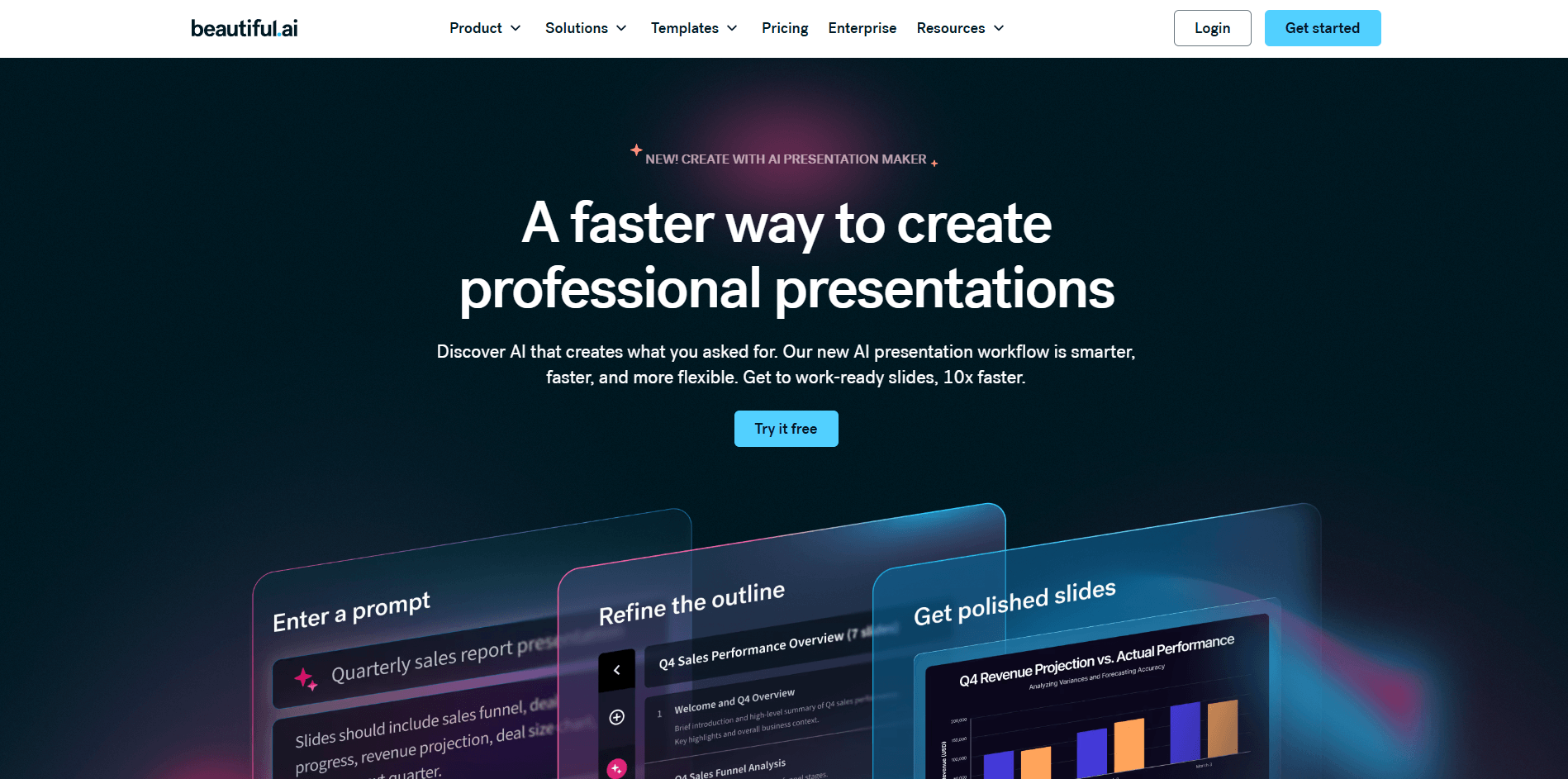
Beautiful.ai is one of the clearest examples of an AI presentation tool built around design automation first, not just text generation. Its core promise is speed and polish: generate a deck or slide content with AI, then let its Smart Slides system handle layout, spacing, alignment, and visual consistency. The homepage and product pages consistently position it as a way to create professional, client-ready presentations quickly without doing manual slide design.
That distinction matters because Beautiful.ai is not really trying to replace PowerPoint through total flexibility. It is trying to replace a lot of PowerPoint’s formatting labor. The product is strongest when you want a deck to look clean and business-ready fast, and you are willing to work within a more structured design system to get that result.
Beautiful.ai is best at taking presentation work that usually feels repetitive and compressing it into a more guided workflow. Its Smart Slides system automatically adapts layouts as you add or remove content, which is one of the main reasons the product feels different from standard slide software. Instead of manually nudging boxes and fighting alignment, you work inside responsive templates that preserve visual order for you.
Its second big strength is AI-assisted deck creation. DesignerBot and the broader AI presentation workflow let users start from a prompt, then generate slides, copy, and supporting structure. Beautiful.ai’s current presentation-maker page also says this is now a guided workflow rather than a one-shot generator, which is a better fit for real presentation work because users usually need to shape the outline and iterate rather than accept the first draft wholesale.
The third strength is brand consistency for teams. Beautiful.ai’s newer materials repeatedly connect AI generation with brand controls and team workflows, and its Team plan is positioned around shared workspaces, brand controls, collaborative editing, and centralized slide libraries. That makes the product much more compelling for sales, marketing, and internal business teams than for purely individual creative use.
Auto-adjusting layouts that keep slides polished as content changes.
Generates presentations, slide copy, and rewrites from prompts and source context.
Supports PPT workflows for teams that still live partly in Microsoft’s ecosystem.
Team-level controls help keep decks visually consistent across a business.
Pro includes viewer analytics for tracking engagement on shared presentations.
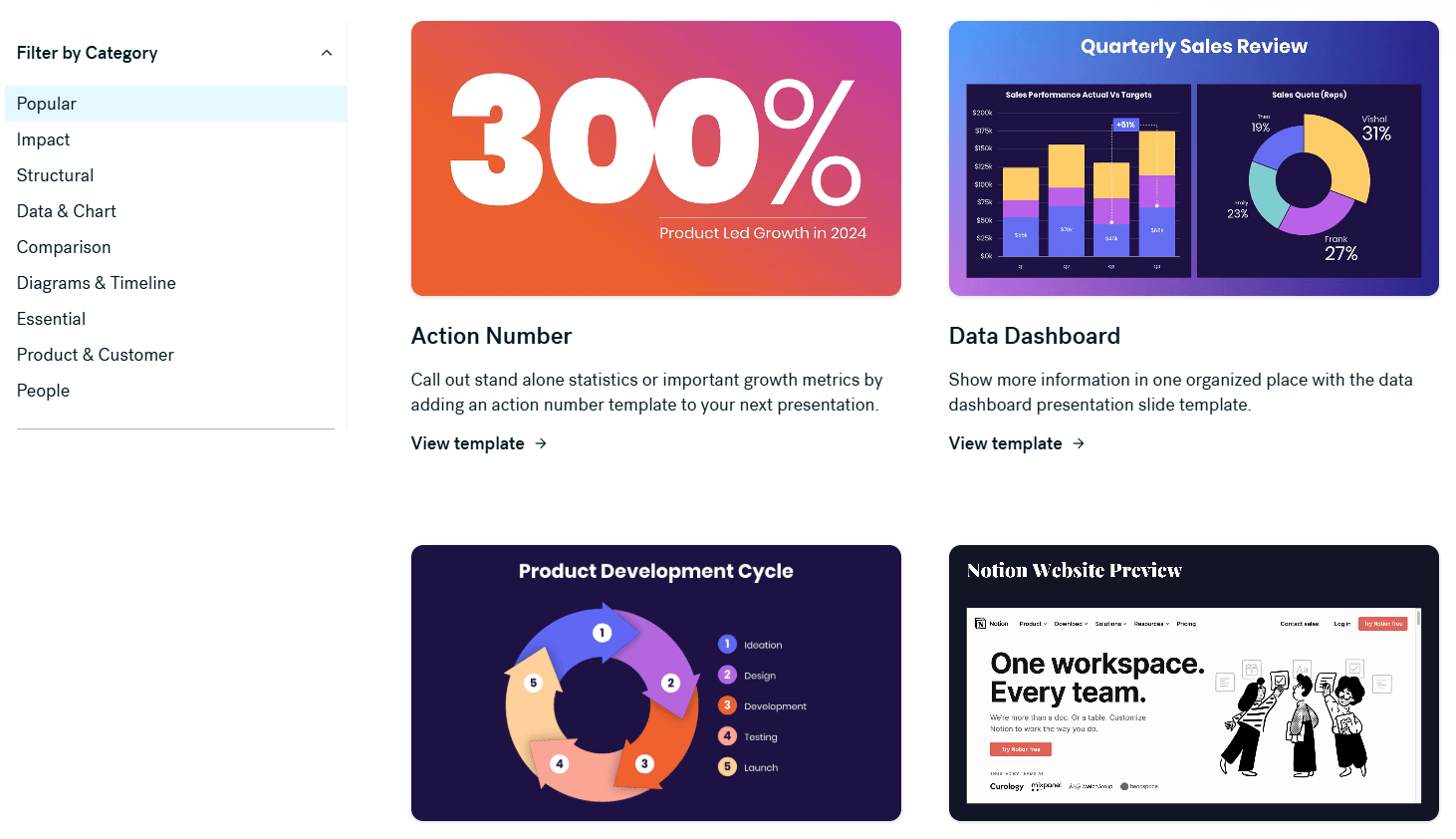
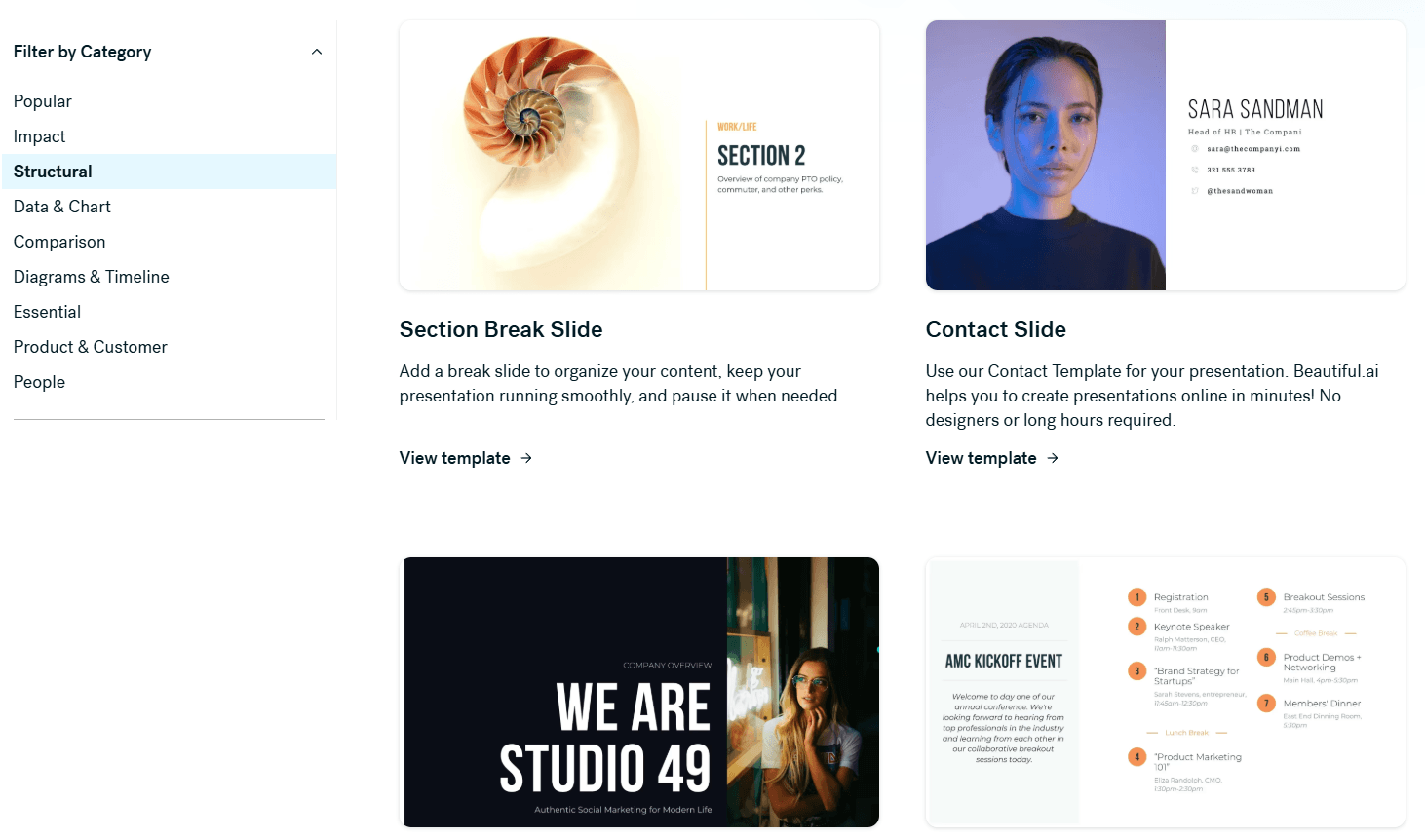
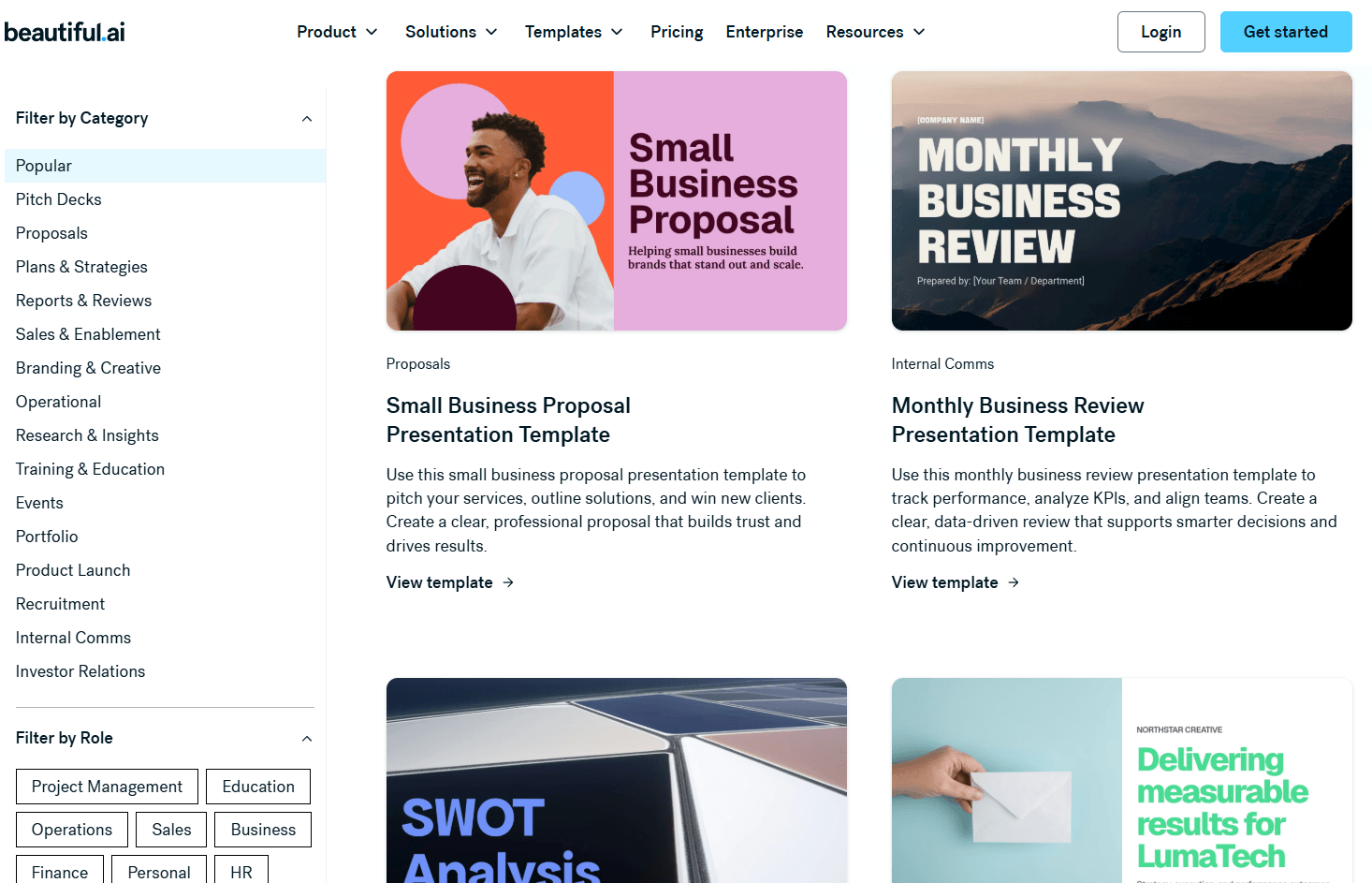
Includes customizable templates and slide examples for faster starting points.
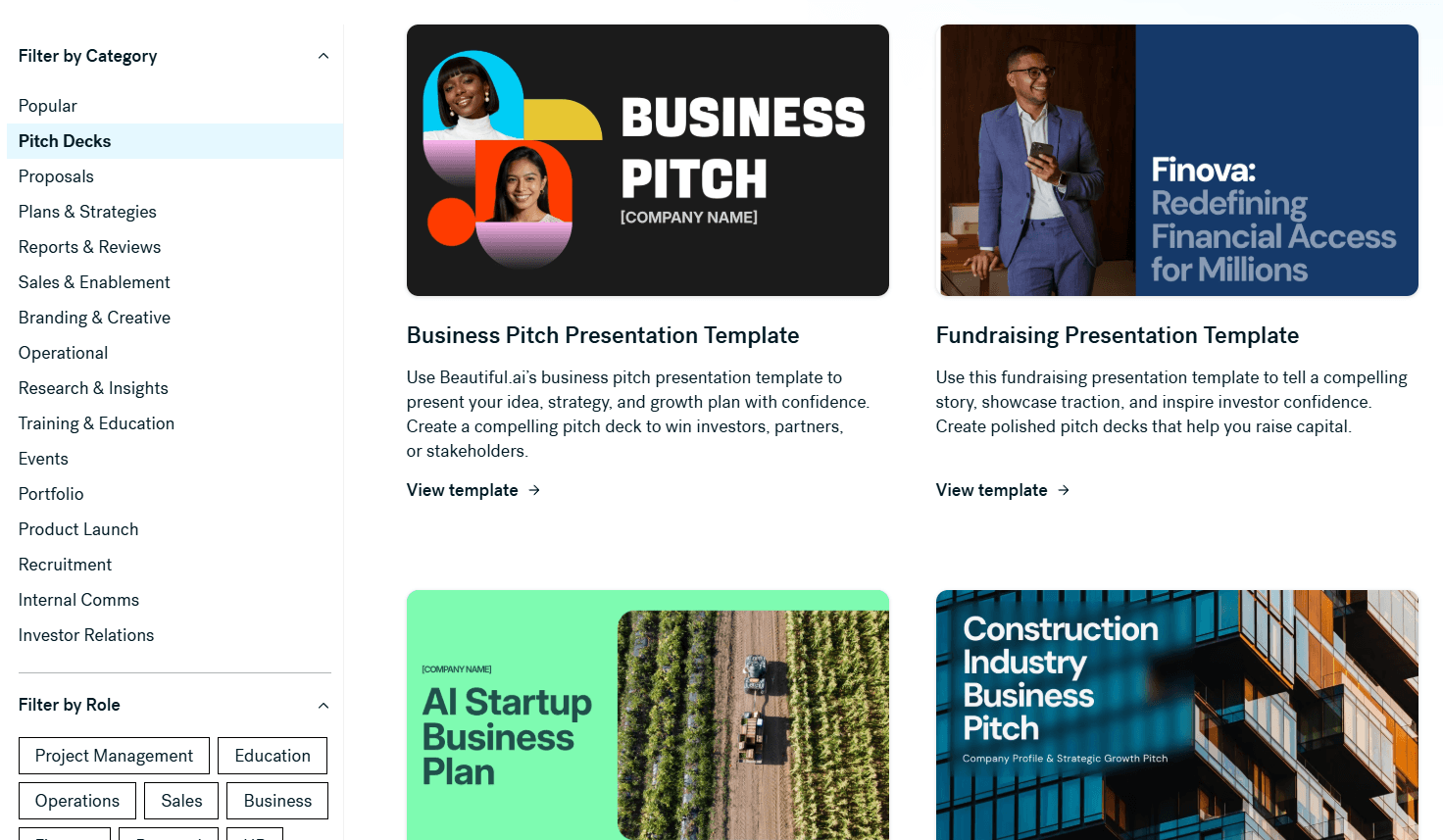
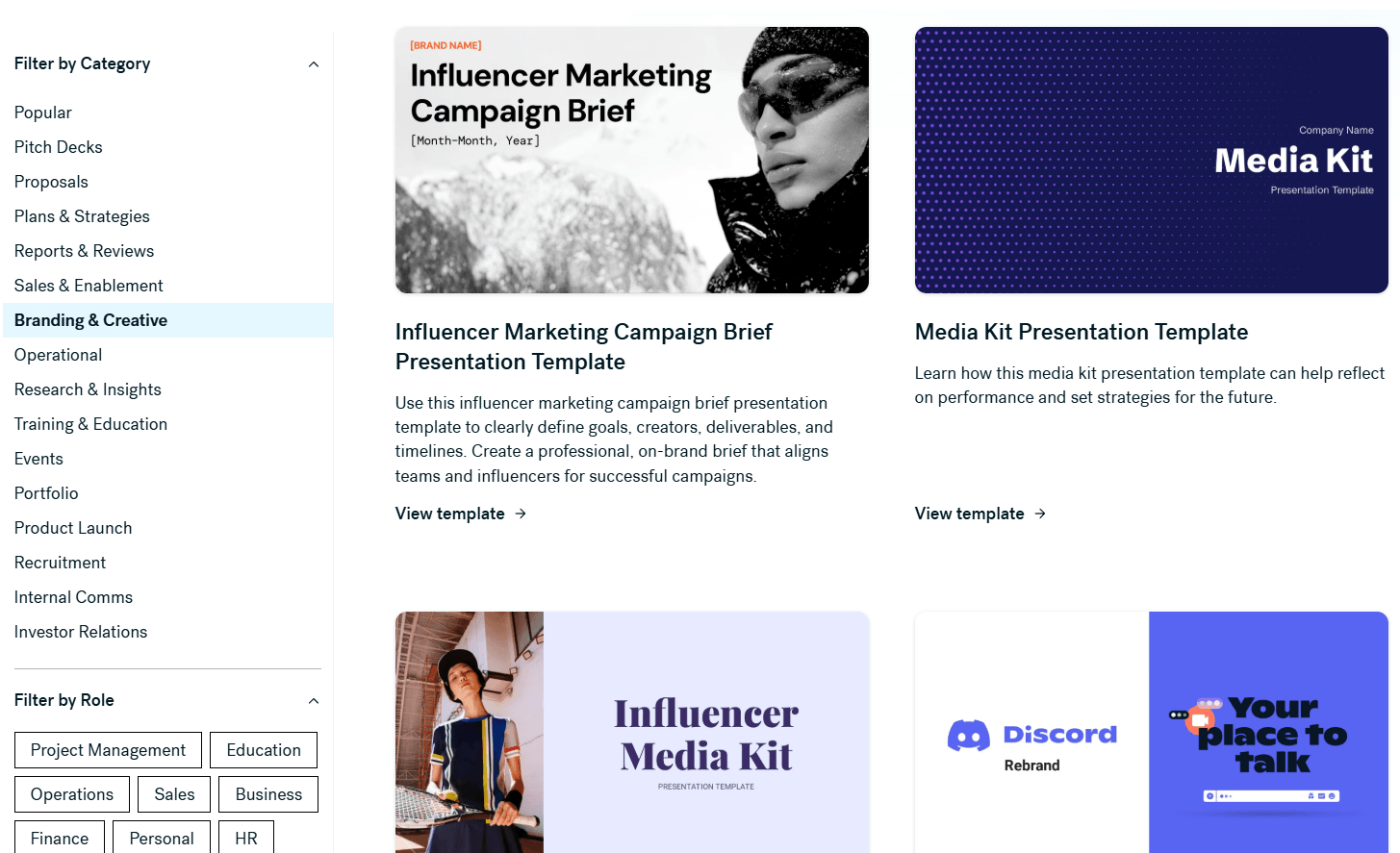
Beautiful.ai looks easiest to use when you accept its design constraints instead of fighting them. The workflow is built around starting from a template, a prompt, or DesignerBot, then refining the result inside Smart Slides. That makes the product feel faster than traditional presentation tools for common business decks because the layout engine is doing a lot of work automatically in the background.
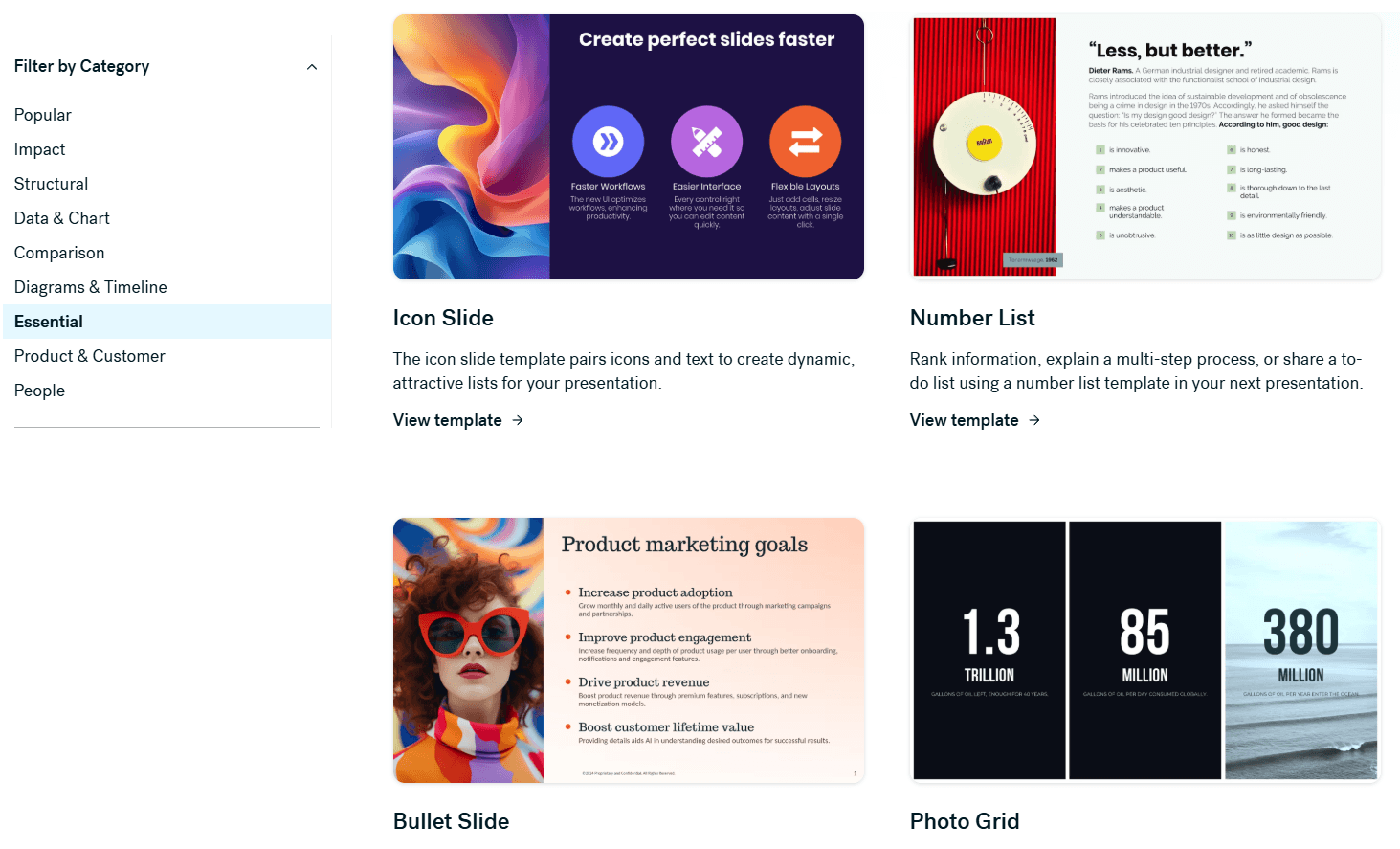
This also explains the main trade-off. Beautiful.ai is easier than PowerPoint for producing polished decks quickly, but it is less freeform. PowerPoint gives you more raw control. Beautiful.ai gives you more structure. For many users, especially non-designers, that is exactly the point. For users who want pixel-level control over every object, it can feel limiting. This comparison is partly an inference, but it is strongly supported by Beautiful.ai’s own positioning versus PowerPoint and its repeated emphasis on automated layout integrity.
The PowerPoint add-in and editable PPT export also matter for usability because they reduce the risk of getting trapped in a closed workflow. Beautiful.ai’s official materials show both PPT export and a PowerPoint add-in, which makes it much easier to use the product in organizations that still need Microsoft compatibility for delivery or stakeholder handoff.
DesignerBot is one of the most important parts of the current Beautiful.ai product. Official product pages say it can turn content into on-brand presentations, generate new text, shorten or expand text, adjust tone, and rewrite content with custom prompts. It is not just “write me a deck.” It is increasingly a content assistant inside the slide workflow.
The context feature is especially important. Beautiful.ai has publicly described DesignerBot as being able to use documents, text, PDFs, and URLs as context for AI-generated presentations. That pushes it beyond simple prompt-to-deck generation and makes it more useful for turning source material into a first presentation draft.
In practice, that means Beautiful.ai looks strongest when AI is helping you build a business deck faster, not when AI is expected to invent a perfect presentation from nothing. The guided AI workflow and context-based generation are more credible for real teams than pure one-click magic.
Beautiful.ai’s current public pricing structure is straightforward: Pro, Team, and Enterprise, with a free trial. The official pricing page says Pro includes unlimited slides, AI-powered content generation, PowerPoint import/export, viewer analytics, and template access. Company materials and comparison pages published in 2026 also place Pro at $12 per month billed annually, Team at about $40 per user per month billed annually, and Enterprise at custom pricing.
| Plan | Best for | What matters most |
|---|---|---|
| Pro | Individuals building frequent decks | Unlimited slides, AI content generation, PPT import/export, analytics. |
| Team | Small teams needing brand and collaboration controls | Shared workspaces, collaborative editing, centralized slide libraries, brand controls. |
| Enterprise | Larger organizations | Custom pricing, advanced security, SSO, dedicated support. |
The practical decision is simple. Pro is the real solo-user product. Team is where Beautiful.ai becomes more strategically useful because that is where shared assets, collaboration, and brand governance start to matter. Enterprise is for companies that need procurement-grade security and support rather than just better slides.
Beautiful.ai seems particularly well suited to teams that produce a lot of repeatable presentations: sales decks, marketing decks, customer presentations, internal updates, and pitch materials. The product’s current positioning is heavily aimed at sales and marketing teams, and its team features are built around keeping output consistent across multiple contributors.
That is one of its clearest market advantages. A lot of AI presentation tools are good at making a first draft. Fewer are clearly built to help a team make many decks that still look like they came from one company. Brand controls, shared libraries, and collaborative editing matter more in real organizations than flashy one-off slide generation.
Beautiful.ai is a strong fit for business users who care about presentation polish but do not want to spend much time designing slides manually. It looks especially well suited to sales teams, marketers, founders, consultants, customer-facing teams, and operators building repeatable business decks. Beautiful.ai itself highlights sales and marketing team use on its homepage.
It is also a good fit for users who want AI help without leaving a presentation-native environment. DesignerBot plus Smart Slides is a more integrated workflow than writing content in a chatbot and then manually rebuilding it in slide software.
It is less ideal for users who want highly unconventional layouts, full offline creation, or maximum slide-by-slide manual freedom. Beautiful.ai’s own 2026 blog content notes it is cloud-based with no offline access, even though exported PPT files can then be used offline.
Beautiful.ai sits between manual presentation software and lighter AI deck generators. Compared with PowerPoint, it offers less raw freedom but much more design automation. Compared with AI-first deck generators that prioritize fast prompts over structured editing, it appears more focused on reliable business polish, template integrity, and team brand controls. This is partly an inference, but it is consistent with Beautiful.ai’s official comparison pages and product emphasis.
That middle position is probably the best way to think about it. Beautiful.ai is not the most flexible presentation tool, and it is not the most radically generative one. It is a presentation system for people who want faster business-ready output with less formatting work.
- The biggest trade-off is flexibility. Smart Slides are useful because they impose order, but that same structure can be a constraint if you want highly custom layouts or total manual control. This is not a flaw in the product so much as the cost of its core design philosophy.
- The second limitation is pricing at team scale. Pro is reasonably priced for an individual, but Team is a bigger jump, and Enterprise is custom. That makes Beautiful.ai easiest to justify when presentation quality and team consistency have clear business value.
- The third is that it is still a cloud-first platform. If your workflow depends on offline authoring or very open-ended file control from the beginning, PowerPoint or a more traditional slide tool may still fit better, even if Beautiful.ai remains useful as an earlier-stage design layer.
Beautiful.ai is one of the strongest AI presentation tools for professionals and teams who want polished, on-brand slides fast without spending hours on layout.
Its biggest strengths are Smart Slides, DesignerBot, brand consistency, and practical PowerPoint compatibility.
It is best for sales, marketing, consulting, and business communication workflows where clean presentation design matters repeatedly.
The main caveat is that Beautiful.ai trades some creative freedom for speed and structure, which is great for most business decks and less ideal for users who want total design control.
TAGS: Presentations
Related Tools:

Provides tools for audio editing and mixing
Create professional presentations quickly

Offers tools for recording, editing, and mixing audio

Provides tools for recording, editing, and producing music

Provides tools for music production

Allows users to create, edit, and collaborate on music and podcasts