
Share this tool:
 |
Description:
Synthesia Review
Helps teams create avatar-led business videos for training, support, onboarding, and multilingual communication at scale.
Introduction
Synthesia is an AI video platform built for presenter-style business video at scale. You write a script, choose an avatar, choose a voice, and Synthesia turns that into a polished video without a camera, studio, or actor. That basic workflow is still the core of the product, but the platform has grown into something broader: 240+ avatars, 160+ languages, one-click video translation, personal and studio avatars, voice cloning, screen recording, templates, team collaboration, and API access for larger deployments. It is not trying to be a cinematic video generator. It is trying to make training, onboarding, support, sales, and internal communication videos faster to produce and easier to localize. On that front, it is one of the strongest tools in the category.
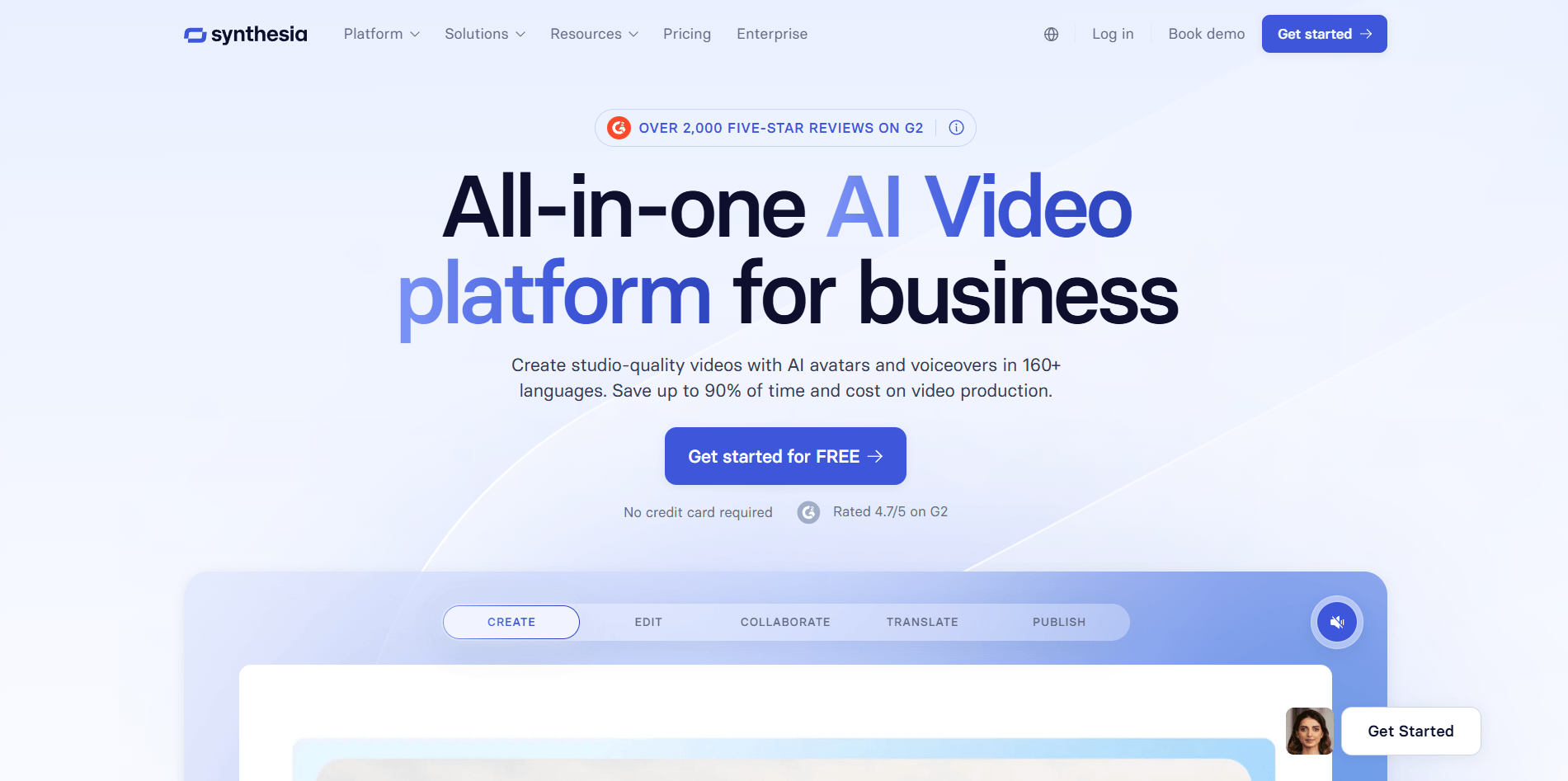
Synthesia’s homepage
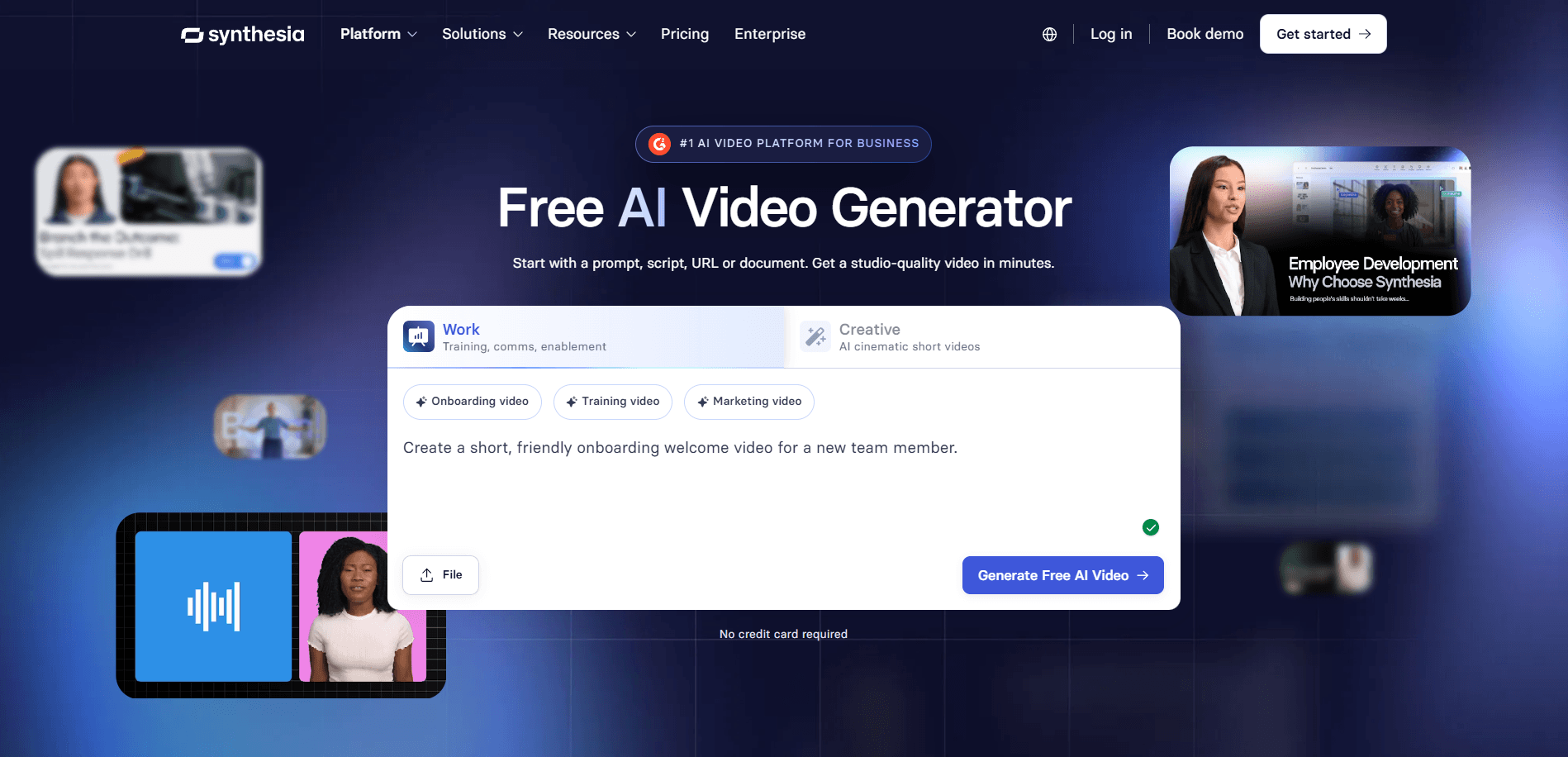
Synthesia Video Generator
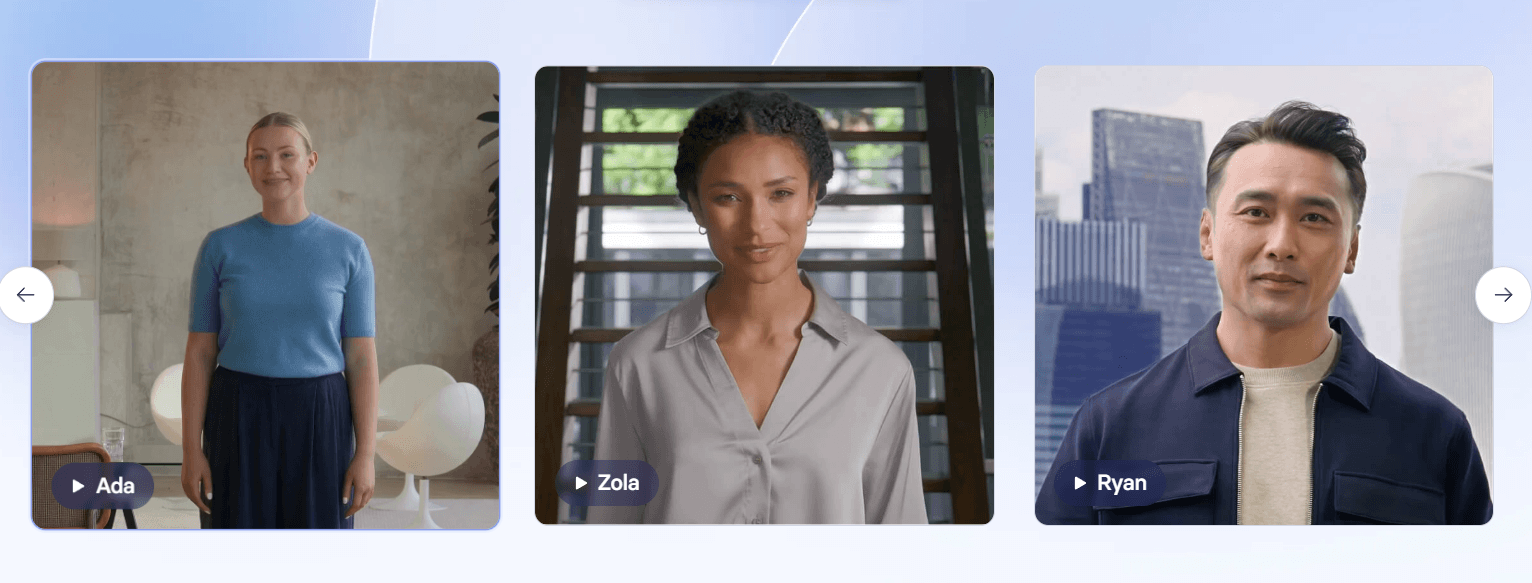
Synthesia’s avatar tools
Sample Prompts You Can Try First
Prompt 1 — Employee Onboarding Video
Prompt: “Create a 2-minute onboarding video for new software developers. Use a professional female avatar with a friendly tone. Cover the company mission, team structure, the first-week checklist, and how to access the developer portal. Include text overlays for key dates.”
This is one of Synthesia’s most natural use cases because the platform handles structured, multi-section business content very well. The delivery stays clear, the avatar performance is stable, and text overlays fit naturally into this type of training or onboarding format. That matters because onboarding videos do not need dramatic emotional performance. They need clarity, consistency, and the ability to update quickly later. That is exactly the kind of content Synthesia is built around. The company’s main site and features pages also make this positioning pretty clear: business video, training, support, and internal communication are the center of the product, not side categories.
Prompt 2 — Multilingual Sales Intro
Prompt: “Create a 60-second product introduction video in English with a confident male avatar. This video will be translated to Spanish, German, and Japanese. Write a clear, simple script that works well across all four languages.”
This is where Synthesia becomes much more compelling. The video translation workflow is one of its strongest practical advantages. In practice, the main win is not just dubbing. It is that the same avatar and same structure carry over into the translated versions, which keeps the whole content library more consistent. For global teams, this is often the feature that changes the economics of video production the most. One video can become many without rebuilding the whole thing manually.
Prompt 3 — Internal HR Announcement
Prompt: “Make a 90-second video announcement about our new flexible work policy. Use a warm, approachable female avatar. The tone should be supportive and clear. Include a call to action at the end directing employees to the HR portal.”
Synthesia is good at this kind of internal communication because the avatars are calm, controlled, and professional by default. In many contexts, that is a strength rather than a weakness. HR policy videos, process updates, and internal notices usually benefit more from consistency than from personality. The branding layer also helps here. Synthesia supports company visuals, templates, and layout structures that make the output feel like part of an existing communication system rather than a random generated clip. The limit is emotional nuance. If the message depends heavily on personal warmth or leadership presence, a custom avatar or a real person on camera may still land better. But for routine internal communication, this workflow fits very well.
Prompt 4 — Product Tutorial With Screen Recording
Before using this prompt: Upload the screen recording first, then write the script around the actual product steps.
Prompt: “Create a 3-minute tutorial showing how to use our invoice management feature. Add an avatar on the left side explaining each step, with the screen recording displayed on the right. Use a calm, professional tone.”
This is one of Synthesia’s most practical business outputs because it combines presenter video with software walkthrough structure. The split layout is familiar, easy to follow, and a good fit for SaaS tutorials, knowledge-base videos, onboarding modules, and internal tool training. The work here is less about whether Synthesia can generate the content and more about whether you line up the script pacing with the on-screen action. That is where the editing time usually goes.
Prompt 5 — Customer Support FAQ Video
Prompt: “Create a 2-minute FAQ video answering the question: ‘How do I reset my password?’ Use a helpful, patient avatar. Include step-by-step text overlays. The tone should feel reassuring and easy to follow.”
This is another strong fit because the platform is built for repeatable, scalable, process-driven video. Support videos are often formulaic in a good way. They need to be clear, consistent, and easy to update. Synthesia handles that well. The same workflow can be repeated across dozens of help-center questions without changing the production setup much. That is important because one of the biggest real-world advantages of Synthesia is not just generating one video quickly. It is generating many similar videos without the usual production friction.
Prompt 6 — Social Presenter Clip
Prompt: “Create a 30-second LinkedIn video. Use a charismatic male avatar with a modern look. Topic: ‘Three tips for remote team productivity.’ Energetic and conversational tone. Include a text callout for each tip.”
Synthesia can do this, but this is also where you start to see its limits more clearly. Business-social content works better than creator-social content here. The output is clean, readable, and polished, but stock avatars still stay fairly controlled in their movement and emotional range. So for a company page, a B2B social clip, or a branded thought-leadership format, this is useful. For personality-driven creator content where the whole point is natural charisma and spontaneity, it feels more restrained. It is a business video tool first.
Prompt 7 — Personal or Studio Avatar With Voice Cloning
Before using this prompt: Record a clean voice sample and create a personal avatar, or use a studio avatar if your plan and workflow support it.
Prompt: “Create a welcome message for our annual sales conference using my custom avatar and cloned voice.”
This is where Synthesia becomes much more compelling for leadership communication and branded presence. Personal avatars and studio avatars make it possible for a recognizable speaker to scale communication across many markets and repeated messages without constantly stepping on camera. This is also one of the clearest cases where version or engine details matter: Synthesia’s newer avatar system is built around its Express engines. Express-2 Avatars are positioned as the newer generation designed for fuller-body, more expressive speaker performance, while EXPRESS-1 is tied to studio-avatar performance. That tells you Synthesia is actively improving avatar realism and gesture quality as a platform-level engine, not just adding more avatar faces to the library.
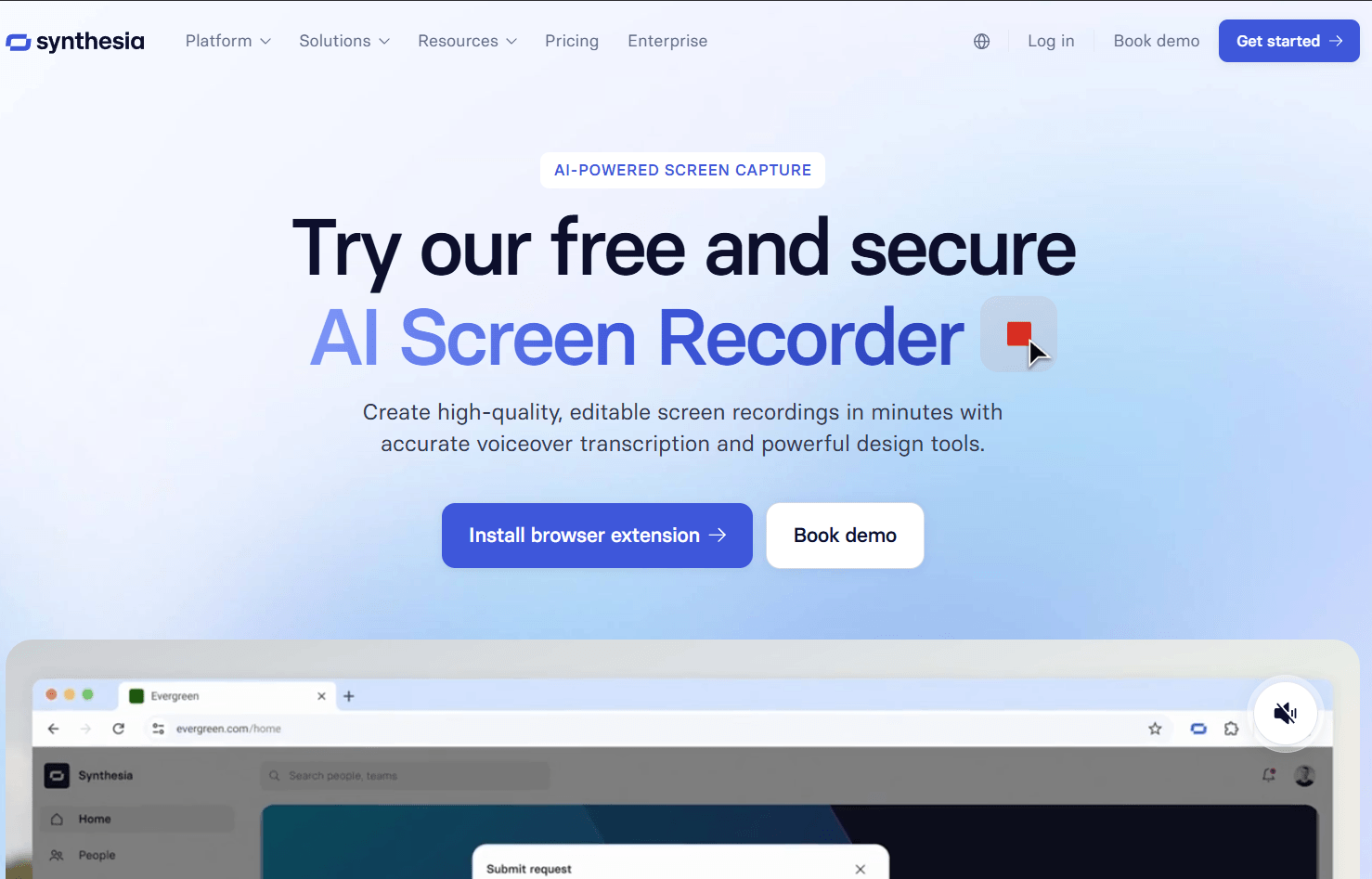
Sytnehsia's screen recording feature
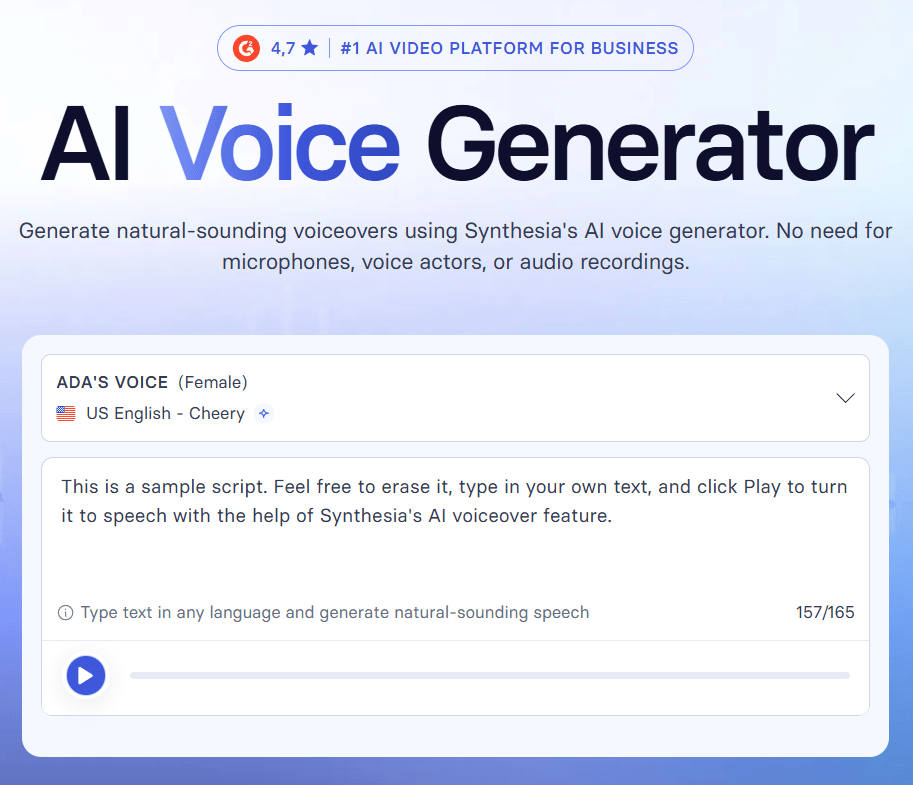
Synthesia's AI Voice Generator
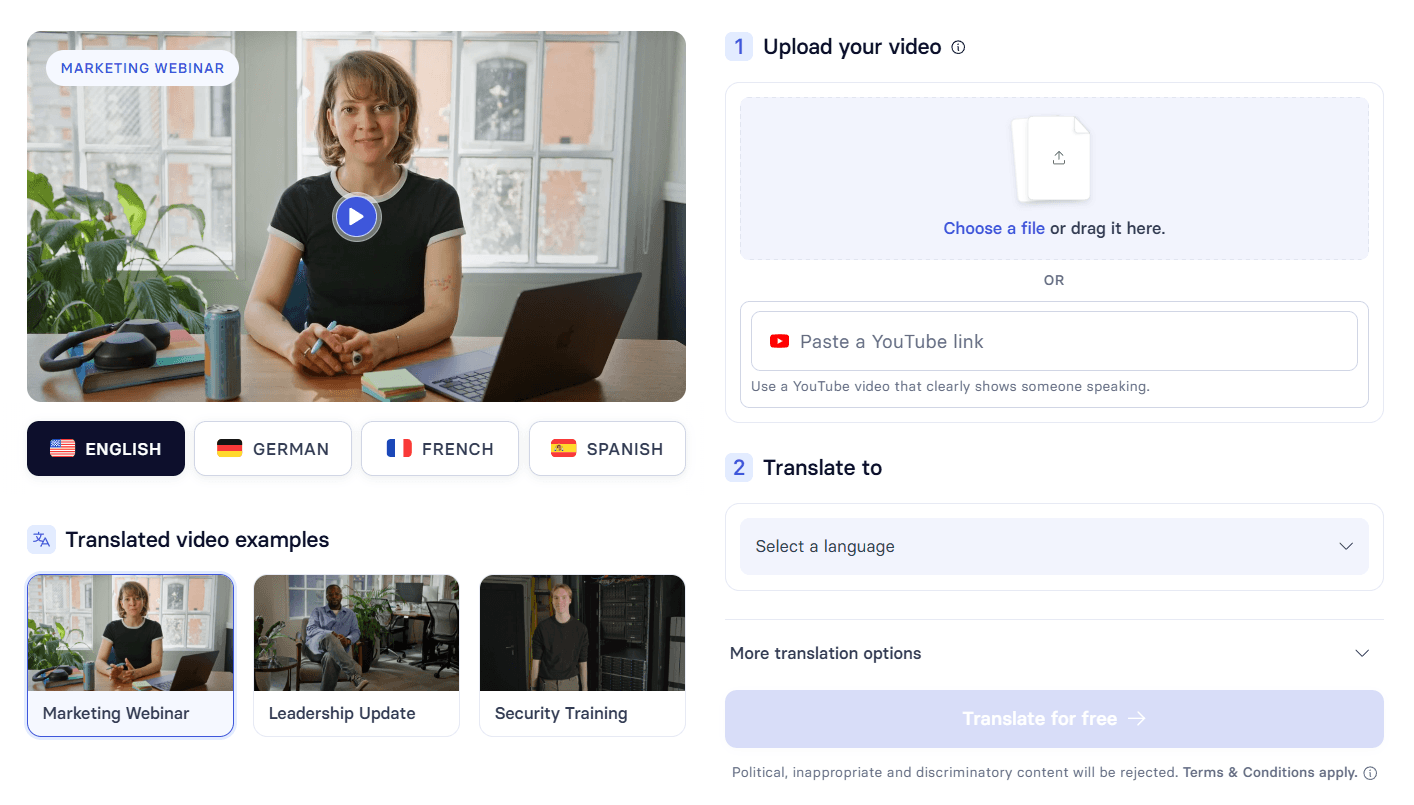
Synthesia’s AI dubbing
Strong Features and Capabilities
Business-Ready Avatar Video
Built around presenter-style videos for training, onboarding, support, and internal communication rather than general-purpose cinematic generation.
Multilingual Video Translation
Supports translation workflows and 160+ languages, which is one of the platform’s clearest practical advantages.
Avatar Options Across Tiers
Offers stock avatars, personal avatars, and higher-end studio avatars depending on the use case and plan.
Voice Cloning
Supports cloned voices for personal and studio avatar workflows across many languages.
Template and Team Workflow
Includes templates, collaboration, and plan structures aimed at repeated business video production.
API and Enterprise Layer
Offers API access and enterprise deployment features for teams integrating Synthesia into larger systems.
Versions, Models, and Avatar Tiers That Matter
What matters here: For Synthesia, the important “versions” are not like text model selectors in an AI chatbot. They are mostly avatar engine generations and avatar tiers.
Express-2: This is the most relevant engine layer for many users right now. Express-2 Avatars are positioned as more expressive, fuller-body avatars designed to gesture more like professional speakers. That matters because one of the biggest historical limitations of avatar video tools has been stiffness.
EXPRESS-1 for Studio Avatars: For custom high-end avatars, Studio Avatars are tied to EXPRESS-1, which is aimed at more naturalistic and human-like performance inside premium workflows.
How to think about it: It helps to think in three layers: stock avatars for speed and scale, personal avatars for recognizable spokesperson-style presence, and studio avatars for the highest-end professional realism within the platform. The right Synthesia workflow is not just “pick an avatar.” It is deciding how much realism, identity, and credibility the content actually needs.
Best Use Cases
Learning and development: Synthesia works especially well for training modules, onboarding programs, internal education, and repeatable L&D content.
Internal communication: It fits employee updates, HR policy announcements, executive messages, and recurring business communication where consistency matters more than spontaneity.
Customer support and sales enablement: Teams can build help videos, support explainers, feature walkthroughs, and product introductions without traditional production overhead.
Multilingual business communication: If a company needs the same presenter-led content across many regions, Synthesia’s translation and voice workflows become one of its strongest advantages.
Practical Tips
Write short, direct sentences
This matters even more if the video will be translated later. Simpler source scripts usually localize more cleanly.
Match the avatar style to the audience
Stock avatars are often enough for training and support. Leadership-facing or brand-sensitive communication benefits more from personal or studio avatars.
Use templates first
Templates are part of what makes the workflow faster in practice, especially for onboarding, announcements, training, and support.
Plan for multilingual delivery from the start
Avoid slang, idioms, and region-specific phrasing. That is not just a writing tip. It directly improves translation output quality.
Set up voice cloning early if needed
If you know you will need a branded or personal voice presence, set up voice cloning early so the workflow stays consistent across future videos.
Limitations Worth Knowing
Avatar realism still has a ceiling: Even Synthesia’s better avatars generally read as AI-generated if viewers are paying close attention. That is often acceptable for training, internal comms, and support, but it is still a real limit.
Emotional range is narrower: The avatars are better at clear, calm, professional delivery than they are at humor, strong warmth, spontaneity, or emotionally complex messaging.
Lip sync is very good, not perfect: It holds up especially well across major languages, but edge cases still show up more in fast delivery or languages with very different phonetic patterns.
It is still script-dependent: Weak input scripts usually create weak videos. The tool saves production time, but it does not remove the need for clear structure and good writing.
Pricing matters more as usage grows: Heavy users and teams should evaluate cost against actual video volume and localization needs, not just the monthly plan label.
Final Takeaway
Bottom line: Synthesia is one of the strongest AI video tools for business-focused avatar video production, especially when multilingual delivery is part of the job.
Biggest advantage: Its strength is not just that it makes avatar videos quickly. It is that it makes repeatable, scalable, translatable business videos quickly.
Best fit: That is why it works so well for onboarding, L&D, support, internal communication, and global sales workflows. The avatar engines and custom-avatar options are getting better, especially with Express-2 pushing more expressive performance, but the platform still works best when you use it for what it is clearly designed for: structured presenter videos where speed, consistency, and localization matter more than human spontaneity. For that use case, Synthesia is still one of the most practical tools in the category right now.
TAGS: Generative Video
Related Tools:
Transforms text prompts into cinematic videos

Transforms text and images into animated videos
Generates images and videos from descriptions
Transforms text or images into polished, branded videos
Automates creation of short videos
Offers SmartDesigner for custom email templates