
Share this tool:
 |
Description:
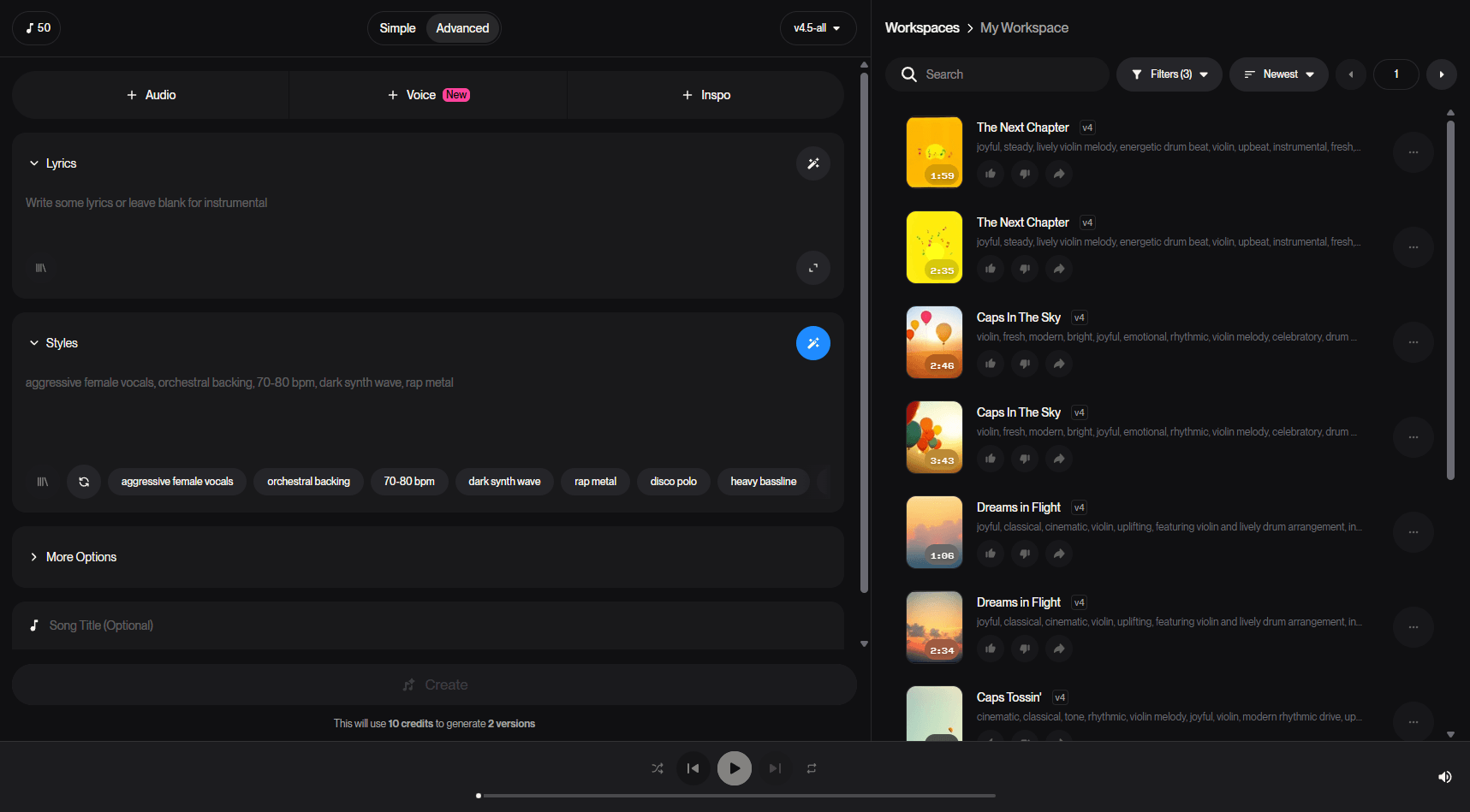
Suno remains one of the clearest “idea to finished song” AI music platforms because it does not stop at text-to-music. It now spans simple prompt-based song generation, custom lyrics, covers, extensions, section editing, stem extraction, and a higher-end Studio layer for heavier editing workflows. That combination is the real reason to use it. Suno is not just good at making quick novelty songs. It is good at getting you from rough concept to something closer to a usable track.
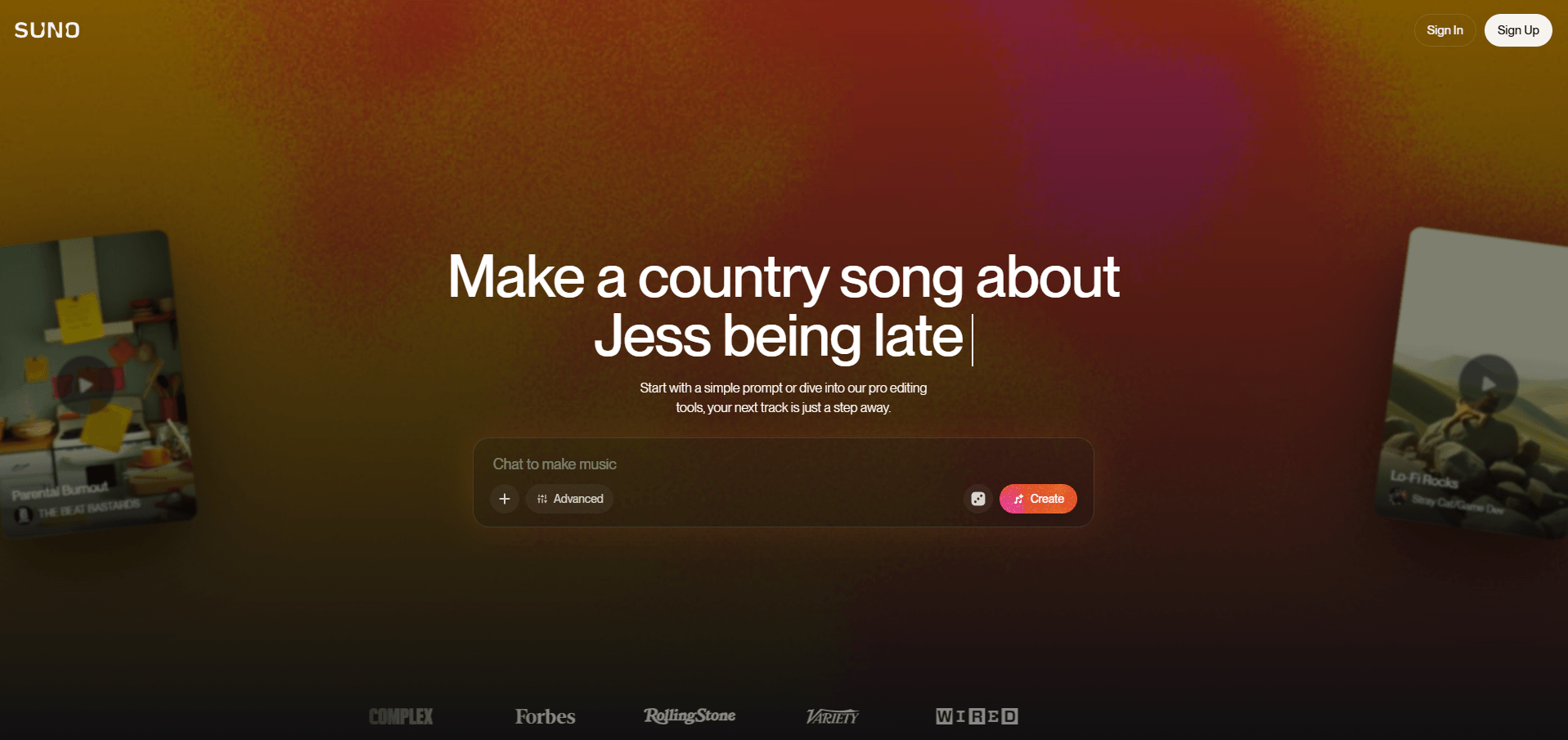
At the simplest level, Suno lets you describe a song in plain language and generate a complete track with music and vocals. It also supports pasting your own lyrics, extending songs, reusing prompts to create variations, making covers from existing audio, extracting stems, and editing parts of a song instead of regenerating everything from scratch.
That matters because Suno is no longer just a “press create and hope” tool. The more current product is built around iteration. You can start simple, but the platform increasingly expects that serious users will revise structure, lyrics, arrangement, or source material after the first pass. The Premier tier now also includes Suno Studio, which the company describes as an AI-native DAW layer.
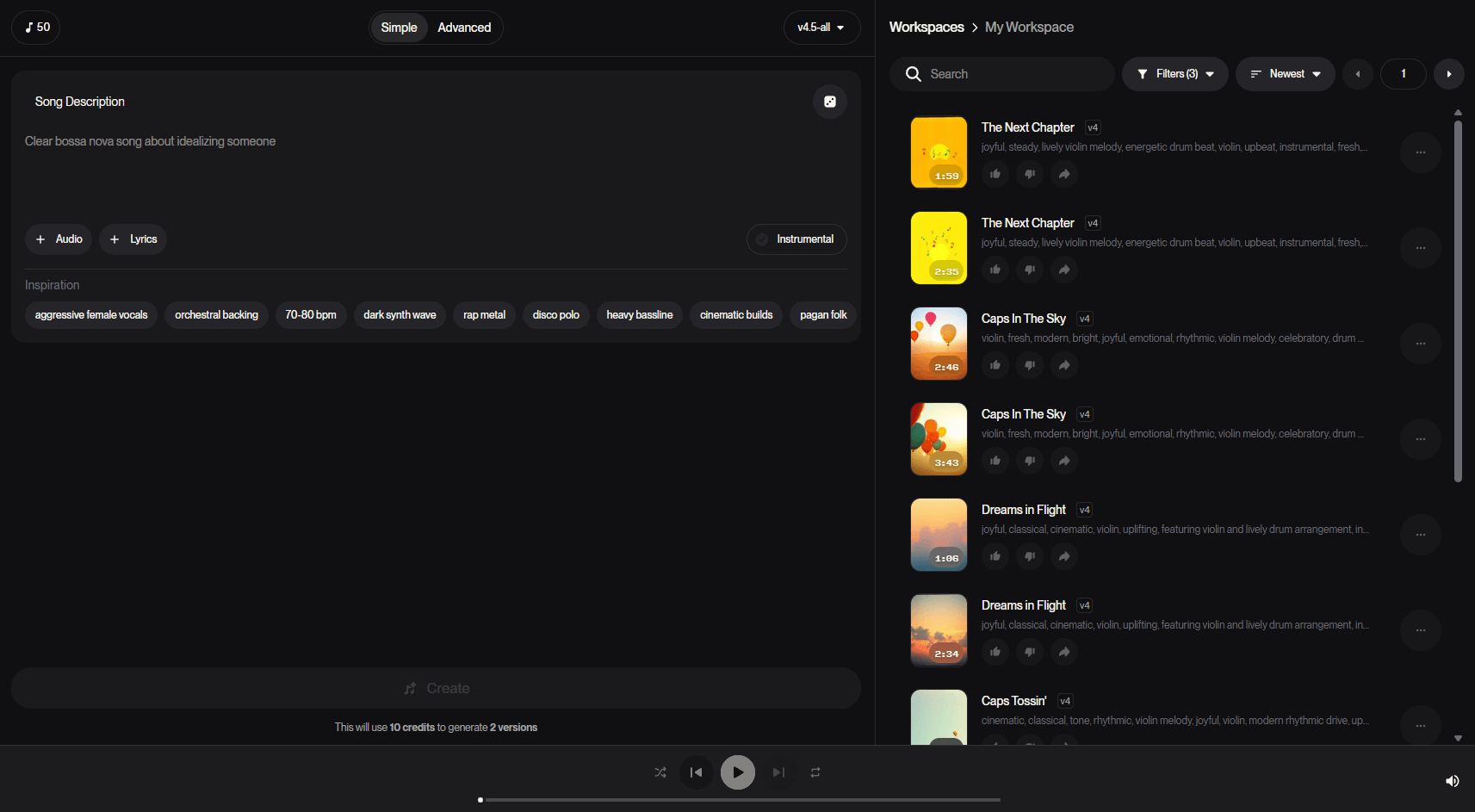
Fast concept test
Prompt:
“Upbeat indie pop road-trip song with bright guitars, steady drums, warm female vocals, and a big catchy chorus about starting over in a new city.”
Why this is a good first test: this checks Suno’s basic strength, which is turning a natural-language description into a complete, listenable song without needing production knowledge.
Turn finished words into a real song
Prompt:
“Use these exact lyrics. Build them as an emotional piano-led pop ballad with gradual build, intimate first verse, stronger chorus, and clean modern vocal production.”
Why this matters: Suno is especially useful when you already have words and want arrangement, melody, and vocal delivery generated around them.
Instrumental background track
Prompt:
“Cinematic ambient instrumental for a YouTube documentary intro. Slow pulse, soft strings, subtle piano, restrained low end, no vocals, modern and reflective.”
Why this belongs early: plenty of users do not need a “song” in the traditional sense. Suno works for creator music beds and content soundtracks too. This is supported by its general text-to-song workflow and commercial-use positioning on paid tiers.
Jingle or branded track
Prompt:
“Create a 20–30 second energetic brand jingle for a coffee shop called Morning Thread. Friendly vocals, bright acoustic groove, memorable hook, commercial but not cheesy.”
Why this is useful: Suno’s own lyrics-focused material explicitly mentions jingles and branded audio as a practical use case.
Improve a near-miss
Prompt:
“Keep the same overall genre and theme, but make the chorus bigger, tighten the lyrics, and use a more confident lead vocal.”
Why this matters: Suno gets more useful when you stop treating every result as one-shot generation and start using variation workflows. Reuse Prompt exists specifically for this.
Fix the ending or add a new section
Prompt:
“Extend from this point with a short instrumental bridge and one final chorus that lands harder. Keep the same vocal identity and melodic feel.”
Why this is a strong test: song extension is one of Suno’s most practical features because many first-pass generations are close, but not fully finished.
Reimagine a track in a new style
Prompt:
“Turn this into a darker synth-pop version with pulsing bass, cleaner drums, and a colder, more dramatic vocal mood while preserving the core lyrics.”
Why this is useful: Covers are better for style conversion and reinterpretation than rewriting the whole song from scratch.
Repair one section instead of regenerating all of it
Prompt:
“Make this section dreamier, thin out the arrangement, and replace the last two lyric lines with something more conversational.”
Why this matters: Song Editor is one of the biggest reasons Suno feels more serious than purely one-click music generators.
Keep a repeatable artist-like identity
Prompt:
“Use this Persona for a moody alt-pop sound with airy vocals, intimate verses, and wide emotional choruses. Write a new song about distance and digital overload.”
Why this matters: Personas are one of Suno’s clearest consistency tools when you want multiple songs to feel related.
More personalized output
Prompt:
“Build a polished indie folk song around my uploaded vocal idea. Keep my phrasing feel, add gentle percussion and harmonies, and make the chorus more anthemic.”
Why this belongs here: Suno’s current Pro and Premier tiers explicitly include recording or uploading your own voice and tuning custom versions of v5.5 using your own audio.
| Workflow | Best for | Why it matters |
|---|---|---|
| Simple prompt creation | Fast ideation, beginners, testing genres | The easiest way to get a complete song from plain language. |
| Custom lyrics song creation | Writers, jingles, gift songs, genre-specific tracks | Best when the wording matters and you want the music built around your lyrics. |
| Reuse Prompt | Variations on a good draft | Lets you keep the core idea and change lyrics, title, or style without starting from zero. |
| Extend / Get Whole Song | Making a track longer or fixing endings | Useful when the first draft is promising but incomplete. |
| Covers | Reimagining an existing song or audio upload | Better for style shifts and alternate versions than totally fresh generation. |
| Song Editor | Repairing sections, replacing lyrics, shaping transitions | One of Suno’s most important upgrades for people who want control after generation. |
| Stem Extraction / Studio | Deeper editing and external workflow handoff | Most useful when you need vocals, instruments, or multistem control. |
Suno creates complete tracks with music and vocals from prompts or lyrics, not just loops or backing tracks.
Song Editor lets you target sections, replace lyrics, and shape transitions instead of rerolling everything.
Reuse Prompt, Covers, Extend, and Personas make Suno much more iterative than a one-pass generator.
Paid users can split songs into stems, including up to 12-track separation on current plans.
Premier includes Suno Studio, which pushes the platform closer to editing and arrangement workflows instead of raw generation alone.
Paid tiers can upload more audio, record or upload your own voice, and tune custom versions of v5.5 using your own audio.
The current pricing page matters because Suno’s model access is now tied directly to plan value. The Free plan includes access to v4.5-all with 50 daily credits and no commercial use. The Pro plan is listed at $8/month billed yearly and includes access to v5.5, 2,500 monthly credits, commercial use for new songs made, personas, advanced editing, up to 12 stems, up to 30 minutes of audio upload, voice upload/recording, and custom v5.5 tuning from your own audio. The Premier plan is listed at $24/month billed yearly and adds 10,000 monthly credits plus Suno Studio.
In practice, the most important split is not Free versus Paid. It is casual generation versus iterative production. Free is enough to learn the platform. Pro is where Suno becomes genuinely useful for repeated creator work. Premier is the one for users who actually want the Studio layer and high generation volume. That last sentence is an inference based on the feature and credit differences across the official plans.
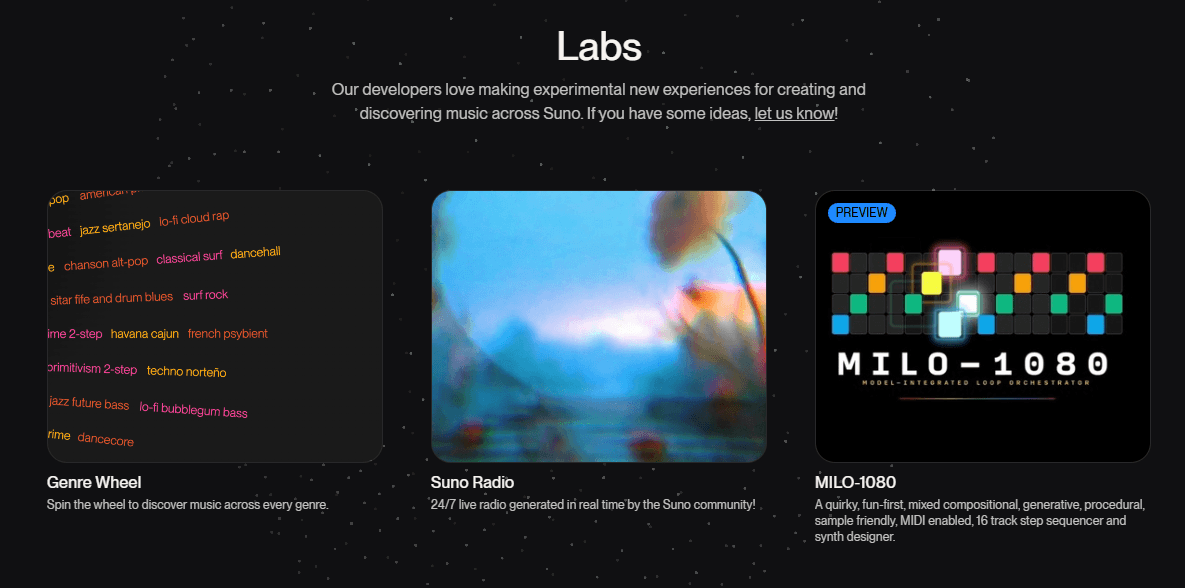
Suno is still one of the easiest AI music tools to start using because the first step is extremely simple: describe a song and create it in the browser or mobile app. That low-friction entry point is a big part of its popularity.
What is more interesting now is that the platform scales upward fairly well. Beginners can stay in simple prompt mode. More serious users can move into custom lyrics, then variations, then targeted editing, stems, and Studio. That ladder makes Suno more flexible than tools that are either purely beginner-friendly or overwhelmingly DAW-like from the start.
The downside is that Suno can encourage excessive rerolling. Because generation is fast, it is easy to chase a perfect version through repeated prompts rather than commit to editing a strong draft. That is an inference, but it is a very common pattern with tools built around easy regeneration and credit-based creation.
- Suno is strongest for creators who want full songs quickly: social content makers, indie artists sketching ideas, hobbyists, marketers making branded tracks, podcasters needing music, and writers who want their lyrics performed. Suno’s own materials emphasize beginners, lyrics-to-song creation, jingles, branded audio, and commercial use on paid plans.
- It also makes sense for artists who want to prototype more than they want to engineer. If your goal is “hear the song idea now,” Suno is much stronger than traditional music software. If your goal is “micro-control every mix decision from the first minute,” it is not. That second sentence is an inference grounded in Suno’s AI-native generation-first workflow and limited public emphasis on traditional detailed mixing controls.
- Start with plain-language song intent before getting overly technical. Suno’s own how-to guidance frames beginners around simple descriptions rather than production jargon.
- When lyrics matter, paste them. Do not rely on vague prompting if the exact words are important. Suno explicitly supports turning your lyrics into full songs.
- Use Reuse Prompt before starting over. If the result is close, variation is usually smarter than rebuilding from zero.
- Use Extend for endings and structure repair. A weak ending does not mean the whole song is unusable.
- Move into Song Editor once you have a draft worth saving. Section-level editing is one of the clearest ways to get more value from paid tiers.
- Use Personas when consistency across multiple songs matters more than one-off novelty.
- The biggest limitation is still control relative to a traditional DAW. Suno now has editing, stems, and Studio, but the platform is still fundamentally generation-first. Users who want exact arrangement, mix, and performance control at every step will still run into boundaries. This is partly inference, but it follows from how Suno describes its workflow and tier structure.
- Another limitation is plan gating. Some of the most important practical features, including commercial rights, v5.5 access, personas, advanced editing, 12 stems, larger uploads, voice upload, and Studio, are paid-tier features. Free is useful, but it is meaningfully restricted.
- There is also some model/version complexity. Free currently lists v4.5-all, while paid tiers highlight v5.5. That is not confusing once you are inside the pricing page, but it does mean the Suno experience can differ quite a bit depending on your plan.
- Finally, Suno is excellent at getting to “a song,” but not every output will feel specific or emotionally sharp enough on the first try. Like most AI music platforms, it benefits from iteration, better lyric input, and selective editing rather than blind trust in the first generation. This last point is an inference based on the existence of Suno’s own variation and editing tools.
Suno is one of the most complete AI music platforms right now because it combines fast full-song generation with actual revision tools.
It is best for people who want to create songs quickly, shape them through a few guided iterations, and publish or prototype without learning traditional music production first.
Its main caveat is that the best parts of the workflow now sit behind paid tiers, and even then it is still stronger at accelerated creation than at exacting professional-level control.
TAGS: Music Creation
Related Tools:
Generates synchronized audio for video scenes

Enables users to create engaging animated videos

Generate high-quality, full-length music tracks

Pproduce engaging videos using customizable templates

Transforms written lyrics into fully produced songs

Creates musical compositions from text prompts