
Share this tool:
 |
Description:
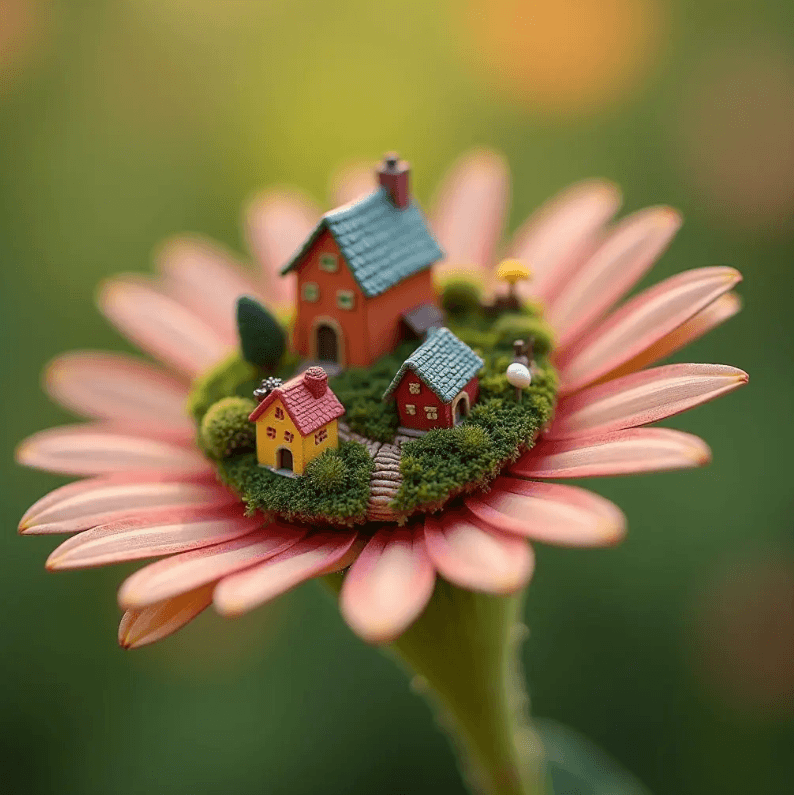
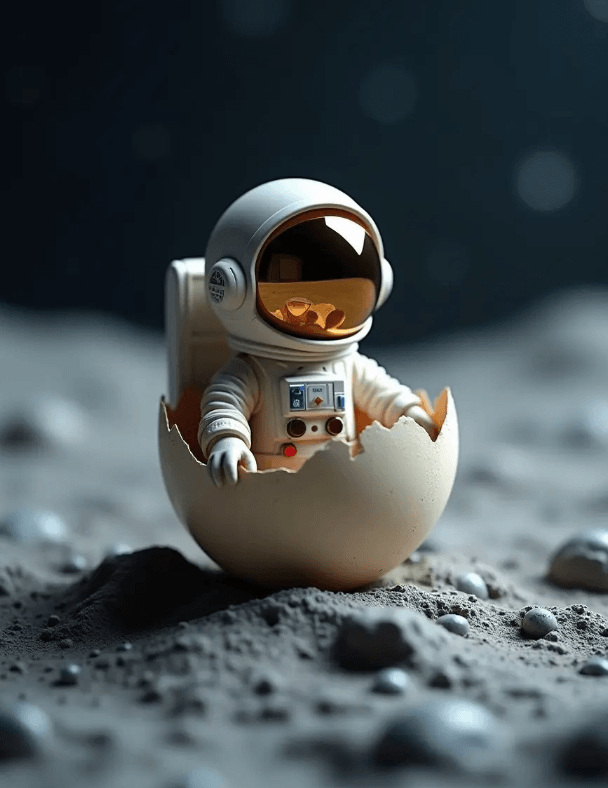
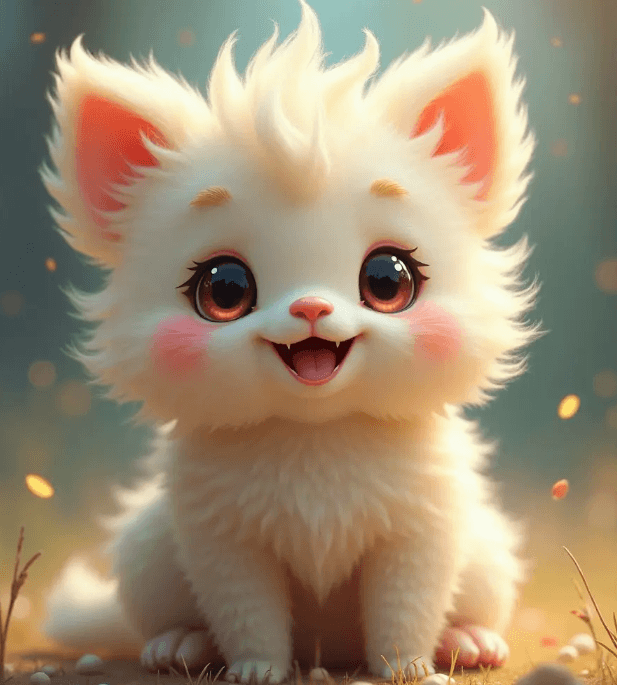

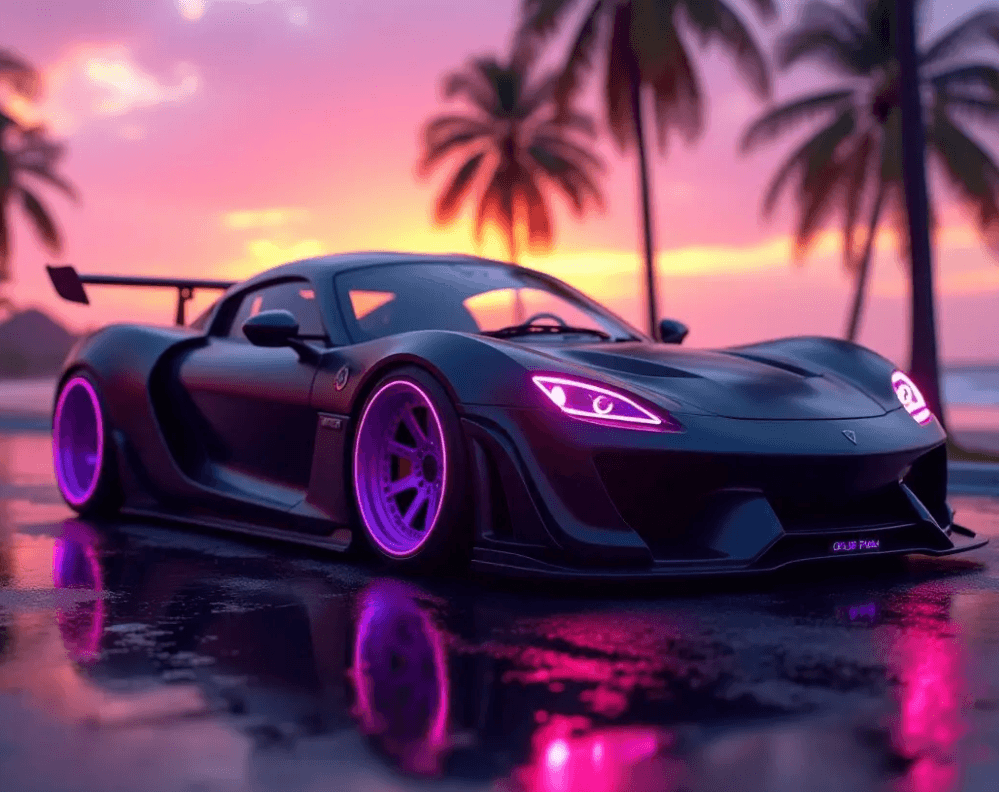
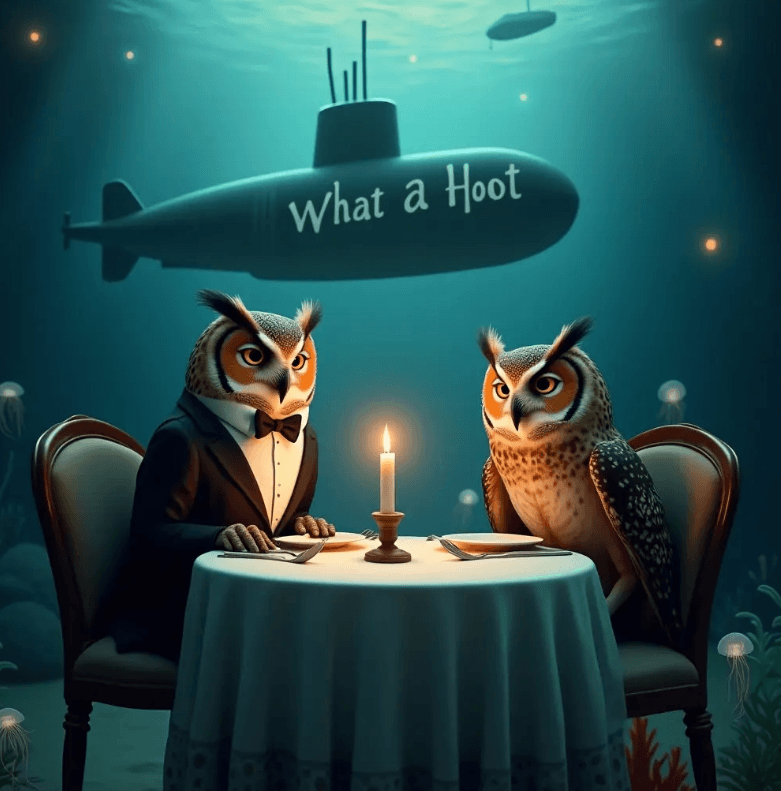
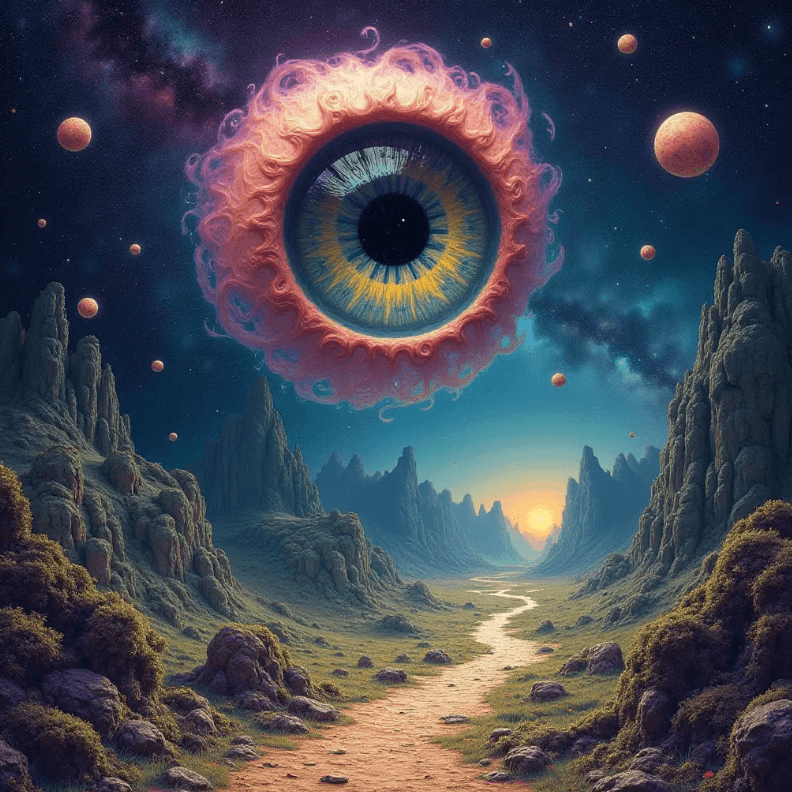
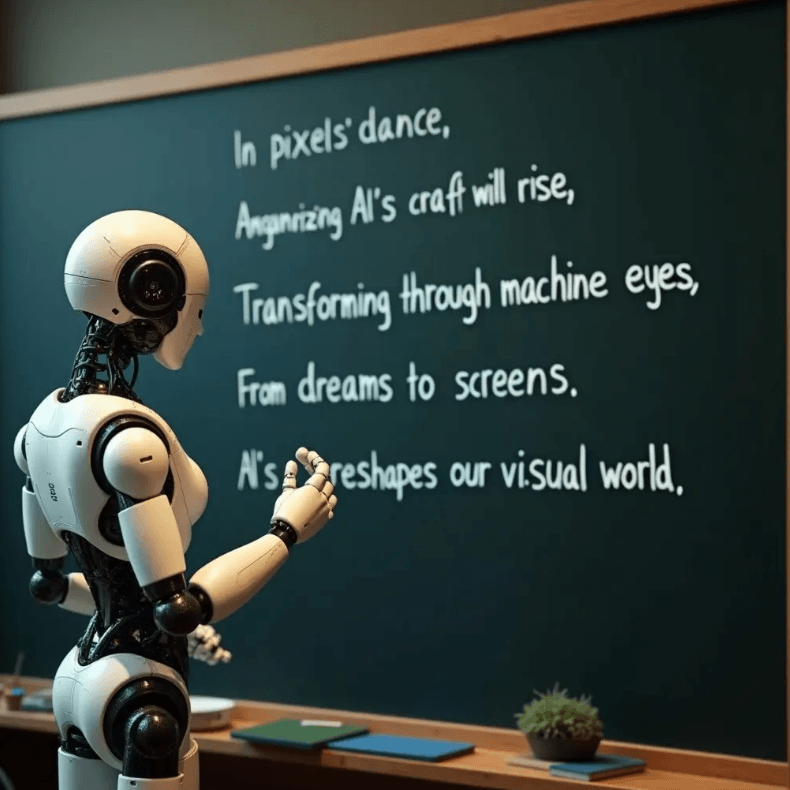
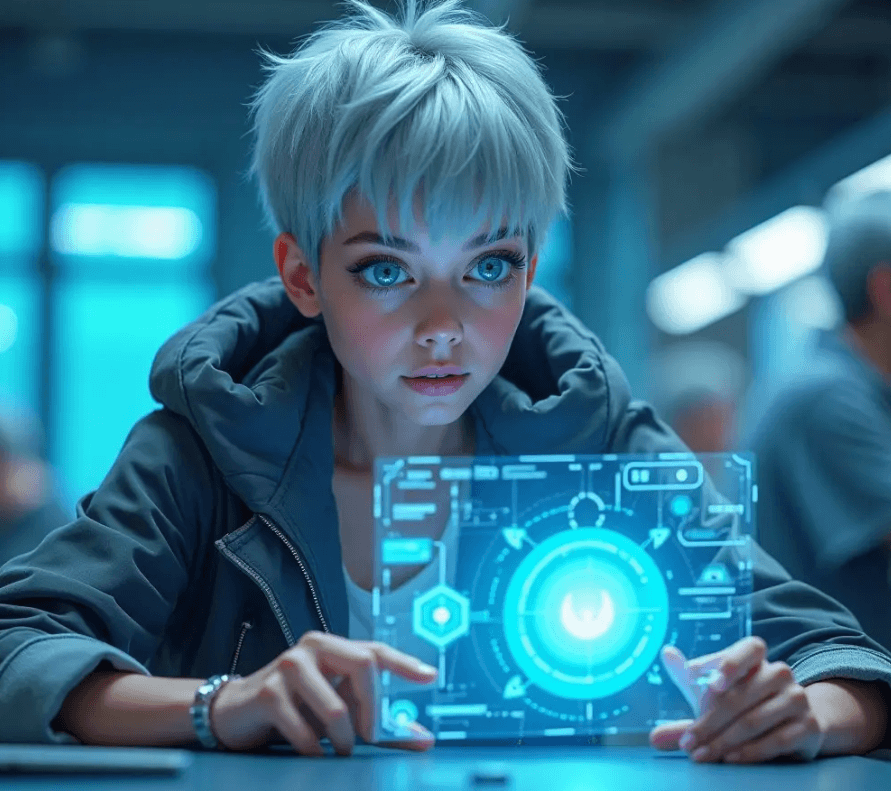
Those examples show why Stable Diffusion is still more than just a single model name. What makes it useful is the mix of generation quality, editing workflows, model choice, and the ability to fit both polished commercial work and more customized creative pipelines.
Stable Diffusion is one of the most flexible AI image ecosystems that supports editing workflows, image variation, inpainting-style tasks, and local or highly customized deployments. The current public Stability lineup includes SDXL, Stable Diffusion 3.5 models, and the newer Stable Image services, with Stability positioning Stable Image Ultra as its highest-quality flagship image service based on Stable Diffusion 3.5 Large.
Stable Diffusion gives you several current model options, including SDXL for general workflows, SD 3.5 variants, and Stable Image services for higher-end commercial image generation.
Stability’s image stack supports generation plus editing-focused workflows, and recent release notes highlight capabilities like background replacement and relighting alongside broader image editing APIs.
One of Stable Diffusion’s biggest advantages is that it can fit local, API, and community-tool workflows instead of locking you into a single closed interface.
Stability publicly positions its current image services for photorealistic, design, and professional content use cases, with Stable Image Ultra specifically aimed at higher quality and stronger prompt adherence.
The broader Stable Diffusion ecosystem remains especially useful when you need branded looks, repeatable style control, or self-hosted/customized creative pipelines.
Stable Diffusion is useful not only for creating standalone images, but also for design mockups, product visuals, concept work, and edit-heavy production workflows.
Photorealistic portrait
Prompt:
“Professional portrait of a woman in her 30s, soft natural window light from the left, shallow depth of field, 85mm lens quality, visible skin texture, warm tones, editorial photography style.”
Why this is useful: This tests photorealism, skin detail, lens feel, and lighting direction.
Detailed age-based portrait
Prompt:
“Elderly man with deeply weathered skin, prominent wrinkles and pores, soft overcast daylight, thoughtful expression, photojournalism style, high detail.”
Why this is useful: This checks whether the model can hold realistic skin texture and believable lighting in character-focused work.
Fantasy environment concept art
Prompt:
“Epic fantasy landscape, floating stone islands with cascading waterfalls, bioluminescent plants glowing teal and violet, golden hour sunlight breaking through storm clouds, cinematic concept art, highly detailed.”
Why this is useful: This is a strong test for layered environments, dramatic light, and complex scene composition.
Character concept art
Prompt:
“Female warrior character concept, ornate bone armor with intricate engravings, flowing dark crimson cape, dramatic underlighting, deep shadow background, oil painting style.”
Why this is useful: This checks character design strength, armor texture, cloth handling, and painterly mood.
Product photography
Prompt:
“Luxury running sneakers, white and navy colorway, floating on a pure white studio background, soft professional studio lighting, sharp product detail, photorealistic, high-resolution commercial product photography.”
Why this is useful: This tests how well the model handles clean commercial lighting, surface detail, and product presentation.
Premium product mockup
Prompt:
“Minimalist smartwatch product shot, dark stainless steel case with a black band, placed on a dark brushed concrete surface, soft directional studio lighting from the left, commercial product photography.”
Why this is useful: This checks reflections, material realism, and premium product styling.
Poster with typography
Prompt:
“Cinema-style sci-fi movie poster, bold dramatic composition, large centered text reading ‘EXODUS’, futuristic typography, deep blue and electric orange color palette, silhouette of a lone figure standing before a massive glowing structure.”
Why this is useful: This tests poster composition plus whether the model can keep short display text reasonably legible.
Album cover / graphic design concept
Prompt:
“Album cover art, concentric geometric circles in a gradient purple to pink, minimal white sans-serif text reading ‘SIGNAL’ centered near the top, dark background, clean modern graphic design.”
Why this is useful: This checks layout balance, typography placement, and graphic-design-friendly composition.
Background replacement
Before using this prompt: Upload a base portrait or product image first, then select or mask the area you want changed.
Prompt:
“Replace the plain background with a misty forest environment in warm afternoon light, and keep the subject lighting natural and consistent with the new setting.”
Why this is useful: This tests a real editing workflow instead of fresh generation.
Object removal
Before using this prompt: Upload an image first and select the unwanted object or distracting area you want removed.
Prompt:
“Remove the selected background object and fill the area naturally so the scene looks clean, consistent, and realistic.”
Why this is useful: This is one of the most practical production edits for product shots and cleanup work.
Sketch-to-image
Before using this prompt: Upload a rough sketch, composition draft, or layout image first.
Prompt:
“Use this sketch as the composition guide and render it as a polished cinematic fantasy scene with realistic lighting, atmospheric depth, and high-detail environment design.”
Why this is useful: This is much more usable when the reader knows they need to provide a sketch first.
Stylized illustration
Prompt:
“Cyberpunk street market at night, rain-slicked streets reflecting neon signs, dense crowds in futuristic fashion, isometric perspective, vibrant stylized illustration, highly detailed.”
Why this is useful: This checks stylized lighting, color handling, crowd composition, and illustration strength.
- Photorealistic marketing images and portraits: Stable Diffusion remains strong for portrait work, lifestyle-style visuals, and polished commercial imagery.
- Concept art and world-building: SDXL and newer Stable Diffusion-family services are well suited to character, environment, and fantasy concept work.
- Product visualization: It works well for e-commerce mockups, packaging concepts, product ads, and campaign visuals.
- Graphic design starting points: Newer Stability services are better than older generations at typography-heavy or poster-like outputs, though text still needs review.
- Editing and asset production: Background replacement, relighting, selective editing, and similar workflows make it more useful than a text-to-image-only tool.
- Custom and private creative workflows: Stable Diffusion is still one of the best fits when local deployment, privacy, customization, or LoRA-based specialization matters.
- Be specific in prompts: Lighting, lens feel, surface materials, color palette, and mood usually improve output quality.
- Use multiple seeds or variations: One generation can miss; several gives you a better selection set.
- Use image-to-image or control workflows when composition matters: This reduces drift and gives you better layout control.
- Match the model to the job: Stability’s public lineup now clearly separates general image services and higher-end image services, so choose accordingly. Stable Image Ultra is positioned for highest quality, while Turbo variants prioritize speed.
- Treat typography carefully: Newer models are better, but text in generated graphics still needs checking.
- Use LoRAs or fine-tuned checkpoints when consistency matters: This is especially useful for branded styles, recurring characters, or repeated campaign visuals.
- Hands and fingers still need attention: Even with newer models, detailed hand rendering can still drift in complex poses.
- Perfect symmetry is unreliable: Precisely geometric or logo-like work often still needs manual correction.
- Character consistency does not come for free: Repeated character identity across a batch usually needs reference workflows, LoRAs, or more controlled setups.
- Local deployment takes setup effort: It gives you more control, but it is not the fastest route for occasional casual use.
- Typography is improved, not perfect: Stability’s newer services are better with text, but generated typography still needs manual review for any final-use design work.
Stable Diffusion remains one of the most useful image ecosystems because it combines strong image generation with editing workflows, model choice, local deployment options, and deep customization. Stability’s current public lineup makes that clearer than before: SDXL is still relevant, SD 3.5 models extend the main Stable Diffusion family, and Stable Image Ultra sits at the high end for stronger quality and prompt adherence.
For creators who want flexibility, controllability, and more than just a closed prompt box, it is still one of the best tools to know. It is especially strong when you need product visuals, concept art, editing workflows, custom models, or local creative control.
TAGS: Generative Art
Related Tools:
Transforms sketches to digital images
Predicts how a person's face might age over time
Generates color palettes, font pairings, and moodboards

Generate and edit Images
Trandsforms texts into detailed UI designs

Makes animated artworks