

Share this tool:
 |
Description:
RoboMonkey is an AI-powered browser extension builder that runs beside the website you're using. You open a page, describe a change or automation in natural language, and RoboMonkey writes and installs the corresponding userscript. You can then keep chatting with it to revise the behavior rather than manually editing JavaScript.
That makes it closer to a browser-focused coding agent than a general AI assistant. Its strongest jobs are narrow, practical changes to websites: adding interface controls, automating repetitive actions, collecting page data, filling forms, or prototyping features directly on a live site.
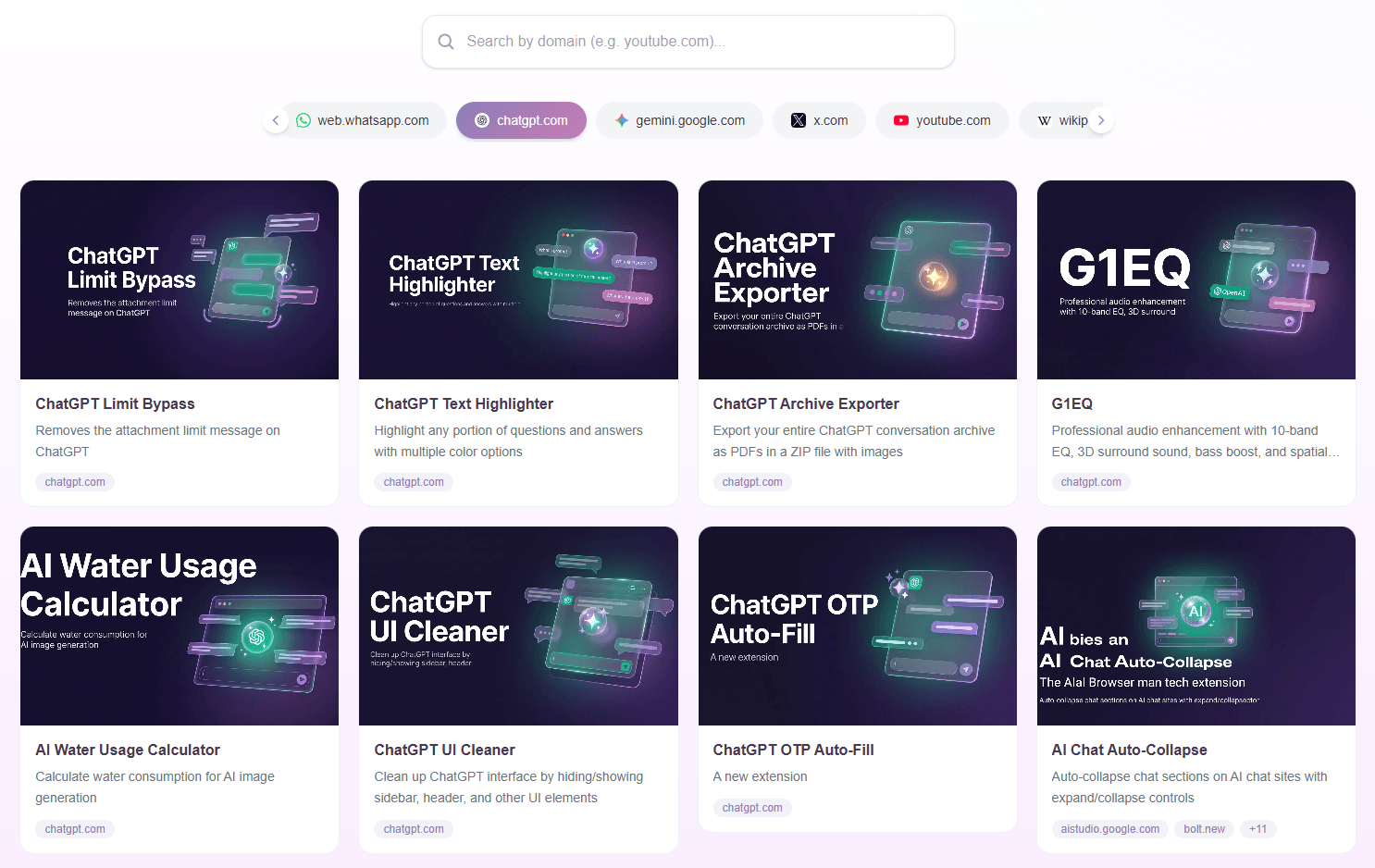
A good RoboMonkey prompt describes the website, the change you want, and what should happen after a user action.
This plays directly to RoboMonkey's data-extraction capabilities. Its Chrome Web Store listing specifically highlights extracting website information into formats such as CSV, ZIP, TXT, and JSON.
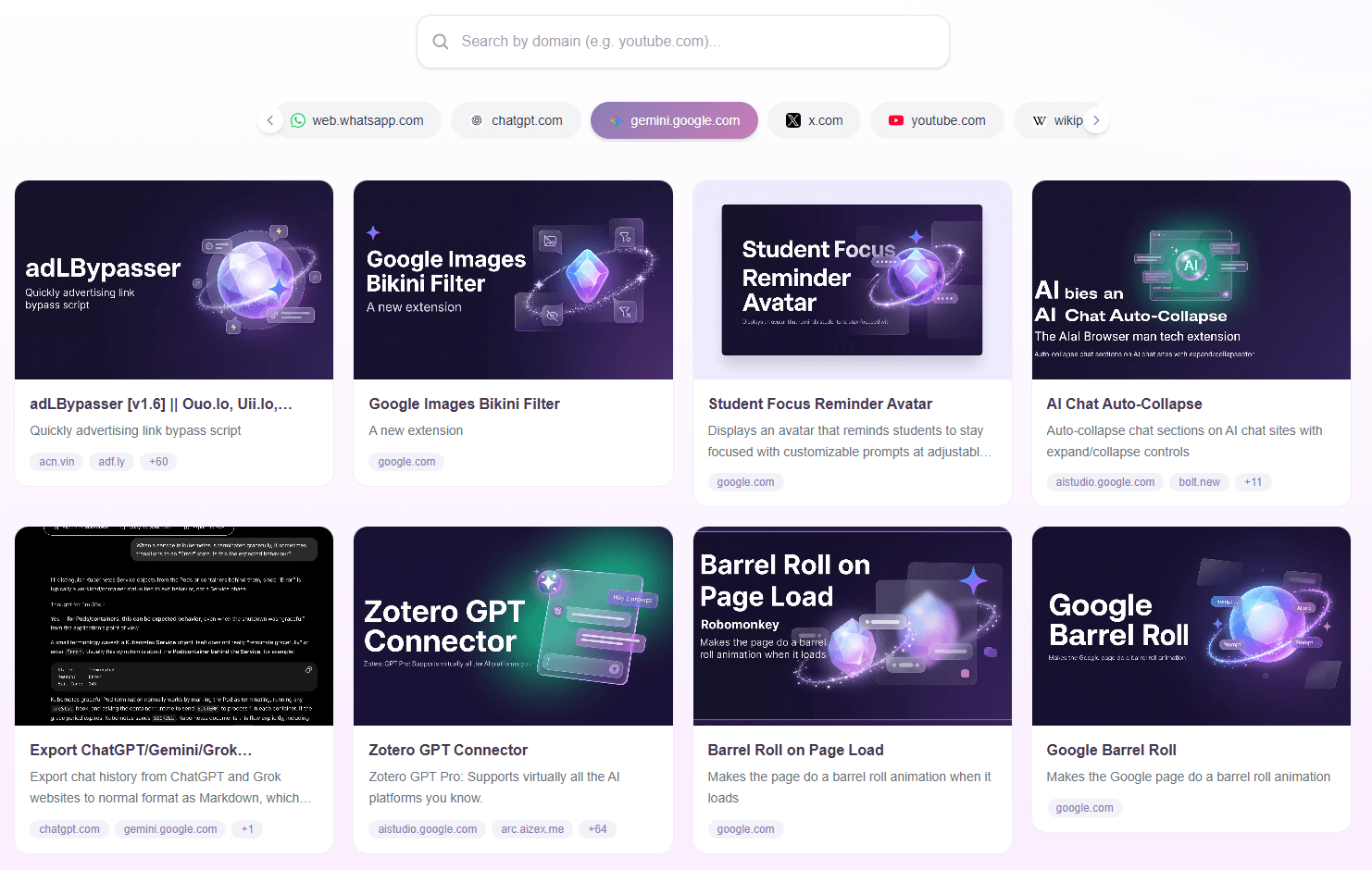
Designers can use this approach to experiment with interface ideas on a live application without first changing the underlying product code. RoboMonkey positions this as a way to prototype visual changes and share them with a team for feedback.
For repetitive browser work:
RoboMonkey officially supports form-fillers and browser automations, making it useful for small tasks that would otherwise require a custom extension or manual repetition.
The first result doesn't have to be final. RoboMonkey installs the script it generates, but you can continue asking for changes in the same AI side panel. For example, you could tell it to move a button, add a filter, change an export format, or fix behavior that fails on a particular page.
Advanced users aren't locked out of the code either. RoboMonkey includes an integrated code editor, and its extension supports most Tampermonkey- and Greasemonkey-compatible userscripts. Existing userscripts can also be imported, modified through AI, and shared.

This combination is one of its better ideas. Beginners can stay in natural language, while developers can inspect or refine the generated JavaScript when needed.
| Use case | Why it fits |
|---|---|
| Website automation | Automates clicks, forms, repetitive actions, and page behavior |
| Data extraction | Turns web content into structured exports |
| UI customization | Adds buttons, layouts, styling, and missing controls |
| Product prototyping | Tests feature concepts directly on live interfaces |
| Userscript development | Generates or refactors Tampermonkey-style scripts |
| Research workflows | Builds custom data-collection tools for websites |
Product managers can use it to create functional prototypes without waiting for engineering resources, while analysts can build custom scrapers for research and data collection.
RoboMonkey also maintains a community registry where users can browse and install scripts created for specific websites.
The biggest thing to understand is that RoboMonkey's marketing uses the term browser extension broadly. Its own documentation explains that RoboMonkey primarily creates .user.js userscripts, and its Chrome listing describes the product as a userscript manager enhanced with AI. A full packaged Chrome extension can support richer browser APIs and background functionality than a single userscript.
Generated scripts also deserve inspection before being trusted with sensitive pages. Userscripts can interact with website content, and Chrome's listing states that RoboMonkey handles website content, user activity, and personally identifiable information as part of its operation.
Finally, the product is currently desktop-oriented, so it isn't designed as a mobile browser automation environment.
RoboMonkey is strongest when you have a small browser problem that normally requires JavaScript but isn't worth building a conventional extension from scratch.
It is particularly useful for analysts, product managers, designers, automation-minded users, and developers who want faster userscript creation. The main caveat is scope: think of RoboMonkey primarily as an AI-powered userscript and browser-customization environment, not a replacement for every kind of full-scale Chrome extension development.
TAGS: AI Automation Programming
Related Tools:

Integrate and analyze data across various channels

Automates coding, reviews, and fixes using AI
Enables users to create custom machine learning models

AI advanced application development platform

Create and deploy full-stack applications

Provides insights into website and app traffic