
Share this tool:
 |
Description:
Midjourney is still one of the most visually distinctive AI image generators, but the product has changed a lot from the old “Discord art bot” perception. Today it is much more of a web-based creative system built around model versions, personalization, moodboards, style references, Omni Reference, editing, and now short video generation. The reason people still use it is because Midjourney often produces more beautiful, taste-driven images than more utility-first generators but it also comes with more stylistic bias, more workflow quirks, and less literal control than the best design-oriented or editing-first tools.
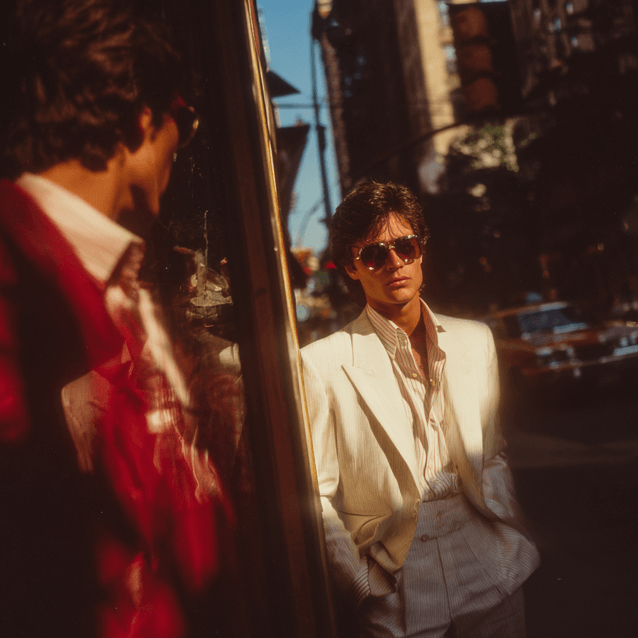
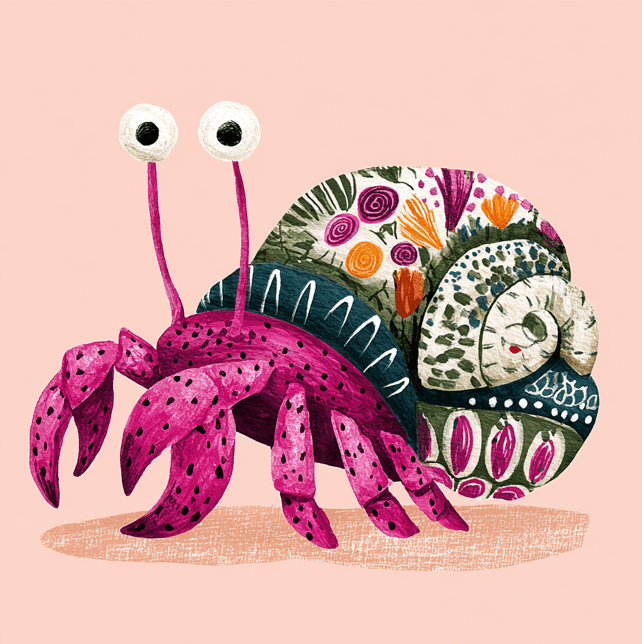
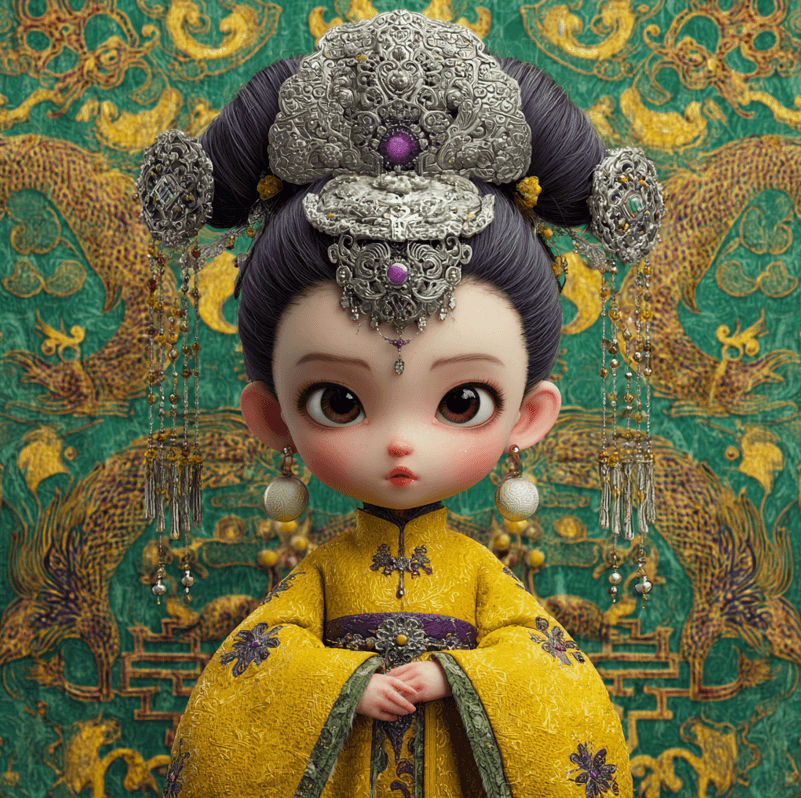
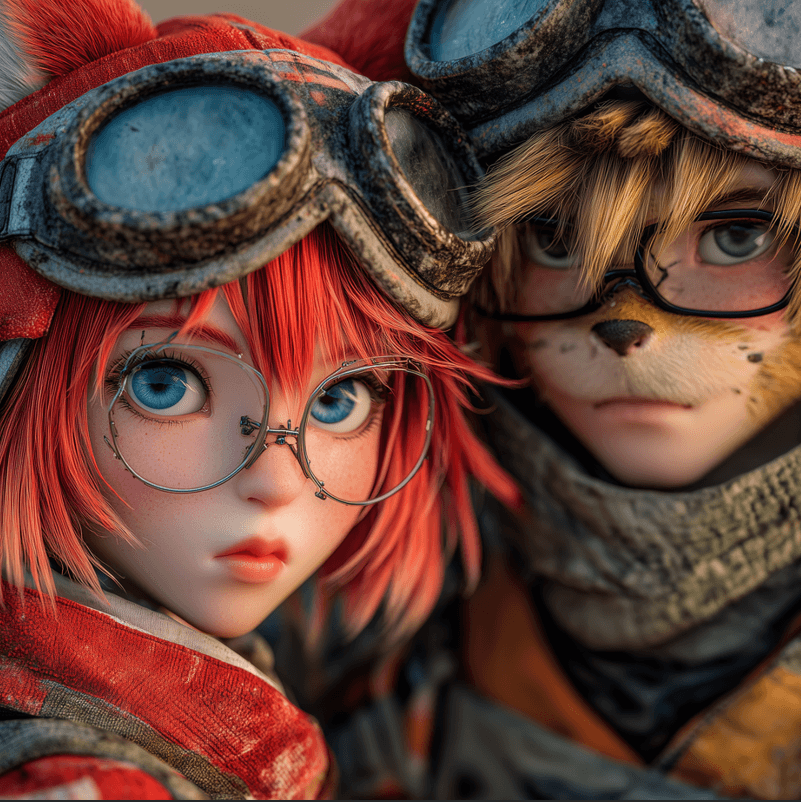
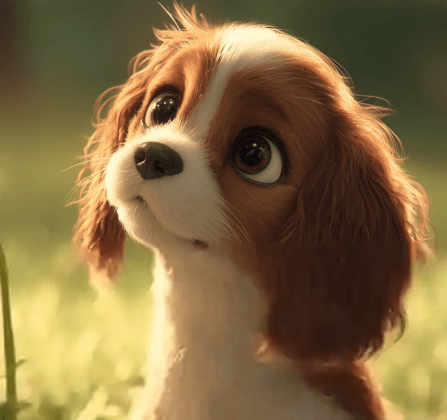
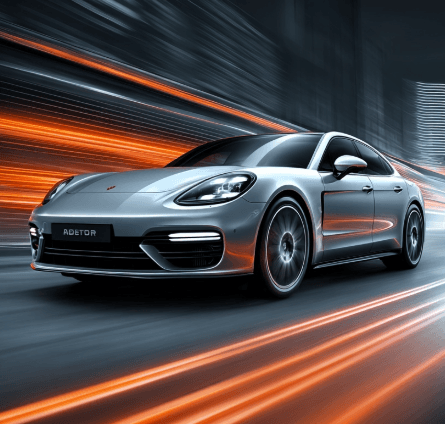
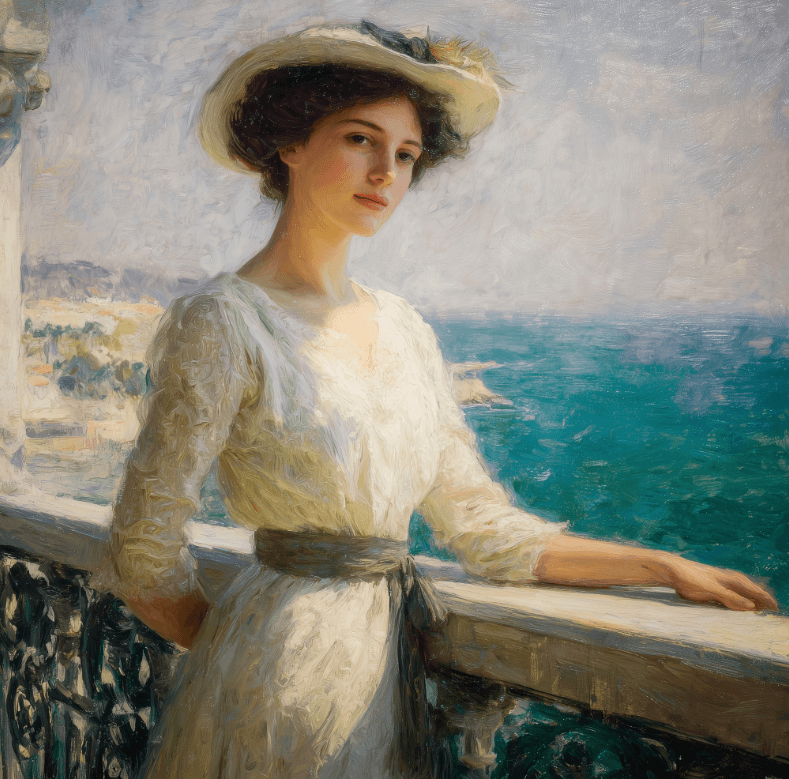
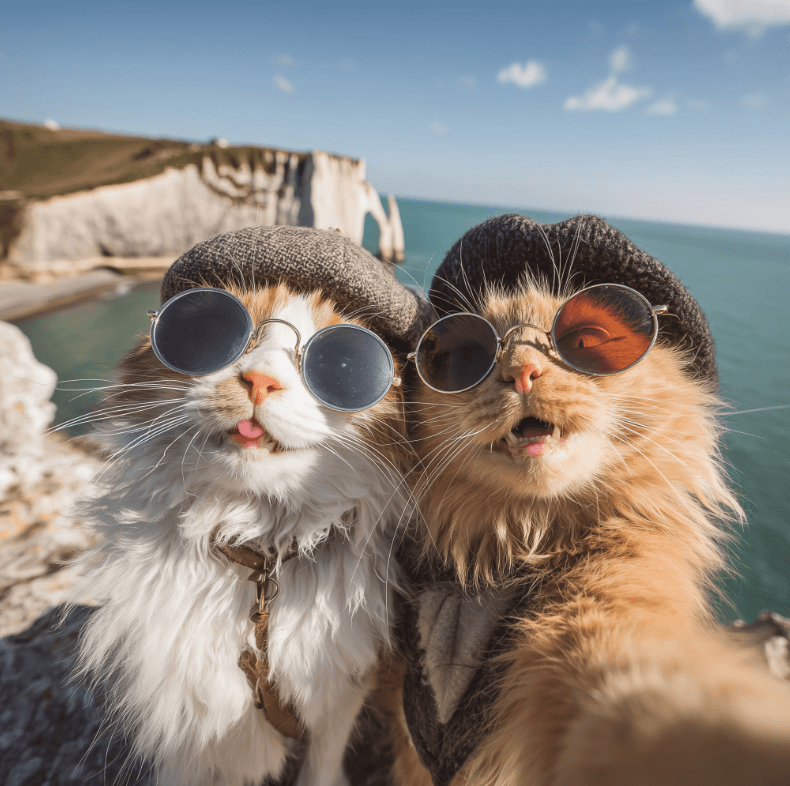
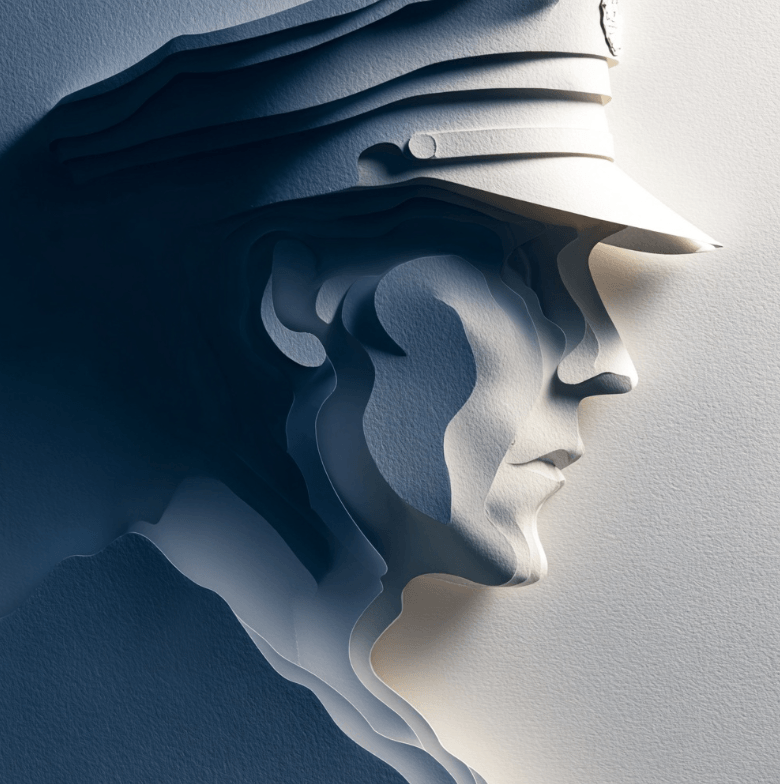
Those examples help clarify Midjourney’s appeal in practice: it is less about sterile accuracy and more about generating images that already feel art-directed, atmospheric, and visually memorable before you even begin refining them.
| Option | Best for | What matters |
|---|---|---|
| V7 | Main production image generation | Current default model; strongest mainstream Midjourney workflow right now. |
| V8.1 Alpha | Fast exploration and testing | Alpha-only on alpha.midjourney.com; faster/cheaper improvements, but still unstable and separate from the main site. |
| Style Reference (--sref) | Matching a look | Best when you want visual vibe consistency without copying subject identity. |
| Moodboards (--p) | Building a broader house style | Better than single style refs when your taste is wider or brand-driven. |
| Omni Reference (--oref) | Reusing a character or object | Best for identity anchoring in V7, but costs more GPU time and has editing limits. |
| Editor | Fixing, extending, reframing images | Strong for inpainting, pan, zoom, remix, and canvas-style iteration. |
| Video | Turning one image into motion | Useful for short 5-second clips, but not a full text-to-video platform. |
Cinematic concept art
Prompt:
“An ancient lighthouse on a black volcanic cliff during a storm, waves crashing below, distant ship lights on the horizon, dramatic scale, wet stone textures, cold blue-gray palette, cinematic atmosphere, ultra-detailed environment, realistic lighting --ar 16:9 --v 7”
Why this is a good first test: This shows Midjourney at one of its clearest strengths: atmosphere, composition, lighting, and painterly-cinematic scene building. V7 is the current default, so this is the most practical starting point.
Less stylized product photography
Prompt:
“A premium matte black mechanical keyboard on a clean desk, soft daylight from the left, realistic materials, shallow depth of field, subtle reflections, ecommerce photography, minimal background --ar 4:3 --raw --v 7”
Why this matters: Midjourney tends to beautify aggressively. Using --raw is one of the better ways to reduce some of that built-in stylization when you want cleaner commercial output. Midjourney’s strength is beauty, but sometimes you need to tone that down.
Consistent editorial look
Before using this prompt: Add a reference image in the Style Reference slot or use an --sref style reference.
Prompt:
“Editorial portrait of a female architect in a concrete studio, structured black outfit, directional window light, magazine photography, restrained luxury styling, confident pose --ar 2:3 --v 7”
Why this is useful: Style Reference is one of Midjourney’s most important modern controls. It does not copy the person or objects, but it does carry over the visual feel. That makes it much better than plain text when you want repeatable taste.
Brand-style campaign generation
Before using this prompt: Build a moodboard first from images that match your target brand aesthetic.
Prompt:
“Luxury skincare campaign image, amber glass bottle on travertine stone, soft shadow, beige and cream palette, premium minimalist beauty advertising, elegant negative space --ar 1:1 --p”
Why this is useful: Moodboards are stronger than one-off prompts when you need a broader brand language across many images. This is one of the smartest newer Midjourney workflows for agencies and creators.
Character consistency across scenes
Before using this prompt: Add one character image as an Omni Reference.
Prompt:
“A young female sci-fi pilot walking through three different scenes: 1) neon-lit hangar, 2) desert outpost at sunset, 3) cramped cockpit before takeoff. Preserve the same face shape, hair, jacket silhouette, and overall identity across all scenes --ar 16:9 --v 7”
Why this matters: Omni Reference replaces Character Reference for V7 and is the clearest way to keep a person, object, or creature more stable across outputs. It is one of Midjourney’s most useful practical upgrades, but it costs 2x regular V7 GPU time and does not play nicely with every edit flow.
Partial scene change
Before using this prompt: Open an existing image in the Editor and select only the area you want to change.
Prompt:
“Replace the daytime sky with a dramatic golden-hour storm sky, add distant birds and stronger sun rays, keep the building and foreground untouched.”
Why this is useful: Midjourney is much better when you stop treating it as one-shot generation and start using it iteratively. The Editor combines remixing, inpainting, pan, and zoom in one web workflow, which is where the product becomes much more practical.
Animate a still image
Before using this prompt: Start from a generated or uploaded image and use Animate Image.
Prompt:
“Wind moves through the character’s coat, subtle camera push-in, dust particles in the air, slow cinematic motion.”
Why this is useful: Midjourney video is currently a short image-to-video system, not a full filmmaking platform. It is best for tasteful motion on top of a strong still image, not for long narrative generation. Videos are 5 seconds long and all plans can use Fast mode, while Relax video is limited to Pro and Mega.
Reverse-engineer a visual direction
Before using this prompt: Upload an image you like and use Describe or Suggest Prompt.
Prompt follow-up:
“Take this prompt direction and make it feel more grounded, less fantasy-heavy, more like premium travel editorial photography.”
Why this is smart: Many users hit a wall with Midjourney because they over-focus on “perfect prompt writing.” In practice, Midjourney’s newer web workflow makes prompt iteration easier through suggestive tools, conversational prompt help, and remix-style refinement.
Midjourney still stands out for images that feel tasteful, polished, and art-directed rather than merely accurate. This remains its biggest practical advantage.
Style Reference, Moodboards, Image Prompts, and Omni Reference give Midjourney more control depth than its old reputation suggests.
The web Editor combines remix, inpainting, pan, and zoom in a more useful way than the old Discord-only workflow.
Midjourney can animate a single image into a 5-second clip, which is useful for social loops and motion mockups.
Fast, Relax, and Turbo give users real control over cost versus speed, which matters if you generate in volume.
Midjourney says you own the images and videos you create, with important plan-related business exceptions.
Midjourney is best when the output needs to feel beautiful before it needs to feel literal. That makes it particularly strong for concept art, editorial fashion imagery, cinematic scenes, fantasy environments, album-art-style work, campaign mood visuals, brand exploration, posters, packaging concepts, and stylized product imagery.
It is also very strong when you work visually instead of verbally. Moodboards, style references, and Omni Reference all reduce the burden of writing impossibly precise prompts. That matters because Midjourney has never been the most literal model on the market. It is often at its best when you direct it with taste, references, and iteration rather than with rigid specification alone.
The newer web workflow is also better than many people expect. Midjourney is no longer just “type prompt, hope for the best.” The Editor, image actions, and organization tools make it much more usable for real creative projects than older reviews imply.
Midjourney is weaker when you need precise compliance, exact layout fidelity, clean text rendering inside images, highly controlled UI mockups, or deterministic business graphics. It can absolutely produce useful design-like work, but its instinct is still artistic rather than systemically precise.
It is also not the most seamless tool for identity-consistent storytelling across many scenes. Omni Reference helps, but Midjourney itself notes that specific details like freckles or logos may not match perfectly, and Omni-based outputs still come with editing restrictions.
Video is another area where expectations matter. Midjourney video is useful, but it is still a short 5-second image-to-video feature. If you want longer, more directed, multimodal video production, this is not the strongest platform in that category.
Here is the practical current plan picture:
| Plan | Monthly price | Fast GPU time | Relax | Video | Stealth |
|---|---|---|---|---|---|
| Basic | $10 | 3.3 hr / 200 min | No | SD | No |
| Standard | $30 | 15 hr | Unlimited images | SD & HD | No |
| Pro | $60 | 30 hr | Unlimited images and SD video | SD & HD | Yes |
| Mega | $120 | 60 hr | Unlimited images and SD video | SD & HD | Yes |
Midjourney also offers 20% off annual billing, and extra GPU time can be purchased at $4 per hour. A normal image prompt is roughly 1 minute of GPU time, Omni Reference about 2 minutes, a batch of 4 SD videos about 8 minutes, and a batch of 4 HD videos about 26 minutes.
The best value tier for most individual creators is usually Standard. Pro becomes more compelling if you need privacy through Stealth Mode or plan to use Relax video. Stealth is available only on Pro and Mega, and Midjourney notes that privacy still depends on where you generate, especially on Discord.
One important commercial caveat: Midjourney says you own the images and videos you create, but if your business grosses more than $1,000,000 annually, you need a Pro or Mega plan to use them commercially for your company.
- Start with visual direction, not adjective piles. Midjourney responds better to a clear scene, subject, lighting, medium, and camera feel than to a giant stack of vague style words.
- Use Style Reference for one look, Moodboards for a broader taste system. That distinction matters more than most beginners realize. Style Reference is narrower; moodboards are better for larger aesthetic territory.
- Use Omni Reference only when identity really matters. It is powerful, but it doubles normal V7 image cost and brings compatibility limits.
- Treat Midjourney as an iterative tool. Generate, vary, edit, pan, zoom, remix, and refine. The product gets more useful as soon as you stop expecting a perfect first image.
- Use V8.1 Alpha for experimentation, not for locked production assumptions yet. It launched on April 14, 2026, is only on alpha.midjourney.com, and Midjourney explicitly says it may change a lot.
- For video, start with your strongest still image first. Midjourney video quality depends heavily on the starting frame because the system is image-to-video, not pure text-to-video.
- Midjourney’s biggest strength is also its trade-off: it has a strong built-in taste. That is great when you want striking visual output quickly. It is less great when you want neutral obedience.
- The product is also in a somewhat split state right now. V7 is the main default model, while V8.1 Alpha is on a separate alpha site, and the Editor still uses V6.1 functionality even for V8.1 Alpha images. That means the workflow is capable, but not fully unified yet.
- Reference workflows add power, but also complexity. New users can easily mix up image prompts, style references, moodboards, and Omni Reference, even though they do very different jobs. And some combinations remain incompatible or limited.
- Finally, Midjourney still has moderation friction around external-image workflows, and the company explicitly notes that some seemingly innocent prompts may be blocked.
Midjourney is still one of the best AI image tools for creators who care most about visual taste, atmosphere, and art direction.
It is especially strong for concept artists, designers, marketers, brand teams, and solo creators who want striking images fast and are willing to work iteratively with references, moodboards, and editing tools.
Its main caveat is that it is not the most literal or mechanically precise generator, and some of its best newer controls still come with workflow complexity and version split-offs.
TAGS: Generative Art
Related Tools:
Create and blend Images
Generates architectural designs
Transforms text prompts into unique, personalized coloring pages
Transforms text or image ideas into ready-to-use visuals
Simplifies graphic design by automatically generating visuals

Creates artworks with image editing capabilities
Related Videos:
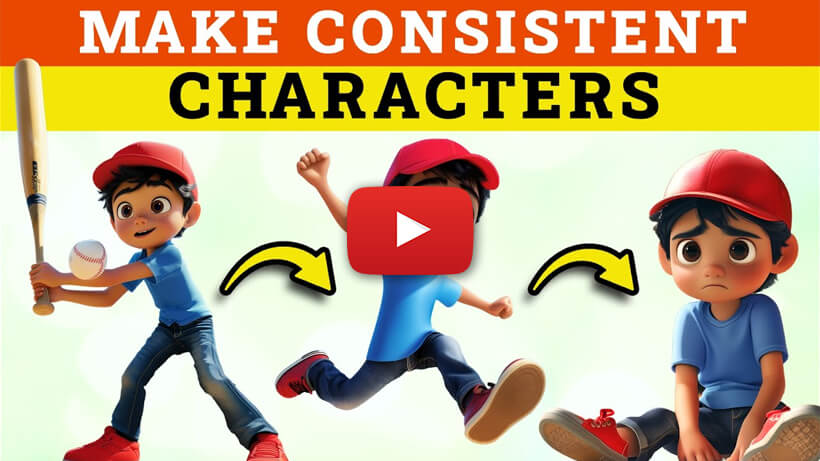
Create Consistent Characters in Midjourney
Try my new method to create consistent characters inside Midjourney using the character reference parameter.
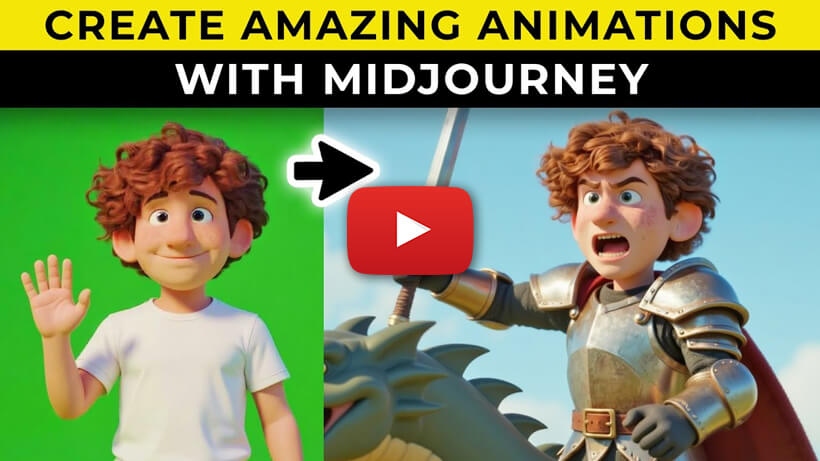
How to Create Amazing Full Animated Stories Using Midjourney
Midjourney will help bring your stories to life with this incredibly simple method, which creates professional looking animated videos.
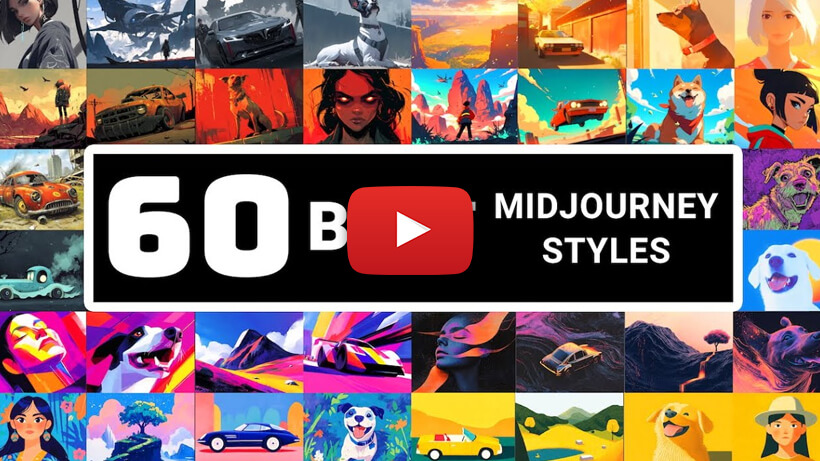
Must Try Styles For Image & Video - Explore 60 Amazing Looks With Midjourney
Explore 60 amazing styles for AI video creation with Midjourney! Transform your images and videos with must-try styles for stunning results.