
Share this tool:
 |
Description:






These examples show the broader direction of Meta AI — not just as a chatbot, but as a consumer assistant that now blends visual creation, short-form media, and everyday cross-app usefulness.
Meta AI is a consumer AI assistant deeply integrated into Meta’s ecosystem. It is built for everyday questions, web-assisted research, visual creation, social content help, and hands-free interactions inside the apps many people already use. That is the key difference: Meta AI is not just a standalone chatbot. It is designed to sit inside your social, messaging, web, and glasses workflows and make those environments more interactive and creative.
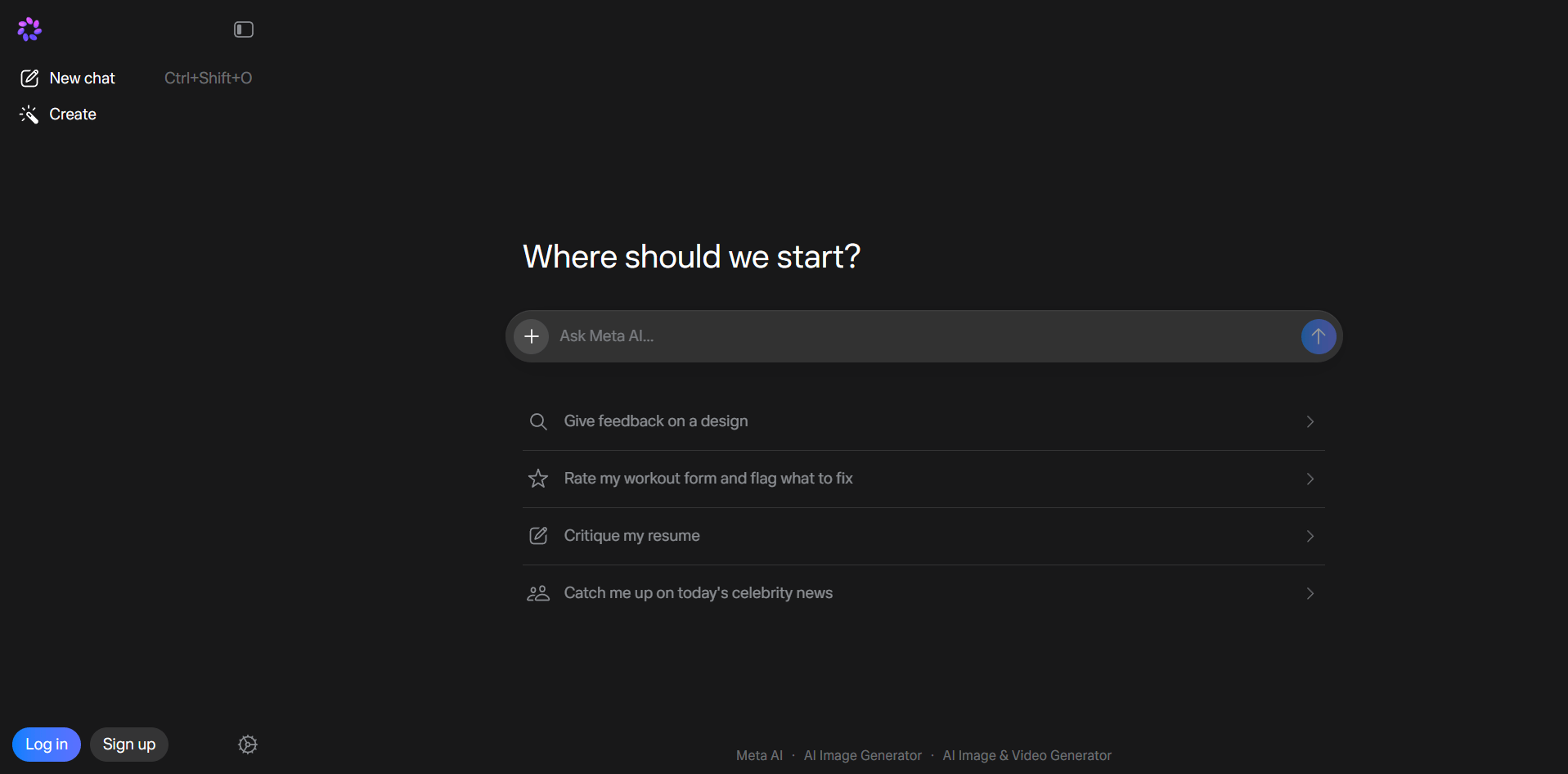
The easiest way to understand Meta AI is to break it into four layers:
This is the core chat experience: asking questions, getting explanations, brainstorming, coding help, recommendations, and web-assisted answers. Meta’s current product page describes Meta AI as an assistant for both quick answers and more complex tasks.
Meta AI can generate images, edit photos, stylize images, animate images, and create short AI videos through Vibes. Meta’s own product pages now explicitly describe Vibes as a space for AI image and video creation, remixing, and sharing.
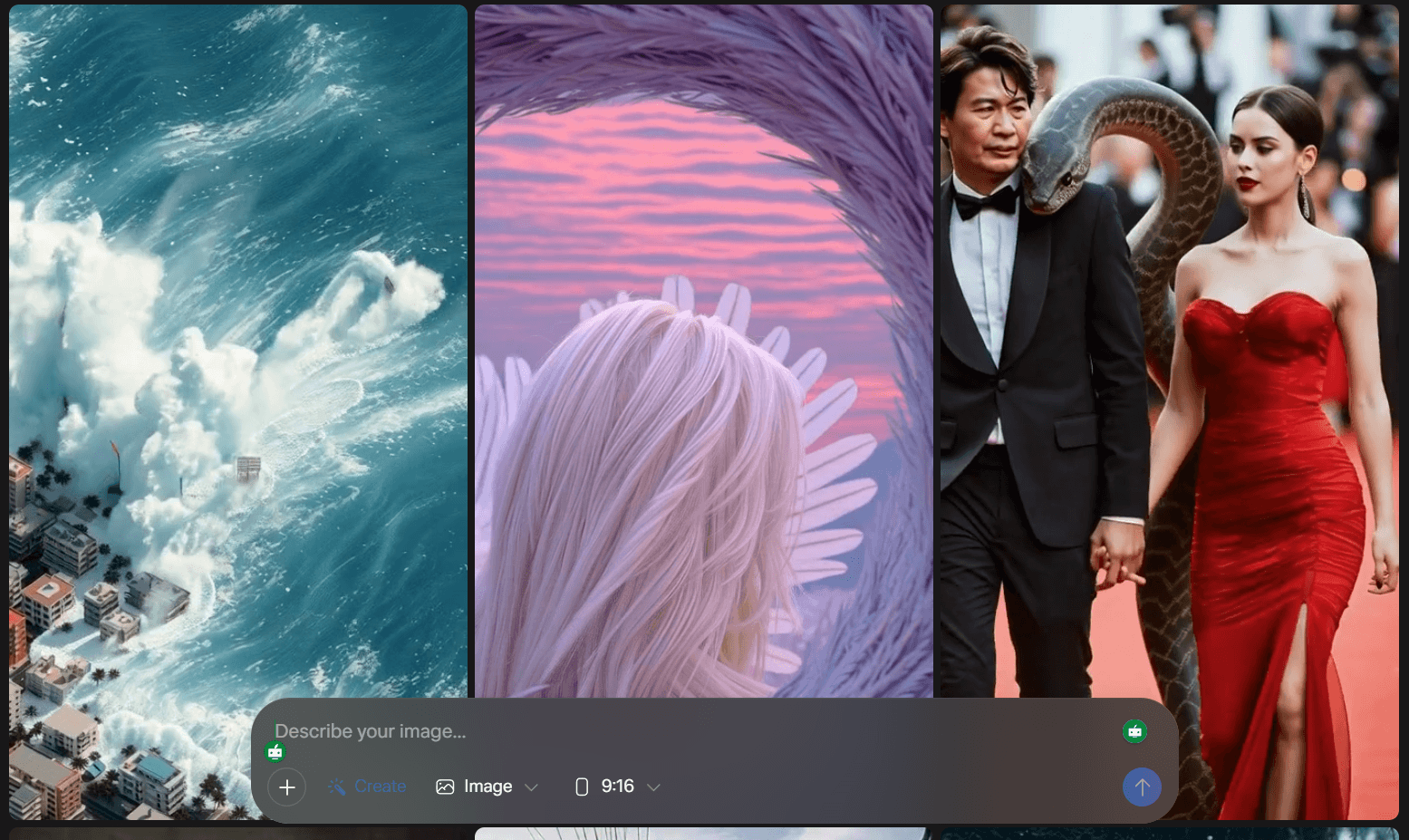
Meta AI includes features like creating AI images and videos of yourself, memory/personalization, a Discover-style social feed for creative outputs, and AI Studio for building custom AI characters.
Meta AI is not isolated to one app. It carries across Meta’s web, app, messaging, social, and glasses surfaces, which lowers friction for people already inside those platforms.
Everyday research and recommendations
Prompt:
“What are the best affordable laptops for photo editing and light video work with a budget of $1,200? Compare a few options and explain why each one is worth it.”
Why this is useful: This targets one of Meta AI’s strongest practical uses — current recommendations with web-backed sourcing. Meta explicitly positions the assistant as web-connected for exactly these kinds of questions.
Photo understanding
Before using this prompt: Upload a photo first.
Prompt:
“Look at this photo and tell me what’s in it. Then give me three specific suggestions to improve the space for focused work.”
Why this is useful: Meta AI’s current assistant stack supports multimodal understanding, and Meta’s newer Muse Spark announcement specifically emphasizes stronger “see and understand” behavior.
Professional headshot creation
Prompt:
“Generate a professional headshot of a person in business casual attire, inside a modern office, with warm natural lighting and a friendly expression.”
Why this is useful: This is a simple test of Meta AI’s built-in image generation and prompt adherence for practical business or creator visuals. Meta’s image generator page explicitly covers generation and styling workflows.
Photo background replacement
Before using this prompt: Upload a photo first.
Prompt:
“Replace the background with a modern professional office. Keep the person in the same pose and make the lighting look natural.”
Why this is useful: This targets Meta AI’s plain-language photo editing flow, which Meta’s help pages describe as editing uploaded or generated images directly.
Personalized image generation
Before using this prompt: Set up your self-image references first.
Prompt:
“Create an image of me as a professional photographer at an outdoor beach shoot, holding a camera, wearing casual but stylish clothing.”
Why this is useful: Meta’s help docs show a dedicated workflow for creating AI images and videos of yourself from setup photos.
Social caption generation
Before using this prompt: Upload or reference the image you plan to post.
Prompt:
“I’m posting this sunset photo to Instagram. Write three caption options: one casual and fun, one inspirational, and one that ends with a question to get engagement. Include relevant hashtags for travel and photography.”
Why this is useful: This is a very practical Meta AI use case because it combines image context, social tone matching, and creator workflow support inside the same ecosystem.
Practical coding assistance
Prompt:
“Write a Python script that pulls weather data from a public API and saves it to a CSV file. Add comments throughout that explain what each part does.”
Why this is useful: Meta AI is useful for straightforward coding tasks and first drafts. It is not the most specialized coding tool, but it is fast for everyday scripting and explanation.
Short AI video creation
Prompt:
“Create a short 5-second animated video of flowers blooming in a spring garden with a soft, dreamy visual style.”
Why this is useful: Vibes is Meta’s current creation surface for AI image and video generation, remixing, and sharing. It is strongest for short, visually simple, mood-driven content.
Custom AI character creation
Prompt:
“I want to create an AI character called TechTalk, a friendly, approachable tech expert who answers everyday tech questions in plain language. Help me set up the personality and look.”
Why this is useful: AI Studio is one of Meta AI’s more distinctive platform features because it lets users create custom AI characters that can be shared and used across Meta messaging apps.
Meta AI is already available inside Meta’s major consumer apps, which makes it easier to use in daily life than assistants that live mostly in a separate tab.
Meta AI can search the web for current information and show sources, which is especially useful for shopping, travel, recommendations, and timely questions.
Meta AI now supports image generation, image editing, image animation, and AI video creation through Vibes from the same overall product family.
Meta says Meta AI can remember user-provided details and personalize answers using information you have chosen to share across Meta products.
AI Studio lets users create and share custom AI characters, including creator-style assistants.
Meta AI supports voice conversations, and the newer full-duplex voice demo is available in select regions.
This part matters, because your script centers Meta AI around Llama 4, but the current public picture is a little more layered.
Meta announced in April 2025 that the new Meta AI app uses Llama 4 and described it as the model helping users solve problems, answer questions, search the web, and create.
As of April 2026, Meta announced that Muse Spark now powers the Meta AI app and meta.ai, with rollout planned to WhatsApp, Instagram, Facebook, Messenger, and AI glasses in the following weeks. Meta positions Muse Spark as its newer assistant model with stronger multimodal understanding, better reasoning, and multiple response modes.
- Meta AI has recently been built on Meta’s own model stack, including Llama 4 and now Muse Spark
- The live experience may differ by surface and rollout stage
- App and web are now officially tied to Muse Spark, while broader in-app rollout is ongoing
That is more accurate than saying only “Meta AI runs on Llama 4” everywhere.
- Everyday users who want current answers: Meta AI is strong for everyday questions because web search is built into the assistant experience and available inside apps people already use.
- Content creators and social users: Image generation, photo editing, captions, Vibes, and AI Studio make Meta AI especially useful for people already creating inside Instagram, Facebook, and related surfaces.
- Visual and casual creative workflows: Meta AI is one of the more accessible consumer tools for simple creative work because it combines generation, editing, animation, and short video from one product family.
- Social-platform-native creator assistance: Because it lives in Meta’s ecosystem, it is especially convenient for captions, posting ideas, AI personas, and content experiments tied to Instagram, Facebook, and Messenger.
- Hands-free and wearable use: The Meta AI app plus AI glasses integration makes it more practical for voice-first and mobile-first use than assistants that stay mostly desktop-bound.
- Turn on web search when freshness matters. Product recommendations, travel plans, local suggestions, and current events are much better with web search enabled. Meta explicitly highlights web-assisted answers as part of the assistant.
- Use clean uploaded photos for editing and analysis. Vision features work better when the subject is clear and the image is not cluttered.
- Use varied reference photos for self-image generation. Meta’s help docs explicitly recommend uploading photos of yourself to make AI images and videos of yourself.
- Add detail to creative prompts. Lighting, setting, style, and mood all improve image and Vibes outputs.
- Use voice for quick task flows. Meta AI supports voice conversations, and full-duplex voice can be toggled where available.
- Review important outputs before using them publicly. This matters especially for captions, web research, coding, and translations.
- Full-duplex voice is still limited by region and rollout. Meta’s help docs describe it as a toggleable demo feature, and Meta’s app announcement says it started in the US, Canada, Australia, and New Zealand.
- Image editing is strongest on straightforward changes. More difficult edits like detailed hair, layered occlusion, or very exact lighting matches can still produce inconsistencies.
- Web search still needs source checking. It improves freshness a lot, but high-stakes decisions should still be verified.
- Short AI video is better than long-form storytelling. Vibes is well suited to short, visual, mood-first clips rather than complex multi-scene narratives.
- Meta AI is broad, not maximally specialized. For deep coding, intricate debugging, or advanced domain-specific work, a more specialized tool may still outperform it.
- Data and privacy controls matter. Meta’s help docs explain how chats, posts, media, and other information can be managed inside Meta AI and Vibes settings.
Meta AI is currently available:
- on the web at meta.ai
- in the Meta AI app
- inside Facebook, Instagram, Messenger, and WhatsApp
- on Meta’s AI glasses ecosystem
That cross-platform presence is one of the biggest reasons to use it. It reduces friction between asking, creating, and sharing.
Meta AI is stronger on native social-platform integration, creator utilities, and consumer-facing visual workflows inside Meta’s apps. ChatGPT is generally stronger for deeper reasoning, structured writing, and more advanced tool-based work. This is partly an inference from the platforms’ current product focus, but it is consistent with how each company positions its assistant.
Both support current-information workflows and multimodal assistance, but Gemini is more naturally tied to Google’s ecosystem, while Meta AI is more naturally tied to Instagram, Facebook, Messenger, WhatsApp, and Meta’s creator surfaces.
Meta AI’s clearest unique advantage is the combination of:
- built-in social and messaging presence
- image generation and editing
- Vibes video creation
- self-image workflows
- AI Studio characters
- cross-app continuity inside Meta’s ecosystem
Meta AI is a broad, capable consumer assistant that covers everyday questions, current web research, visual creation, social-platform creator support, and cross-app convenience. Your script frames it around Llama 4, but the more current picture is that Meta AI now sits on Meta’s evolving in-house assistant stack, including Llama 4 and now Muse Spark for the app and web experience.
That matters because Meta AI is no longer just a chatbot inside Messenger. It is increasingly a cross-platform personal assistant and creative layer across Meta’s products. For regular social users, content creators, visual experimenters, and anyone who wants an assistant inside apps they already use, Meta AI is one of the more practical mainstream options available right now.
TAGS: AI Chat/Assistant Generative Art
Related Tools:

Enables real-time creation and enhancement of images and videos

Creates personalized images and avatars
AI designed to streamline content creation

AI assistant that excels at deep reasoning and multimodal tasks
Generates realistic images of people
Transforms a single product photo into marketing images