
Share this tool:
 |
Description:
- What Is Manus?
- Chat Mode vs. Agent Mode
- 8 Sample Prompts You Can Try First
- Wide Research Handles Bigger Research Tasks
- Manus Can Work Beyond Its Cloud Browser
- Connectors Turn Manus Into a Working Assistant
- Practical Workflow Example: Competitor Research to Presentation
- Best Use Cases
- Limitations and Trade-Offs
- Final Takeaway
Manus is a general-purpose AI agent designed to take a task, work through the steps, use tools, and deliver an outcome rather than stopping at advice. That outcome might be a research report, slide deck, website, mobile app, analysis, design, or a task completed across connected services. The current platform is available on the web, desktop, and mobile.
That makes Manus quite different from a standard chatbot. You can still use it for conversation, but the more interesting part is what happens when you hand it work that would normally require several browser tabs and applications.
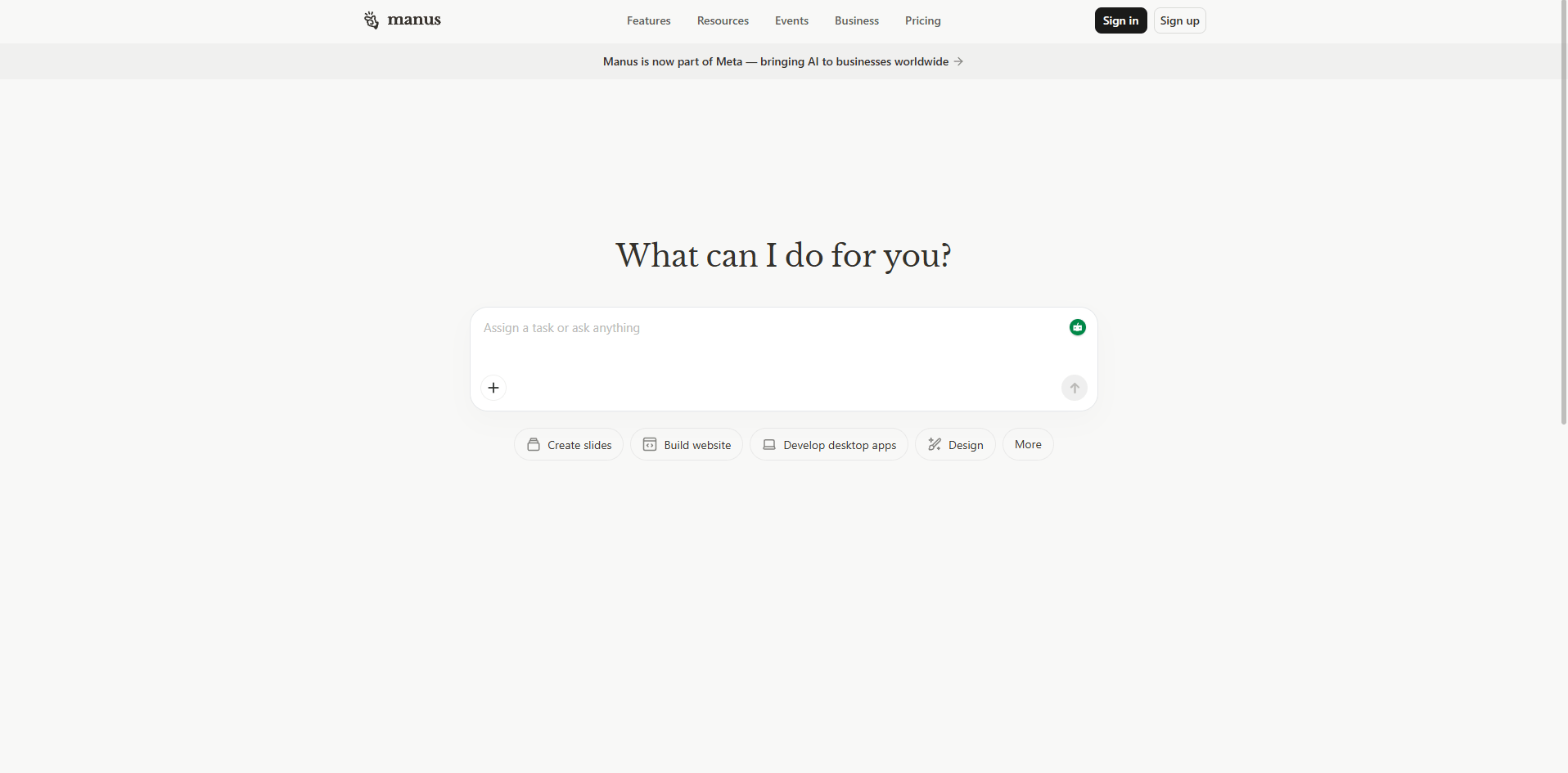
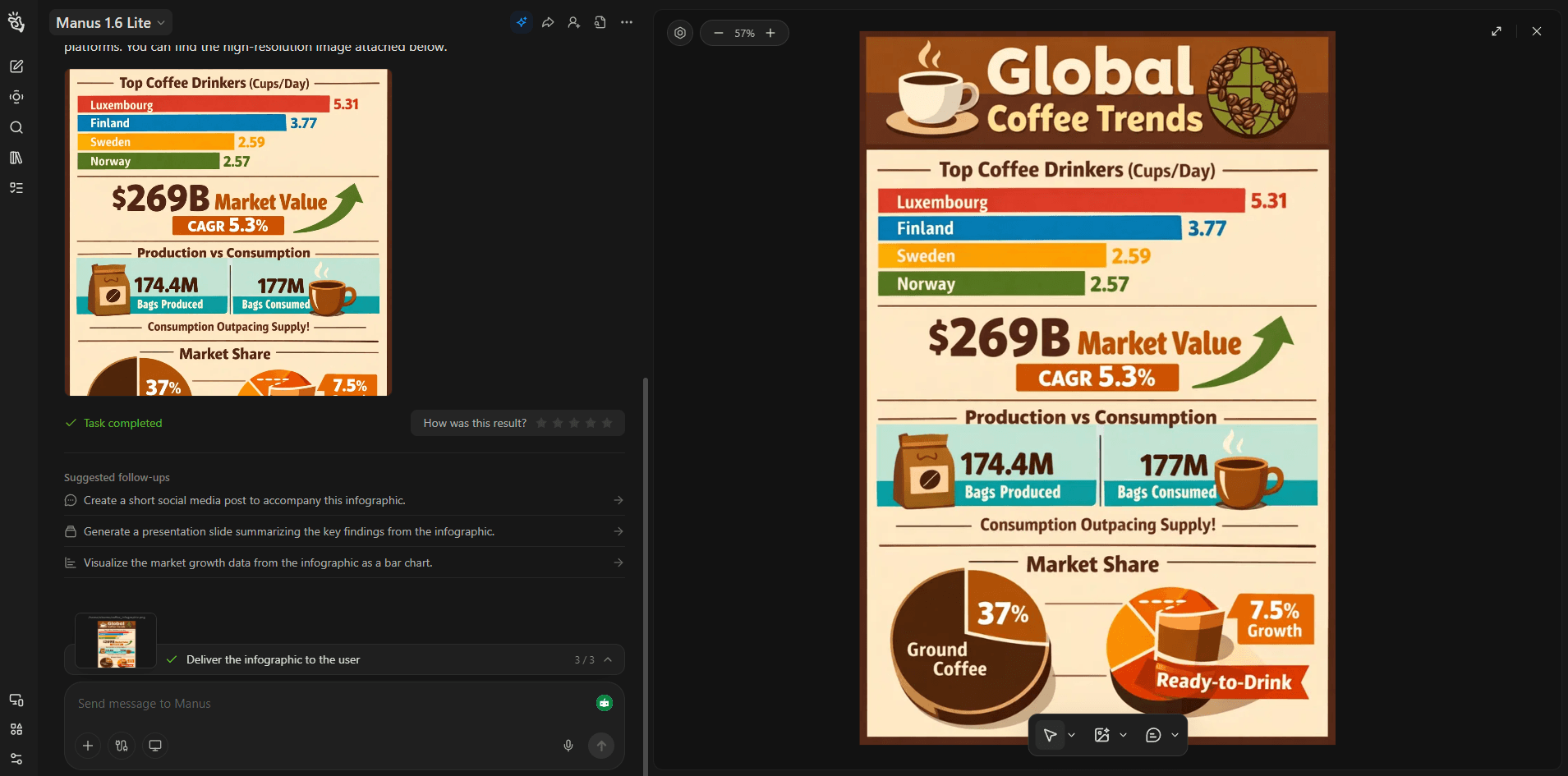
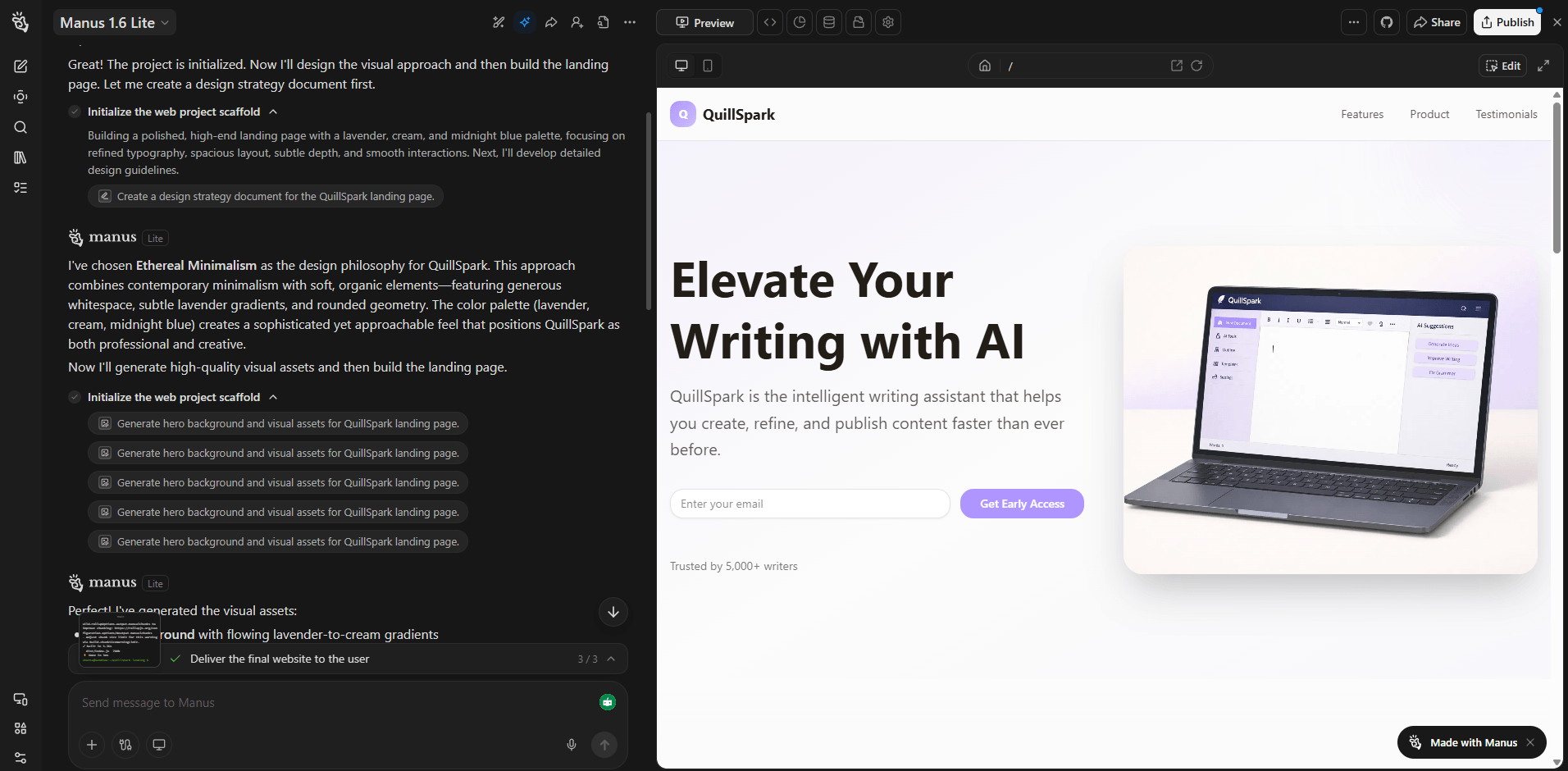
Manus separates lighter conversational work from autonomous execution.
Chat Mode handles questions, brainstorming, web searches, and analysis of images, PDFs, and text files. Agent Mode is meant for tasks that require planning and execution, such as building websites, producing slides, creating videos, or completing longer workflows.
The current agent family includes Manus 1.6 Lite, Manus 1.6, and Manus 1.6 Max. Max is positioned as the highest-capability version for harder multi-step work, with improvements to planning, problem solving, and tool use. Manus 1.6 also expanded the platform into mobile-app development and a visual Design View for editing generated images.
That range matters because Manus isn't just trying to generate better text. It is trying to complete larger jobs.
Best workflow: Wide Research
Why this is a good first test: Manus leans heavily into “do the work and deliver the output,” and research plus structured reporting is one of its clearest fits. Manus also promotes Wide Research and report-style workflows directly.
Best workflow: Website / app builder
Why it matters: Manus explicitly positions itself as able to turn plain-language instructions into full-stack websites and web apps, not just mockups.
Best workflow: Research + slide creation
Why this belongs early: Manus promotes AI slide creation as a direct product workflow, so this is a more natural test than a generic writing prompt.
Best workflow: Browser operator
Why this is useful: Manus includes a browser operator workflow, which makes web-based research and observation one of its more distinctive practical uses.
Best workflow: Skills
Why this is a strong test: Skills are one of Manus’s clearest differentiators. The platform emphasizes reusable workflows that scale team knowledge beyond one-off prompting.
Best workflow: My Computer
Before using this prompt: Make sure the local files you want Manus to inspect are available in the environment it can access.
Why it matters: Manus’s My Computer capability is built around terminal-based interaction with local files and applications, which makes it more action-oriented than a standard chat assistant.
Best workflow: Multi-step planning + research
Why this is a good fit: This prompt reflects Manus’s multi-stage strength. It is better suited to jobs that combine research, planning, and output creation than to one-step questions.
Best workflow: Workspace / document editing
Before using this prompt: Open the Google Doc or workspace document you want revised first.
Why this is a smart test: Manus recently added more granular document editing inside Google Docs and workspace workflows, which makes it more useful for real revision work than tools that only append text.
One of the more distinctive features is Wide Research.
When Manus decides that a complex research task can be split into independent pieces, it can automatically distribute those pieces across parallel sub-agents. Each agent works on part of the problem, then Manus combines the results.
This makes sense for jobs such as comparing many companies, analyzing a large product category, researching several markets, or collecting information from a long list of sources.
It is a better use of an agent system than asking one model to work through 30 items sequentially. The trade-off is that a large research output still needs checking. Parallel work can improve coverage, but it does not guarantee that every source or conclusion is equally strong.
The desktop application adds My Computer, which lets Manus interact with authorized local folders and tools.
The important detail is how it works. Manus primarily operates through command-line instructions rather than behaving like a human clicking around every desktop application. With permission, it can inspect and edit files, organize folders, execute installed command-line tools, and work with environments such as Python, Node.js, Swift, and Xcode.
That opens up useful workflows such as sorting large file collections, processing local datasets, developing software, or running scripts against files that you do not want to upload manually.
For long-running jobs, Manus also offers a Cloud Computer, a persistent Ubuntu environment that keeps files, installed tools, and processes available between sessions. Normal Manus tasks otherwise run in temporary sandboxes that eventually close.
Manus Connectors let the agent interact with external services rather than relying only on information pasted into the conversation.
The connector system can securely expose third-party data and actions, including MCP services. Official examples include Gmail, Google Calendar, GitHub, databases, Slack, and Notion. Multiple connectors can also be used inside a single task.
This is where Manus starts to feel less like a content generator and more like an assistant that can move across a workflow.
Imagine a marketing team preparing for a strategy meeting.
You could ask Manus to research 20 competing products, compare their positioning, identify recurring customer complaints, and highlight gaps in the market.
For a task of that size, Wide Research may split the competitors across parallel agents. Manus can gather public information, organize the findings, and compare patterns. Internal notes could then be brought in through an authorized connector.
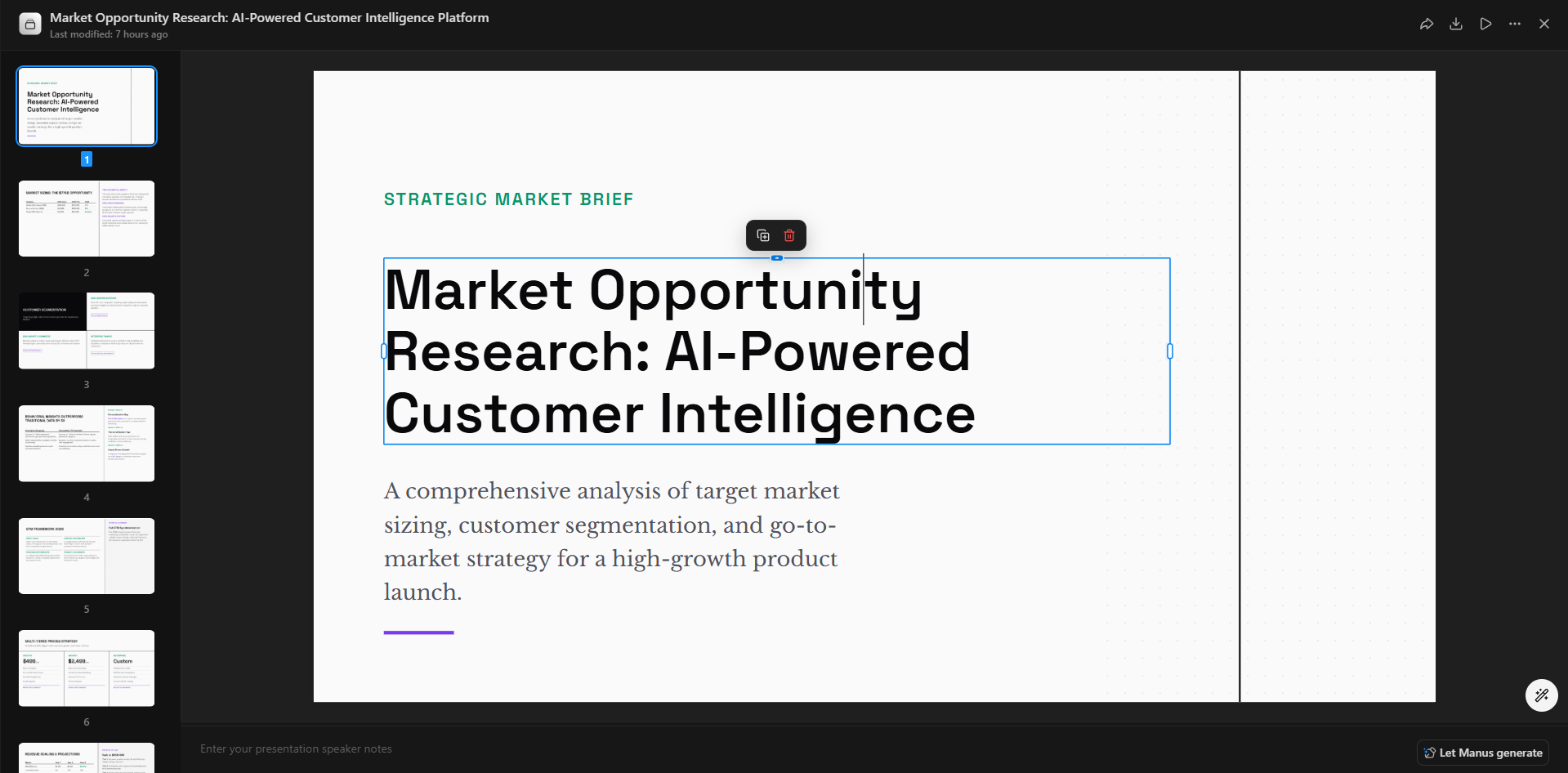
Instead of stopping with a research summary, the same task can continue into a structured presentation. Manus supports slide creation directly, so the final output could include a competitor matrix, major trends, opportunity areas, and recommended next steps. Its current product also supports web-app and full-stack application generation when the deliverable needs to be interactive rather than static.
That end-to-end flow is the strongest argument for Manus. Research, analysis, and production can happen inside the same task.
Manus makes the most sense for deep research, competitor analysis, report creation, presentations, web development, data work, file processing, and repetitive multi-app workflows.
It is also a good fit for people who can describe the desired outcome but do not want to manually manage every intermediate step.
Autonomy creates its own problems. Websites change, authentication can interrupt tasks, and an agent may choose a reasonable approach that is not the one you expected. Manus allows users to take control of its browser or VS Code when manual intervention is needed, which is useful, but also shows that autonomous execution is not completely hands-off.
Local computer access deserves care as well. Manus limits access to authorized folders and asks for confirmation around sensitive commands, but users should still be cautious about giving any agent permission to edit important files or run consequential actions.
Research and generated business material should also be reviewed before publication or decision-making.
Manus is strongest when the task has several steps and a tangible deliverable at the end. Its combination of autonomous agents, Wide Research, computer access, connectors, cloud environments, development tools, and content creation gives it a broader working range than a normal AI chat interface.
The main caveat is control. The more work you delegate, the more important it becomes to review sources, permissions, intermediate decisions, and final outputs. For complex research and production tasks, though, that willingness to move beyond the answer and do the work is what makes Manus worth considering.
TAGS: AI Automation AI Chat/Assistant
Related Tools:
Enhances browsing and online tasks
Creates multilingual chatbots that automate customer support

Automates follow-ups to streamline your inbox

Allows users to interact with various advanced AI models
Integrates task management and time tracking

Creates custom browser extensions and web automations