

Share this tool:
 |
Description:
Ideogram is one of the clearest picks in AI image generation when your output needs to look designed, not just illustrated. It can do standard text-to-image work, but its real strength is in images that include readable text, poster-like layouts, branded compositions, product graphics, and prompt-driven edits that would often break in other generators. The result is a tool that feels more useful for creators, marketers, merch sellers, and design-heavy workflows than for pure art generation alone.
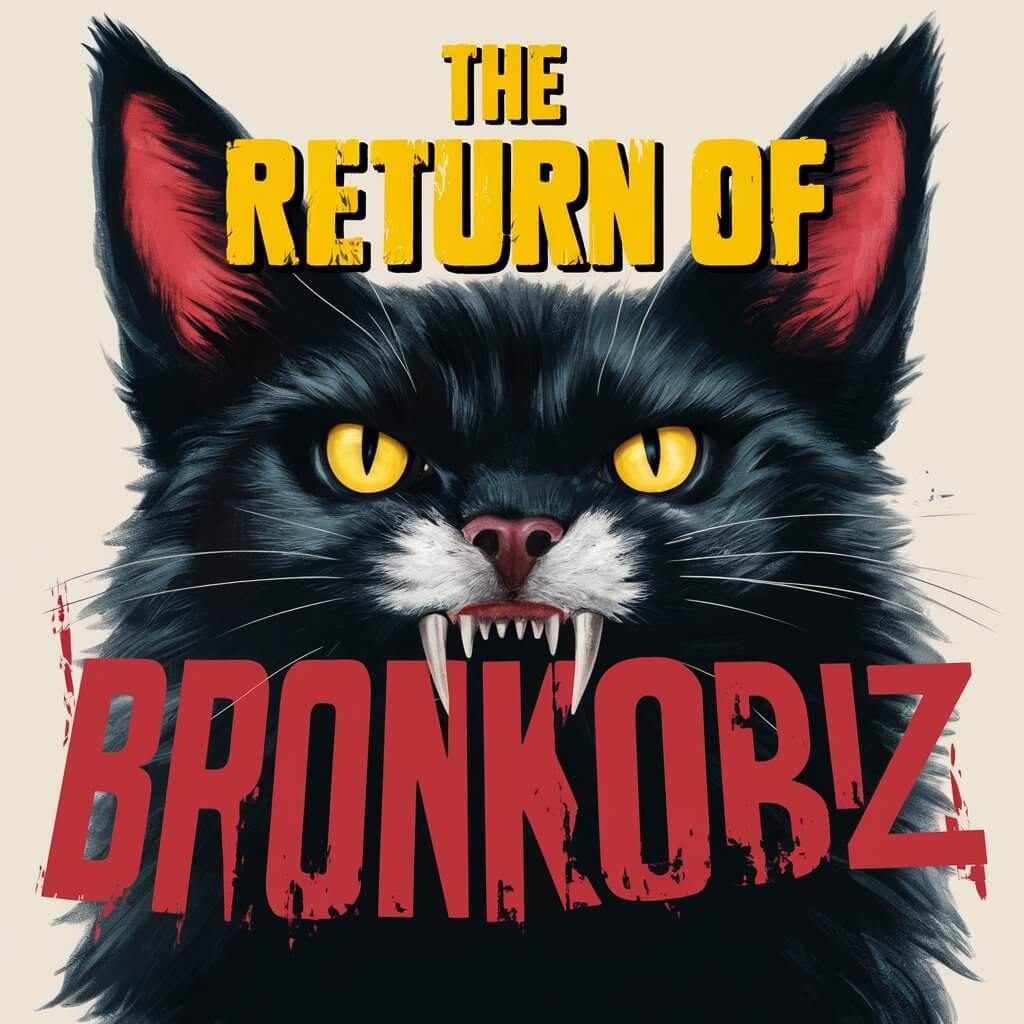

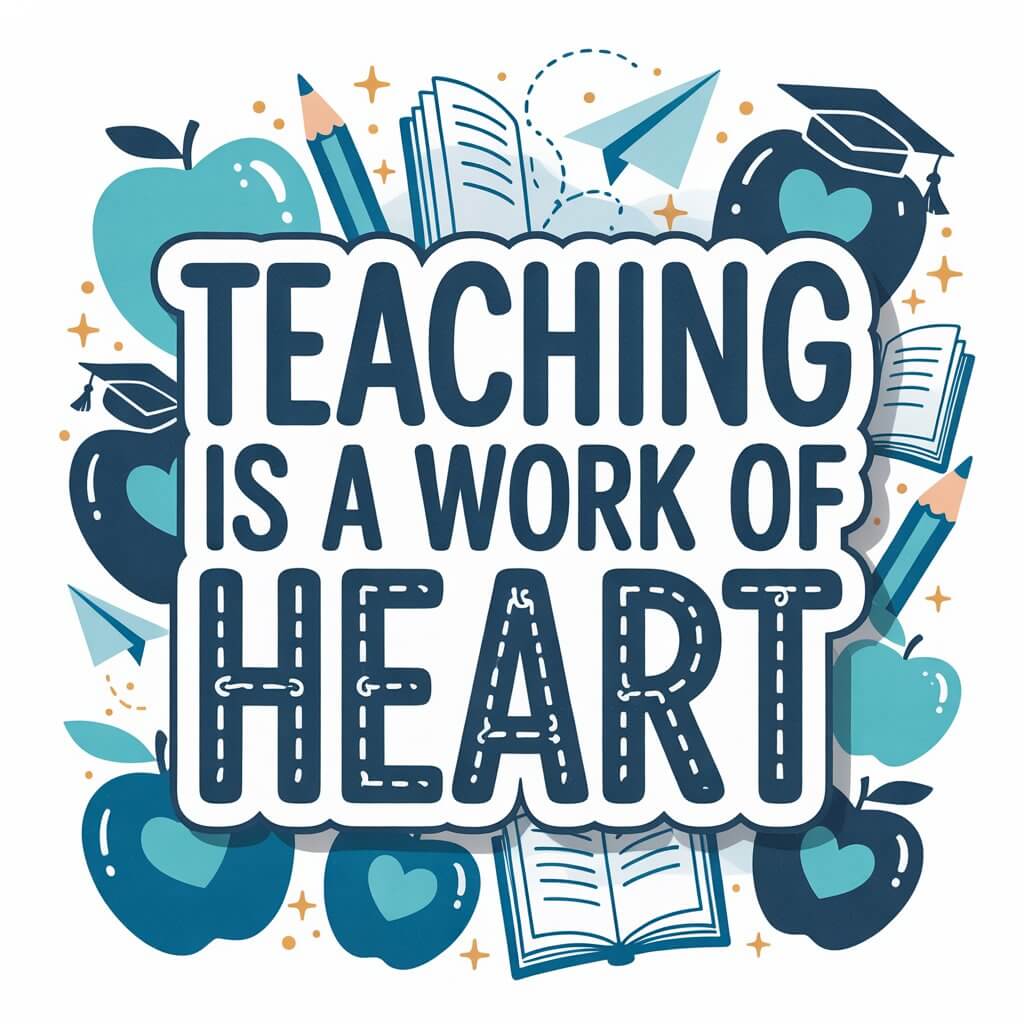
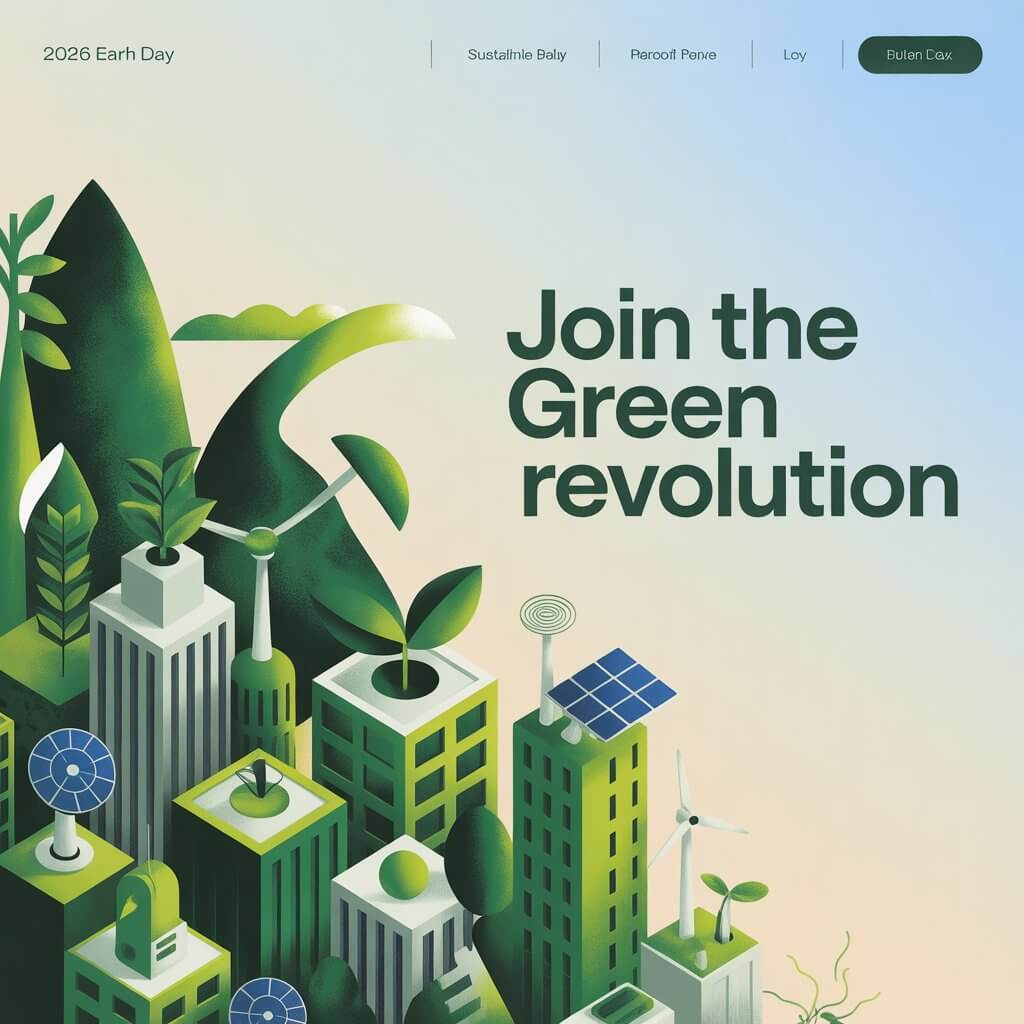

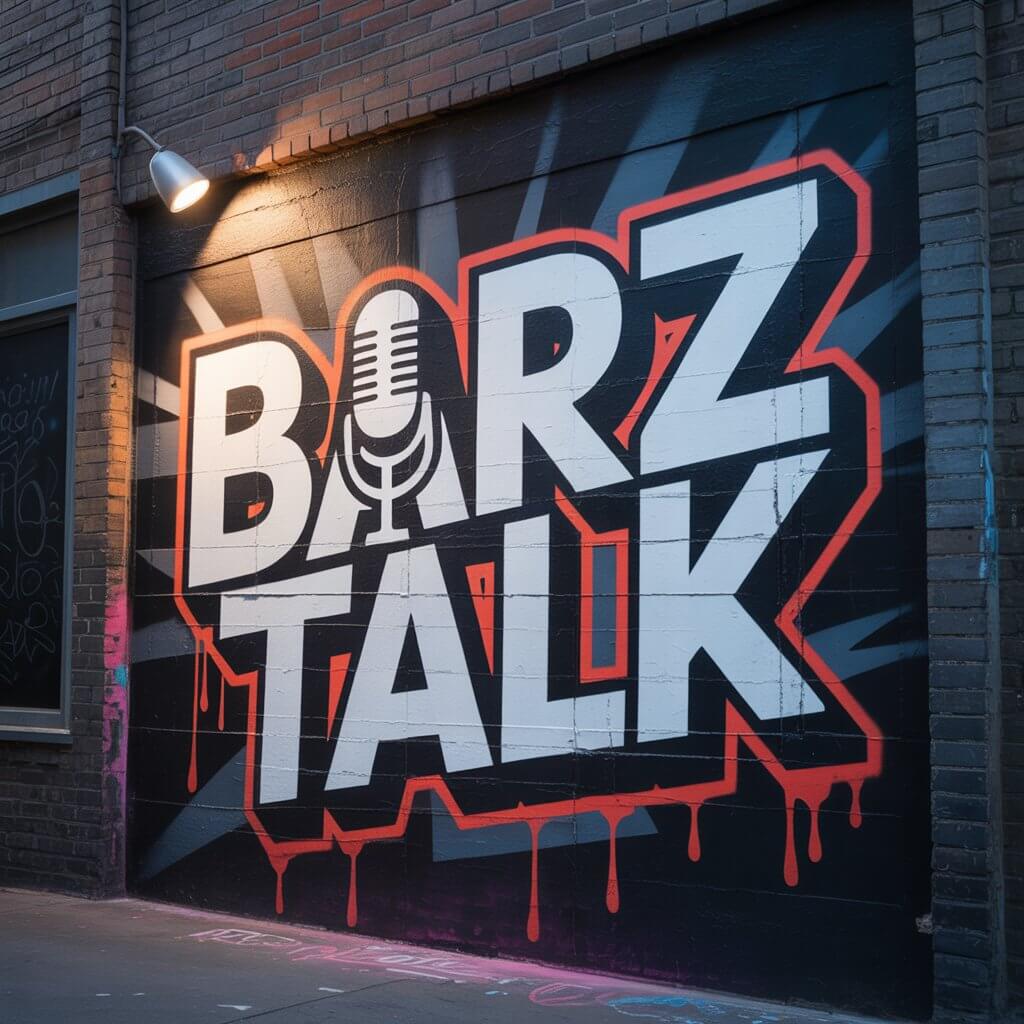
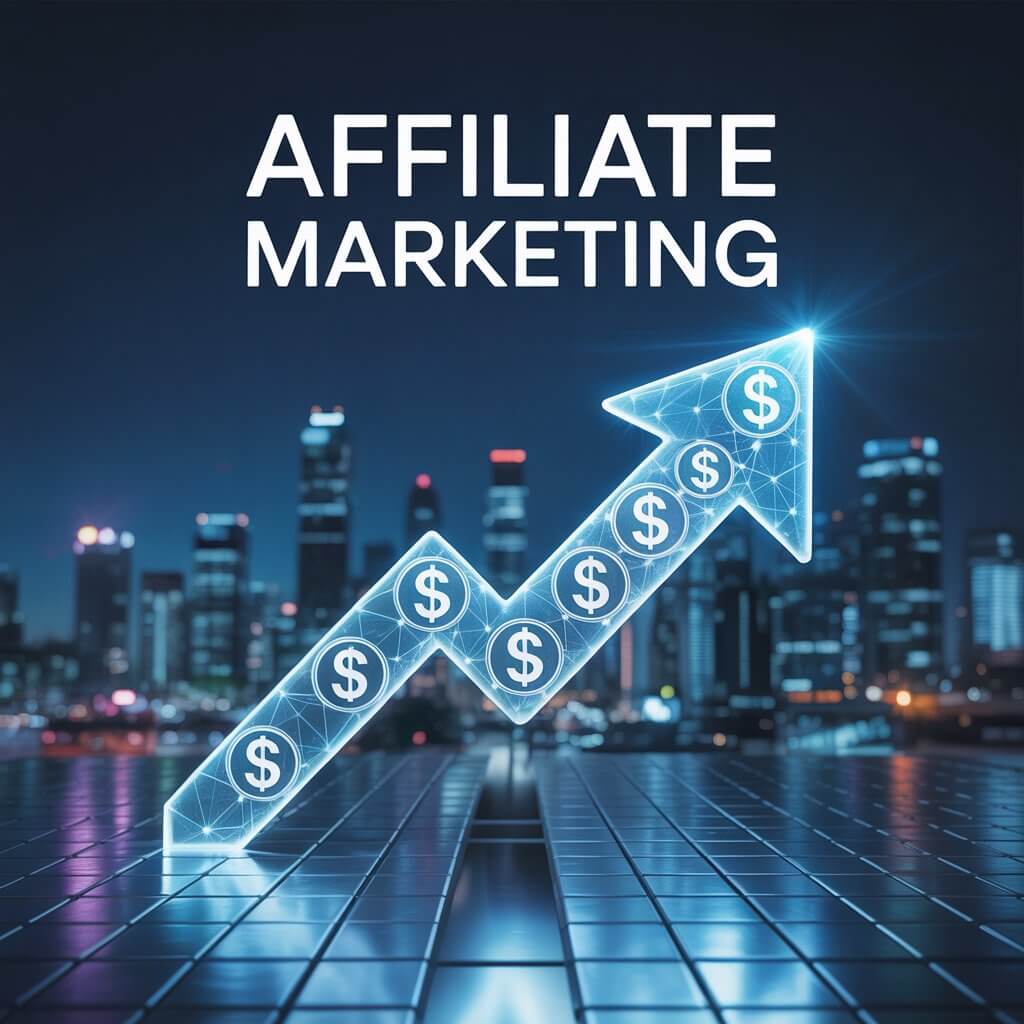
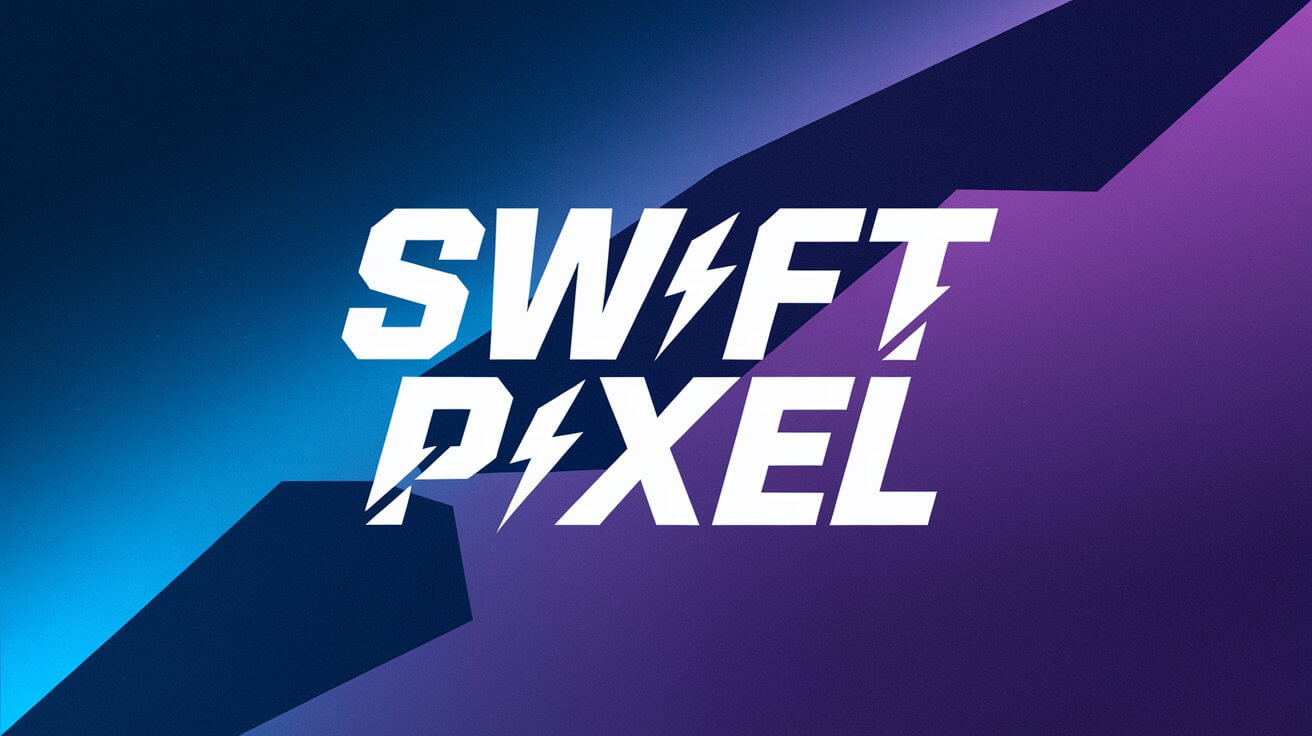
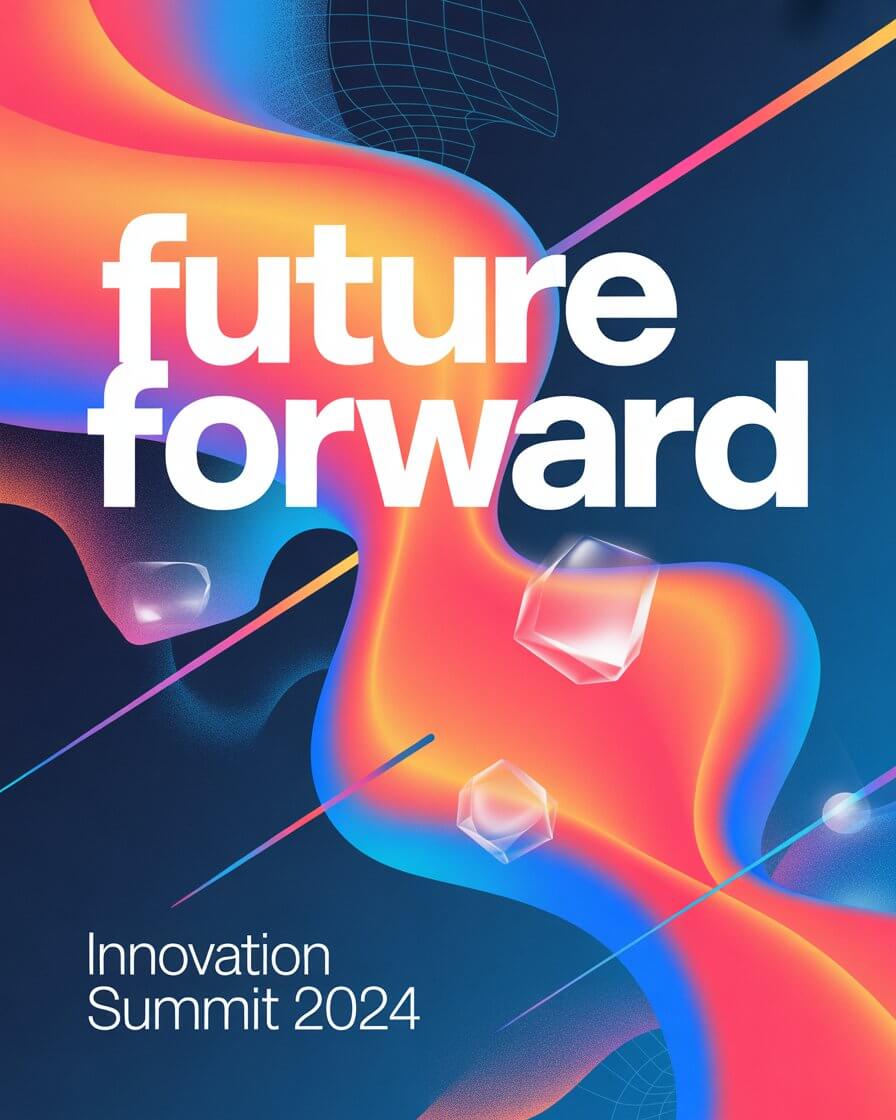
Those examples help show why Ideogram stands out in practice: it is not only about generating attractive images, but about producing visuals that already feel closer to usable design assets before you even start editing.
Ideogram is a web-based AI image generator with Canvas-based editing, Remix, Magic Fill, Extend, background tools, style references, character reference, batch generation, and API access. Its current public model lineup includes Ideogram 3.0, 2a, 2.0, and 1.0, with 3.0 positioned as the latest flagship model and 2a still important because it is cheaper and faster in many workflows.
The easiest way to understand Ideogram is this:
- Use it when the image itself matters.
- Use it even more when the image includes text, layout, branding, or repeatable style.
- Use it most when you want AI generation and AI editing in the same workflow.
That model split matters because Ideogram is not just “use the newest model every time.” For quick ideation, 2a is still practical. For client-facing layouts or text-heavy graphics, 3.0 is the safer choice. That is one of the biggest real-world buying decisions on the platform.
Poster design with readable text
Prompt:
“Create a premium vertical movie poster for an indie sci-fi film. A lone astronaut stands inside a flooded subway station under glowing teal emergency lights. Add clean, readable title text at the top: ‘LAST SIGNAL’. Add smaller subheading text: ‘Some messages should stay buried.’ Cinematic, high contrast, polished theatrical poster layout.”
Why this is a good first test: Ideogram 3.0 is especially strong when image generation and typography need to coexist in one composition. That is one of its clearest differentiators.
Brand ad creative
Prompt:
“Create a luxury skincare ad for a serum bottle on a cream stone pedestal with soft morning light. Add headline text: ‘Glow, Simplified.’ Add small product callouts in elegant editorial typography. Clean premium beauty campaign, realistic bottle materials, magazine-quality composition.”
Why it matters: This checks Ideogram’s design-layout ability, text handling, and product shot polish in one prompt.
Fast concept exploration
Prompt:
“Generate four different cafe logo directions for a business called ‘Harbor Roast’. One nautical, one minimalist, one hand-drawn artisan, one modern premium. Keep each option presentation-ready on a clean neutral background.”
Why this belongs early: 2a is still useful as the lower-cost, faster concepting model before you spend more credits polishing the winner in 3.0.
Brand consistency
Before using this prompt: upload one to three reference images that reflect the brand style you want.
Prompt:
“Design a launch graphic for a premium coffee subscription brand. Keep the same mood, palette, typography feel, and editorial visual language as the uploaded style references. Add readable title text: ‘Your New Morning Ritual’.”
Why this is important: Style Reference is one of Ideogram’s strongest practical features for agencies, creators, and brand teams who need consistency rather than one-off pretty images.
Repeatable person/character consistency
Before using this prompt: create or upload your character reference first.
Prompt:
“Place this same character in a clean modern co-working office, seated with a laptop and coffee, natural daylight, startup lifestyle photography style. Preserve face shape, hairstyle, and overall appearance from the character reference.”
Why this is useful: Character consistency is often where image tools get annoying. Ideogram now exposes this directly and ties it into its edit workflows.
Local edit without rebuilding the image
Before using this prompt: open an image in Canvas and mask the part you want changed.
Prompt:
“Replace the empty coffee cup with a matte black ceramic mug. Keep the lighting and camera angle consistent.”
Why it matters: This is a better test of Ideogram than only fresh generations, because its editing layer is part of the product’s real value.
Outpaint for new aspect ratios
Before using this prompt: open your image in Canvas and expand the frame.
Prompt:
“Extend the scene naturally into a wide hero banner. Add more desk space, soft window light, and subtle studio decor while keeping the original product centered.”
Why this is useful: Extend is practical for repurposing images into web banners, ad formats, and thumbnails instead of regenerating from scratch.
Logo or sticker refinement
Before using this prompt: start from a transparent PNG or a generated transparent asset.
Prompt:
“Replace the current mascot smile with a more confident expression, add a small lightning bolt badge on the jacket, and keep the transparent background intact.”
Why this stands out: Ideogram has a very specific advantage here because it can edit transparent images while preserving transparency.
Reverse-engineer a look from a reference image
Before using this prompt: upload an image, run Describe, then modify the returned prompt.
Prompt:
“Use this image as the basis, but turn it into a premium campaign photo with warmer light, richer contrast, and more refined styling.”
Why this is strong: Describe is useful when you can see the look you want more easily than you can write it from scratch. Ideogram’s docs note that 3.0 returns more detailed descriptions than older models.
Bulk creative production
Before using this prompt: prepare a CSV with multiple product names, headlines, or prompt variants.
Prompt pattern:
“Create a square product promo for [PRODUCT NAME]. Show the item centered, add the headline [HEADLINE], use [BRAND STYLE], and keep the layout clean and social-ready.”
Why this matters: Batch Generation makes Ideogram more operational for teams producing many SKUs, ads, or template-based assets. It supports up to 500 rows and is available on Pro and Team.
| Best choice | Use it for | Why it matters |
|---|---|---|
| Ideogram 3.0 | Posters, ads, logos, branded layouts, strong typography, higher-end prompt fidelity | Officially positioned as the best model for photorealism, prompt fidelity, and crystal-clear typography. |
| Ideogram 2a | Cheap iteration, rapid concepting, volume generation | It is faster and materially cheaper per generation than 3.0. |
| Character Reference | Repeat the same person/character across outputs | Works from one reference image and integrates with Remix and Magic Fill. |
| Style Reference | Keep a consistent visual identity or brand aesthetic | You can upload up to 3 references or reuse a style code. |
| Canvas + Magic Fill + Extend | Iterative editing, inpainting, outpainting, composition work | This is where Ideogram becomes more than a prompt box. |
| Transparent image editing | Logos, stickers, badges, merch, overlays | Ideogram can edit transparent-background images while keeping transparency intact. |
This is still the main reason to use Ideogram. It is unusually good at integrating readable text into the image itself, especially for posters, branding, merch, and ad-style layouts.
Upload up to three images or use style codes to keep a repeatable aesthetic. This is more useful than vague style prompting when consistency matters.
Consistent characters from one reference image, with support across Remix and Magic Fill workflows.
Ideogram’s infinite Canvas, Magic Fill, and Extend give it a more complete edit workflow than “generate and hope.”
Ideogram can generate and edit transparent assets directly, which is especially useful for logo, sticker, overlay, and merch work.
There is a real production path here, not just hobby use. Pro and Team plans support batch generation, and the API supports generation, remix, edit, reframe, replace background, and character consistency.
Ideogram is strongest when the prompt implies a designed output rather than a pure illustration. That includes posters, flyers, logos, packaging concepts, social ads, creator graphics, thumbnails, product callouts, title cards, menus, and other compositions where text placement actually matters. Officially, Ideogram 3.0 is positioned for graphic design, advertising, and marketing use cases, and that matches how the platform reads in practice.
It is also stronger than many image tools when you want a workflow, not just a generation. Describe helps you extract a prompt from an image. Remix gives you guided variations. Magic Fill lets you edit a region. Extend lets you reframe and outpaint. Background tools and transparent editing reduce the need to jump between multiple apps.
Ideogram makes the most sense for:
- marketers making ad graphics, social promos, and landing-page visuals with embedded text
- print-on-demand sellers creating transparent assets, merch graphics, badges, and logos
- designers doing poster comps, packaging drafts, title treatments, and branded layouts
- creators who need style consistency across a set of outputs rather than one-off randomness
- teams generating many variations through CSV-driven batch workflows or API integrations
It is less compelling if your main goal is painterly fine art with no text, or if you already live in another ecosystem that offers stronger photo editing, stronger raw realism, or more mature multimodal generation beyond images. That is an inference, but it follows from Ideogram’s public positioning and feature emphasis.
- Write prompts like design briefs, not just scene descriptions. Ideogram responds especially well when you specify hierarchy, placement, copy, mood, and format. Its own docs lean heavily into structured prompting and prompt refinement.
- Use 2a for ideation and 3.0 for polish. That is one of the easiest ways to manage cost without giving up the best typography and layout quality at the finish line.
- Use Style Reference whenever brand consistency matters more than novelty. It is a better control mechanism than trying to over-describe a visual identity in text alone.
- When editing, do not regenerate the whole image if only one region is wrong. Open Canvas, mask the problem area, and use Magic Fill instead.
- Use Describe when you are stuck. If you have a reference image but cannot articulate the look, start there and then refine the generated prompt.
- Ideogram is very good at text in images, but that does not mean every line of text will always be production-perfect. Longer copy, dense small text, and very exact layout demands can still need cleanup in a design tool. Its own positioning is strongest around design generation, not fully replacing traditional layout software.
- There is also some plan friction. A lot of the interesting workflow value sits above free: private generation, uploads, full character/style workflows, Magic Fill, Extend, and broader production use all push you toward paid tiers.
- Model choice is helpful but slightly messy. Ideogram now exposes multiple generations of models, and users who do not understand the cost/quality split between 3.0 and 2a may spend more than necessary or get different behavior than expected.
- Finally, some limits are still normal AI-image limits. Uploaded logos or photos may be reinterpreted rather than preserved exactly, and SVG output is not supported. That matters if you expect strict production asset control.
Compared with general-purpose image generators, Ideogram stands out less for broad artistic imagination and more for usable commercial design output. The strongest reason to choose it is not “best images overall.” It is “best chance of getting an image plus readable integrated text plus layout plus editability in one place.” That is a narrower claim, but a very practical one. This last point is an inference based on Ideogram’s official model positioning, feature set, and pricing structure.
Ideogram is best at design-forward image generation: posters, ads, logos, merch, title treatments, product promos, and branded graphics where text inside the image actually matters.
It is best for marketers, creators, designers, print-on-demand sellers, and teams producing many visual variants.
The main caveat is that its real power shows up once you use the paid editing and consistency tools, not just the free prompt box.
TAGS: Generative Art
Related Tools:
Predicts how a person's face might age over time
Generate and transform pixel art from text prompts
Provides tools for social media analytics

Creates optimized, high-converting video thumbnails
Converts images into retro-style art
Facilitates creation of animated stories