
Share this tool:
 |
Description:
Eler is an AI rendering platform aimed at architects, interior designers, and other visual design professionals who want photorealistic results without spending much of their workflow configuring a traditional renderer. You can upload a 3D model, navigate it in a browser, choose camera positions, and generate finished views. It also works with ordinary images, opening the door to floor plans, sketches, product concepts, and existing design shots. The appeal is straightforward: Eler tries to make rendering feel closer to selecting and refining a design than managing a rendering engine.
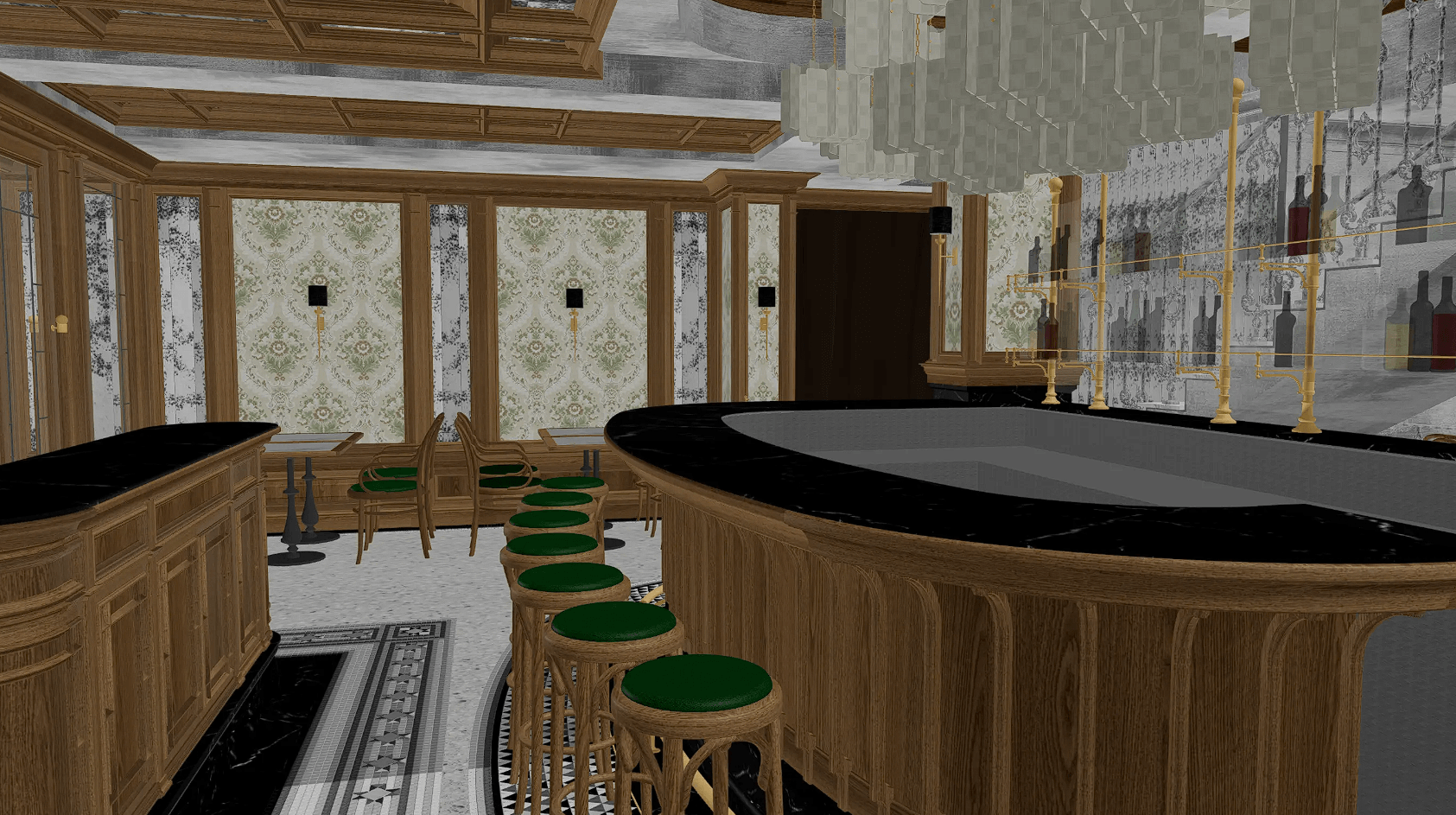
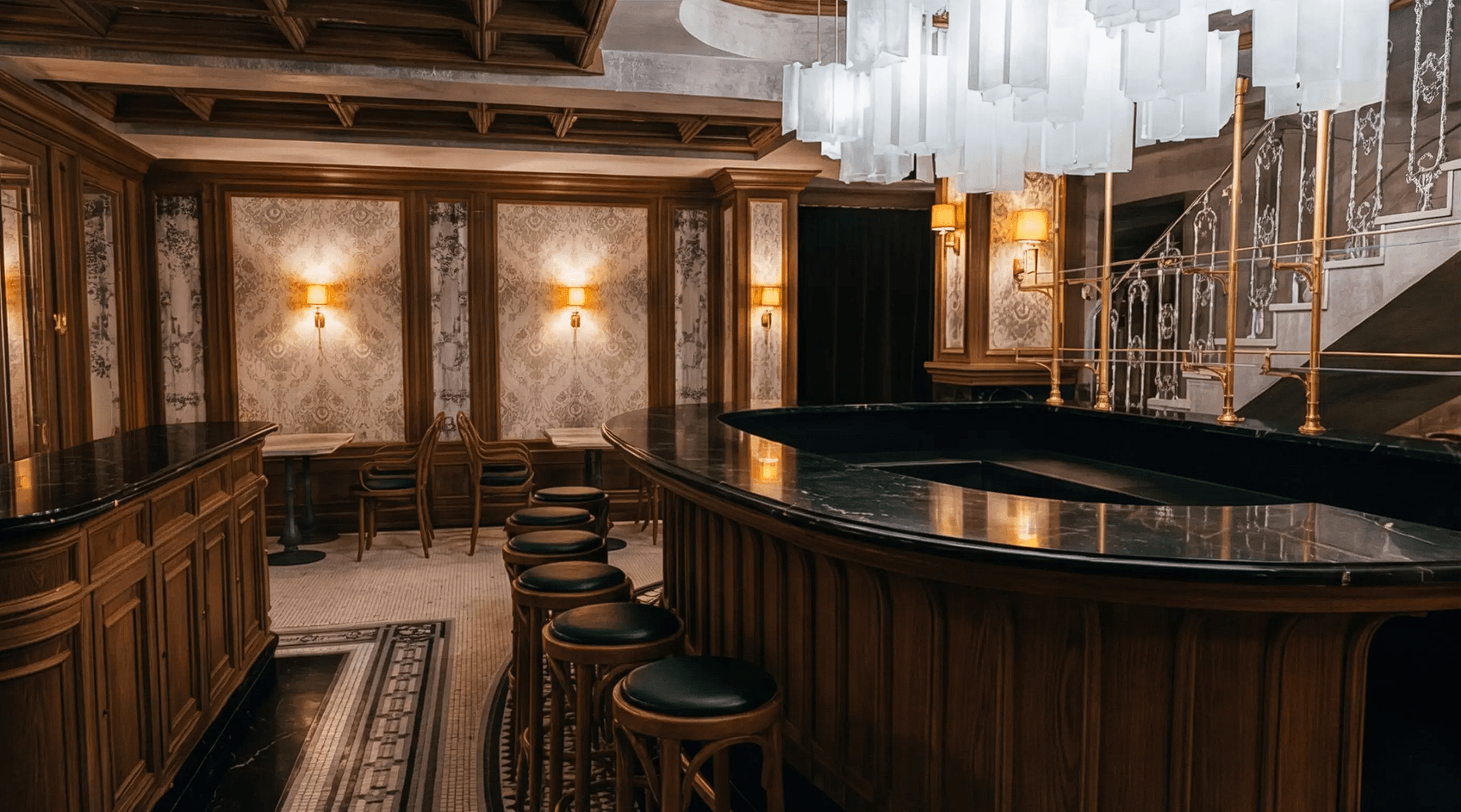
The 3D workflow is Eler’s main draw. It accepts SketchUp, GLB, FBX, and 3DS files directly. Once uploaded, your model opens in an interactive browser viewer that preserves its geometry and materials.
From there, you can orbit around the model or use first-person fly controls to explore an interior. A camera placement tool lets you set elevation and viewpoint, while saved viewpoints retain camera position, direction, and field of view. That makes it practical to prepare several presentation angles from the same project rather than treating every render as a separate AI generation.
For SketchUp users, the workflow is particularly direct. Eler accepts the SKP file itself, so there’s no requirement to install a rendering plugin or first export the project into another format.
Generating one convincing architectural image with AI is useful. Generating several views that still look like the same project is harder.
Eler addresses this through multi-view batch rendering. Saved viewpoints can be rendered together using grid layouts. According to Eler, the AI receives those views together, helping it keep materials and lighting consistent across different camera positions.
That matters in client work. A wood floor shouldn’t change tone when you move to the opposite side of a room, and a marble countertop shouldn’t become a different surface in the next image.
This consistency focus makes Eler more interesting as a design presentation tool than an AI image generator that happens to understand architecture.
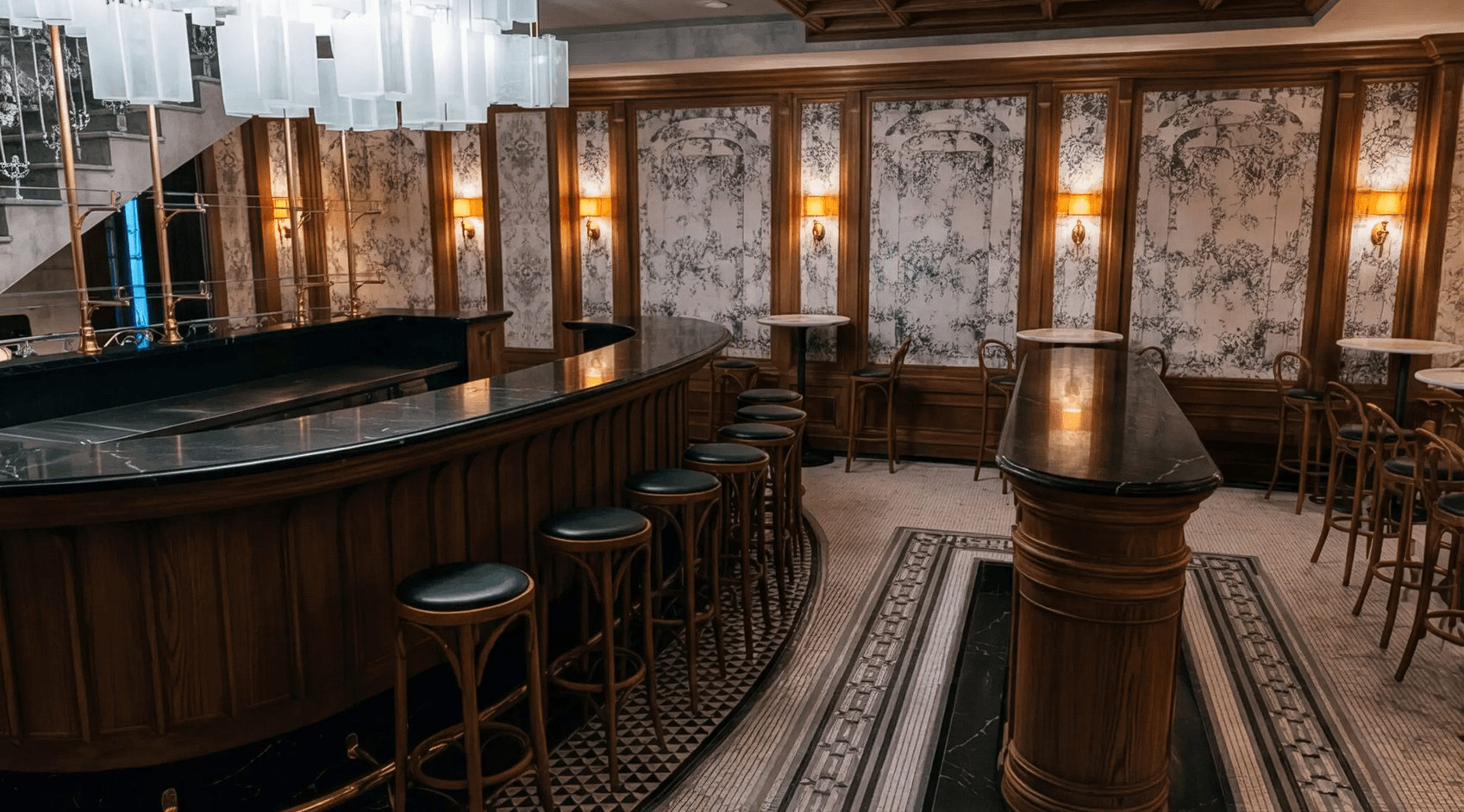
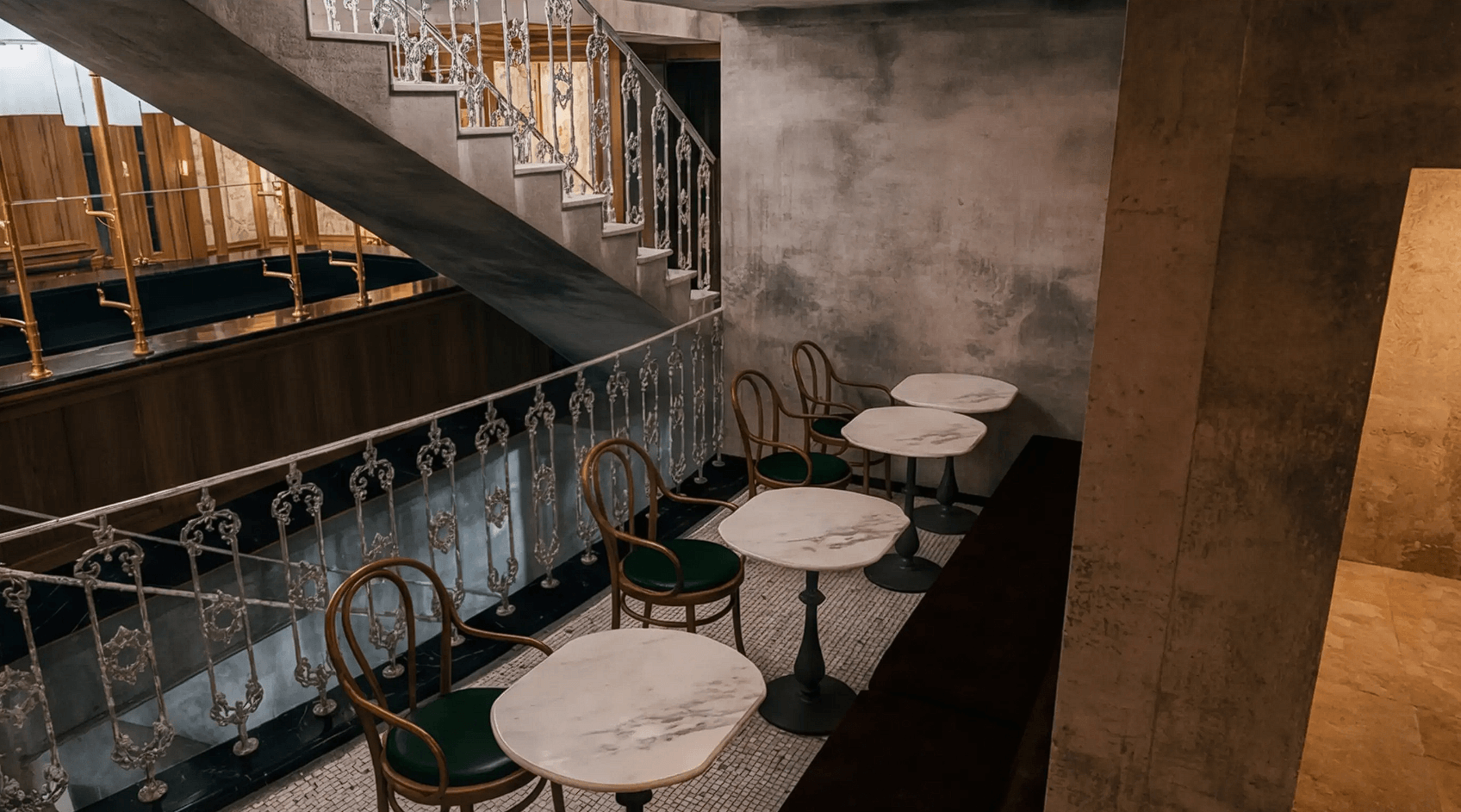
You don’t need a complete 3D model for every job. Eler also accepts JPG and PNG images, including floor plans, interior and exterior photographs, sketches, elevations, product images, and clothing designs.
The image workflow skips the 3D viewer. You upload the source, define the visual direction, and let the rendering engine reinterpret it.
That broadens the platform beyond architecture visualization. A flat floor plan can be given depth and presentation styling, while rough concept sketches can be developed into more polished visuals. Product and fashion images can also be given a studio-rendered treatment.
The distinction is worth remembering: 3D models give you camera freedom, while uploaded images provide a faster route when the composition already exists.
First-pass generation is only part of a useful design workflow. Eler supports iterative editing after a render has been created, including chat-based edits and annotations for targeting particular areas.
This is important because architectural visualization rarely ends with the first output. A designer might want to change a finish, refine one section of an interior, adjust an object, or bring the image closer to a mood board.
Eler's workflow reduces the need to regenerate blindly. Instead, the render can become a starting point for refinement.
| Use Case | Why Eler Fits |
|---|---|
| Architectural concepts | Turns existing 3D models into presentation views |
| Interior design | Helps maintain materials across room angles |
| Client presentations | Multiple viewpoints can be prepared from one project |
| SketchUp workflows | Native SKP upload removes an export step |
| Floor plans | Converts flat source images into richer visuals |
| Design studies | Makes it easier to visualize concepts during iteration |
| Product concepts | Image uploads support non-architectural subjects |
Architects and interior designers are the clearest audience. Eler is also useful for students and solo designers who don't have access to dedicated rendering hardware because processing happens in the cloud rather than on the user's GPU.
Eler deliberately removes many controls associated with conventional rendering software. There’s no need to configure sampling, denoising, complex lighting systems, or other technical render settings before producing an image.
That makes the learning curve less intimidating, but it also defines the trade-off.
An experienced visualization artist may want precise control over lighting behavior and physically based rendering parameters. Eler is aimed more at getting from design to convincing visualization with fewer technical decisions.
Eler shouldn't be treated as a full replacement for every architectural rendering workflow. Its AI approach provides less manual control than a traditional physically based renderer. Eler's own comparison material notes that users can't tune details such as global illumination settings or specify exact luminaire profiles with the precision available in specialist rendering software.
That distinction becomes important for final visualization work where physical accuracy is the priority.
The platform is better suited to rapid design development, concept visualization, client review, and presentation imagery. AI-generated details should also be inspected carefully, particularly when the output needs to represent exact architectural or material decisions.
Eler's strongest idea isn't AI rendering by itself. It's removing much of the technical work between a 3D design and a convincing presentation image.
Direct model uploads, browser-based camera placement, batch rendering, multi-view consistency, image-based workflows, and iterative editing make it especially relevant to architects and interior designers who want to visualize projects without becoming rendering specialists.
The main caveat is control. Eler favors speed and accessibility over the detailed physical settings of a traditional rendering engine. For design iteration and presentation work, that trade-off can make sense. For visualization that demands strict physical accuracy, specialist rendering software still has an important role.
TAGS: Generative Art
Related Tools:

Generates images and videos from text or visuals

Transforms sketches into architectural renders

Transforms text into professional logos

Generates customizable images

Generates vector illustrations from text

Creates unique digital artworks