

Share this tool:
 |
Description:
Many AI 3D tools stop once they produce a mesh. Alpha3D is built around what happens next.
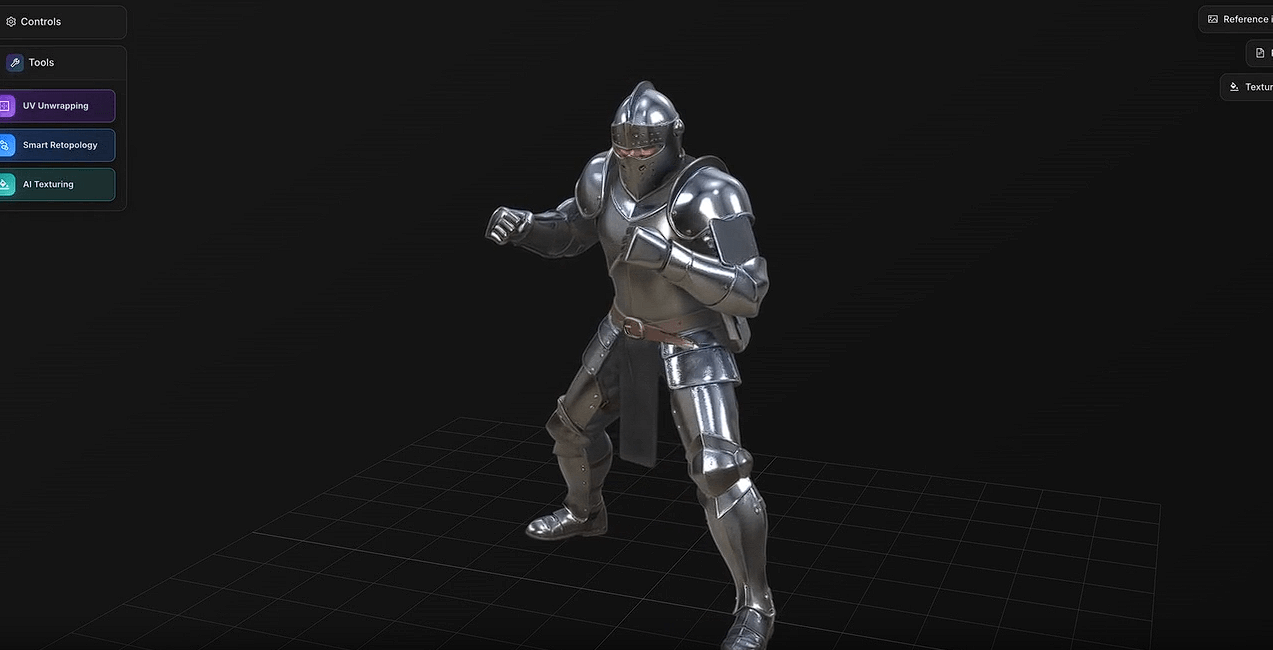
It can generate a model from a text prompt, one image, or several reference views. From there, you can rebuild the topology, separate the mesh into parts, unwrap its UVs, create textures, rig humanoid characters, and convert the finished asset into a common 3D format.
That post-generation toolset is the main reason to consider Alpha3D. A model can look fine in a browser preview and still be a pain to use in Blender, Unity, Unreal Engine, or a slicer. Alpha3D tries to shorten the cleanup stage instead of handing you a raw result and leaving the rest to you.
Alphred, the platform’s conversational agent, can also choose and queue these operations from plain-language instructions. The individual tools remain available if you prefer to control each step yourself.
| Capability | What It’s For |
|---|---|
| Text to 3D | Creates a starting model from a written description. |
| Image to 3D | Converts concept art, product photos, or other references into a textured mesh. |
| Multi-View to 3D | Uses two to eight reference angles to improve the model’s shape. |
| Smart Topology | Rebuilds dense meshes using cleaner quad or triangle geometry. |
| AI Segmentation | Divides a mesh into labeled parts for editing, printing, or rigging. |
| UV and texturing tools | Generates UV layouts and PBR textures from prompts or reference images. |
| AI Rigging | Rigs humanoid T-pose models and exports them as FBX files. |
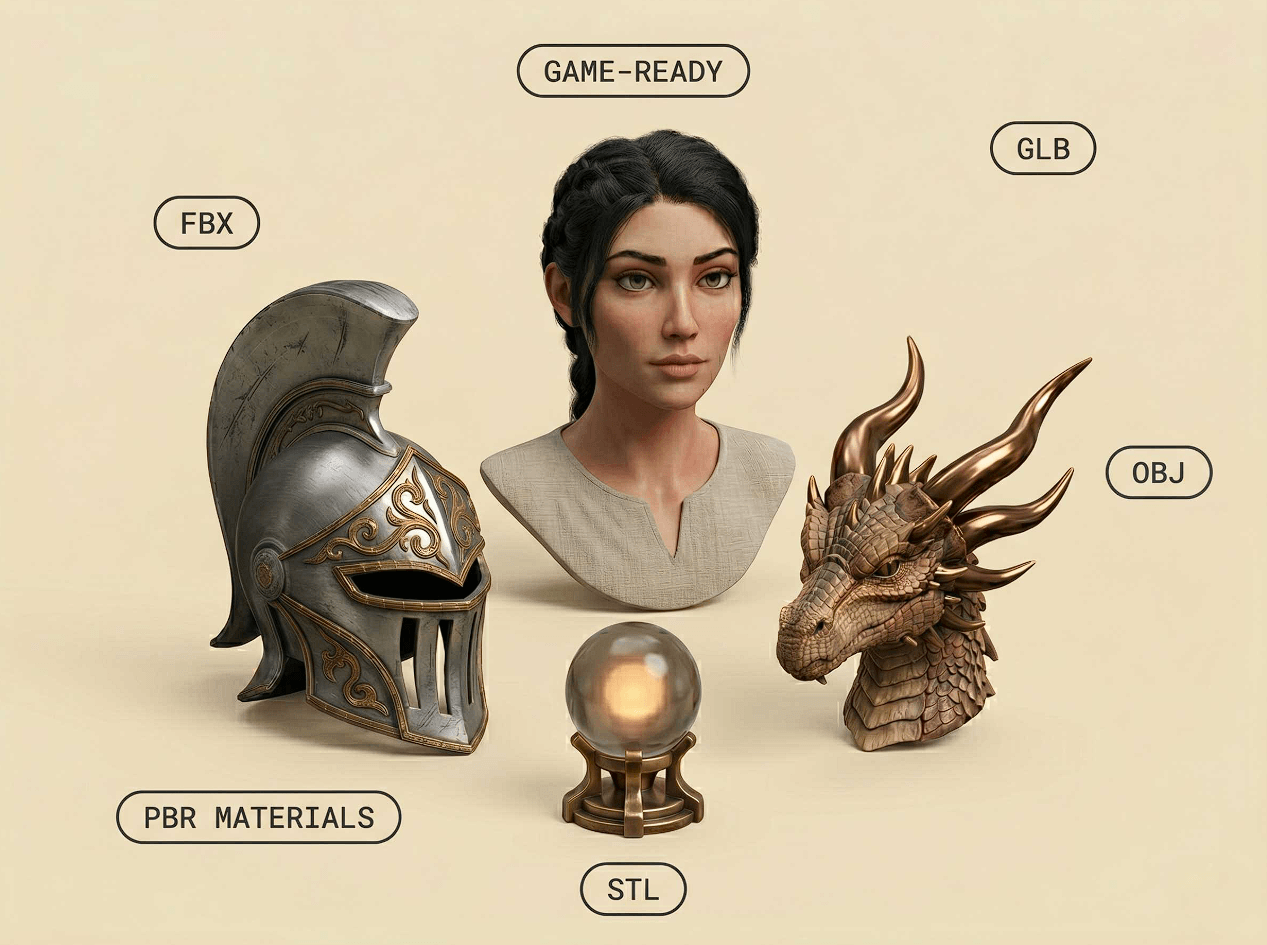
| Format conversion | Converts assets between GLB, FBX, OBJ, and STL workflows. |
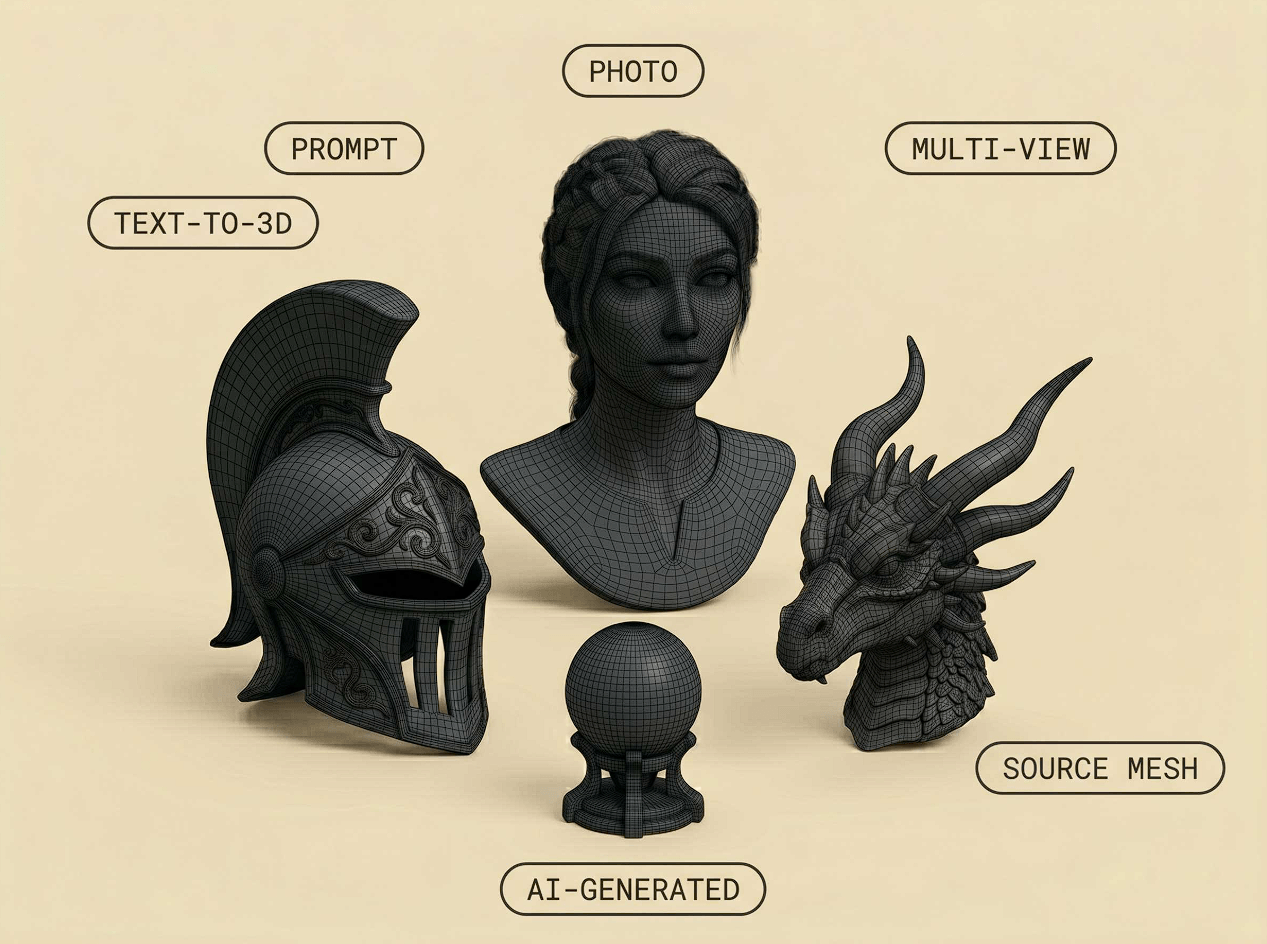
Uploading a single image is the quickest way to start. Give Alpha3D a clear picture of one object, and it will reconstruct a textured model.
There is an obvious catch: one photograph cannot show every surface. The system has to estimate the back, underside, and any other hidden areas. Alpha3D acknowledges this in its documentation. The visible geometry comes from the source image; the rest is partly inferred.
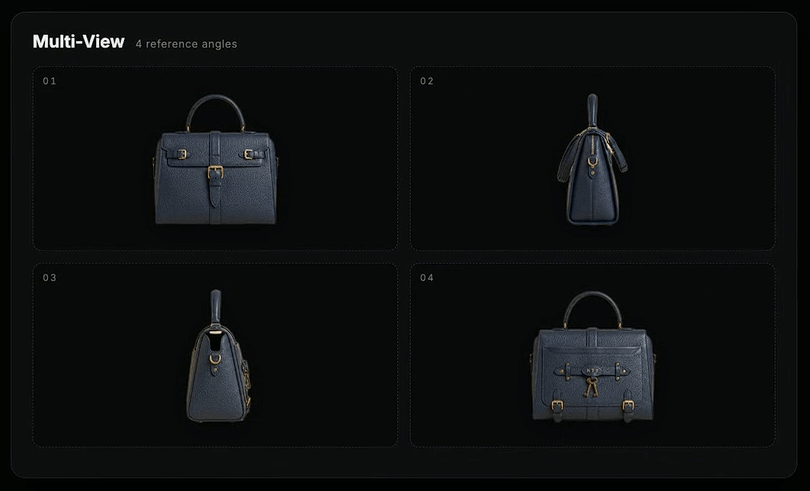
For a decorative prop or an early concept, that may be good enough. If the shape needs to match the original object closely, use Multi-View to 3D. Alpha3D accepts between two and eight reference images, giving it more evidence and less room to guess.
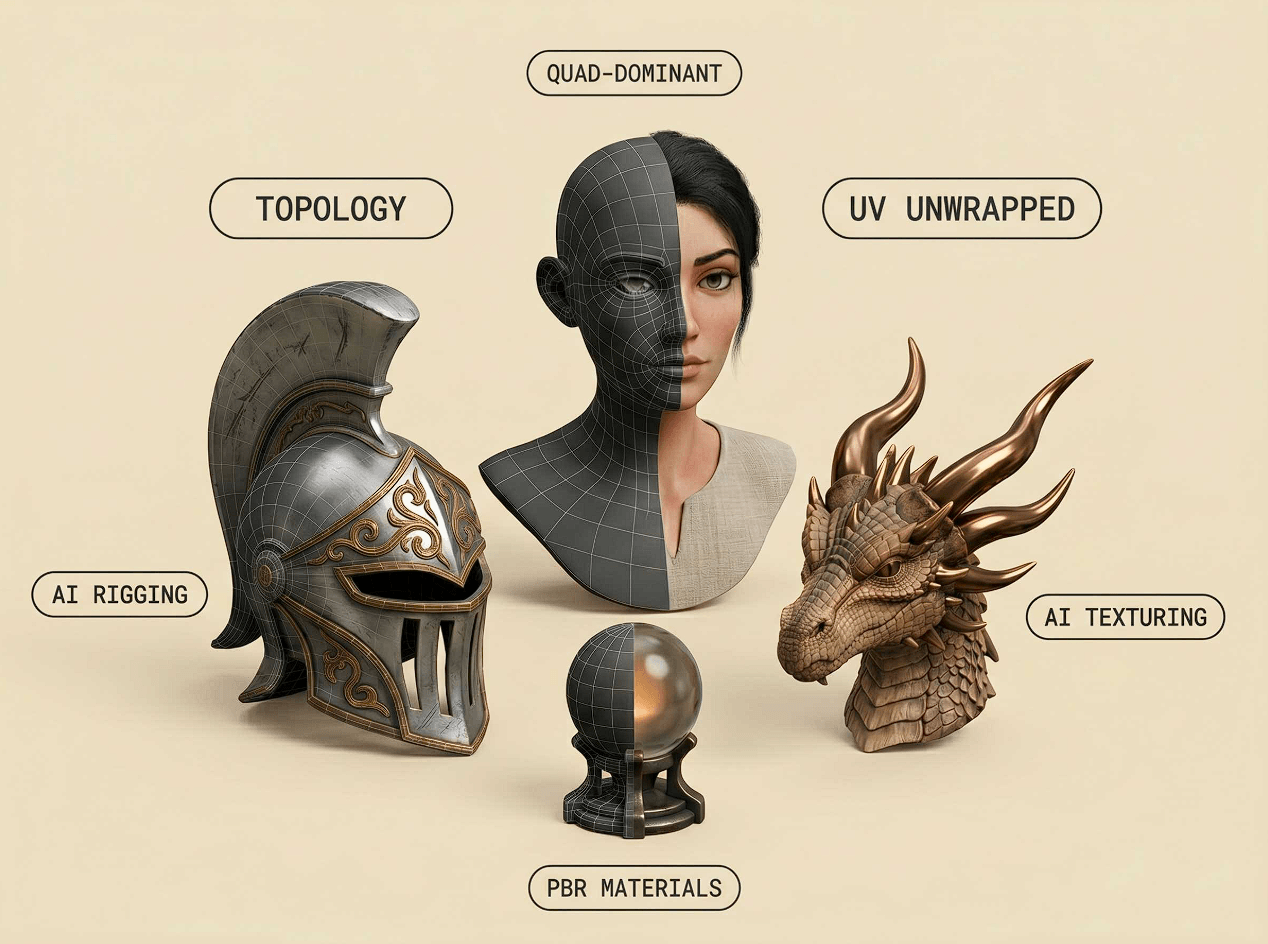
Smart Topology deals with one of the most common problems in generated 3D assets: messy geometry. Instead of keeping whatever structure the generator produces, you can choose quad or triangle output and select a density level that fits the job.
The UV tools follow the same practical approach. Alpha3D can unwrap an existing mesh, create UV islands, and apply new PBR textures from a prompt or reference image. You are not stuck with the texture baked into the first generation.
AI Segmentation splits a model into labeled pieces. That can make it easier to edit individual components, prepare a model for fabrication, or organize it before rigging.
Rigging has a narrower scope. It currently works with humanoid characters in a T-pose and returns an FBX containing the skeleton and skin weights. Useful, yes, but it is not a general-purpose auto-rigger for animals, unusual creatures, or mechanical assemblies.
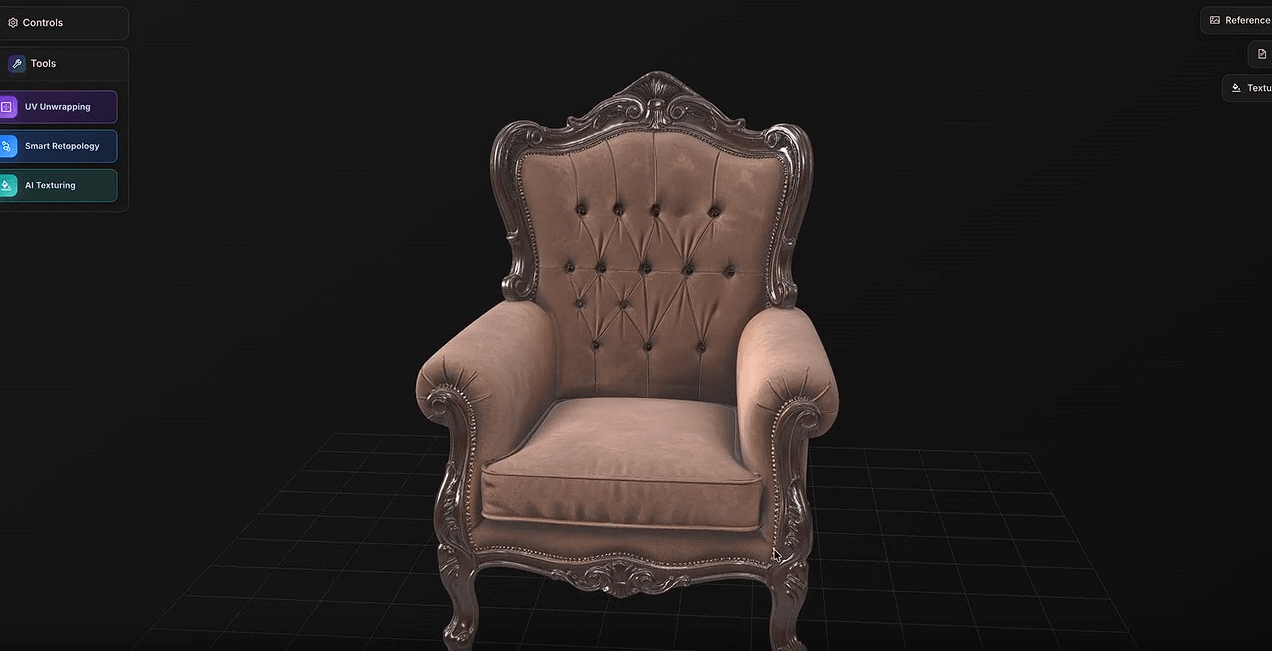
You do not need to know every 3D term before trying Alpha3D. With Alphred, you can describe the model or operation in ordinary language and let the agent select the appropriate tools.
That should make the platform less intimidating for beginners. Experienced users can skip the chat interface and work directly with the topology, UV, texturing, segmentation, rigging, and conversion tools.
Alpha3D makes the most sense when speed matters more than complete manual control.
An indie game team could use it to create background props or early asset variations. A concept artist could turn a 2D design into a model without rebuilding it from scratch. Product and e-commerce teams may find it useful for preparing basic 3D representations of physical items. It also has a place in AR/VR work and maker projects, provided the generated geometry is inspected before use.
Developers can access the generation and cleanup tools through Alpha3D’s API. The developer pipeline supports automated jobs through API keys and webhooks, covering generation, topology cleanup, texturing, segmentation, rigging, and conversion.
This is still AI-generated geometry. Inspect it.
A single image leaves hidden surfaces open to guesswork. Even with multiple views, assets that require exact dimensions or production-grade geometry may need further work in Blender, Maya, a game engine, or a slicer.
The rigging tool also has a firm T-pose requirement and focuses on humanoid models. Artists who need custom skeletons, detailed deformation control, or complex animation setups will still need traditional 3D software.
Alpha3D is best suited to quick, usable starting points. It does not replace detailed sculpting, carefully planned topology, or hands-on animation work.
The generator is only half of Alpha3D’s appeal. Its topology, UV, texturing, segmentation, rigging, and conversion tools address the less glamorous work that starts after a model appears on screen.
That makes Alpha3D a practical option for creators who want to move from an idea or reference image to an editable asset without assembling several separate services. Just expect to check the result yourself, especially when hidden geometry, precise proportions, or final production quality matters.
TAGS: 3D Model
Related Tools:

Enables users to create and sell online courses

Transforms text or images into detailed 3D models

Turns your 3D scenes into high-quality realistic renders

Facilitates online education through course management

Converts smartphone videos into high-quality 3D models

Creates custom and interactive online courses